All Repair Manuals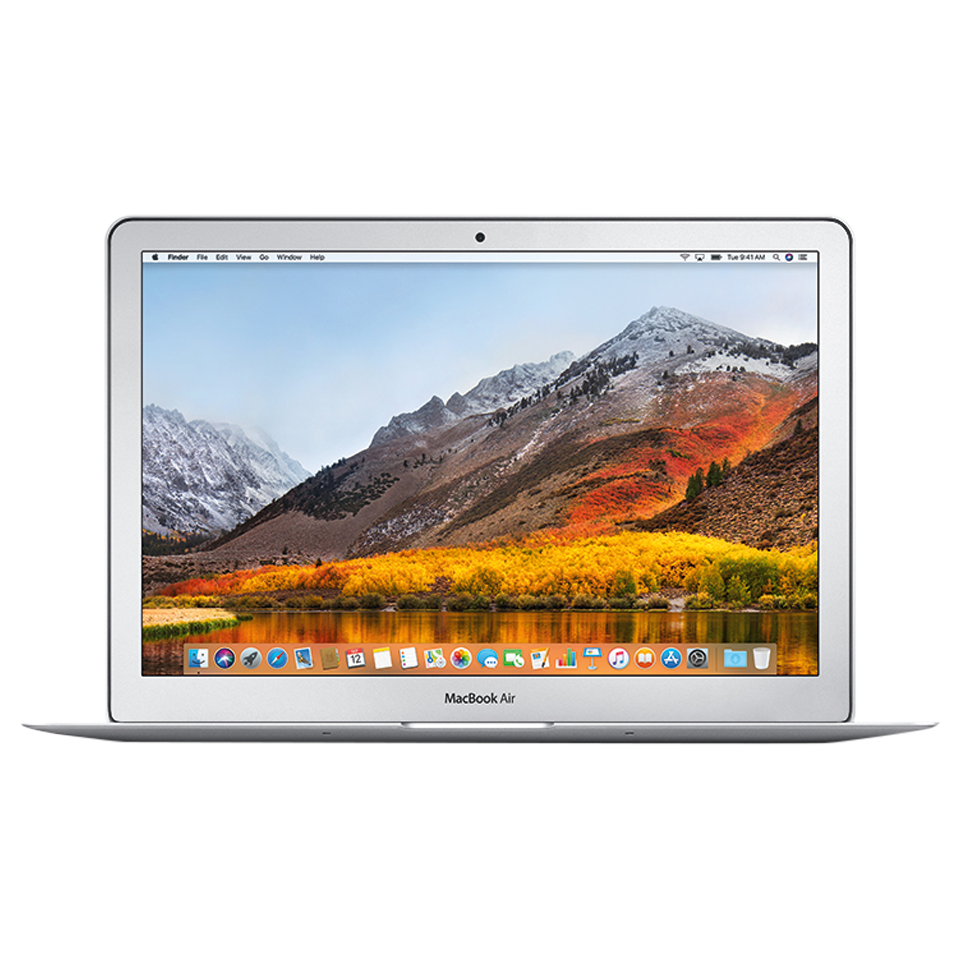
LaptopMacBook Air•2017
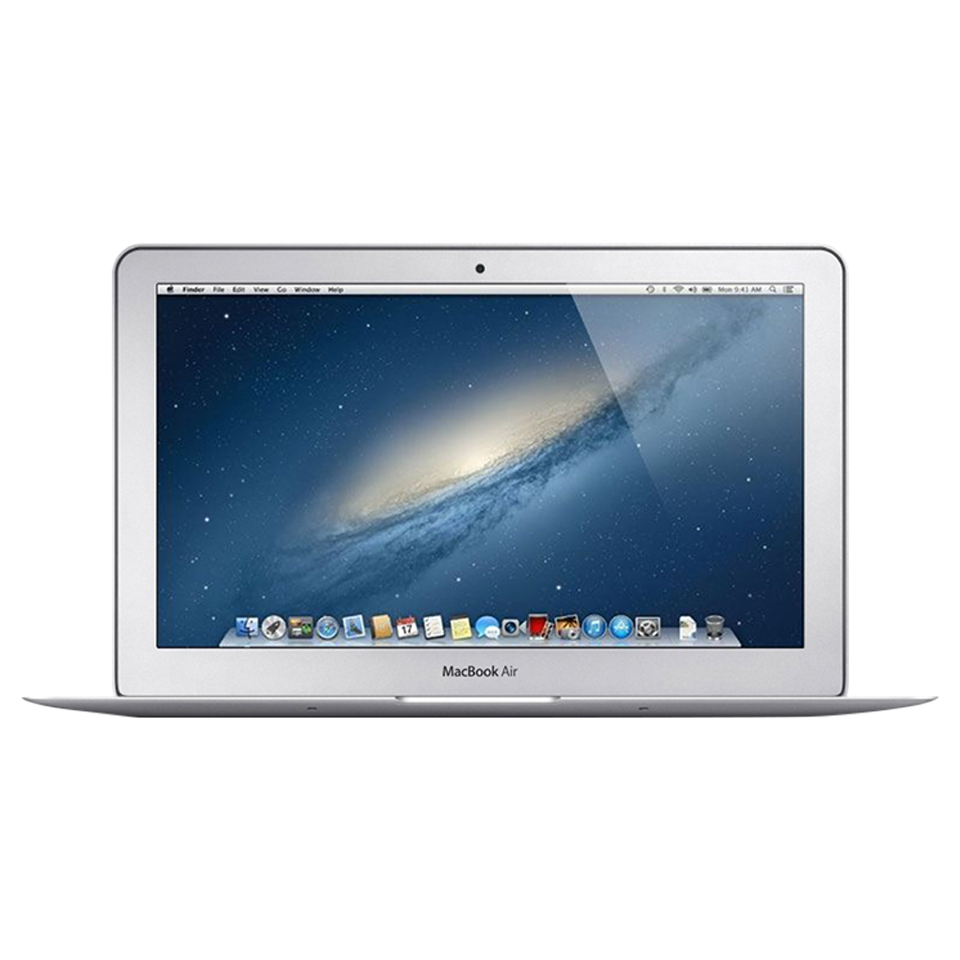
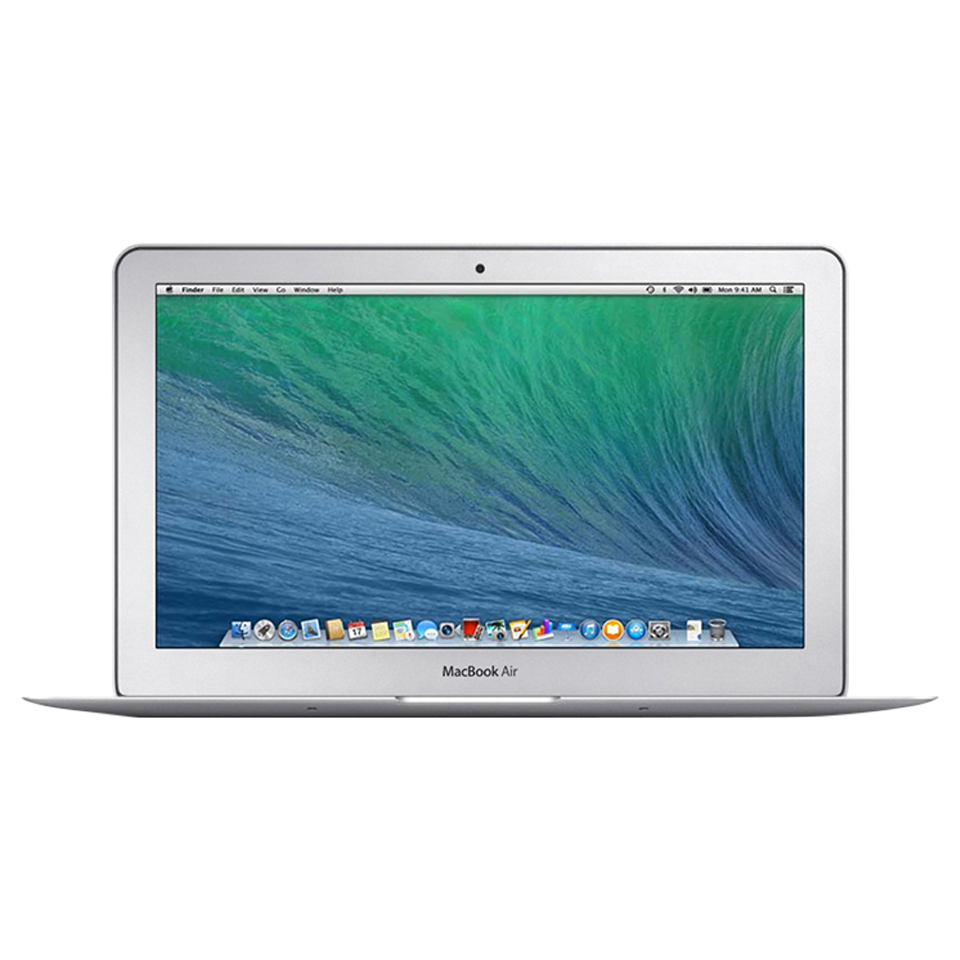
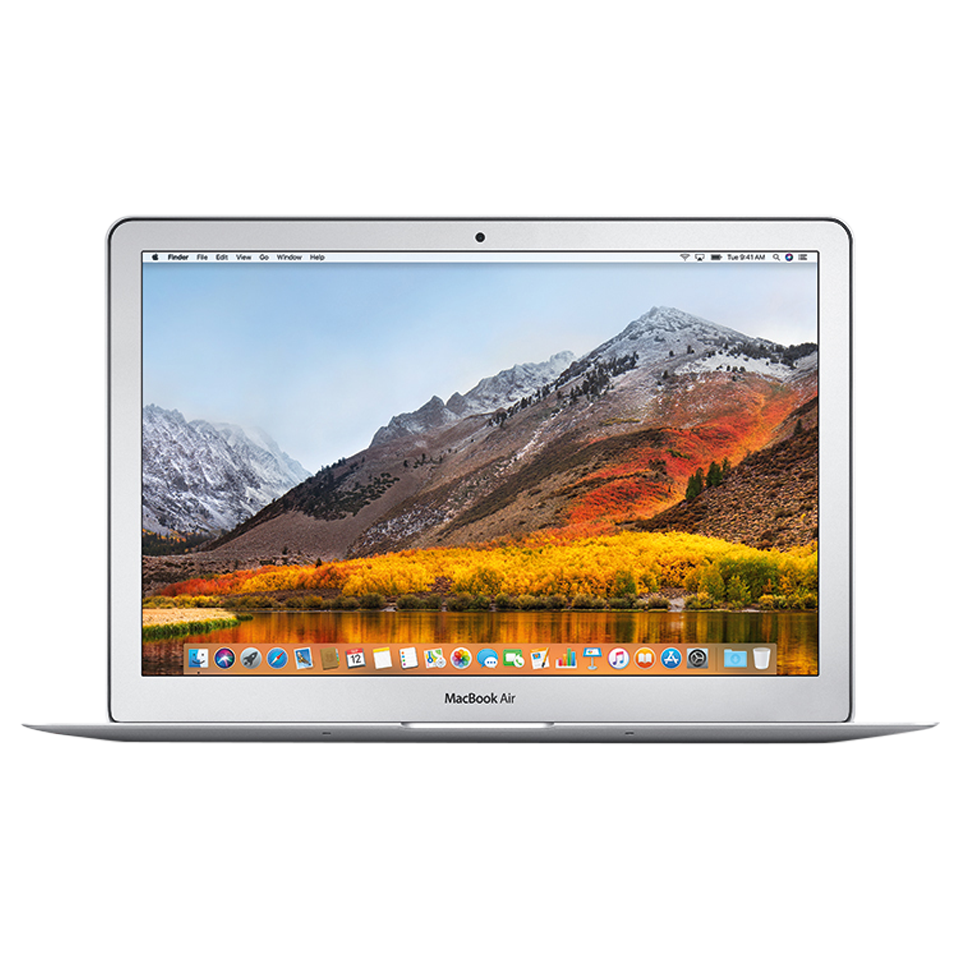
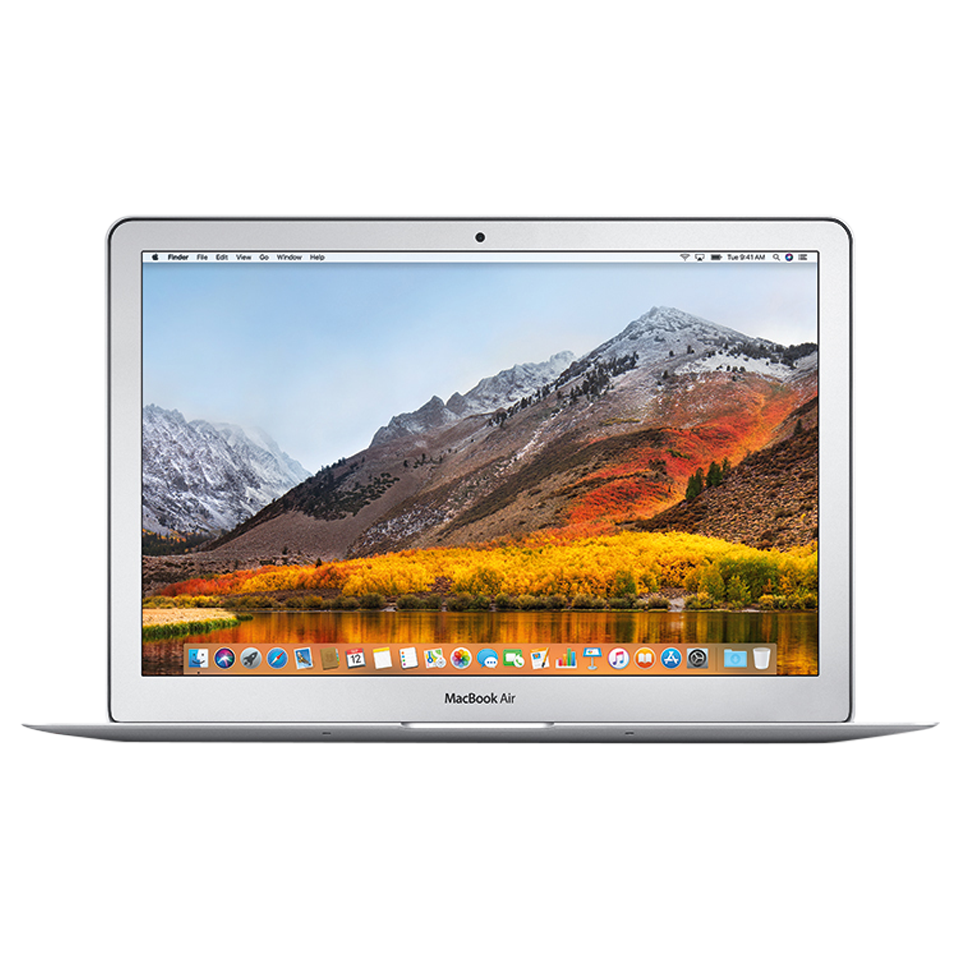
MacBook Air (13-inch, 2017)
The MacBook Air 13-inch 2017 was the final update to the classic non-Retina Air design, featuring a Broadwell processor and the familiar MagSafe 2 charging.
Model: A1466
EMC: 3178
53 parts available
Moderate, Some Experience Needed
Key Specifications
1.8 GHz Intel Core i5 (Broadwell)
8GB DDR3
128GB or 256GB PCIe SSD
13.3-inch 1440×900 display
Thunderbolt 2, USB 3.0, MagSafe 2
Common Repairs
1Battery replacement
2SSD upgrade
3Fan replacement
4Display hinge repair
5Trackpad replacement
Available Parts (53)
Safety Precautions
- • Always disconnect power and discharge the battery before beginning any repair.
- • Use an anti-static wrist strap (ESD) to prevent electrostatic damage to components.
- • Keep screws organized by step, magnetic project mats are highly recommended.
- • Never force connectors. Use a spudger to gently lift ZIF, FPC, and board-to-board connectors.
- • If your Mac has a swollen battery, do not attempt removal yourself, contact a professional.
Model Identification
Model Number(s)
A1466
EMC Number(s)
3178
Order Number(s)
MQD32LL/AMQD42LL/A
Identifier(s)
MacBookAir7,2
Product Line
MacBook Air
Year
2017
Essential Tools
- Pentalobe P5 screwdriver (1.2mm)
- Torx T3, T4, T5, T6 screwdrivers
- Phillips #00 screwdriver
- Spudger (nylon)
- Suction cup(s)
- Anti-static wrist strap (ESD)
- Tweezers (angled)
- Guitar picks / opening picks
- Isopropyl alcohol (99%)
- Thermal paste (Arctic MX-4 or equivalent)
Need Professional Help?
Our Apple Certified Technicians can handle any MacBook Air (13-inch, 2017) repair. Free diagnostics, 1-year warranty on all parts.