
Mac Repair Tips, Guides & News
Expert tips, troubleshooting guides, and insights from our Apple-certified technicians in Tampa.
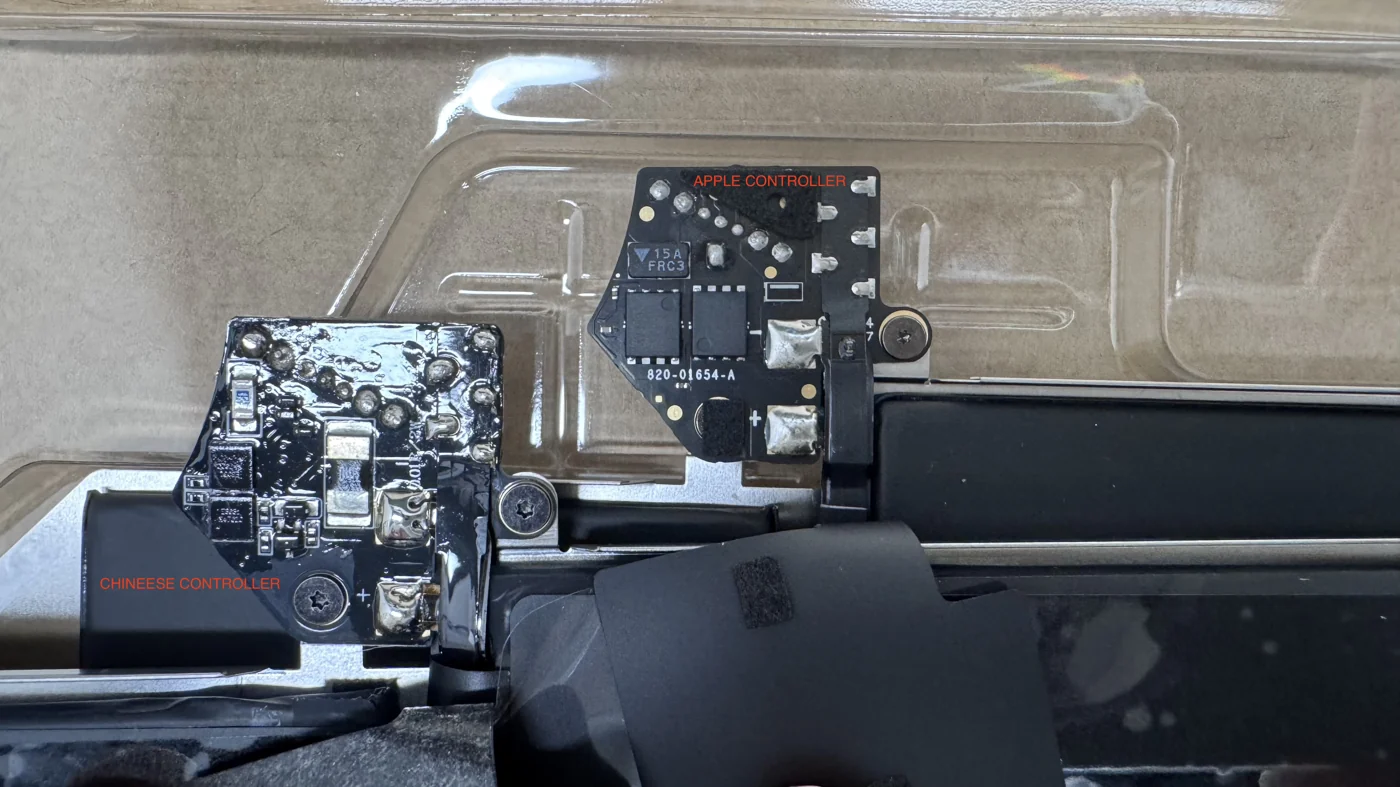
Genuine Apple Battery vs. Fake Battery: Why a Cheap MacBook Battery Can Kill Your Logic Board
A cheap MacBook battery looks identical to a real one on the outside, but inside it hides a clone controller board and a fake safety sticker. Here is exactly what the difference looks like on our workbench, why a fake battery slowly destroys your Mac, and a real repair where a counterfeit battery killed the logic board of a MacBook Air M1.
Read Article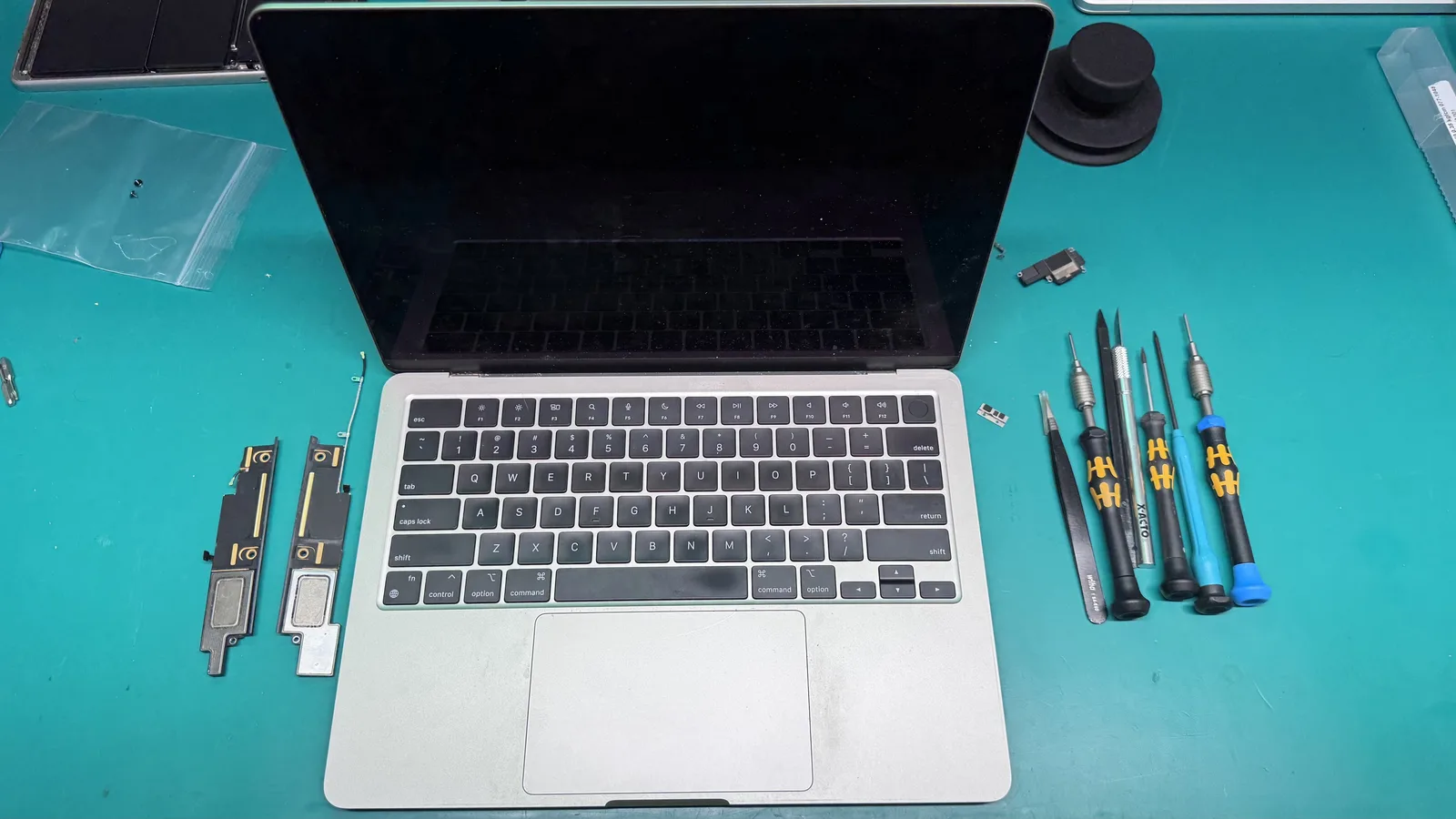
How Much Does It Cost to Fix a Mac? An Honest Answer from a Tampa Tech
How much is a Mac repair? The honest answer is that it depends on your model, its year, and whether you choose new or pre-owned genuine Apple parts. Here is exactly what decides the price, plus a real story from this week where a 412 dollar quote turned into a 125 dollar invoice.
Read Article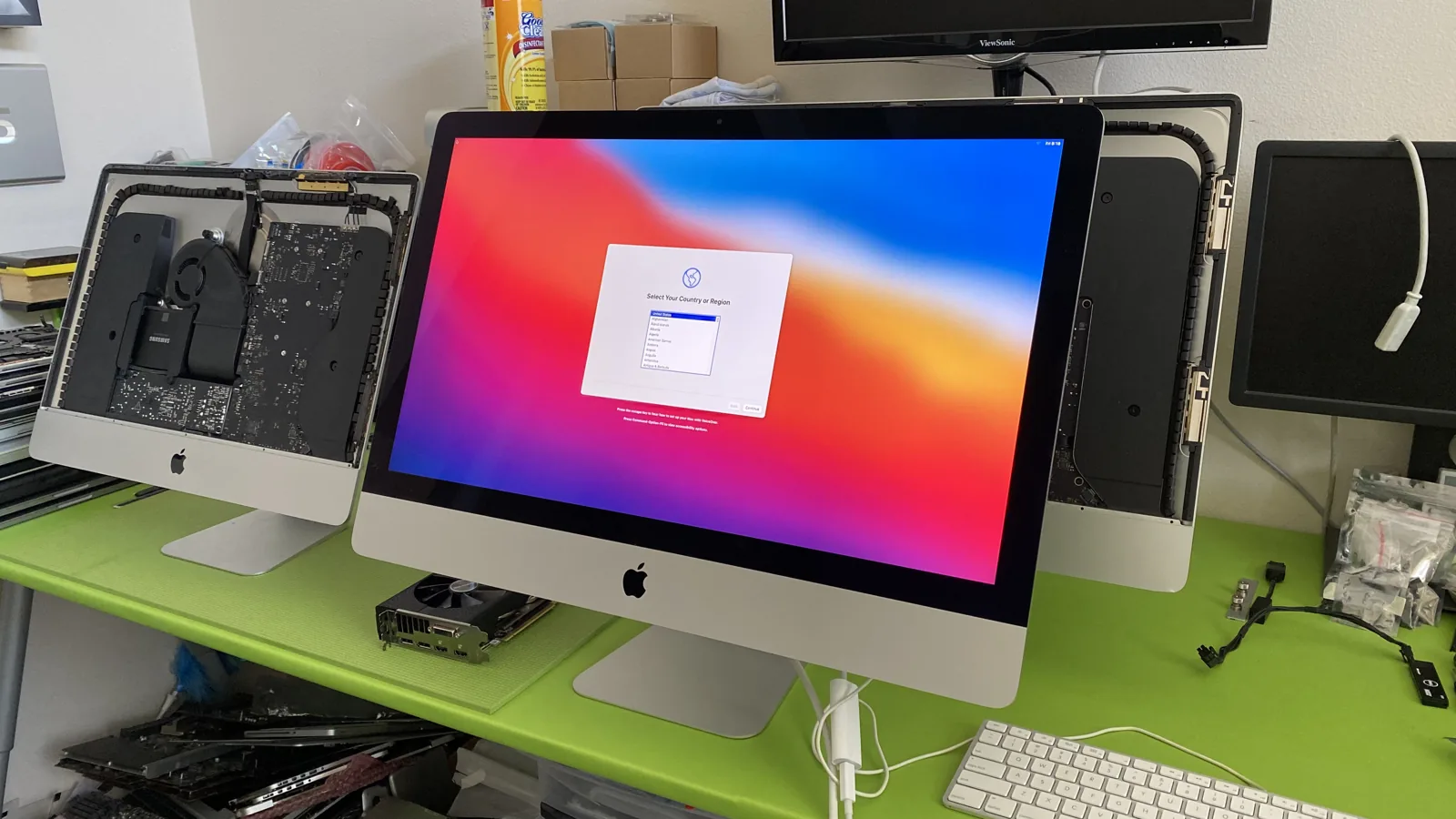
Is It Worth Repairing Your Old Mac, or Should You Buy New?
Almost everyone who gets a repair quote does the same math in their head: should I just put this money toward a new one? Here is the honest way to answer that, including the one question that changes most people's minds.
Read Article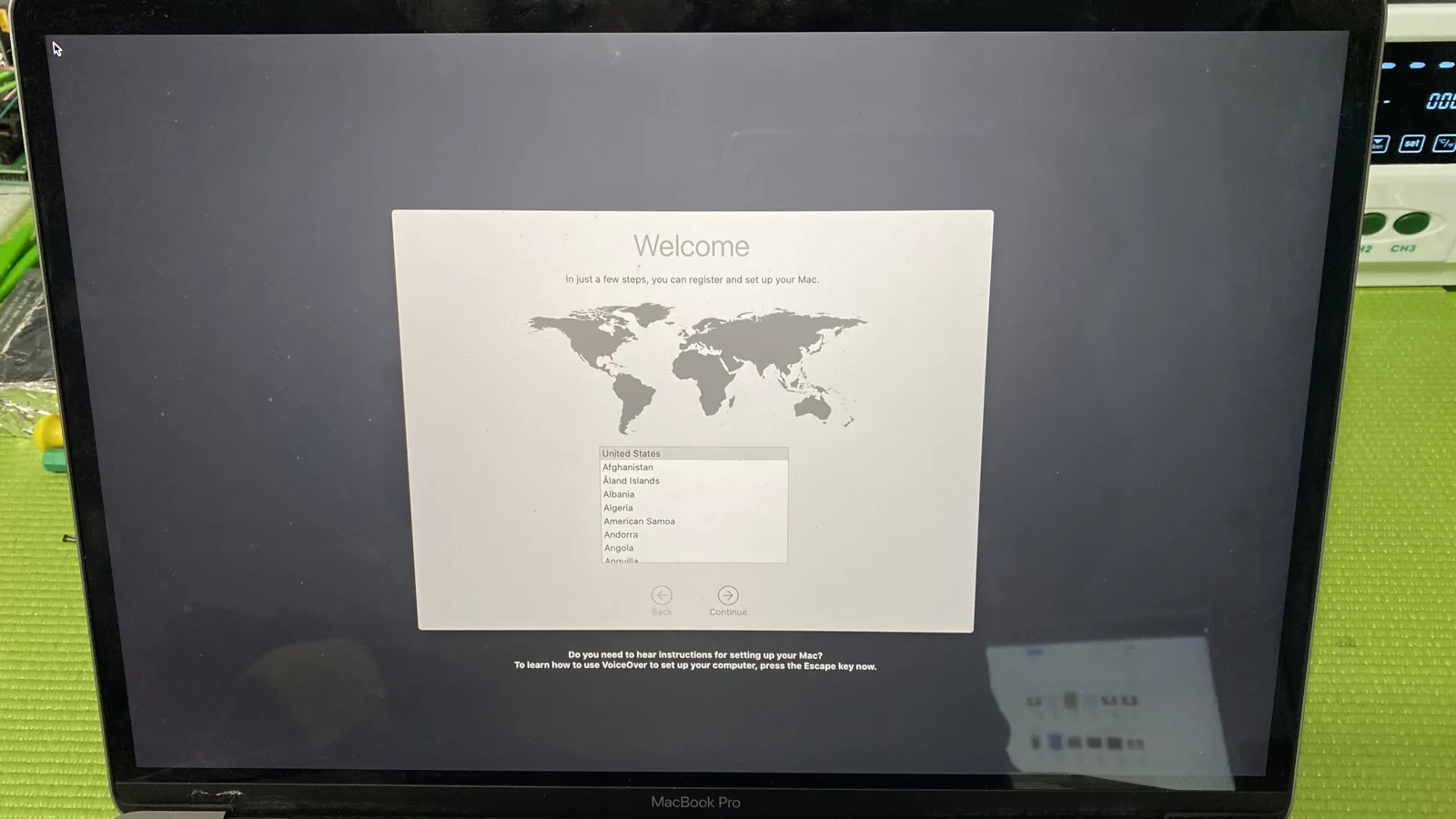
How Long Will Your Mac Last After a Repair?
This is the question we hear more than any other. Before you spend a dollar on a repair, you want to know it will actually buy you real time. Here is the honest answer, straight from the bench in Tampa.
Read Article
6 Common Mistakes After Spilling Water on Your MacBook
A spilled water on MacBook can be a nightmare scenario for any user. The panic that ensues often leads to hasty actions that can exacerbate the damage rather than mitigate it. In this article, we outline six common mistakes to avoid after experiencing a spill on your MacBook.
Read Article
When to Replace Your MacBook Trackpad: Signs and Symptoms
The MacBook Trackpad is a quintessential component that defines the user experience, offering precision and convenience for navigating and executing tasks. However, like all hardware, the MacBook Trackpad can experience wear and tear over time, affecting its functionality.
Read Article
MacBook Overheating? Strategies to Keep Your Laptop Cool
Navigating the challenges of a MacBook overheating situation can be both frustrating and concerning, potentially impeding your productivity and putting your device at risk of damage. Although overheating issues are not uncommon, a thoughtful and informed approach can often bring effective resolution.
Read Article
4 Common Causes for your MacBook Battery Not Charging
Few things are more frustrating than realizing your MacBook battery is not charging when you need it the most. Whether you're in the middle of an important project or on the go, a malfunctioning battery can disrupt your workflow and productivity.
Read Article
MacBook Liquid Damage: Quick Actions for Liquid Spills
Accidents happen, and when they involve liquid spills on your MacBook, they can be particularly distressing. MacBook Liquid Damage can lead to serious issues like malfunctioning keyboards, damaged internal components, and even complete system failure.
Read Article
Temporary Emergency Data Recovery Techniques for Mac
Data loss on your Mac can be a nightmare, potentially resulting in the loss of valuable files and memories. Whether due to accidental deletion, hardware failure, or other unforeseen circumstances, it is crucial to know how to take immediate action.
Read Article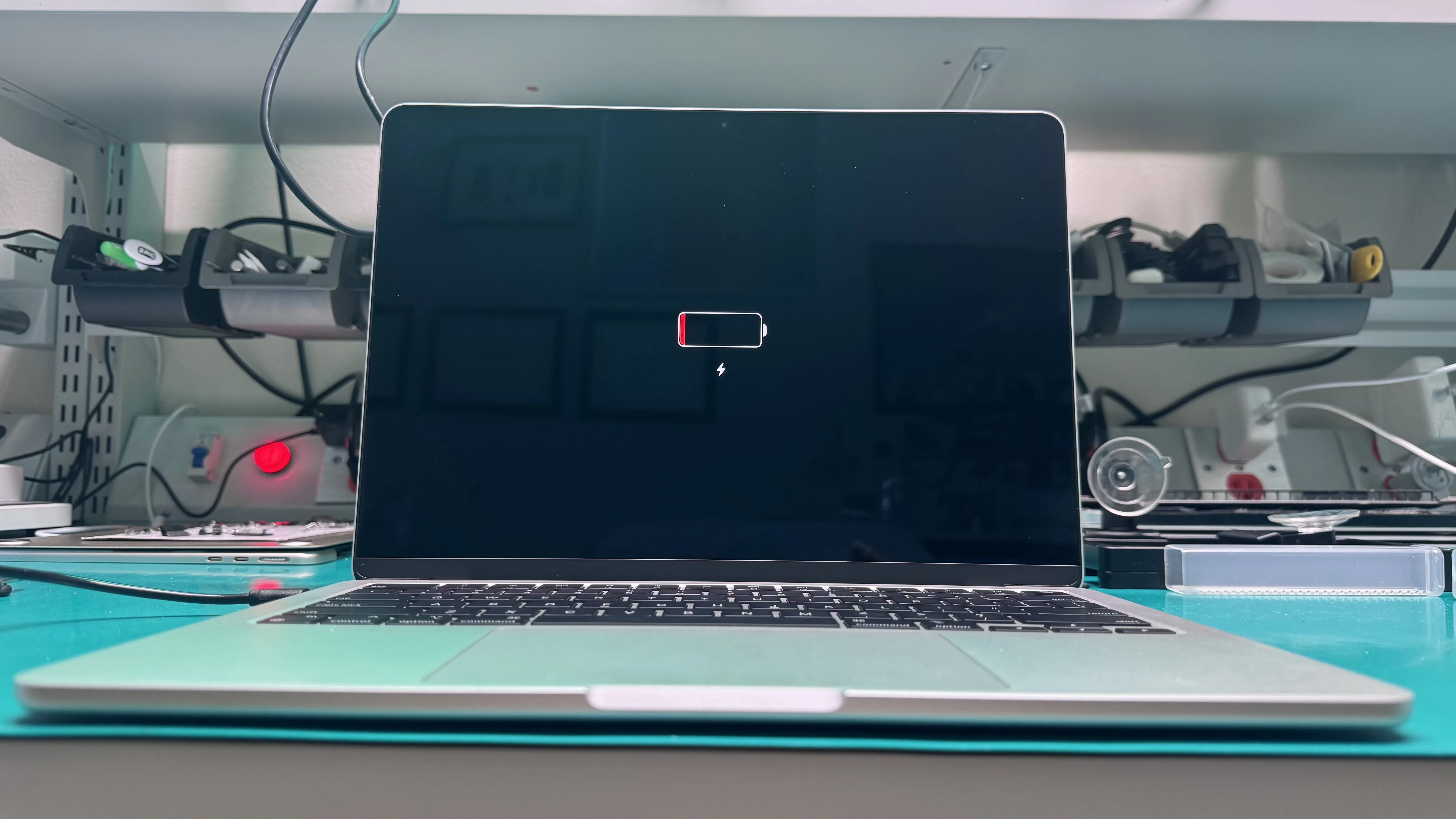
MacBook Not Turning On: Common Problems and Solutions
Picture this scenario: You press the power button on your beloved MacBook, eagerly awaiting its familiar startup sound and the welcoming glow of the Apple logo, but to your dismay, nothing happens. Your MacBook is not turning on and you are left wondering what could be the problem. If you find yourself in this situation, do not panic.
Read Article
7 Maintenance Tips After a MacBook Keyboard Replacement
A malfunctioning MacBook keyboard can be frustrating at time, impacting your productivity and the overall user experience. When keyboard issues arise, opting for a keyboard replacement for your MacBook is often the best solution.
Read Article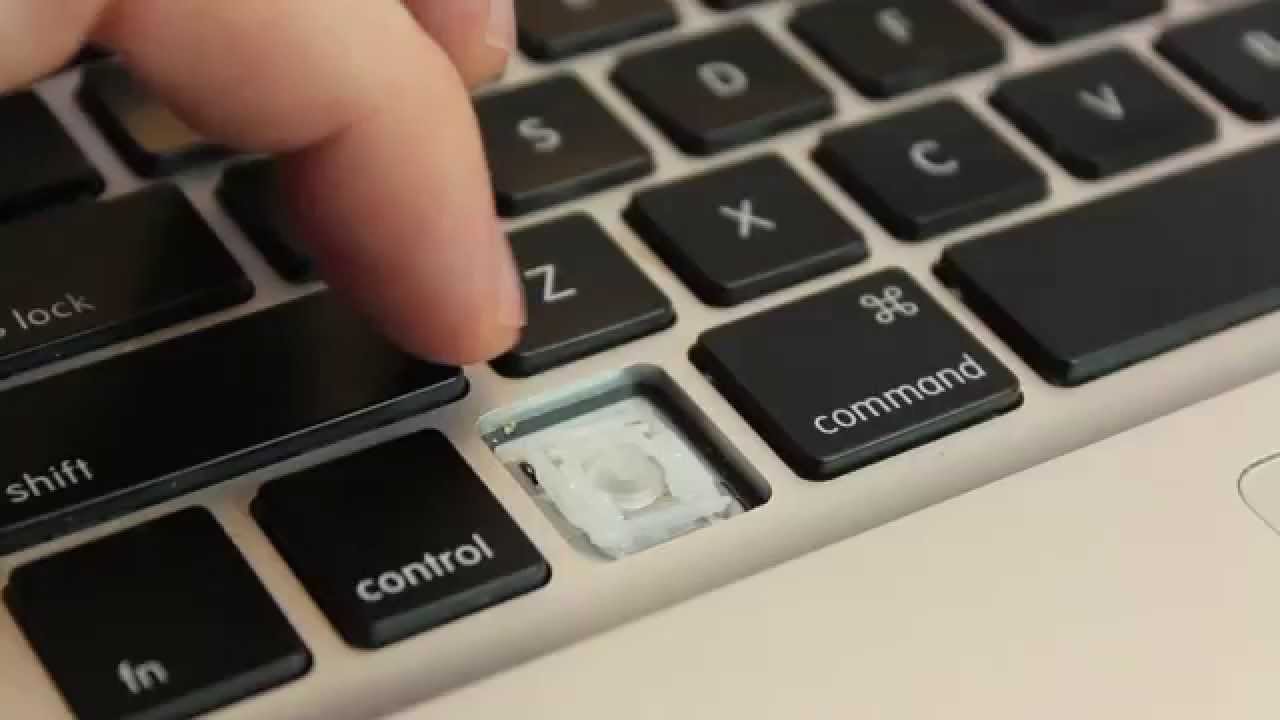
MacBook Keyboard Not Working? How WarriorMac Can Fix It
Ever had your MacBook keyboard stop working right when you needed it most? At WarriorMac, we specialize in repairing Apple devices quickly, affordably, and with top-notch service, right here in the Tampa Bay Area.
Read Article
MacBook Screen Not Turning On? Tampa Locals Trust WarriorMac
When your MacBook screen is not turning on, it feels like your whole world just hit pause. Whether you're a student scrambling to finish a project, a remote worker facing a deadline, or just someone who can't start their day without their Apple device, this issue can stop everything in its tracks.
Read Article
5 Tips When Hiring a MacBook Repair Service
A malfunctioning MacBook can be a significant inconvenience, especially if it is related to power issues or requires diagnostic services. When your beloved Apple device encounters problems, finding a reliable MacBook repair service becomes paramount.
Read Article
MacBook Screen Replacement or Repair: Which Is Right for You?
A damaged or malfunctioning MacBook screen can be a frustrating experience. When you encounter MacBook screen issues, it is essential to weigh your options carefully. Two primary choices you will come across are MacBook screen replacement and MacBook screen repair.
Read Article