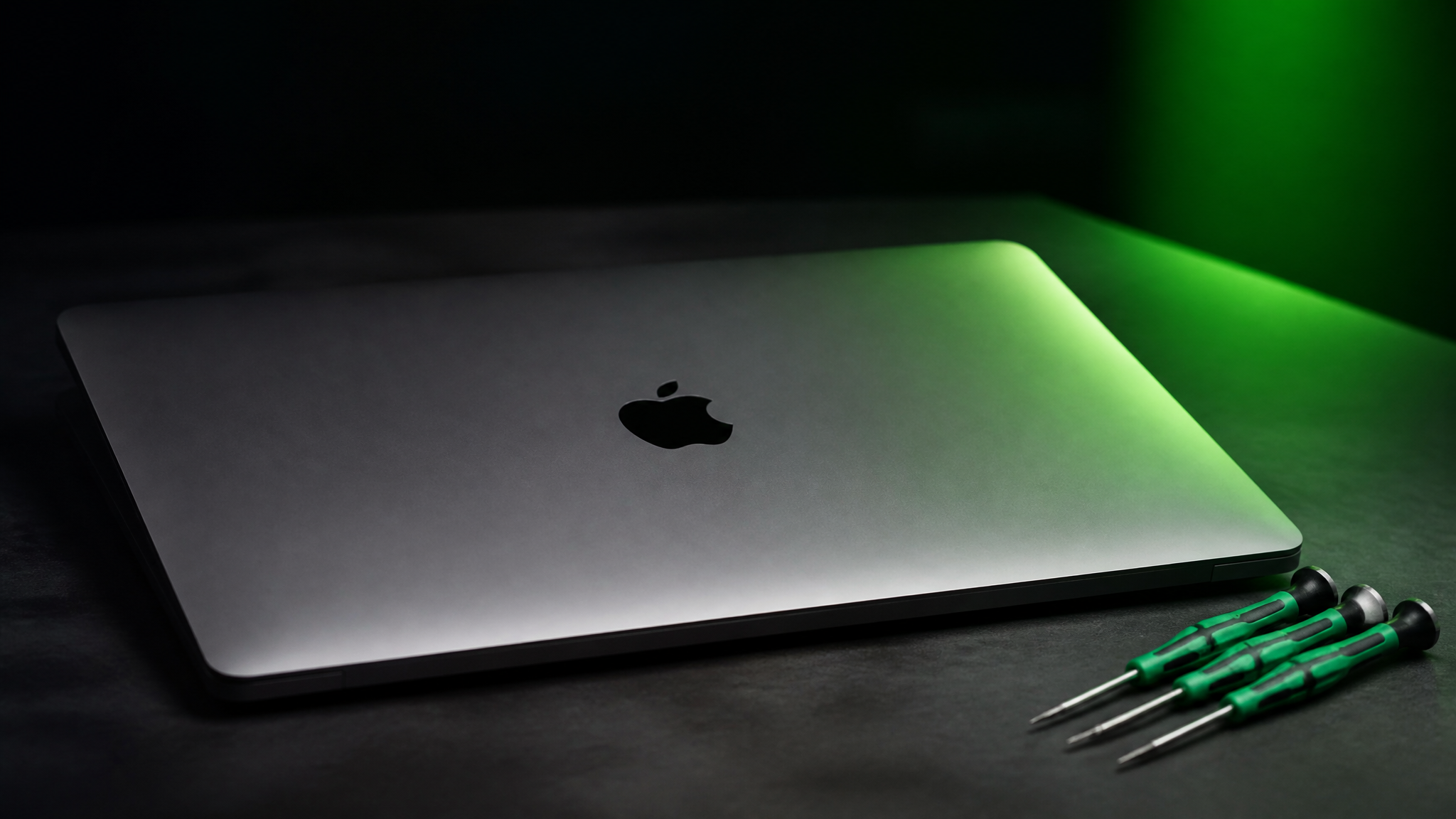
Mac data recovery at WarriorMac starts with a free evaluation. We recover files from failed drives, dead logic boards, and liquid-damaged machines that other shops have written off, using professional drive-imaging tools and component-level board repair. True data recovery, retrieving files from a failed or inaccessible drive, is a specialized job very different from simple data migration. Depending on the severity, professional recovery can range from several hundred to several thousand dollars.
We image your drive first so we never risk further loss, then work from that copy to rebuild your files. No 100% recovery guarantees, just honest assessment. Walk-in diagnostics in Tampa and nationwide mail-in service across all 50 states.
Free Diagnostic
No-cost evaluation before any work begins.
Imaging First
We clone your drive before touching a single file.
Certified Technicians
Mac hardware and file-system specialists.
Transparent Pricing
A clear quote up front, no surprises.
Understanding Mac Data Loss
Data loss on Mac devices can occur due to various reasons:
Accidental Deletion
Files deleted and emptied from the Trash may still reside on your drive until overwritten. Quick action increases the chance of recovery.
Disk Formatting
Formatting a Mac's hard drive or SSD without a backup can erase the file system. Even formatted disks may retain recoverable data, but timing is critical.
Hardware Failure
Mechanical hard drives (HDDs) or failing SSDs can become unreadable due to head crashes, controller failures, or chip damage.
Liquid or Physical Damage
Spills, drops, or overheating can render storage devices unusable, requiring specialized recovery procedures.
Malware or Ransomware
Malicious software can encrypt, delete, or corrupt files, leaving your Mac data inaccessible.
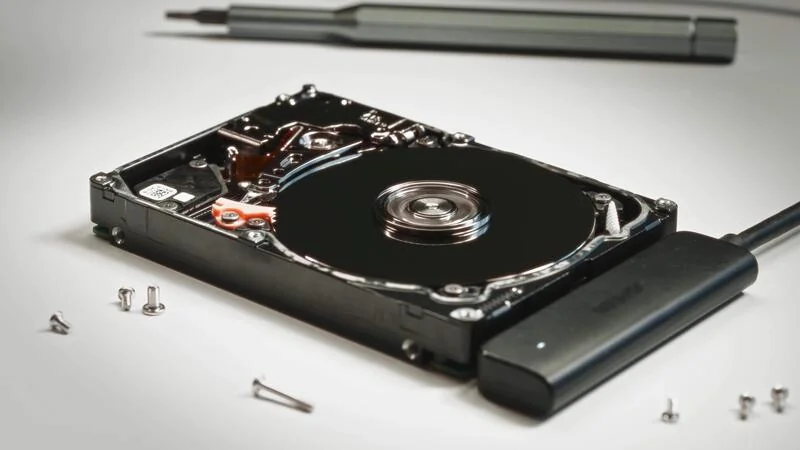
How Mac Data Recovery Works
Professional Mac data recovery involves a combination of hardware expertise, software tools, and secure handling:
Examine the storage device to determine the type and severity of data loss.
Create a sector-by-sector copy of the drive to prevent further damage.
Use advanced software or firmware tools to recover files from damaged sectors, RAID arrays, or corrupted file systems.
Rebuild partially corrupted files, fragmented data, or inaccessible directories.
Recovered files are transferred to a secure, separate storage medium.
Important: For SSDs, especially Macs with APFS (Apple File System), recovery is more complex due to encryption and TRIM commands, which may permanently erase deleted files if not handled correctly.
The Truth About Common Data Recovery Claims
Many businesses exaggerate their capabilities or mislead customers with marketing tactics. Here's what you need to know.
Reality: No professional service can guarantee full recovery. Physical damage, TRIM-enabled SSDs, or overwritten files may make some data unrecoverable. Trustworthy providers will be honest about recovery probabilities.
Reality: Consumer-grade software works for minor deletions or formatting. Severe hardware failure or encrypted APFS drives require specialized tools and cleanroom hardware repairs.
Reality: While user error is common, hardware defects, firmware corruption, malware, or natural failures can occur without warning. Professional recovery services address both user mistakes and hardware issues.
Reality: DIY methods can overwrite lost data or worsen hardware failure. Professional recovery starts with drive imaging and avoids actions that reduce recovery chances.
Reality: Complex cases, especially involving SSDs, RAID arrays, or liquid-damaged drives, may take days or weeks. Honest providers provide timelines and diagnostic estimates upfront.
Signs You Need Professional Mac Data Recovery
Inaccessible files or folders, sudden disappearance or "file not found" errors
Mac won't boot: startup disk failures or kernel panics preventing normal access
Corrupted file system: errors like "disk unreadable" or "invalid volume"
Accidental deletion: important files emptied from Trash without backup
Disk damage or liquid exposure: physical or environmental damage to the drive
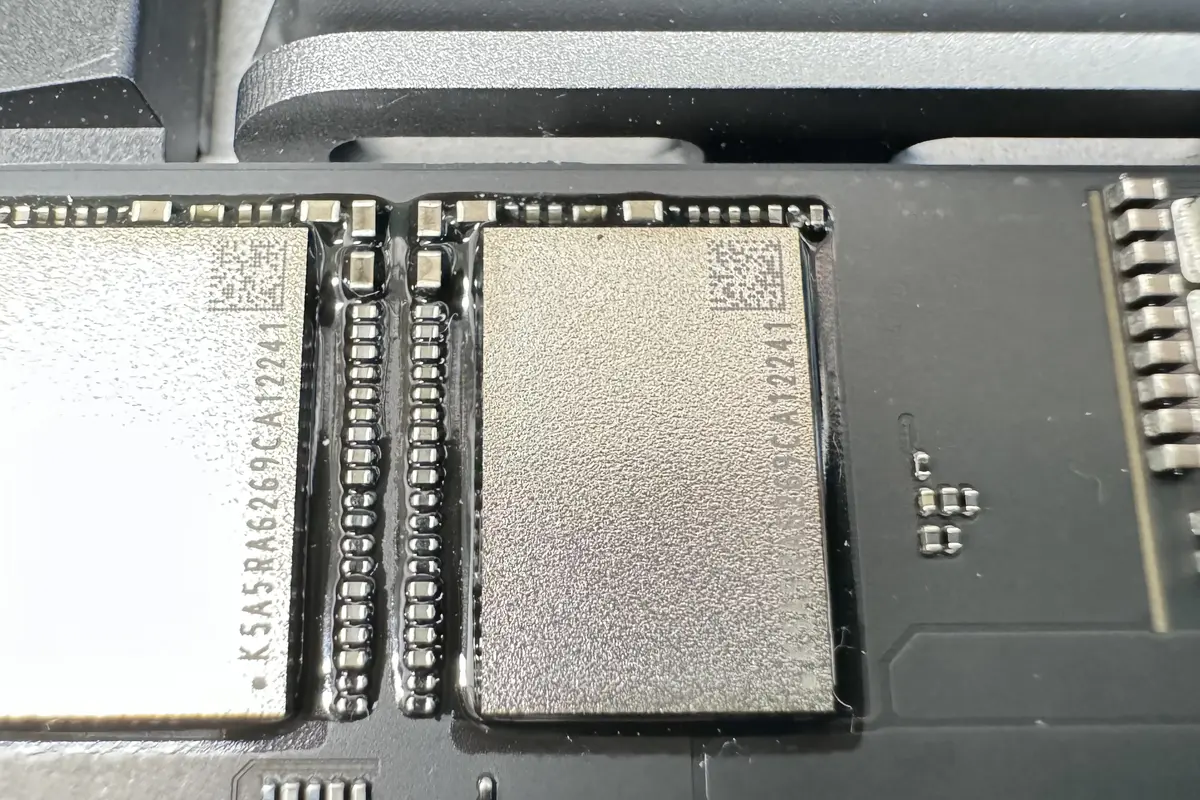
Every recovery begins with a full drive image, so your original data is never at risk. Our technicians work on the clone, preserving the source until you confirm delivery.
Professional Mac Data Recovery Process
Initial Consultation
Technicians discuss your symptoms and history of the issue, including recent system changes, liquid exposure, or accidental formatting.
Drive Assessment and Diagnostics
HDDs and SSDs are carefully inspected for hardware damage. Encrypted and APFS-formatted drives are analyzed with specialized software.
Imaging or Cloning
A bit-by-bit clone of the storage medium is created in a secure environment to avoid further damage.
Data Extraction and Repair
Recoverable files are copied from the cloned drive. Corrupted files may undergo reconstruction using proprietary tools.
Secure Data Delivery
Recovered files are delivered on external drives or cloud storage according to customer preference.
Optional System Repair
Some services offer repairs to prevent future data loss, including replacing failing drives or fixing corrupted volumes.
Types of Mac Data Recovery Services
Deleted File Recovery
Recovers files accidentally deleted or emptied from Trash.
Formatted Drive Recovery
Restores data from disks formatted without a backup.
SSD Recovery (Including APFS)
Handles modern Macs' SSDs and encryption, which require specialized procedures.
RAID Recovery
Reconstructs data from multi-drive arrays, common in Mac servers and professional setups.
Liquid-Damaged Drive Recovery
Cleanroom repair for drives exposed to water, coffee, or other liquids.
Corrupted File System Recovery
Restores access to HFS+, APFS, or encrypted drives after corruption.
Exposing Industry Lies About Data Recovery
Overstated Guarantees
Claims of 100% recovery should raise red flags. No one can recover overwritten or physically destroyed data.
Hidden Costs
Some companies advertise "free diagnostics" but charge hefty fees for partial recovery. Always confirm costs upfront.
Pressure Tactics
Avoid providers who pressure you to sign up immediately with threats like "your data is permanently lost" without examination.
Overreliance on Software
Many businesses push DIY software as a solution, ignoring the need for professional tools, especially for hardware failure.
Misleading Marketing Terms
Terms like "advanced recovery" or "miracle recovery" are often exaggerations. Look for certifications, cleanroom facilities, and verified success rates.
Choosing a Trustworthy Mac Data Recovery Provider
Certified Technicians: Look for experience with Mac hardware and file systems.
Cleanroom Facilities: Essential for opening and repairing physical drives safely.
Transparent Pricing: Clear explanation of diagnostic and recovery fees.
Realistic Recovery Estimates: Honest probability ranges for success.
Data Security Protocols: Ensure recovered files are handled confidentially.
Positive Reviews: Customer feedback provides insight into reliability and honesty.
Preventing Data Loss on Your Mac
Professional recovery can restore lost data, but prevention is always better:
Regular Backups
Use Time Machine or cloud storage.
Monitor Drive Health
Use Disk Utility or third-party tools to check for early failure.
Avoid Sudden Shutdowns
Always power down safely.
Protect Against Malware
Keep macOS and apps updated.
Handle Hardware Carefully
Avoid drops and liquid exposure.
Replace Aging Drives
SSDs and HDDs degrade over time.
Frequently Asked Questions
Conclusion
Mac data recovery is a delicate and complex process requiring expertise, precision tools, and careful handling. While many companies market themselves as capable of "miracle" recoveries, the truth is that success depends on the type of data loss, storage medium, and timing. Understanding the realities of data recovery, while avoiding misleading claims, can help you make informed decisions, protect your files, and choose a professional service that delivers results.
Investing in expert Mac data recovery not only increases the chances of restoring your files but also protects your device from further damage and ensures data security. Coupled with regular backups and preventive maintenance, professional recovery is an essential part of safeguarding your digital life.
If you've lost important data on your Mac, don't wait. Contact WarriorMac today for a free diagnostic and get your files back.
Recover Your Mac Data Today
Don't risk further damage with DIY methods. WarriorMac's certified technicians provide honest assessments and transparent pricing for all Mac data recovery needs.