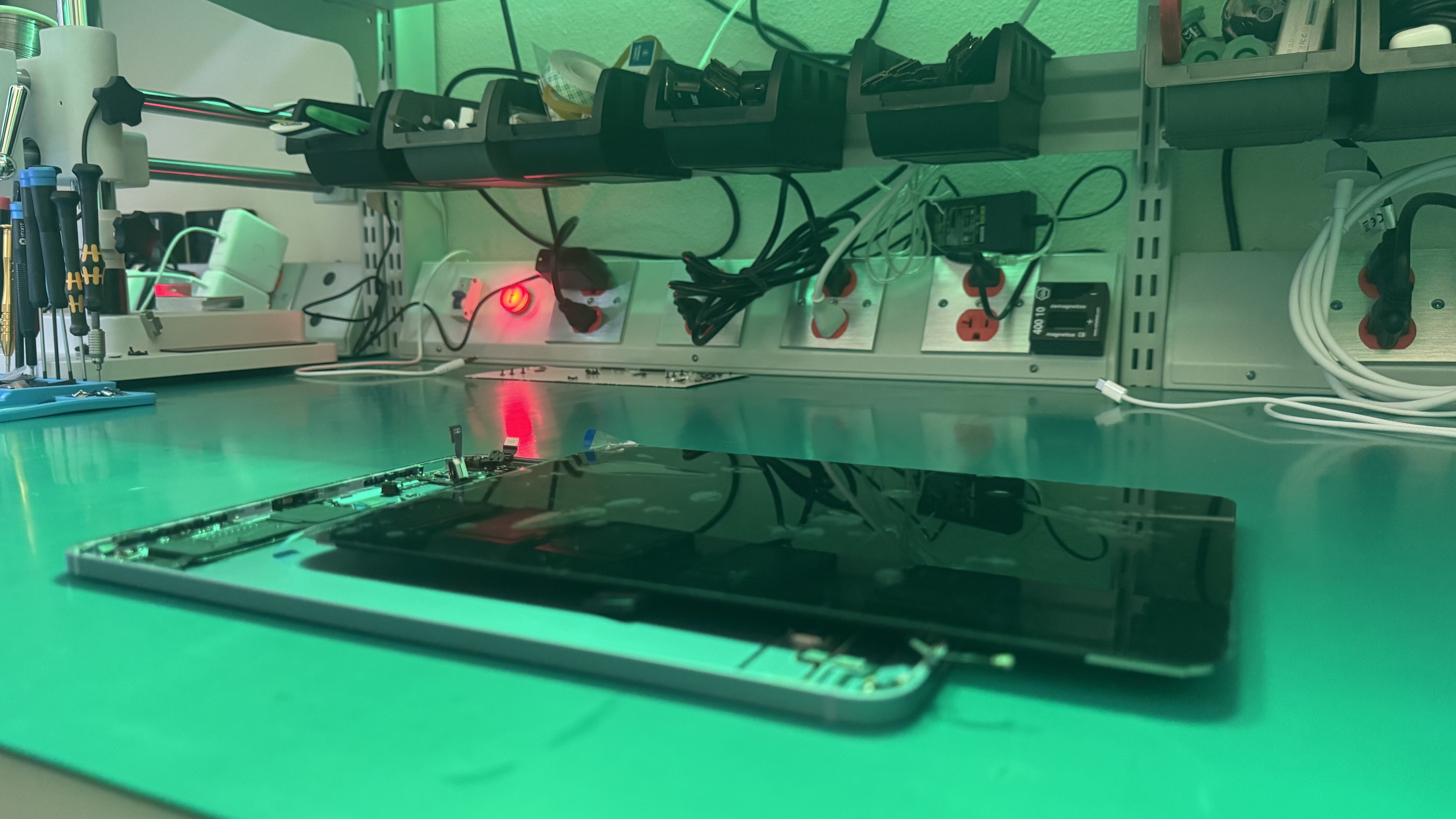
Professional iPad Repair
Tampa Bay Area
From shattered glass and dead batteries to unresponsive digitizers and charging failures, our certified technicians restore your iPad to like-new condition. All models serviced. Genuine Apple Parts. 1 year warranty.
Ready to Fix Your iPad?
Start your repair in minutes. Choose the option that works best for you — ship it to us from anywhere in the U.S., or drop it off in person at our Tampa location.
Not sure which to choose? Start here and we’ll guide you.
iPads are built differently than iPhones, and they require a different level of expertise to repair. The adhesive-sealed glass panels, laminated displays, delicate digitizer flex cables, and thin battery cells all demand specialized tools and techniques that most general phone repair shops simply don't have.
At WarriorMac, iPad repair is one of our core specialties. Our technicians have disassembled and reassembled hundreds of iPads across every generation, from the original iPad to the latest iPad Pro with M4 chip. We know exactly how much heat to apply to soften the adhesive without damaging the LCD, how to separate a laminated display without cracking it, and how to re-seal everything to factory standards.
Whether your iPad is your work computer, your kid's classroom device, your digital art studio, or your kitchen recipe book, we'll get it back to perfect working condition. Bring it to our Tampa shop or ship it to us from anywhere in the US.
Comprehensive iPad Repair Services
Whether you have an iPad Pro, iPad Air, iPad mini, or standard iPad, we fix them all. Every repair uses Genuine Apple Parts and is backed by our 1-year warranty on parts and labor.
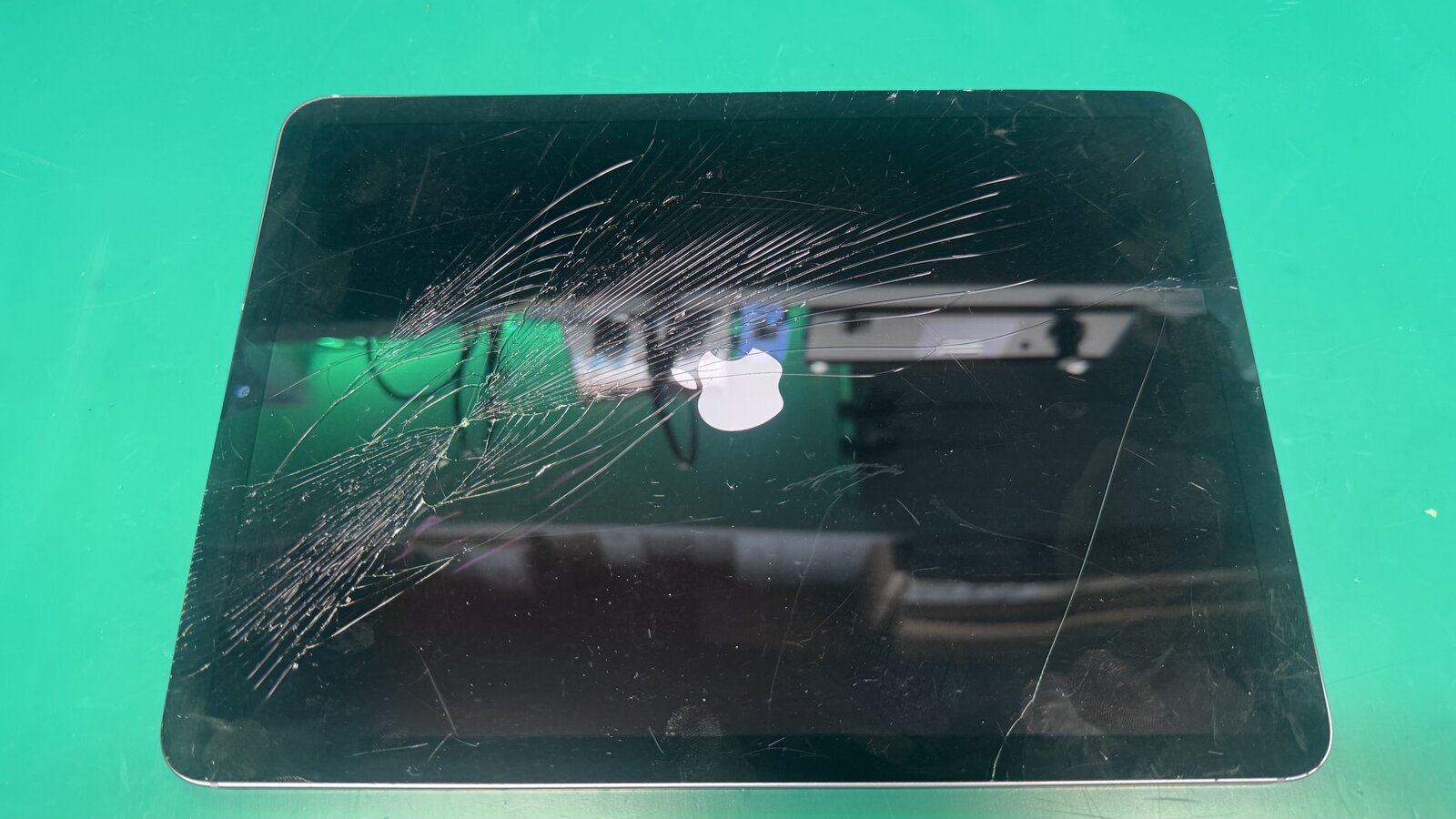
 Laminated & non-laminated displays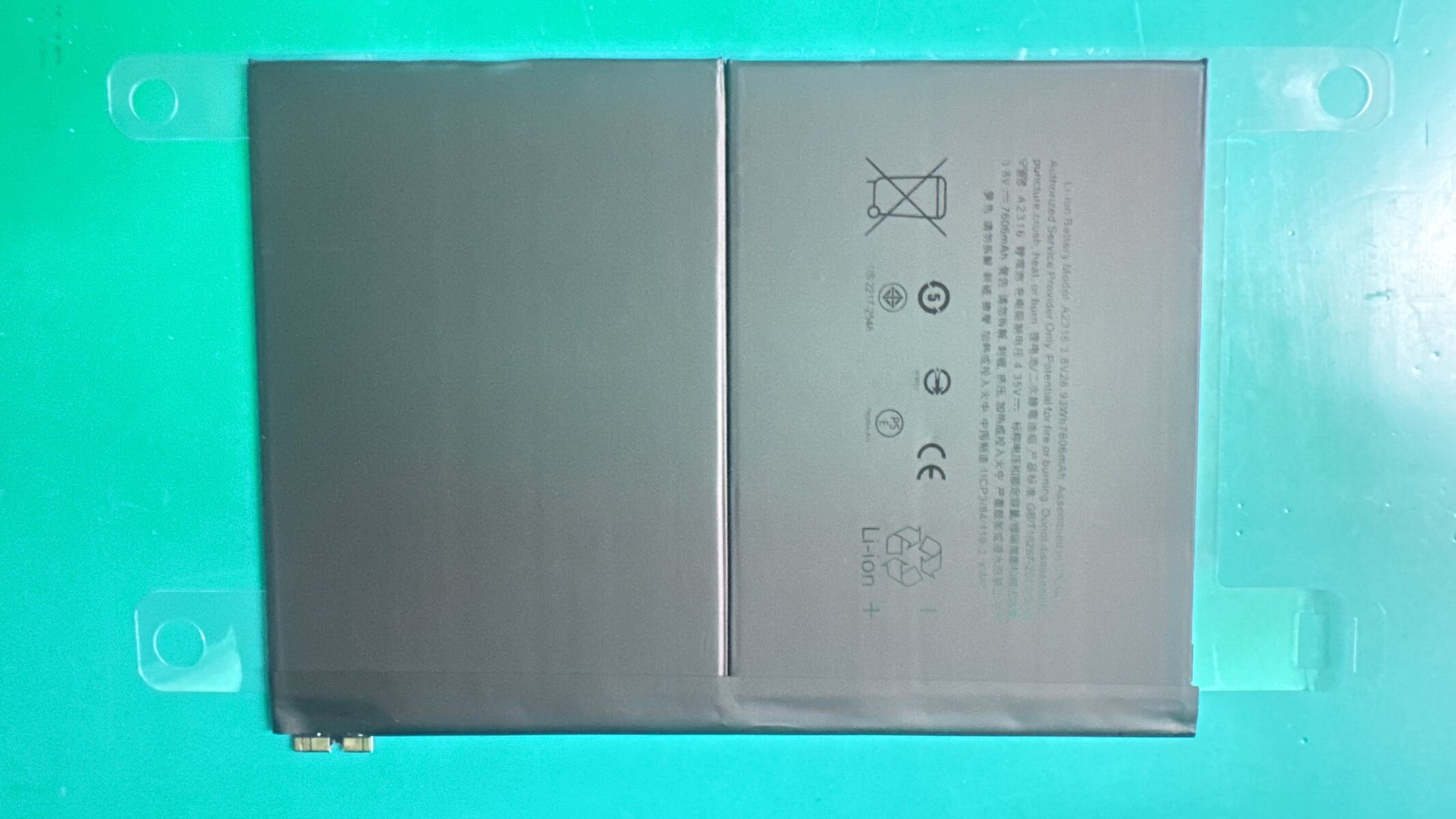
Why iPad Repair Requires Specialized Expertise
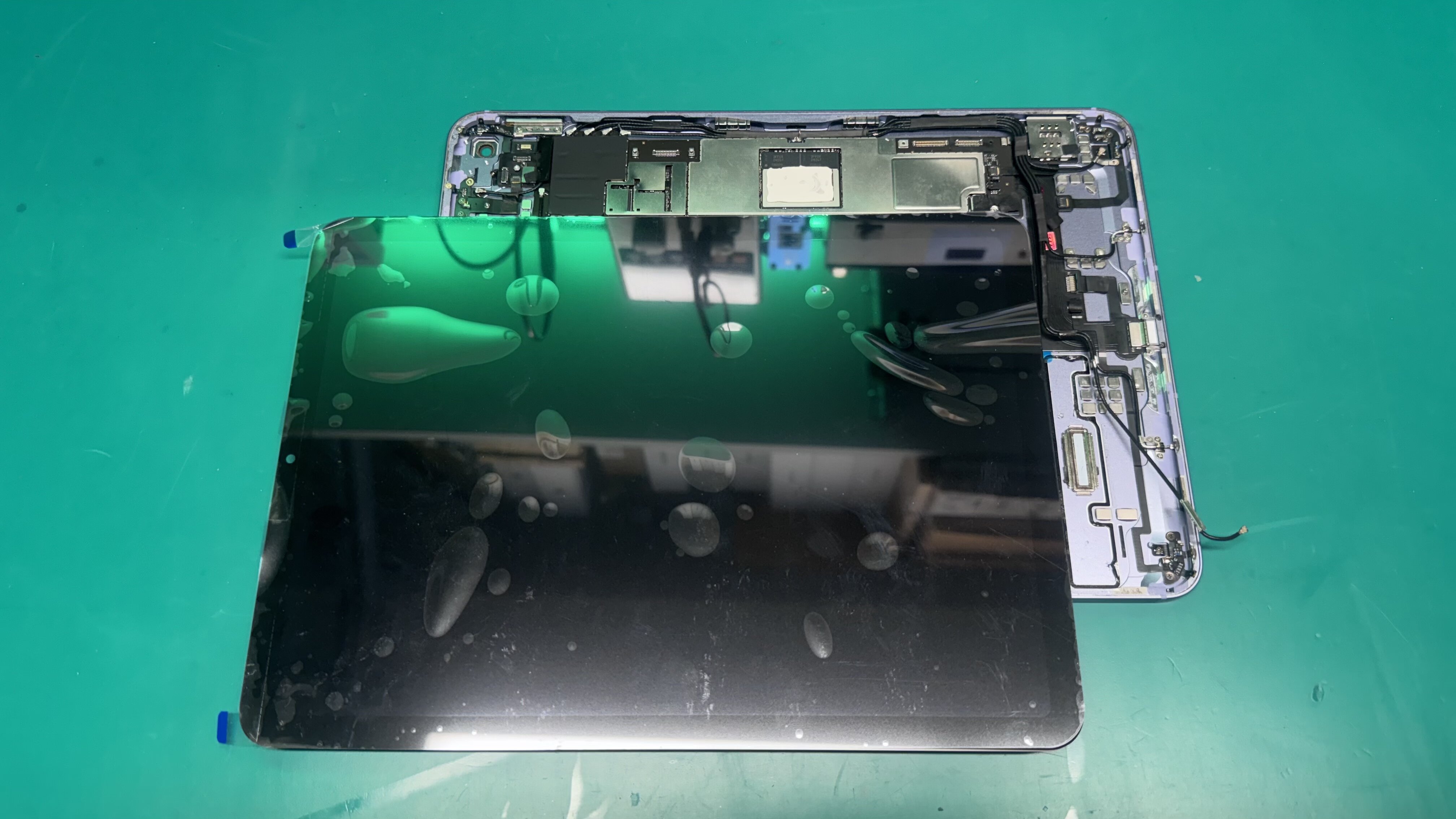
Unlike iPhones that use screws and removable connectors, iPads are assembled with industrial-strength adhesive that bonds the glass panel to the chassis. Opening an iPad without the right tools and technique can easily crack the LCD, sever the digitizer flex cable, or damage the WiFi antenna that runs along the edge of the housing.
Newer iPad Pro models add another layer of complexity: the display, digitizer, and glass are laminated into a single unit. This means if your glass cracks, the entire display assembly typically needs replacement. Our technicians understand these differences across every iPad generation and apply the right techniques for each.
We also take special precautions with iPad batteries. iPad batteries are significantly larger than iPhone batteries and are adhesive-mounted with strong pull tabs. Improper removal can puncture the battery cell, creating a fire risk. Our technicians are trained in safe battery handling procedures and use specialized pry tools designed for iPad battery removal.
Heat-Controlled Opening Process
We use calibrated heat mats and precision opening tools to safely separate the glass from the chassis without damaging internal components.
Factory-Grade Adhesive Resealing
After every repair, we apply fresh 3M adhesive strips that match Apple's factory bonding strength, ensuring your iPad's glass panel stays firmly in place.
Safe Battery Handling
iPad batteries are large lithium-polymer cells. We follow strict safety protocols during removal and disposal to prevent damage and ensure your safety.
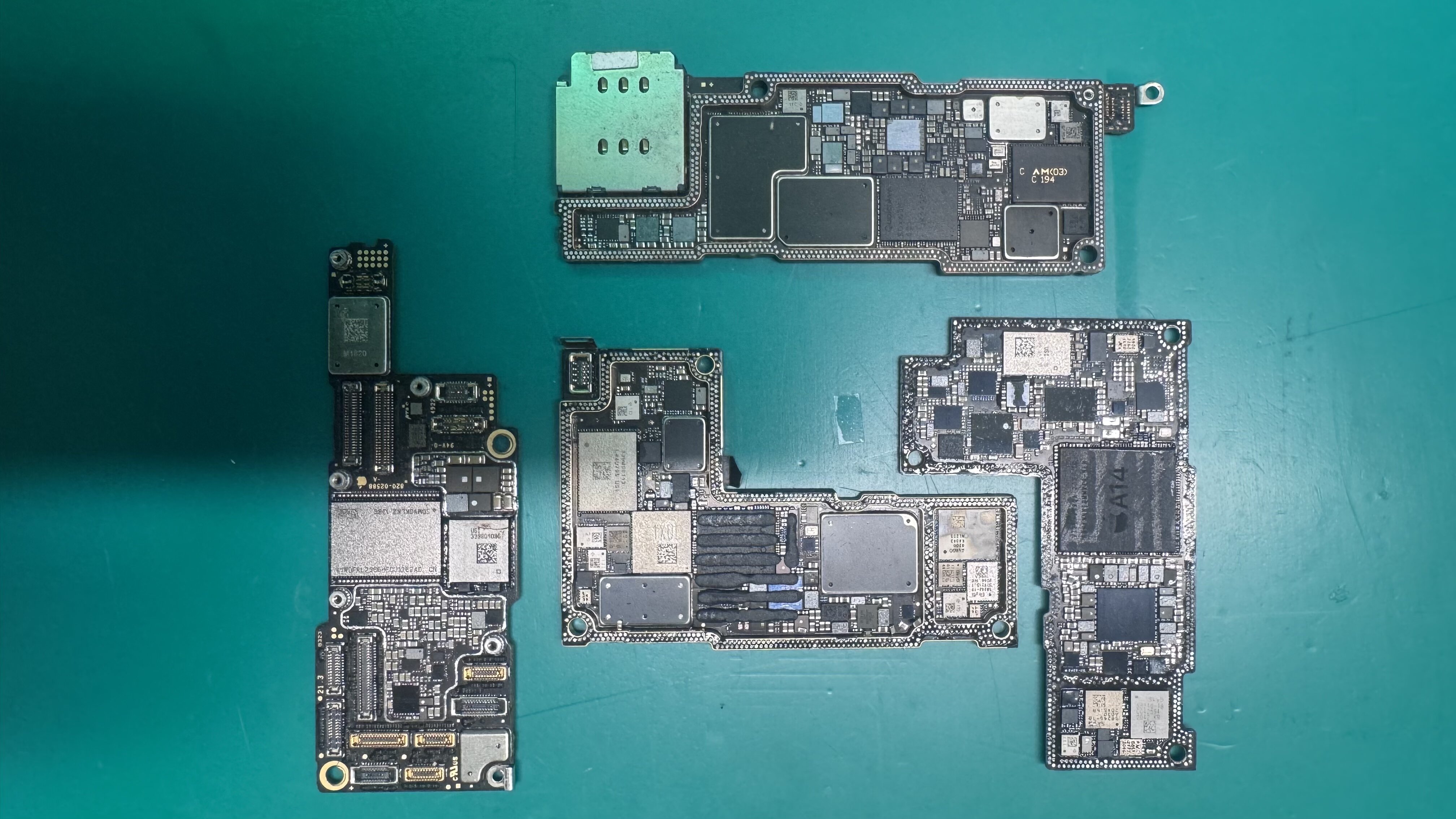
Your Data Stays Safe. Always.
We understand that your iPad often holds irreplaceable data, family photos, school projects, creative work in Procreate, notes from years of meetings, saved game progress. That's why data safety is our top priority during every repair.
For standard hardware repairs (screen, battery, charging port, speakers), your data remains completely untouched. We never reset your iPad unless absolutely necessary, and if a software-related repair requires it, we'll always discuss it with you first and help you back up everything before we proceed.
Even in severe cases, like an iPad that won't turn on or has suffered liquid damage, we can often recover your data by accessing the storage directly. Our data recovery service has saved thousands of customers from losing precious memories and important documents.
Get a Free QuoteiPad Models We Service
We repair every iPad model from the latest Pro to beloved classics. If it has an Apple logo, we can fix it.





















iPad Problems We Solve Every Day
Here are the most common iPad issues our Tampa customers bring in, and what typically causes them.
Cracked Glass but Screen Still Works
If your iPad's glass is cracked but the display underneath still shows a clear image, it means the digitizer (touch layer) or just the glass is broken while the LCD/OLED panel is intact. On non-laminated iPads, we can replace just the glass, saving you vs. a full display assembly.
iPad Won't Turn On or Charge
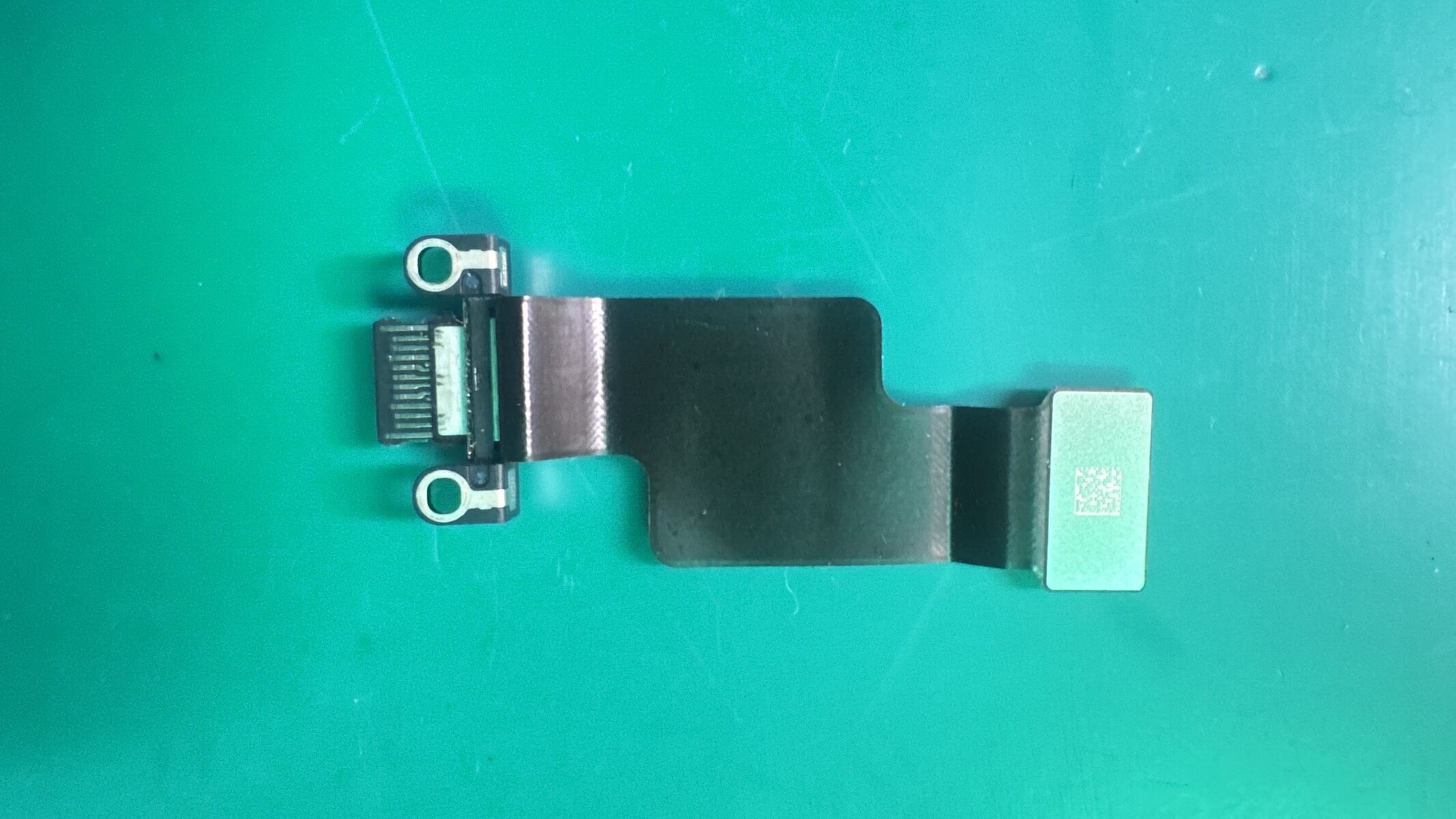
A completely dead iPad might just have a deeply discharged battery, a failed charging port, or a damaged power management IC. We check the charging circuit, battery voltage, and power delivery chain to find exactly what's preventing power from getting to the logic board.
Ghost Touches / Phantom Input
Your iPad typing by itself, opening apps randomly, or registering touches you're not making? This is usually a damaged digitizer or a loose display connector. On some models, it can also be caused by a swelling battery putting pressure on the display from behind.
Screen Lifting / Gap at Edge
If you notice the screen separating from the chassis or a gap forming along the edge of your iPad, it's almost always a swelling battery. This is a safety concern, bring it in immediately. We safely remove the swollen battery and install a fresh one.
Slow Performance / Freezing
An iPad that's running slowly or freezing frequently might have a storage issue, a degraded battery throttling performance, or software corruption. We diagnose the root cause and provide the right fix, whether it's a battery replacement, storage cleanup, or a clean iOS reinstall.
Face ID / Touch ID Not Working
Biometric authentication can stop working after a drop, water exposure, or a previous repair gone wrong. Face ID on iPad Pro requires the entire TrueDepth camera system to function. Touch ID on other models depends on the home button cable. We diagnose and repair whichever component is failing.
WarriorMac vs. Apple Store for iPad Repair
See why Tampa Bay iPad owners choose WarriorMac over Apple and the competition for their tablet repairs.
| Feature | WarriorMac | Apple Store | Other Shops |
|---|---|---|---|
| Free Diagnostic | Always | Varies | $25–$50 |
| Same-Day Service | Many Repairs | 3–7 days | Varies |
| Glass-Only Repair | When Possible | Full Assembly Only | Rarely |
| Data Preservation | Priority | Often Wiped | Varies |
| Warranty | 1 Year | 90 Days | 30–90 Days |
| Liquid Damage Repair | Board-Level | Replacement Only | Basic |
| Business/Fleet Pricing | Volume Discounts | No discounts | Rarely |
| Average Price | 30–50% Less | Premium | Varies |
| Mail-In Service | Nationwide | Rarely |
iPad Repair Cost Guide
Upfront, honest pricing with no hidden fees. Below are our starting prices for the most common iPad repairs by model family. Contact us for an exact quote for your specific model.
| Repair Type | iPad Pro | iPad Air | iPad mini | iPad (Standard) |
|---|---|---|---|---|
| Glass / Digitizer | $179–$349 | $139–$229 | $119–$199 | $99–$169 |
| Battery Replacement | $109–$149 | $89–$119 | $79–$99 | $79–$99 |
| Charging Port | $99–$149 | $79–$119 | $69–$99 | $69–$89 |
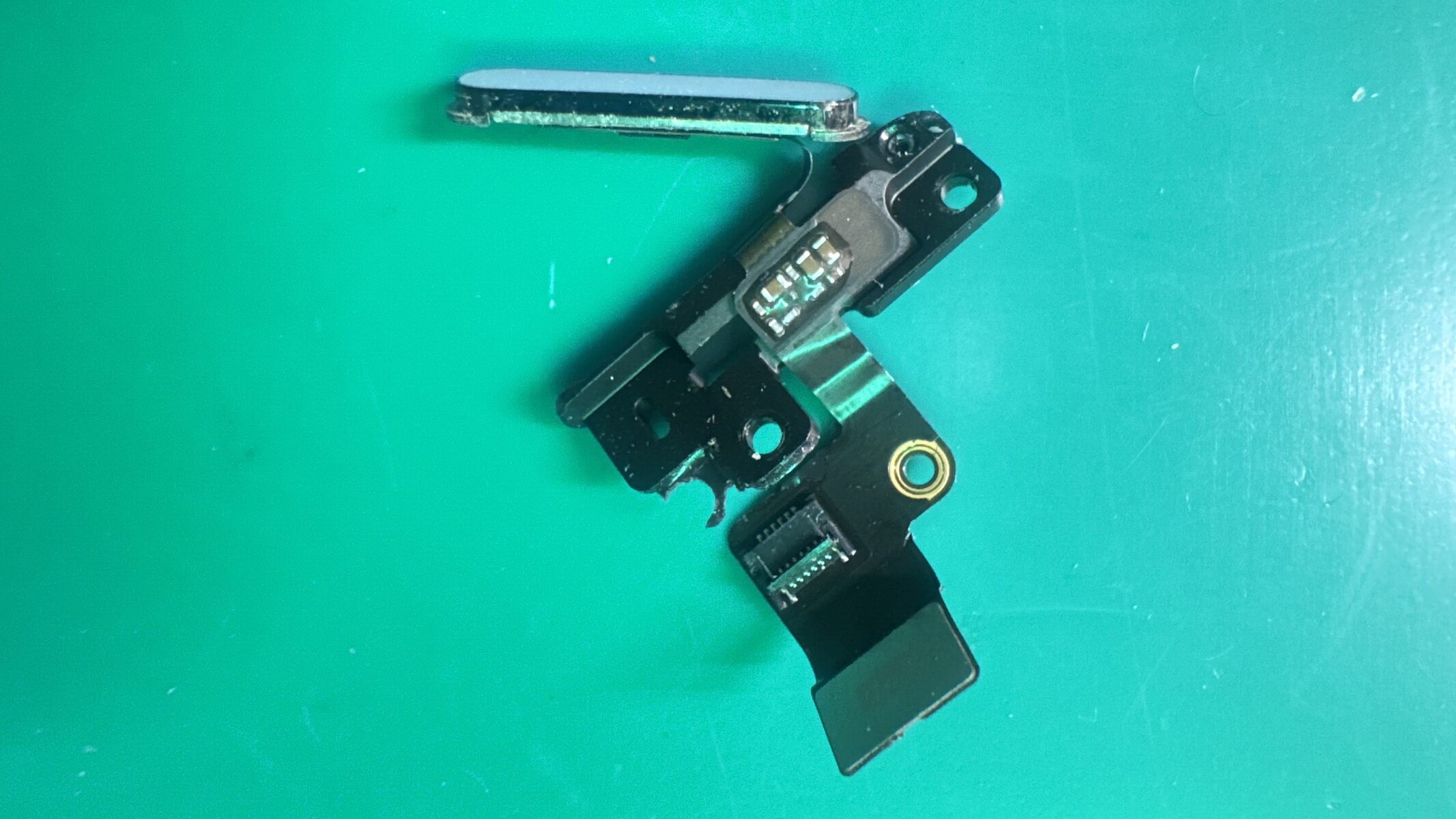
| Home / Power Button | $79–$99 | $69–$89 | $59–$79 | $49–$69 |
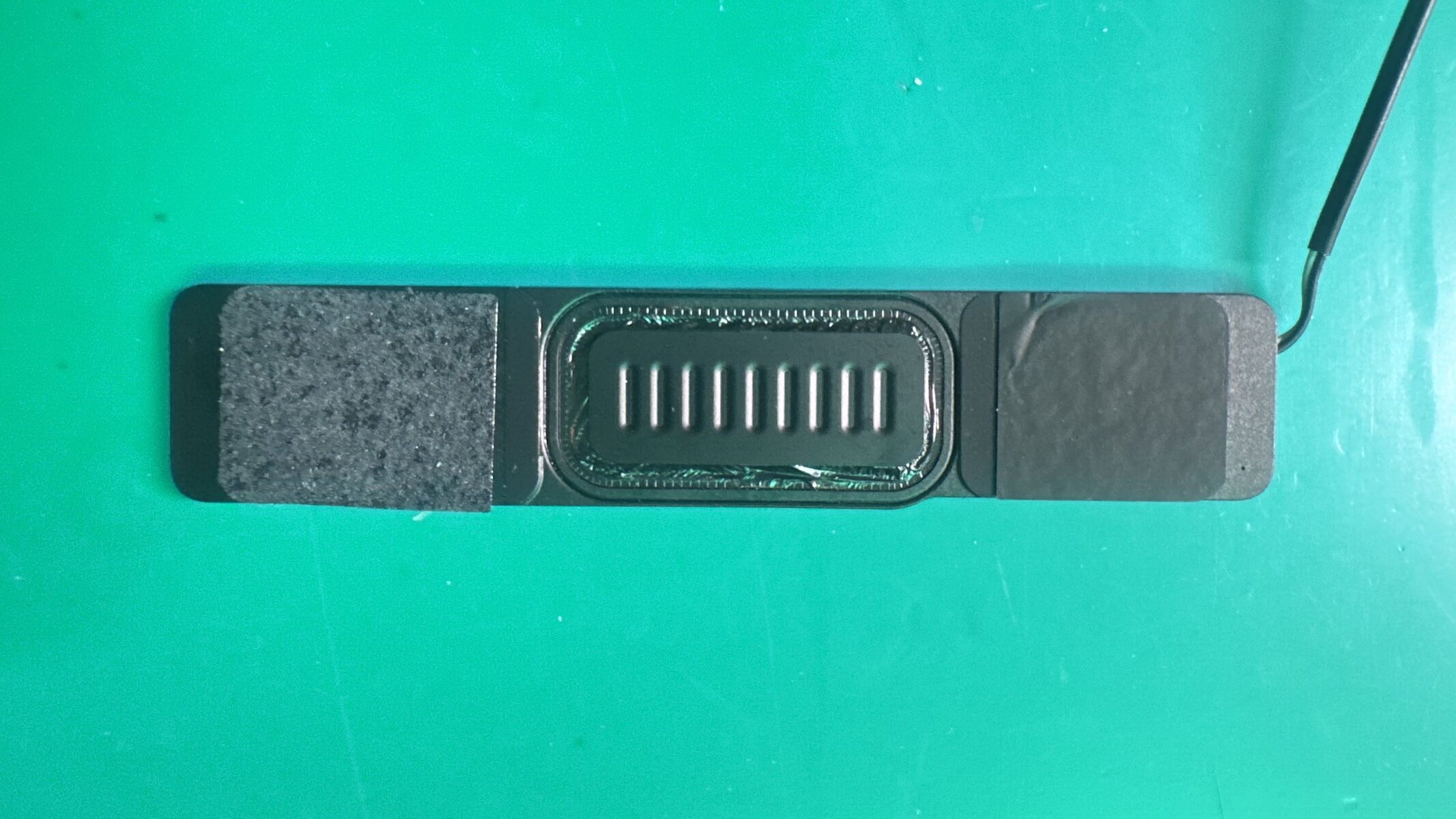
| Speaker Repair | $69–$89 | $59–$79 | $49–$69 | $49–$69 |
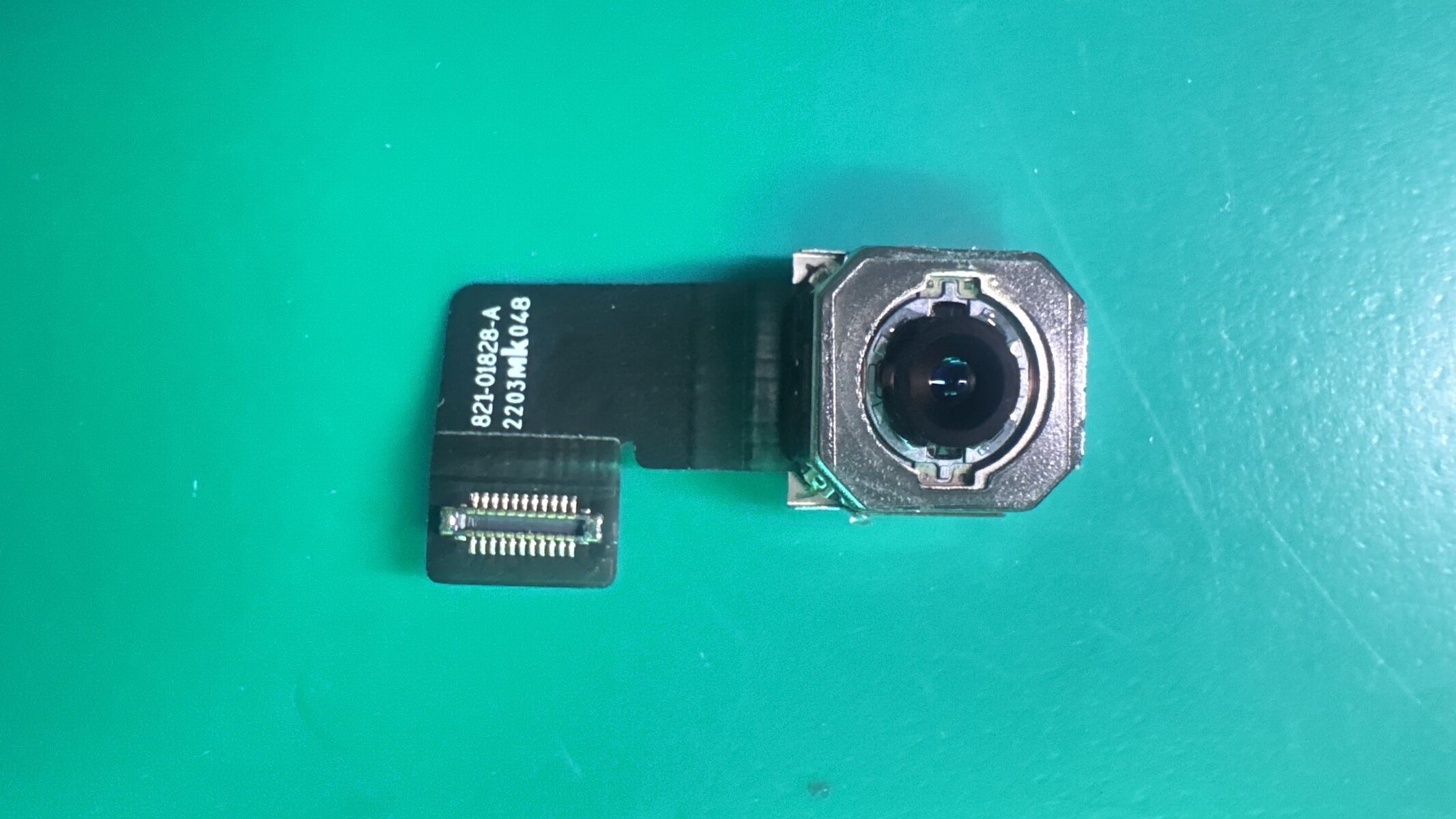
| Camera Replacement | $89–$129 | $69–$99 | $59–$89 | $49–$79 |
| Water Damage | From $89, varies by severity and components affected | |||
All prices include parts, labor, and our 1-year warranty. No hidden diagnostic fees.
What Our iPad Repair Customers Say
Real experiences from Tampa Bay customers who trusted WarriorMac with their iPads.
“My daughter's iPad Air screen shattered the week before finals. Apple Store quoted 5 days and $449. WarriorMac fixed it in 2 hours for $159. She had her study notes back the same day.As a parent, that kind of fast, affordable service is priceless.”
“I'm a digital artist and my iPad Pro 12.9 is my livelihood. The battery started swelling and pushing the screen up. I was terrified of losing my Procreate files. WarriorMac safely removed the swollen battery, installed a new one, and all my artwork was completely untouched. Professional, careful work.”
“We manage 35 iPads for our dental practice. When 8 of them needed screen repairs after a shelf collapsed, WarriorMac gave us a bulk discount and had all 8 done in 3 days. They even worked with our MDM setup. Now they're our go-to for all our device maintenance. Highly recommend for businesses.”
iPad Repair for Schools, Businesses & Organizations
iPads are the backbone of modern classrooms, medical practices, restaurants, retail stores, and creative studios. When multiple devices need repair, you need a partner who can handle volume efficiently without compromising quality.
WarriorMac works with schools, dental offices, restaurants, churches, and businesses across Tampa Bay that rely on iPads daily. We understand MDM (Mobile Device Management) configurations, DEP enrollment, and Supervised Mode, so we can repair your devices without disrupting your IT setup.
We offer volume pricing for 3+ devices, priority turnaround for business accounts, and can coordinate pickup and delivery for large repair batches. Contact us to set up a business repair account.
K–12 Schools
Bulk screen repairs, battery replacements, and device refresh services for classroom iPad fleets.
Medical & Dental
HIPAA-conscious repair for patient intake iPads, medical charting tablets, and digital imaging devices.
Restaurants & Retail
POS system iPad repair, menu display repairs, and kiosk device maintenance with fast turnaround.
Churches & Nonprofits
Discounted repair rates for nonprofit organizations using iPads for check-in, presentations, and outreach.
Business Account Benefits
- Volume pricing for 3+ devices
- Priority 24-hour turnaround
- Net-30 invoicing available
- MDM/DEP configuration preserved
- Pickup & delivery for 5+ devices
- Dedicated account manager
Tips to Protect Your iPad
An ounce of prevention is worth a pound of cure. Here's how to keep your iPad safe and functioning at its best.
Use a Protective Case
A folio case with raised edges protects both the screen and back from drops. For kids' iPads, consider a rugged case with built-in handle and screen protection.
Avoid Extreme Heat
Never leave your iPad in a hot car or in direct sunlight for extended periods. Heat degrades the battery and can cause the adhesive holding the glass to weaken.
Healthy Charging Habits
Don't leave your iPad plugged in 24/7. Use Optimized Battery Charging and avoid deep-draining to 0% regularly. These habits extend battery lifespan significantly.
Clean the Port
Use a soft brush or compressed air to gently remove dust from the charging port. Debris buildup is the #1 cause of intermittent charging problems we see in iPads.
iPad Repair FAQ
Contact Us Today
Send us an email or call for expert iPad repair services. We offer free diagnostics and estimates.
Common iPad Repairs
- Cracked Screen Repair
- Battery Replacement
- Charging Port Repair
- Speaker & Mic Repair
- Camera Replacement
- Button Repair