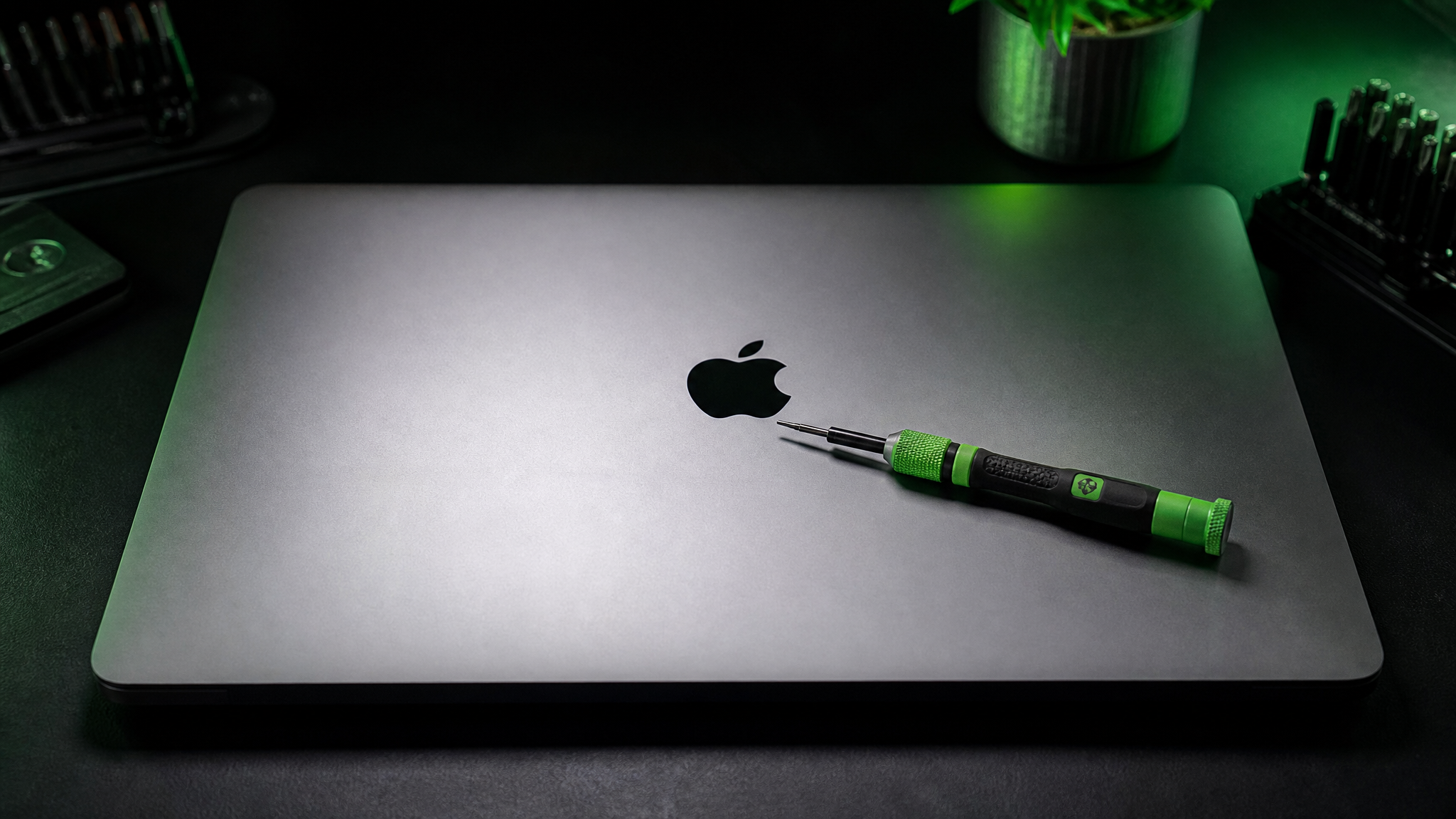
Is Your Mac Overheating? Expert Solutions to Restore Performance and Prevent Damage
Mac overheating repair at WarriorMac starts from $79. If your Mac runs hot, the fans spin loudly, or it throttles and shuts down unexpectedly, the root cause is usually dust-clogged fans, dried-out thermal paste, a failing fan motor, or a swelling battery. Our technician opens the machine, cleans the cooling system, replaces thermal paste with professional-grade compound, and tests under load to confirm temperatures are back to spec.
Left unaddressed, chronic overheating degrades the logic board, accelerates battery wear, and can cause permanent GPU or CPU damage. A thermal service now prevents a far more expensive repair later. Free diagnostic, 1–2 business day turnaround, walk-in in Tampa or nationwide mail-in.
Understanding Why Macs Overheat
Apple designs its computers with advanced thermal management systems that balance performance and cooling. These systems rely on components such as cooling fans, heat sinks, thermal sensors, and software-controlled fan management. When one or more of these systems fail to operate correctly, temperatures can rise beyond normal operating ranges. Ignoring overheating can lead to long-term damage to internal components, reduced battery lifespan, and expensive hardware failures.
Common Overheating Symptoms
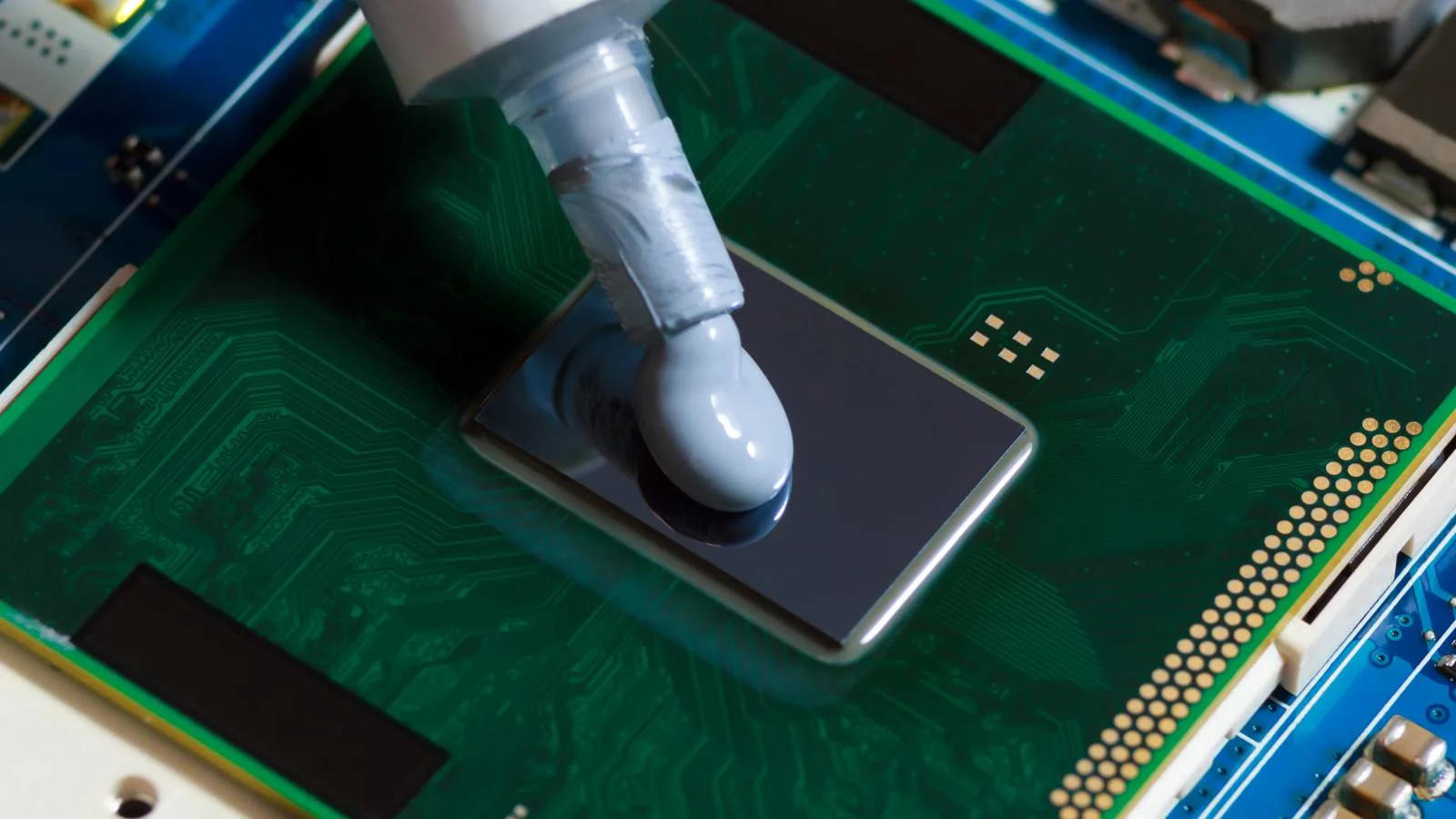
Professional Thermal System Service
An overheating Mac can lead to performance throttling, unexpected shutdowns, and long-term damage to internal components. WarriorMac provides comprehensive thermal system repair. Common causes include accumulated dust, degraded thermal paste, failed fans, and blocked vents.
Our technicians clean the cooling system, replace thermal paste with premium compounds, and repair or replace failed fans. Regular thermal maintenance can extend the life of your Mac significantly.
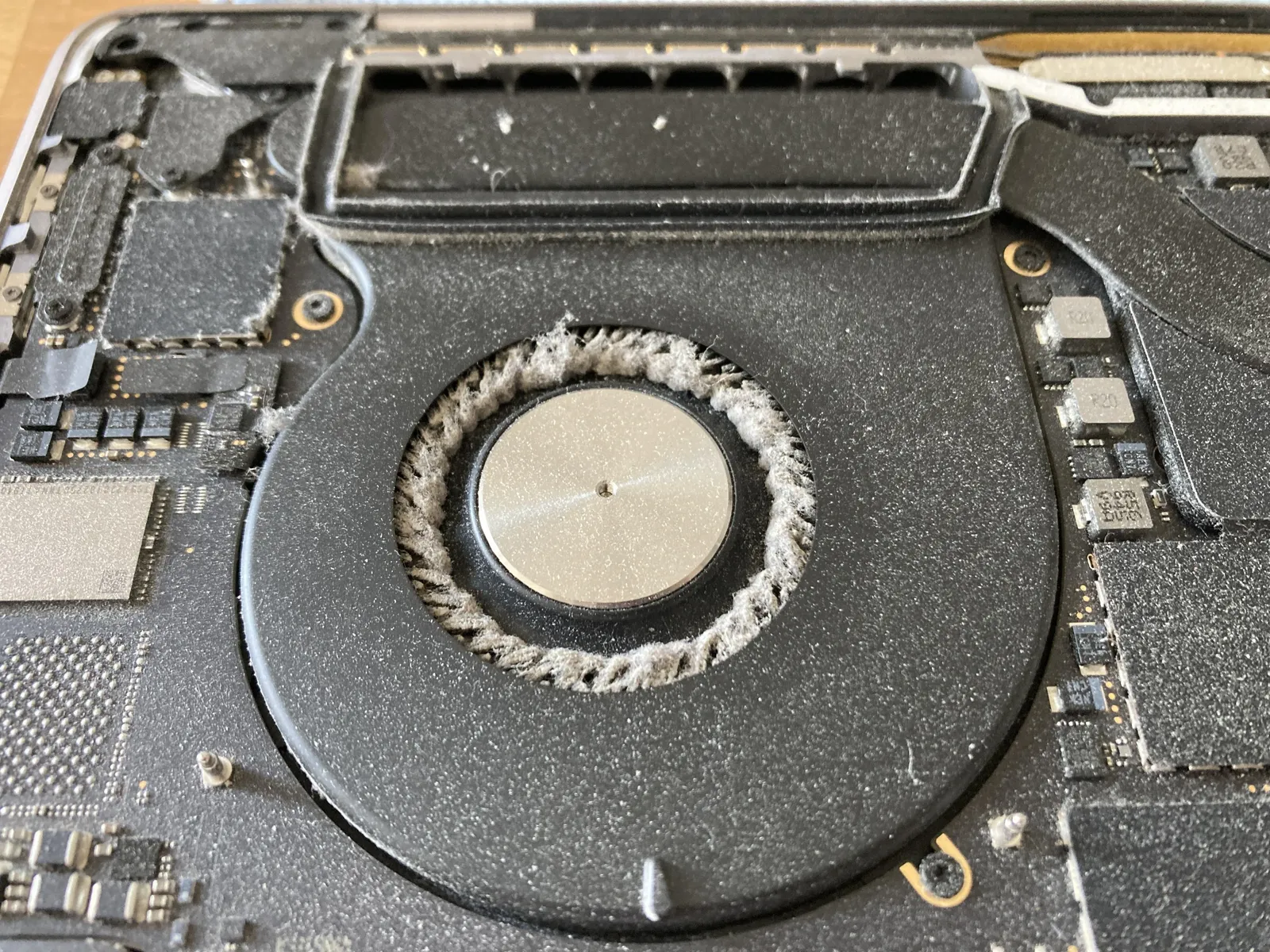
Internal Cleaning & Dust Removal
Dust accumulation is one of the most common causes of overheating. Over time, dust blocks cooling vents, internal fans, and heat sinks, forcing the cooling system to work harder. Professional internal cleaning removes accumulated debris and restores proper airflow.
If your Mac is running hot or the fans are constantly spinning at high speed, bring it to WarriorMac for a free diagnostic. We service all Mac models including MacBook Pro, MacBook Air, iMac, Mac Mini, and Mac Studio.
Get A Free DiagnosticCommon Causes of Mac Overheating
1. Dust and Debris Accumulation
One of the most common causes of Mac overheating is dust buildup inside the cooling system. Restricted airflow forces the cooling system to work harder, increasing temperatures and reducing efficiency. Professional internal cleaning removes accumulated dust and restores proper airflow.
2. Aging Thermal Paste
Thermal paste transfers heat from the processor to the cooling system. Over several years, thermal paste can dry out, crack, and lose effectiveness. Professional thermal paste replacement can significantly improve cooling performance.
3. High CPU Usage
Certain applications and background processes place heavy demands on the processor. Excessive CPU usage generates additional heat and can overwhelm the cooling system.
4. Faulty Cooling Fans
Mac cooling fans are responsible for dissipating heat during operation. When fans fail, the system cannot regulate temperatures effectively. Fan replacement is often necessary to restore proper cooling.
5. Battery Problems
A swollen or failing battery can contribute to overheating issues. Professional battery diagnostics determine whether replacement is needed.
6. Software Issues
Software conflicts can cause unnecessary processor activity and increased temperatures. Software optimization often resolves these issues.
7. Logic Board Problems
Internal component failures on the logic board can create abnormal power consumption and heat generation. Advanced diagnostics help identify and repair board-level faults.
Signs Your Mac Is Overheating
Recognizing the warning signs early can prevent more serious damage.
Excessively Hot Surface
- Keyboard
- Trackpad
- Bottom casing
- Rear vents
Loud Fan Noise
- Excessive heat
- Dust buildup
- Fan malfunction
- Software issues
Slow Performance
- Slow app loading
- Reduced responsiveness
- Lagging performance
Unexpected Shutdowns
- Protects internal components from permanent damage
Battery Draining Faster
- Additional stress on battery
- Faster power consumption
Charging Issues
- Stops charging when too hot
- Temperature safety limits
Mac Devices Commonly Affected by Overheating
Professional overheating solutions are available for all major Apple computers.
MacBook Pro
- Dust-clogged cooling systems
- Thermal paste degradation
- Fan failure
- High-performance workload overheating
MacBook Air
- Limited airflow
- Battery-related heat
- Software-related temperature spikes
iMac
- Internal dust accumulation
- Aging cooling components
- Processor-intensive workloads
Mac Mini
- Airflow restrictions
- Heat buildup in compact design
Mac Studio
- Thermal management for high-performance workflows
Professional Mac Overheating Diagnostic Process
Effective overheating repair begins with a comprehensive diagnostic evaluation.
Temperature Monitoring
Measure CPU temperatures, GPU temperatures, battery temperatures, and fan performance.
Internal Inspection
Identify dust buildup, damaged fans, battery swelling, and physical damage.
Software Analysis
Evaluate resource usage, background processes, malware infections, and operating system health.
Hardware Testing
Test cooling fans, thermal sensors, logic board systems, and power management circuits.
Apple Diagnostics
Run Apple Diagnostics systematically to ensure your Mac works at its peak and pinpoint any thermal weaknesses.
Professional Mac Overheating Solutions
Internal Cleaning Service
Professional cleaning removes dust and debris from cooling fans, heat sinks, air vents, and internal components. This often results in immediate temperature improvements.
Thermal Paste Replacement
Replacing degraded thermal compound restores efficient heat transfer and reduces processor temperatures. Benefits include lower operating temperatures, improved performance, and reduced fan noise.
Fan Repair and Replacement
Faulty cooling fans are repaired or replaced to ensure consistent airflow.
Software Optimization
Remove unnecessary applications, disable resource-heavy startup items, eliminate malware, and update software. These optimizations reduce processor workload and heat generation.
Battery Replacement
If overheating is caused by battery failure or swelling, replacing the battery restores safety and performance.
Logic Board Repair
Board-level repairs address electrical faults contributing to excessive heat production.
Benefits of Professional Mac Overheating Repair Services
Accurate Diagnosis
Professionals identify the true cause of overheating rather than treating symptoms alone.
Improved Performance
Lower temperatures allow the processor and graphics systems to perform efficiently.
Extended Hardware Lifespan
Reducing heat helps protect CPU, GPU, battery, and logic board.
Reduced Fan Noise
Proper cooling minimizes unnecessary fan activity.
Enhanced Reliability
A cooler system experiences fewer crashes and shutdowns.
Cost Savings
Timely repairs prevent expensive component replacements caused by prolonged overheating.
Risks of Ignoring Mac Overheating
Failure to address overheating can lead to serious consequences. Professional intervention helps prevent these costly outcomes.
Preventing Future Mac Overheating Issues
Routine maintenance plays an important role in temperature management.
Keep Vents Clear
Avoid blocking ventilation openings during use.
Use Hard Surfaces
Soft surfaces such as beds and couches can restrict airflow.
Clean Regularly
Periodic cleaning prevents dust accumulation.
Monitor Resource Usage
Close unnecessary applications that consume excessive system resources.
Update macOS
Software updates often improve thermal management and system efficiency.
Replace Aging Batteries
Old batteries can contribute to heat generation and should be replaced when necessary.
Schedule Preventive Maintenance
Regular inspections help identify potential cooling issues before they become serious.
Choosing the Right Mac Overheating Repair Service
When selecting a repair provider, consider:
Frequently Asked Questions
Conclusion
Mac overheating is more than just an inconvenience, it can affect performance, battery health, and the long-term reliability of your device. Whether the problem is caused by dust accumulation, fan failure, thermal paste deterioration, battery issues, software conflicts, or logic board faults, professional Mac overheating solutions provide effective and lasting results.
Expert technicians can accurately diagnose the source of excessive heat, perform targeted repairs, and optimize cooling performance to keep your Mac running efficiently. Investing in professional overheating repair services helps protect your hardware, improve system performance, extend device lifespan, and ensure a smoother computing experience for years to come.
If your Mac is overheating, don't wait. Contact WarriorMac today for a free diagnostic and get your device back on track.
Get Your Mac Cooled Down Today
Contact WarriorMac for a free diagnostic and professional overheating repair. Fast turnaround, Apple Genuine Parts, and a repair warranty you can trust.