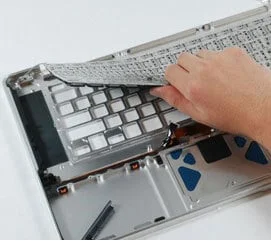
MacBook keyboard replacement at WarriorMac starts from $150 and uses genuine Apple top-case assemblies matched to your exact model year. On Retina MacBooks from late 2012 onward the keyboard is riveted into the top case, so a bare keyboard swap leaves no solid anchor for the screws. We fit the full genuine assembly, ensuring a factory-quality seat that a keyboard-only swap cannot achieve. Every replacement comes with a 1-year warranty and starts with a free diagnostic.
Common causes include liquid damage, butterfly-mechanism debris buildup on 2016–2019 models, and worn keycaps from heavy daily use. Our Apple Certified technician diagnoses whether the issue is the keyboard itself or a deeper logic board connection problem before any parts are ordered.
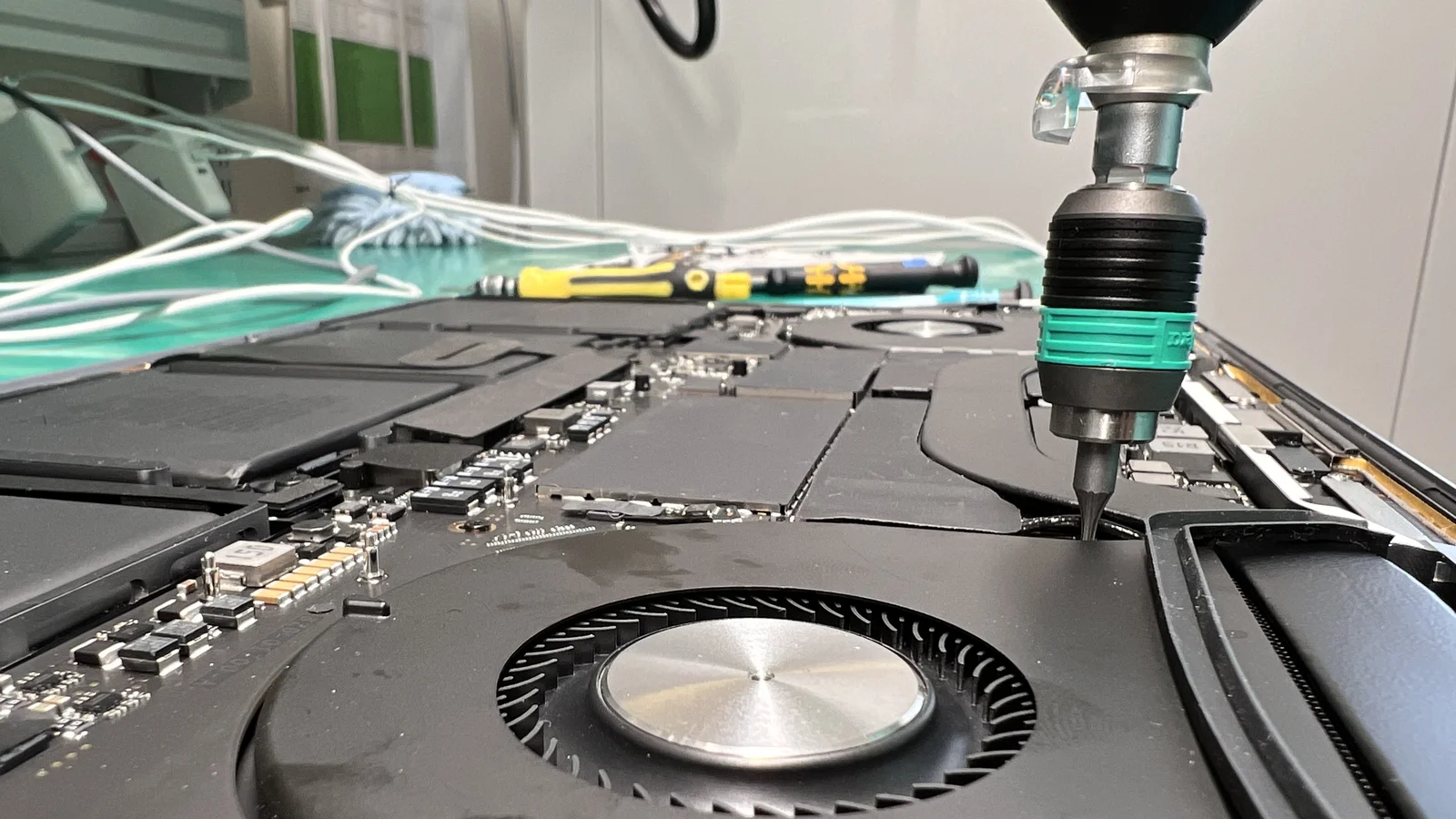
Understanding MacBook Top-Case Keyboard Problems
The MacBook keyboard is integrated into the top-case assembly, which includes the battery, trackpad, and sometimes the speakers. Issues with the keyboard can occur for several reasons, and malfunctioning keyboards may affect typing accuracy, interfere with shortcuts, or prevent certain commands from registering.
Problem Areas
Key Mechanism
Butterfly or scissor switches can fail from normal use or defects
Liquid Exposure
Spills damage delicate circuitry under keys
Dust & Debris
Particles block key travel and cause intermittent failures
Logic Board Connection
Loose or damaged internal cables can mimic keyboard failure
Common Symptoms
- Key unresponsiveness or sticking
- Missing or broken keys
- Repeated or stuck key presses
- Liquid or debris damage
- Wear over time
Common Causes of MacBook Keyboard Failure
1. Wear and Tear
Daily use naturally causes keys to degrade or lose responsiveness over time.
2. Liquid Damage
Spills or moisture can damage the delicate mechanisms under the keys and internal circuitry.
3. Dust and Debris Accumulation
Particles trapped under keys can block key movement or cause unregistered presses.
4. Faulty Keyboard Mechanism
Certain MacBook models have experienced issues with butterfly or scissor mechanisms.
5. Logic Board or Connection Issues
Keyboard issues can sometimes stem from loose or damaged internal connections to the logic board. Professional technicians test all connections to ensure the keyboard is the root cause before replacing the top-case.
Expert Keyboard Diagnostics
Our team uses professional-grade tools and diagnostic software to identify the exact cause of your keyboard issues. Whether the problem lies in the key mechanism, liquid exposure, debris accumulation, or an internal connection fault, we pinpoint it accurately before recommending repairs.
Replacing the top-case keyboard restores a smooth, responsive typing experience. Professional repair centers assess damage and replace affected components safely.
Signs You Need a MacBook Top-Case Keyboard Replacement
Prompt repair prevents further damage to internal components and restores full MacBook usability. Look for the following indicators:
MacBook Models Commonly Serviced
Professional repair services cover a wide range of MacBooks, including:
MacBook Air
All generations including M1, M2, M3
MacBook Pro
13-inch, 14-inch, 15-inch, 16-inch
Intel-based MacBooks
All Intel processor models
Apple Silicon MacBooks
M1, M2, M3 and newer
Common Repairs
Specialized Repair Techniques
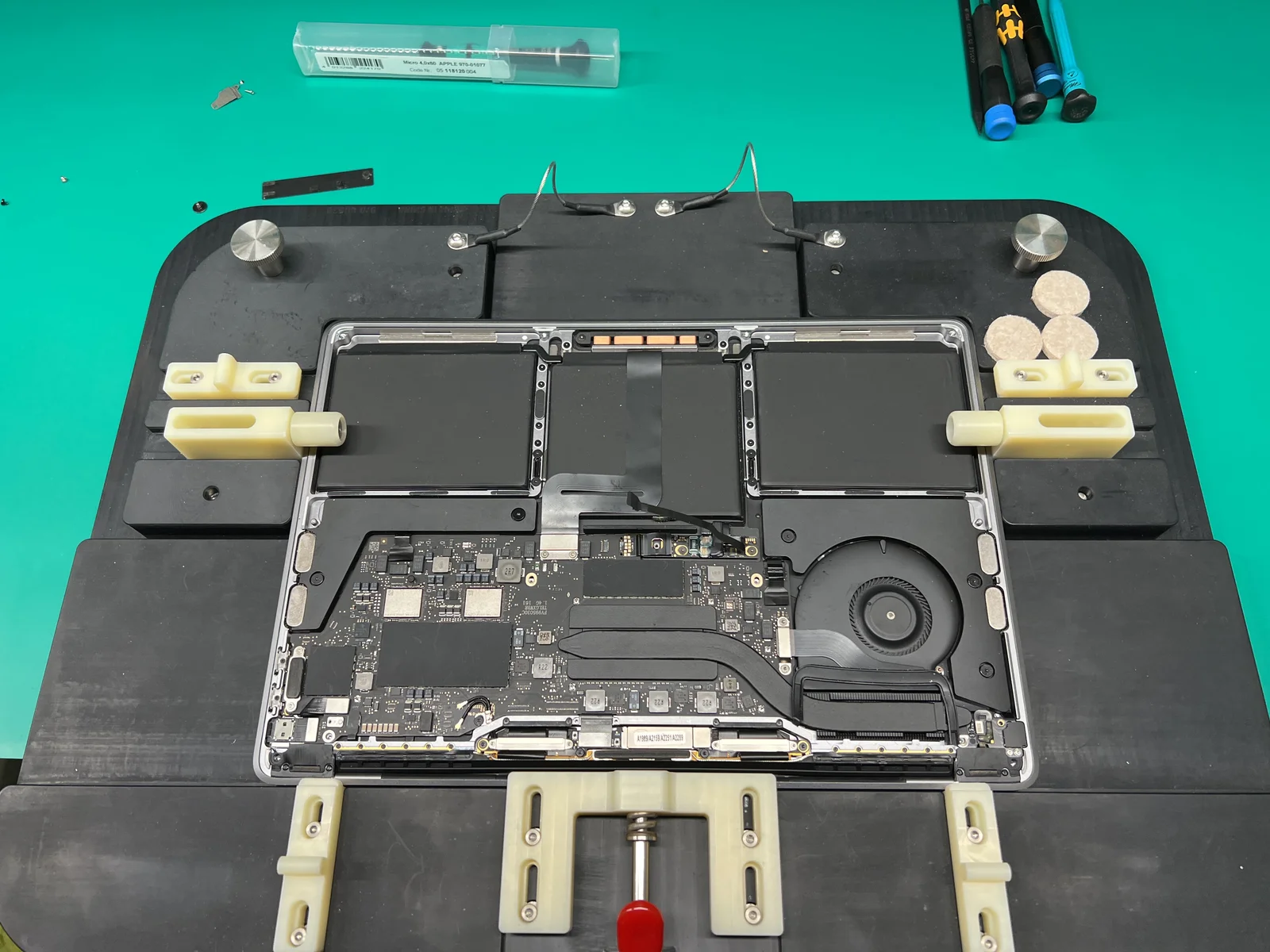
Our technicians specialize in MacBook top-case keyboard replacement, using Apple Genuine Parts for lasting results. The top-case assembly includes the keyboard, battery, trackpad, and sometimes the speakers, so our team handles each component with precision.
Whether the issue is wear and tear, liquid damage, dust accumulation, or a faulty mechanism, we have the expertise and tools to restore your MacBook keyboard to full functionality.
Professional Diagnostic Process
Experienced technicians follow a systematic approach. This method ensures accurate diagnosis and effective repair.
Initial Inspection
Assess the physical condition of the keyboard and top-case assembly.
Functionality Testing
Verify which keys are unresponsive, sticky, or malfunctioning.
Connection Assessment
Check internal connections to ensure the keyboard issue is not caused by logic board faults.
Top-Case Evaluation
Determine whether cleaning or full top-case replacement is required.
Component Replacement
Replace the top-case assembly, including the keyboard, battery, and trackpad if needed.
Benefits of Professional MacBook Keyboard Replacement Services
Accurate Diagnosis
Identify the real cause of keyboard issues.
Apple Genuine Parts
We use Apple Genuine Parts.
Cost-Effective
Avoid replacing unrelated components.
Fast Turnaround
Many top-case replacements are completed within a few hours.
Data Safety
Technicians handle internal components carefully to protect your files.
Restored Functionality
Full keyboard and top-case replacement ensures smooth typing and reliable performance.
Risks of DIY MacBook Keyboard Repairs
Attempting a DIY top-case replacement can result in serious problems. Professional service ensures safe, reliable repair without risking your MacBook.
Trusted by the Tampa Community
As a trusted partner in the Tampa community, WarriorMac has built a reputation for excellence in MacBook repair services. We use only genuine Apple parts and follow strict quality control measures to ensure your MacBook is repaired to the highest standards.
Our team is dedicated to providing a hassle-free and personalized experience, from the moment you walk through our doors to the time you pick up your repaired device.
Preventive Measures
To reduce the risk of keyboard issues, follow these recommendations:
Keep Liquids Away
Avoid eating or drinking near your MacBook.
Clean Regularly
Clean keys regularly with compressed air or soft brushes.
Use a Keyboard Cover
Use a protective keyboard cover if needed.
Handle with Care
Handle your MacBook carefully to avoid drops or impacts.
Gentle Key Presses
Avoid excessive pressure on keys.
Address Issues Early
Address minor issues early before they worsen.
Choosing the Right MacBook Keyboard Repair Service
Select a service provider with the following qualities:
Frequently Asked Questions
Conclusion
A malfunctioning MacBook keyboard can slow you down and affect your workflow. Professional MacBook top-case keyboard replacement services offer fast, safe, and effective solutions to restore typing performance and device usability.
Experienced technicians ensure accurate diagnosis, high-quality repairs, and data protection. Timely replacement prevents further damage, prolongs MacBook lifespan, and restores a comfortable, reliable typing experience.
If your MacBook keyboard is failing, don't wait. Contact WarriorMac today for a free diagnostic and get your device back on track.
Get Your MacBook Keyboard Fixed Today
Contact WarriorMac for a free diagnostic and professional top-case keyboard replacement. Fast turnaround, genuine parts, and a repair warranty you can trust.