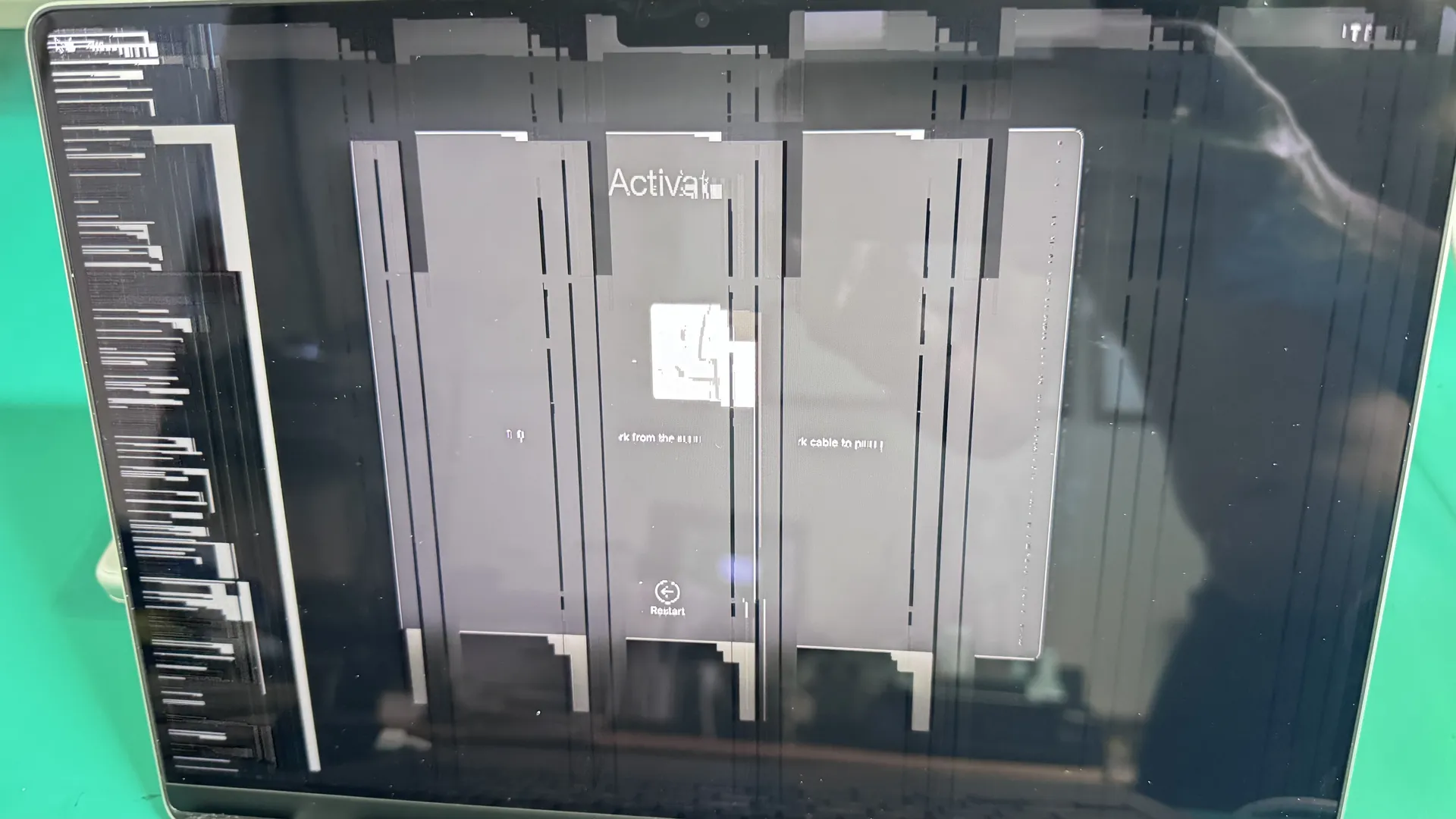
Mac screen replacement at WarriorMac starts from $125 using genuine Apple display assemblies. Non-genuine panels can break True Tone, auto-brightness, and sleep/wake on lid close, which is why we fit only genuine Apple screens. Screen damage is the single most common repair we handle, and most replacements are completed within 1–2 business days with a 1-year warranty.
Whether your MacBook Pro, MacBook Air, or iMac display is cracked from a drop, showing lines, or flickering intermittently, every repair starts with a free diagnostic. Our Apple Certified technician verifies whether the issue is the display panel itself or a logic board GPU fault before ordering any parts. Walk-in service in Tampa and nationwide mail-in available.
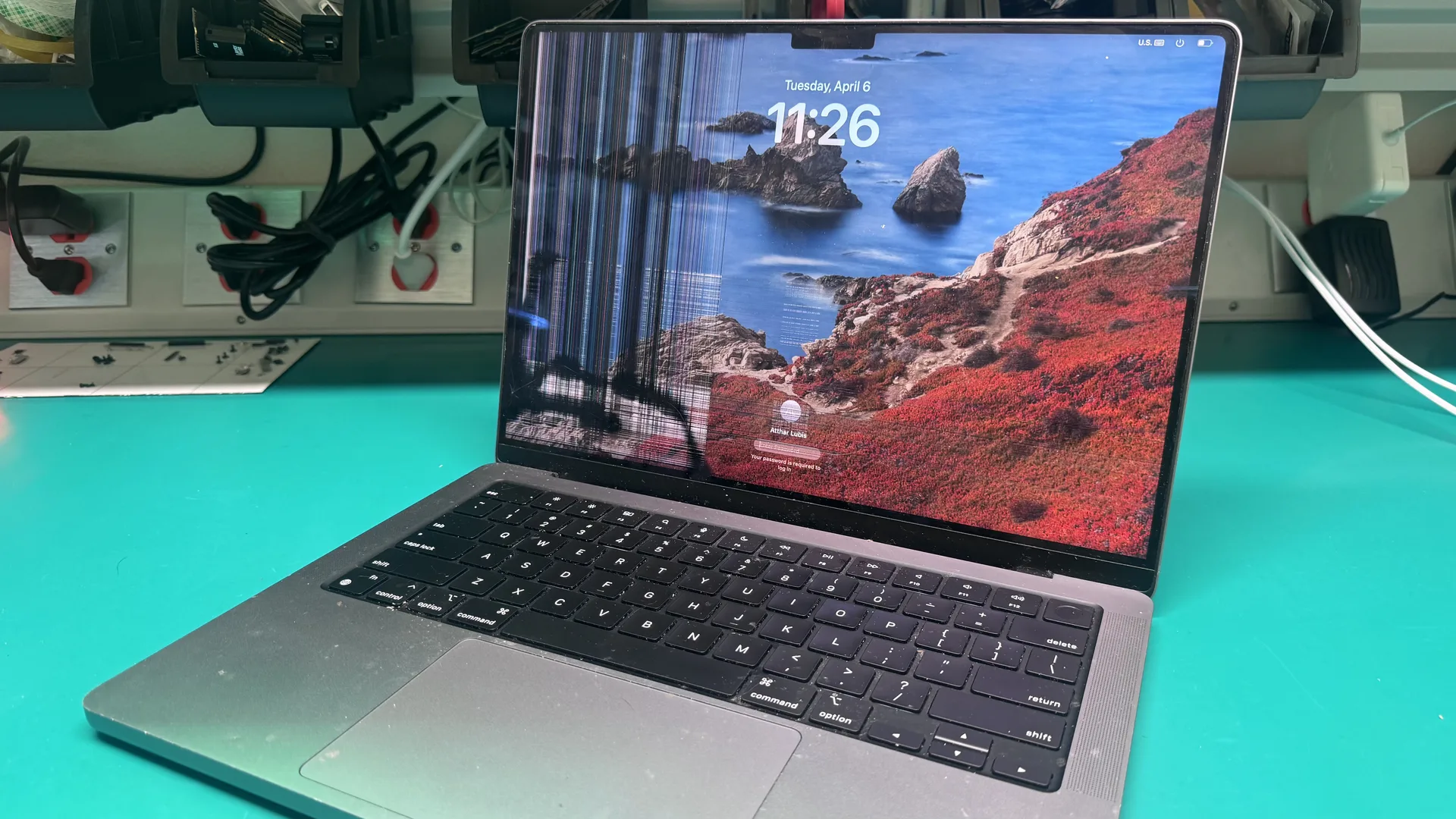
MacBook Cracked Screen Repair
We have in stock most of the screen and we will be able to offer a fast service repair for your Mac Laptop broken screen. Home or business, large or small, simple or complicated, it does not matter, you will get the same 90 days warranty on pre-owned part replacement and 1 year when you buy brand new parts.
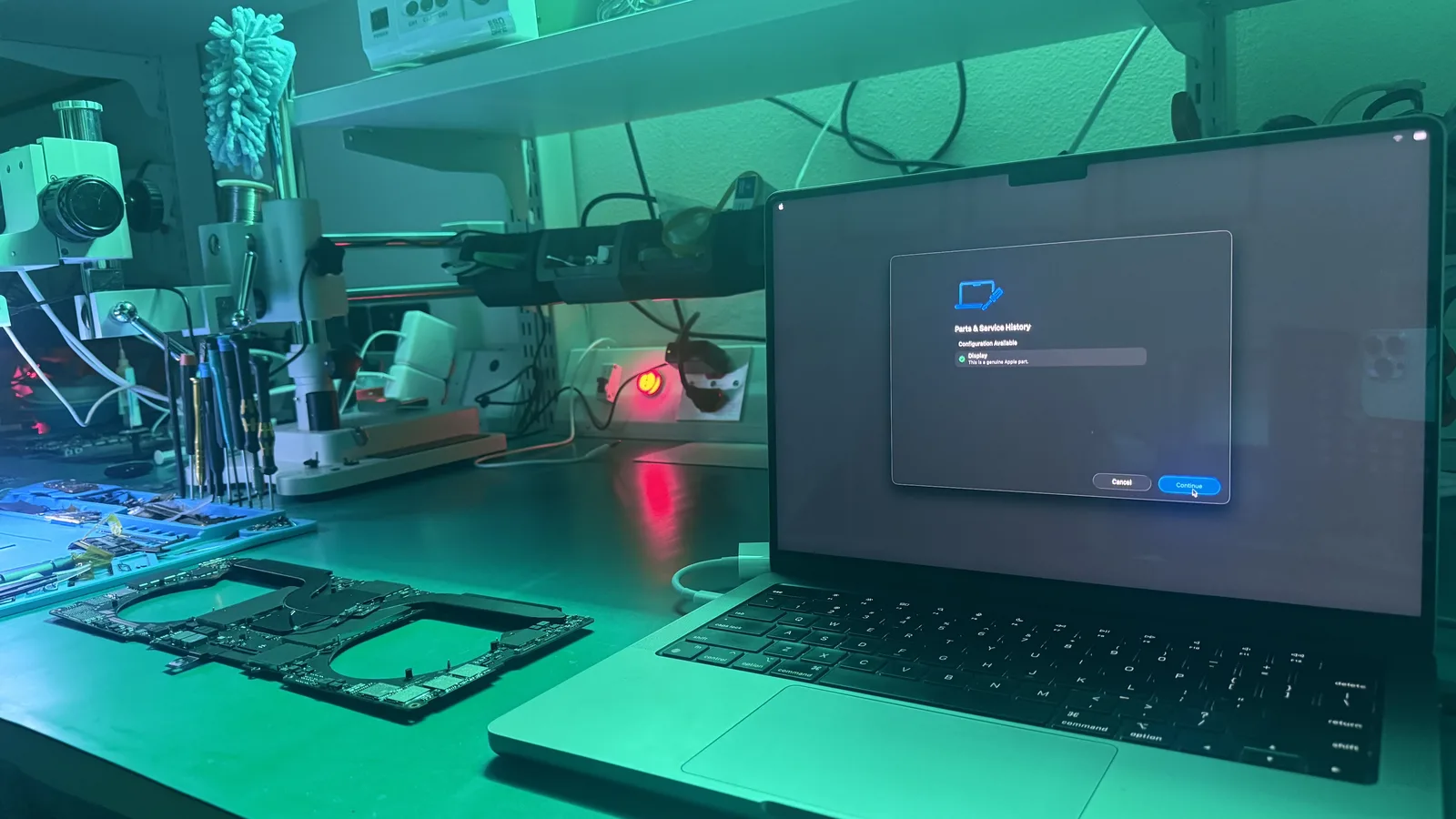
Apple OEM Genuine Screen
At WarriorMac, we only use Genuine Apple Parts for your MacBook screen repair. Here is what we cover depending on the type of damage and your MacBook model:
Understanding MacBook Screen Damage
The MacBook display is one of its most delicate components. Screen damage may be caused by drops, heavy impacts, accidental pressure, or manufacturing defects in rare cases. A cracked or damaged screen can affect:
Problem Areas
Display Panel
Retina LCD or glass panel cracking from impact or pressure
Liquid Exposure
Moisture weakens screen and underlying display connections
Excessive Pressure
Heavy objects or hard presses damage the display
Faulty Components
Manufacturing defects causing screen failure under normal use
Impact on Your MacBook
- Visual clarity and color accuracy
- Touch and keyboard responsiveness (on MacBook models with Touch Bar)
- Internal components, if debris or liquid enters through cracks
- Overall device usability
Common Causes of MacBook Screen Cracks
1. Accidental Drops or Impacts
Even a minor fall can crack or shatter the screen. Professional repair restores the display to its original clarity and performance.
2. Excessive Pressure
Placing heavy objects on a closed MacBook or pressing too hard on the screen can cause damage.
3. Liquid or Moisture Exposure
Liquid exposure can weaken the screen and underlying display connections. Professional repair services address both the display and any underlying damage to prevent further issues.
4. Faulty Display Components
On rare occasions, manufacturing defects in the display can result in screen cracking or failure under normal use.
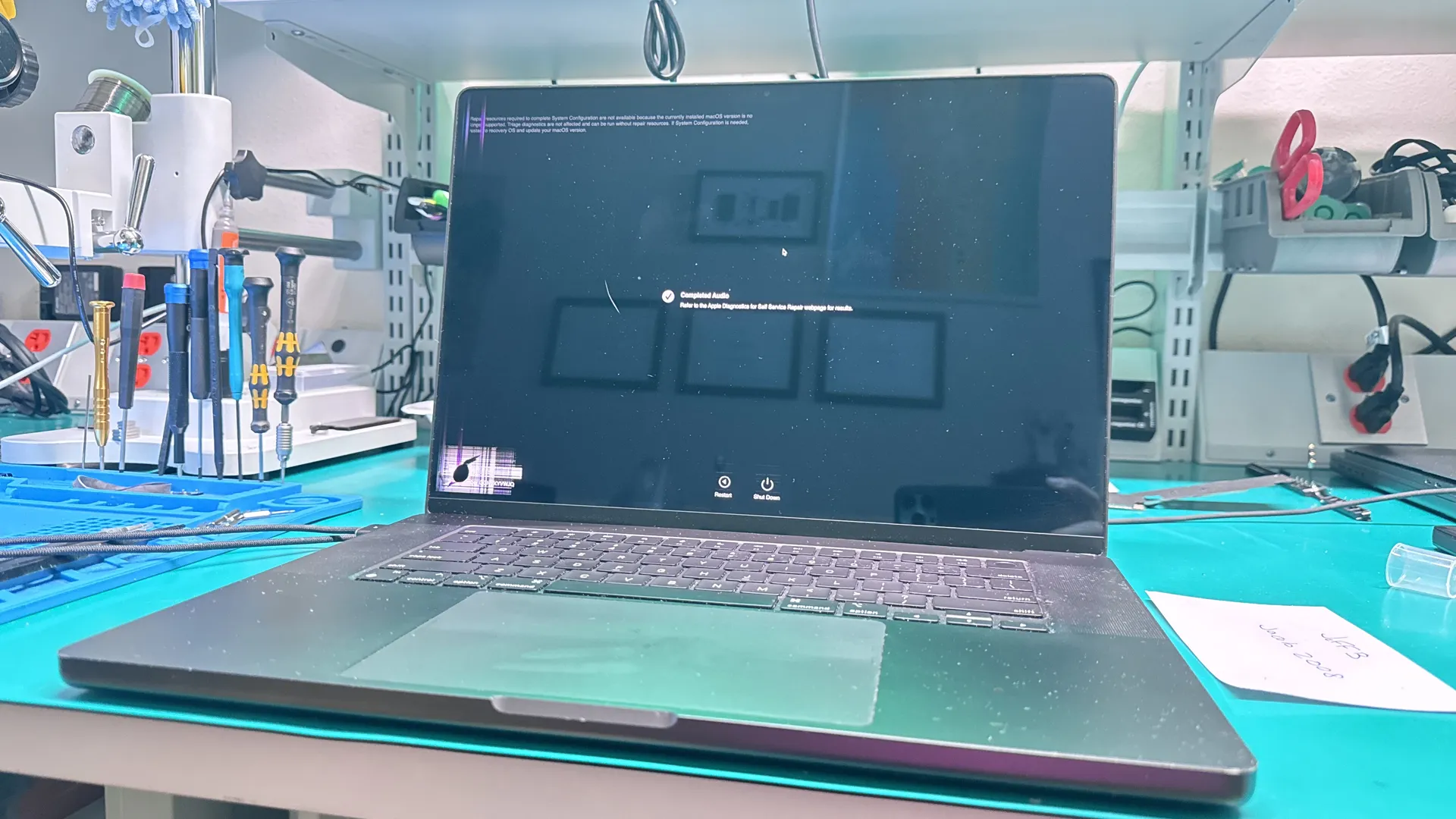
Expert Screen Diagnostics
Our team uses professional-grade tools and diagnostic software to identify the exact cause of your screen issues. Whether the problem is a cracked panel, backlight failure, liquid damage, or a faulty display connector, we pinpoint it accurately before recommending repairs.
At WarriorMac, we only use Genuine Apple Parts for your MacBook screen repair. We cover all types of damage, from cracked glass and damaged LCDs to full assembly replacements on newer Retina models.
Signs You Need a MacBook Screen Repair
Prompt repair prevents further damage to internal components and restores full usability. Look for the following indicators:
MacBook Models Commonly Serviced
Professional repair services support a wide range of MacBooks, including:
MacBook Air
All generations including M1, M2, M3
MacBook Pro
13-inch, 14-inch, 15-inch, 16-inch
Intel-based MacBooks
All Intel processor models
Apple Silicon MacBooks
M1, M2, M3 and newer
Common Repairs
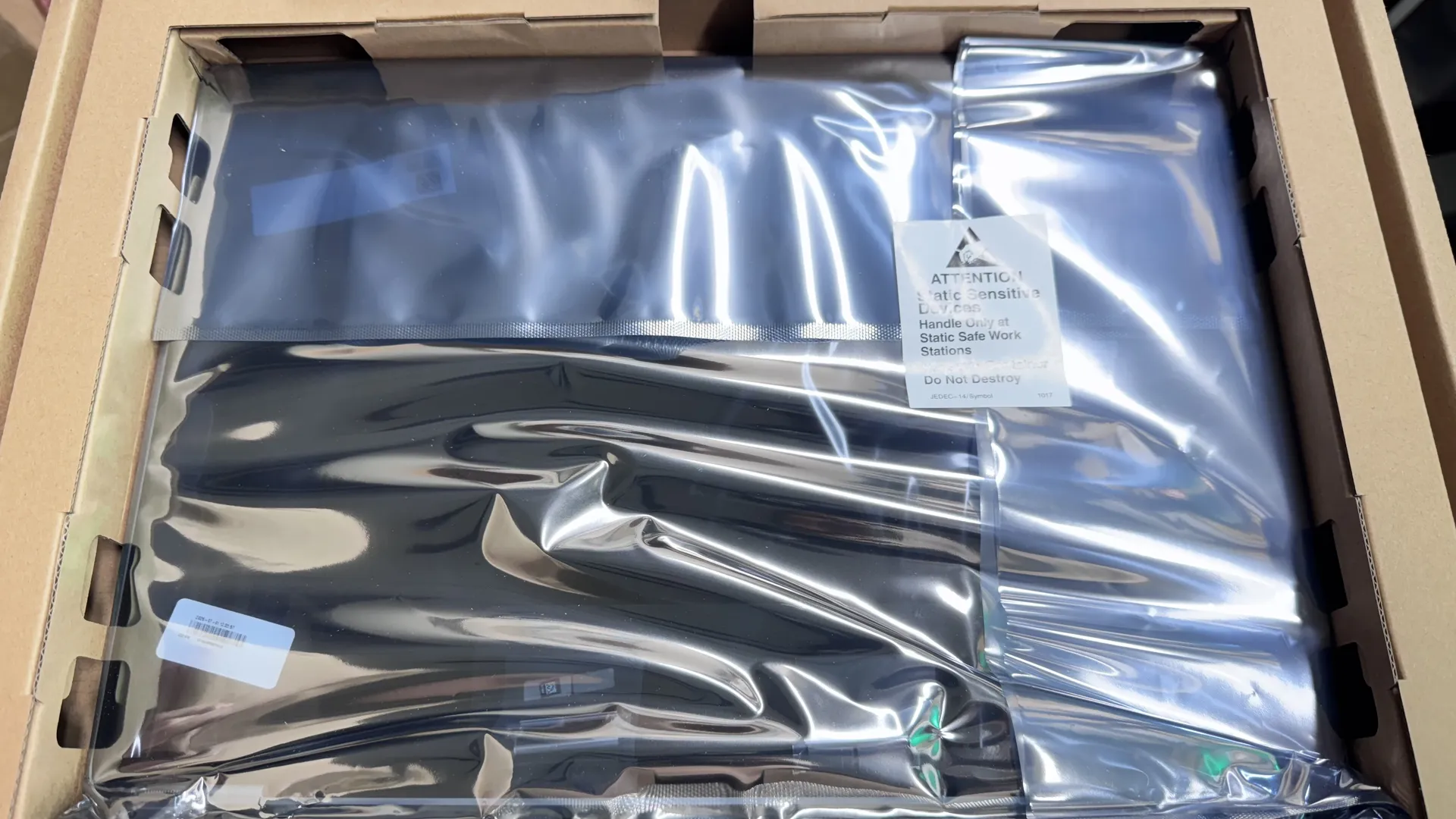
Genuine Apple Screen Replacement
We have in stock most screens and can offer fast service repair for your MacBook broken screen. Whether you need a full assembly replacement for newer Retina models, an LCD-only swap for older MacBooks, or glass panel replacement for pre-2012 models, our technicians handle every repair with precision.
Home or business, large or small, simple or complicated, you will get the same warranty-backed service: 180 days on pre-owned parts and 1 year on brand new parts.
Professional Diagnostic Process
Experienced technicians follow a structured approach. This process ensures accurate diagnosis and lasting results.
Initial Inspection
Assess the physical condition of the screen and top-case assembly.
Functionality Testing
Verify display responsiveness, brightness, and color accuracy.
Internal Component Check
Examine the display connectors and logic board for impact-related damage.
Replacement Evaluation
Determine whether a full screen replacement or component repair is required.
Screen Replacement
Install an Apple Genuine replacement display, calibrate, and test functionality.
Benefits of Professional MacBook Screen Repair Services
Accurate Diagnosis
Identify the real cause of display issues.
Apple Genuine Displays
Apple Genuine displays restore original performance and clarity.
Cost-Effective
Avoid replacing unrelated components unnecessarily.
Fast Turnaround
Many repairs are completed within hours.
Data Safety
Experts handle internal components carefully to protect your files.
Restored Display Functionality
Full repair ensures smooth visuals and accurate colors.
Risks of DIY MacBook Screen Repairs
Attempting a DIY screen replacement can result in serious problems. Professional service ensures safe, precise, and reliable repairs.
Preventive Measures
To reduce the risk of screen damage, follow these recommendations:
Use a Protective Case
Use a protective sleeve or case for your MacBook.
Avoid Heavy Objects
Avoid placing heavy objects on your MacBook.
Handle with Care
Handle your MacBook carefully during transport.
Keep Liquids Away
Keep liquids and food away from the device.
Avoid Pressure on Display
Avoid pressing hard on the display or closing it with objects inside.
Address Issues Early
Address minor cracks before they spread or worsen.
Choosing the Right MacBook Screen Repair Service
Look for a provider with the following qualities:
Frequently Asked Questions
Conclusion
A cracked MacBook screen can significantly hinder productivity and put internal components at risk. Professional MacBook screen repair services offer fast, reliable, and safe solutions to restore display functionality and device usability.
Experienced technicians provide accurate diagnostics, Apple Genuine parts, and careful handling to protect your data. Timely repair prevents further damage, prolongs MacBook lifespan, and restores a clear, responsive display.
If your MacBook screen is cracked or damaged, don't wait. Contact WarriorMac today for a free diagnostic and get your device back on track.
Get Your MacBook Screen Fixed Today
Contact WarriorMac for a free diagnostic and professional screen replacement. Fast turnaround, genuine Apple parts, and a repair warranty you can trust.