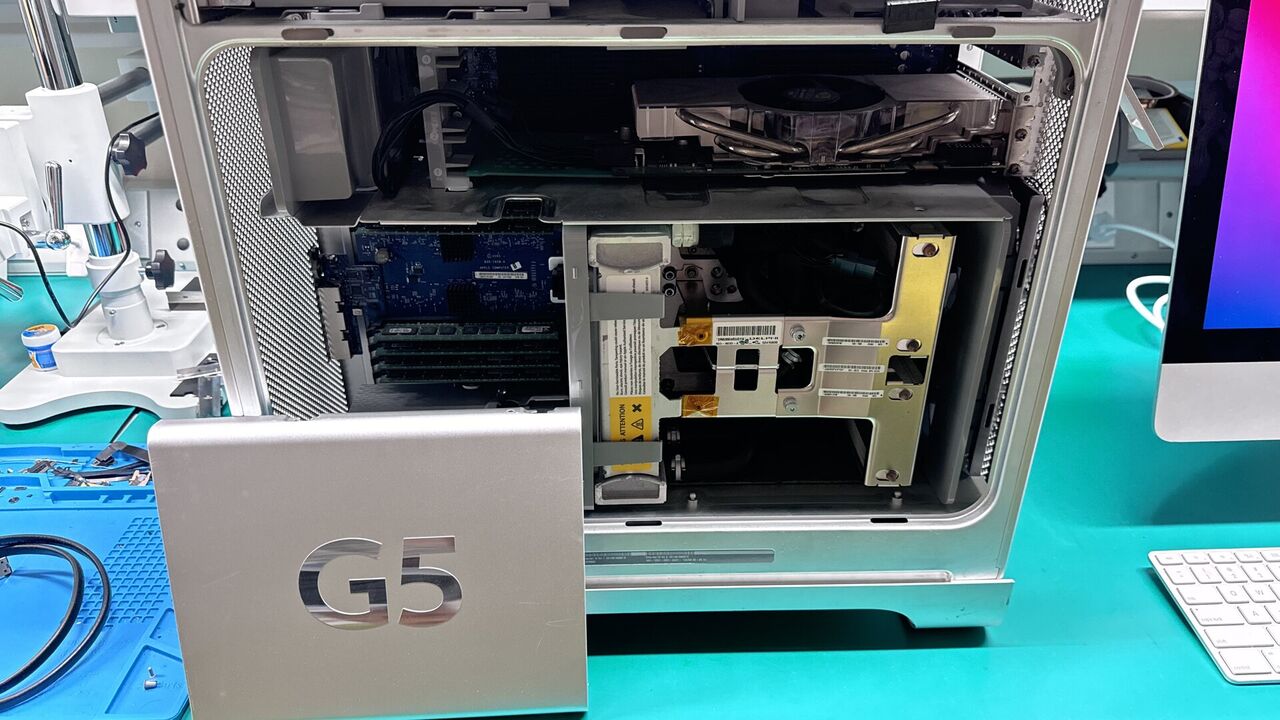
Mac SSD upgrades at WarriorMac start from $149 including the drive, full data cloning, professional installation, and a 1-year warranty on parts and labor. An SSD upgrade is the single biggest performance improvement you can make to an older Mac, often cutting boot time from over a minute to under 15 seconds and making every app launch noticeably faster.
We carry 500GB, 1TB, and 2TB drives in stock for same-day service on most MacBook, iMac, and Mac Mini models. RAM upgrades, Fusion Drive conversions, and thermal paste replacement are also available and can be bundled at a lower combined cost. Free diagnostic to identify exactly which upgrade gives your Mac the biggest boost.
Why Macs Slow Down Over Time
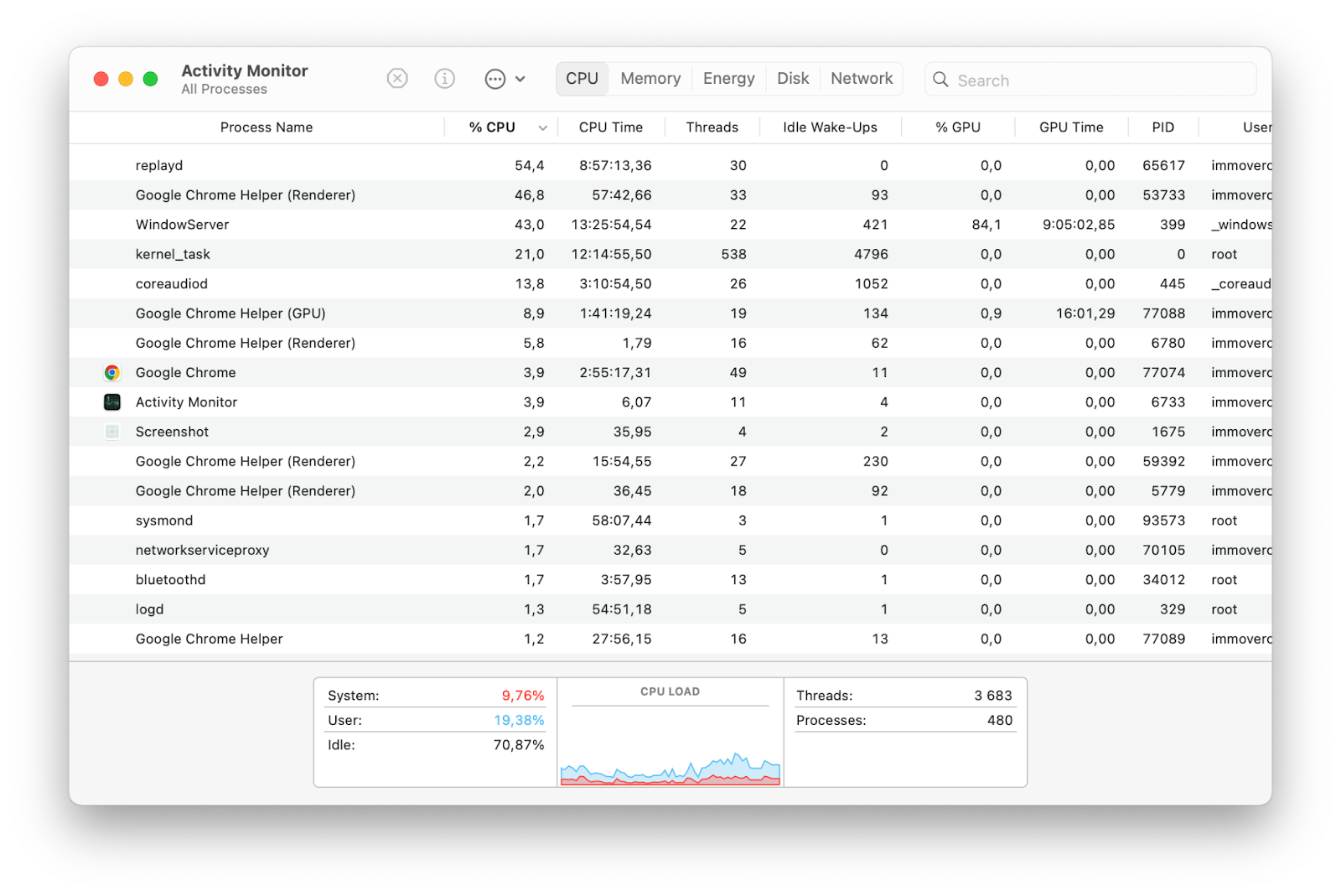
Mac computers are designed for longevity, but performance naturally changes as systems age and software requirements increase. Common reasons include:
Many of these problems can be corrected without replacing the computer.
Signs Your Mac Needs Optimization
Slow Startup Times
If your Mac takes significantly longer to boot than it did when new, optimization may be necessary.
- Too many login items
- Storage congestion
- Software conflicts
- Background services
Applications Open Slowly
Programs that once launched instantly may begin taking several seconds or even minutes.
- Storage limitations
- Memory pressure
- Outdated software
- System clutter
Frequent Spinning Beach Ball
The spinning cursor often indicates the system is struggling to process tasks efficiently.
Reduced Battery Performance
Poor optimization can increase processor activity, resulting in faster battery drain.
Overheating During Normal Use
Unnecessary background processes can create excess heat and reduce performance.
Storage Constantly Full
Many users struggle with limited free space, which can significantly impact macOS performance.
Common Mac Upgrade Options
Targeted hardware upgrades that deliver the biggest real-world gains in speed, capacity, and reliability.
SSD Upgrades
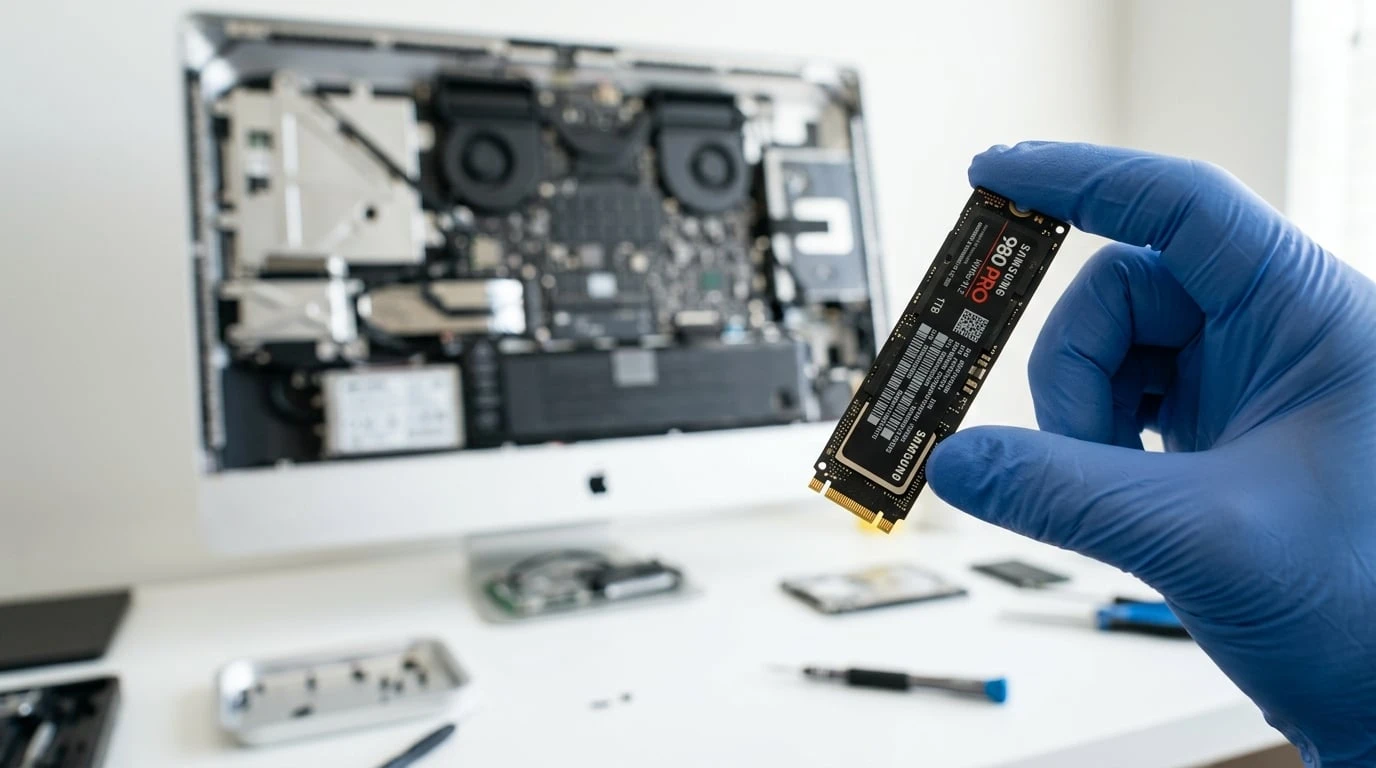
For compatible Macs, upgrading from a traditional hard drive to a Solid State Drive (SSD) can deliver dramatic performance improvements.
An SSD upgrade is often one of the most impactful improvements available.
Storage Capacity Upgrades
Running out of storage affects both performance and productivity.
RAM Upgrades
Certain Mac models allow memory expansion.
Battery Replacement
An aging battery can affect both portability and performance.
Cooling System Maintenance
Professional thermal optimization for peak performance under load.
Common System Optimization Services
System optimization involves improving the efficiency of both software and hardware components. Professional optimization may include storage cleanup, software tuning, startup management, performance diagnostics, security checks, operating system updates, thermal maintenance, and memory management.
Startup Optimization
Professional optimization removes unnecessary startup items, reducing boot times and improving responsiveness.
Storage Cleanup
- Temporary files
- Duplicate files
- Cache buildup
- Unused applications
- Old backups
Software Optimization
- Updating applications
- Removing outdated programs
- Correcting configuration issues
- Resolving software conflicts
Security Optimization
- Security scans
- Malware removal
- Privacy improvements
- System hardening
Operating System Optimization
- Resource allocation
- Application compatibility
- System stability
- Performance efficiency
Mac Models Supported
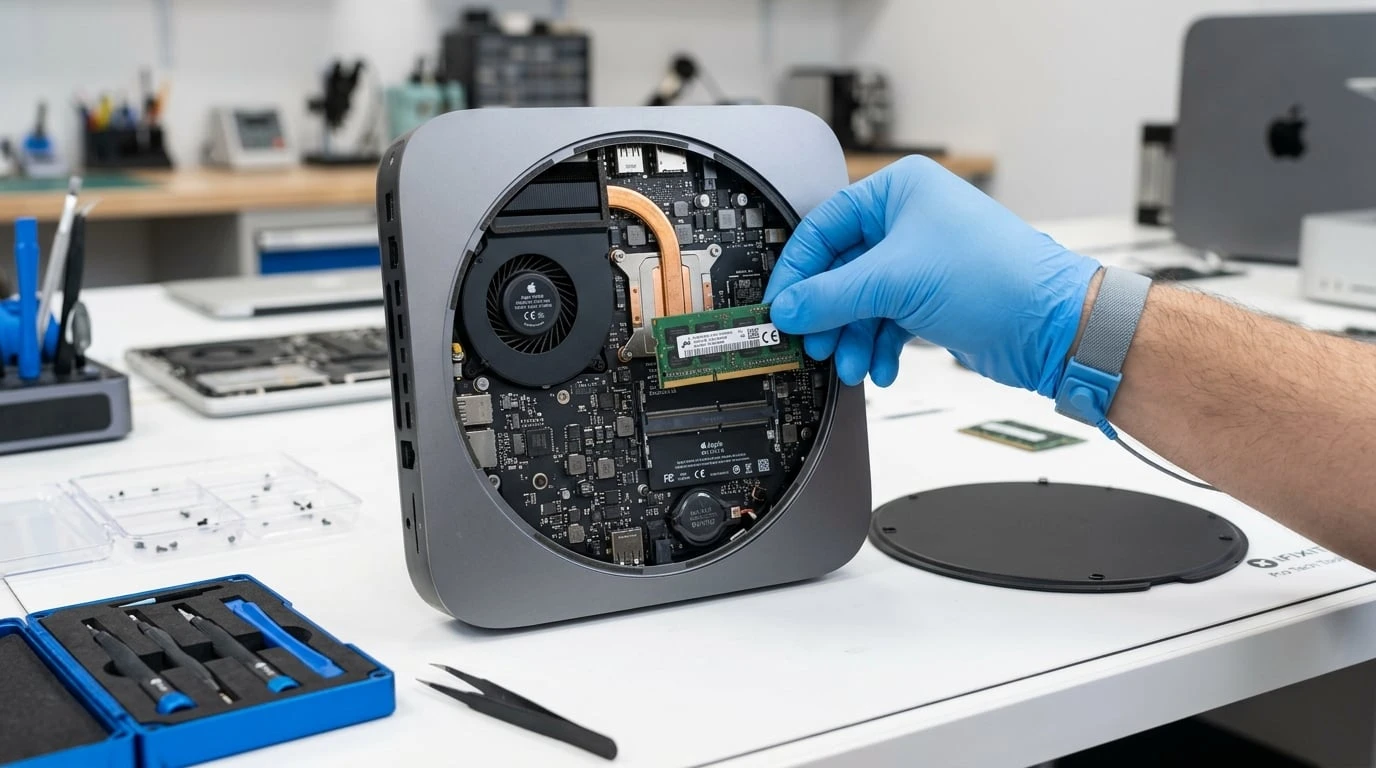
Professional optimization services support a wide range of Apple computers.
MacBook Pro Optimization
MacBook Air Optimization
iMac Optimization
Mac Mini Optimization
Mac Studio Optimization
The Truth About Mac Performance Myths
Many misconceptions exist regarding Mac upgrades and optimization.
Reality: Many slow Macs can be significantly improved through upgrades and optimization without purchasing a new system.
Reality: Many automated cleaning tools provide limited benefits and can sometimes create additional issues. Professional diagnostics identify actual performance bottlenecks.
Reality: Additional RAM helps only when memory limitations are the primary bottleneck. A proper assessment determines whether RAM upgrades are worthwhile.
Reality: Although macOS is highly efficient, regular maintenance improves performance, security, and reliability.
Reality: All computers experience performance changes over time due to software evolution and increasing storage demands.
Professional Diagnostic Process
Successful optimization begins with comprehensive diagnostics.
System Performance Analysis
- CPU performance
- Memory usage
- Storage health
- Application behavior
Storage Assessment
- Available space
- Drive health
- Read/write speeds
- Storage allocation
Software Inspection
- Startup items
- Background processes
- Security concerns
- Application compatibility
Hardware Evaluation
- SSDs
- Hard drives
- RAM
- Battery
- Cooling systems
Benefits of Professional Mac Upgrades and Optimization
Faster Performance
Significant improvements in speed and responsiveness.
Increased Productivity
Smoother multitasking and workflow efficiency.
Extended Device Lifespan
Upgrades can add years of useful life to a Mac.
Improved Reliability
Reducing software conflicts and hardware strain improves stability.
Better Battery Life
Optimized systems often consume less power.
Cost Savings
Upgrading is frequently far more affordable than purchasing a new device.
Risks of DIY Optimization
While some maintenance tasks are safe, improper optimization can cause problems. Potential risks include:
Professional services help avoid these issues.
Preventing Future Performance Problems
Keep Storage Healthy
Maintain sufficient free space for macOS operations.
Install Updates Regularly
Keep macOS and applications current.
Remove Unused Applications
Reducing unnecessary software helps maintain efficiency.
Monitor Battery Health
Replace aging batteries before they impact performance.
Perform Routine Maintenance
Regular optimization keeps systems operating smoothly.
Backup Important Data
Always maintain reliable backups before making significant changes.
Choosing the Right Mac Optimization Service
When selecting a provider, consider:
Choose technicians experienced with Mac hardware and software.
Accurate analysis ensures meaningful improvements.
We use Apple Genuine Parts for every upgrade.
Trustworthy providers explain which upgrades will genuinely benefit your workflow.
A service warranty offers additional peace of mind.
Positive feedback reflects consistent service quality.
Network and Server Solutions in the Apple Environment
In today's digital workplace, a reliable network and server infrastructure is crucial for productivity, security, and seamless communication. Apple environments, including Mac computers, MacBooks, iMacs, Mac Minis, and Apple servers, offer powerful tools for individuals, creative teams, and enterprises. However, without proper setup, maintenance, and optimization, network and server performance can degrade, causing slow access, connectivity issues, data loss, or security vulnerabilities.
Professional Apple network and server services provide the expertise necessary to design, deploy, and maintain robust infrastructure tailored to macOS, macOS Server, and Apple networking protocols. These services ensure your environment runs efficiently, securely, and reliably, whether you operate a small creative office, a mid-sized company, or a large enterprise ecosystem.
This section explores Apple network and server solutions, common challenges, best practices, professional services, and myths businesses may perpetuate regarding server reliability and network management.
Understanding the Apple Networking and Server Environment
Apple networks operate differently from traditional Windows environments. A well-managed Apple network leverages native tools and protocols to create efficient, secure connectivity between Mac clients, Apple devices, and servers.
Bonjour Networking
Apple's zero-configuration networking protocol that simplifies device discovery and resource sharing across your network.
macOS Server Integration
Tools for file sharing, collaborative workflows, caching, calendar, and mail services built for Apple ecosystems.
AirDrop and AirPlay
Seamless local sharing of files and media between Apple devices without complex configuration.
Time Machine over Network
Efficient incremental backups across devices to networked storage, protecting your data automatically.
AFP and SMB Support
Apple Filing Protocol and SMB support facilitate cross-platform file sharing with Windows and Linux systems.
Network Security and Encryption
Built-in security features protect data in transit across your Apple network infrastructure.
Common Network and Server Challenges in Apple Environments
Even well-designed Apple networks can experience issues without ongoing professional management. Recognizing these challenges early prevents costly downtime and data loss.
Slow or Unstable Connectivity
- Poor Wi-Fi coverage or interference
- Outdated networking hardware
- Misconfigured routers or access points
- Bandwidth-intensive applications consuming resources
File Sharing Problems
- Inability to access network drives
- Permission errors blocking users
- Slow transfer speeds across the network
- Compatibility issues between AFP and SMB protocols
Server Performance Issues
- Overloaded resources due to high user demand
- Insufficient storage for shared data
- Improperly configured caching or backup services
- Software or firmware incompatibilities
Security Vulnerabilities
- Weak passwords across accounts
- Outdated server or network software
- Misconfigured firewall or VPN settings
- Unsecured file sharing exposing data
Data Backup Failures
- Network congestion disrupting backups
- Insufficient storage allocation
- Disk errors or permissions issues
- Time Machine failures over network
Device Discovery and Management Problems
- Devices on different subnets causing Bonjour failures
- Firewalls blocking necessary discovery traffic
- Legacy devices incompatible with modern protocols
- AirPlay and AirDrop connectivity issues
Professional Network and Server Services for Apple Environments
Professional services ensure that your Apple network and servers operate efficiently, securely, and reliably. WarriorMac provides comprehensive solutions tailored to Apple ecosystems.
Network Design and Deployment
- Site surveys for optimal Wi-Fi coverage
- Configuration of routers, access points, and switches
- VLAN segmentation for departmental or guest networks
- Bandwidth allocation for critical applications
macOS Server Installation and Configuration
- File sharing services using AFP and SMB
- Networked Time Machine backups
- Calendar, contacts, and mail server integration
- Caching server setup for faster software updates
Network Optimization and Troubleshooting
- Wi-Fi interference detection and mitigation
- Latency and throughput analysis
- QoS (Quality of Service) configuration for priority traffic
- Network monitoring and alert systems
Security and Compliance Management
- Firewall configuration
- VPN setup for remote access
- Encrypted file sharing
- Auditing user permissions and access policies
Data Backup and Disaster Recovery
- Networked Time Machine solutions
- Offsite backup strategies
- Redundant server configurations
- Rapid data recovery planning
Device and User Management
- Mobile Device Management (MDM) for Mac clients
- Managed software updates and patching
- Access control and group policy configuration
- Centralized monitoring of all Apple devices
Benefits of Professional Apple Network and Server Services
Reliability
A professionally designed and maintained network minimizes downtime and ensures stable connections across all devices.
Security
Proper configuration protects sensitive data from unauthorized access, malware, and ransomware threats.
Performance Optimization
Optimized networks reduce latency, speed up file transfers, and ensure fair bandwidth allocation across devices.
Data Protection
Centralized backup strategies and server redundancy prevent data loss and enable fast recovery in emergencies.
Scalability
Professional solutions allow for future growth, whether adding new users, devices, or storage capacity.
Compliance
Apple environments in business sectors often need to comply with privacy regulations such as HIPAA or GDPR. Professional management ensures adherence.
Common Myths and Misleading Claims in Apple Networking Services
Many businesses offer network and server services, but not all claims are accurate. Awareness of these myths helps make informed decisions.
Myth: "Apple Networks Don't Need Maintenance"
Reality: Even Apple networks benefit from monitoring, optimization, and security audits. Ignoring maintenance leads to performance degradation and security risks.
Myth: "All Wi-Fi Problems Are Hardware Issues"
Reality: Many connectivity issues stem from misconfigurations, interference, or improper channel management, not faulty hardware.
Myth: "Cloud Solutions Eliminate Server Needs"
Reality: Cloud services complement but do not replace on-premise servers for file sharing, caching, or local backups. Hybrid solutions often provide the best balance.
Myth: "Time Machine Alone Is Enough for Backup"
Reality: Time Machine is reliable for small-scale backups, but professional networks implement redundant storage, offsite backups, and disaster recovery plans.
Myth: "Network Performance Is the Same for All Macs"
Reality: Older Macs or misconfigured clients can experience slower access. Optimization often requires client-side adjustments alongside server tuning.
Professional Diagnostic Process for Apple Networks and Servers
Network Audit
- Map all devices, routers, access points, and servers
- Identify potential bottlenecks or weak coverage areas
- Review firewall, VPN, and security settings
Server Assessment
- Check storage health, server load, and configuration
- Evaluate Time Machine, file sharing, and caching services
- Test server responsiveness and reliability
Performance Benchmarking
- Measure Wi-Fi and wired throughput
- Test latency and packet loss
- Identify high-resource processes affecting server performance
Security Evaluation
- Audit user accounts and permissions
- Scan for malware, ransomware, and vulnerabilities
- Test VPN and encrypted communication channels
Optimization and Reporting
- Configure routers, switches, and VLANs for optimal performance
- Adjust server settings for efficient resource allocation
- Provide a detailed report with recommendations for ongoing management
Best Practices for Maintaining Apple Networks and Servers
Choosing the Right Network and Server Service Provider
When selecting a provider for Apple environments, consider these key criteria:
Apple Experience
Technicians with hands-on macOS, macOS Server, and Apple networking expertise.
Comprehensive Solutions
Services covering design, implementation, optimization, and security.
Transparency
Clear explanation of costs, timelines, and expected outcomes.
Client References
Positive reviews from businesses with similar setups.
Data Security Commitment
Certified handling of sensitive information.
Support and Maintenance
Availability of ongoing support and monitoring.
Frequently Asked Questions
Conclusion
Mac upgrades, system optimization, and professional network and server solutions offer an effective way to restore speed, reliability, and productivity across your entire Apple environment. Whether your Mac suffers from slow startup times, limited storage, or general sluggishness, or your network infrastructure needs design, optimization, or security hardening, professional diagnostics and targeted improvements deliver substantial results.
From SSD upgrades and memory enhancements to Wi-Fi optimization and VLAN segmentation, from macOS Server management and Time Machine backup solutions to enterprise-grade security, professional Apple services deliver efficiency and peace of mind. By understanding common myths and choosing certified experts, organizations can leverage Apple technologies to their full potential, creating a seamless, productive, and secure environment for employees and clients alike.
Ready to speed up your Mac or optimize your network? Contact WarriorMac today for a free diagnostic and get expert recommendations.
Upgrade Your Mac Today
Whether your Mac needs a performance boost, your network requires optimization, or your server infrastructure needs professional attention, WarriorMac delivers expert solutions tailored to Apple environments.