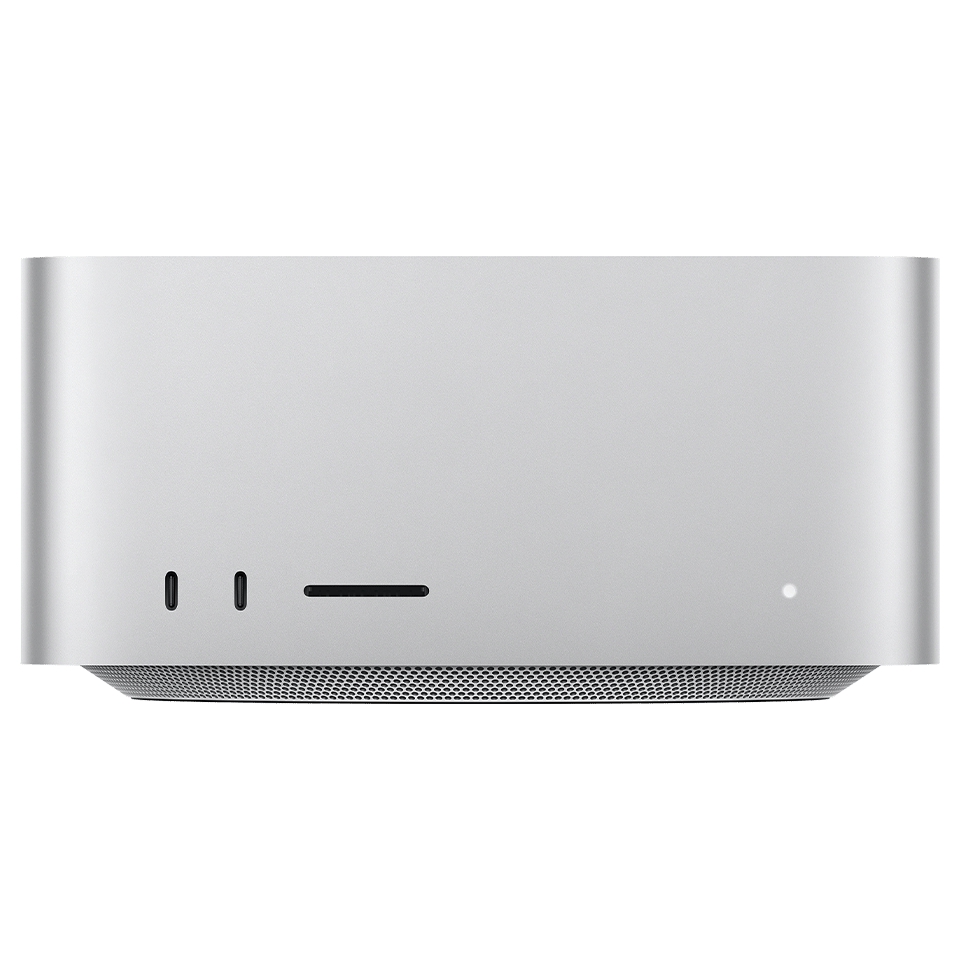
Official Apple order numbers from this model's illustrated parts list (47 part numbers). Item numbers match the exploded view callouts in the Apple service guide.
Part numbers are sourced from the official Apple service guide for reference. Availability varies, contact us to confirm current pricing and stock for any part.
Safety Precautions
• Always disconnect power and discharge the battery before beginning any repair.
• Use an anti-static wrist strap (ESD) to prevent electrostatic damage to components.
• Keep screws organized by step, magnetic project mats are highly recommended.
• Never force connectors. Use a spudger to gently lift ZIF, FPC, and board-to-board connectors.
• If your Mac has a swollen battery, do not attempt removal yourself, contact a professional.
Model Identification
Model Number(s)
A2615
EMC Number(s)
3988
Order Number(s)
MJMV3LL/AMJMW3LL/A
Identifier(s)
Mac13,1Mac13,2
Product Line
Mac Studio
Year
2022
Mac Service Tools
Adjustable torque driver (0.3–1.2 Nm)923-0735
Adjustable torque driver (1.2–3 Nm)923-06026
Adjustable torque driver (10–34 Ncm)923-02995
Antenna tool923-01322
ESD mat
ESD-safe tweezers
ESD wrist strap with clip or plug
Ethanol wipes
Ethernet cable
HDMI cable
IPA wipes
Kapton tape922-1731
Magnetizer
Nylon probe (black stick)922-5065
Torque driver (green, 0.45 kgf cm)923-00105
Torx Plus 10IP 50 mm bit923-07183
Torx T3 half-moon bit923-07060
Torx T3 screwdriver
Torx T4 screwdriver
Torx T5 bit923-02996
Torx T5 screwdriver
Torx T6 screwdriver
Torx T6 security bit923-00304
Torx T7 screwdriver
Torx T8 bit923-0734
Torx T8 screwdriver
Torx T10 bit923-0740
Torx T10 screwdriver
USB-C charge cable661-06670
Ethanol wipes must contain at least 90% ethanol and no additives except isopropyl alcohol.
You can use a Torx T6 bit or Torx T6 security bit.
Tools with part numbers are available from Apple's Self Service Repair Store. Tools without part numbers can be purchased from electronics supply retailers.
Need Professional Help?
Our Apple Certified Technicians can handle any Mac Studio (2022) repair. Free diagnostics, 1-year warranty on all parts.
The Mac Studio (2022) dates to 2022 as model A2615 and Apple publishes an official service manual for it, which is the document referenced on this page. We list 50 service parts for this model, and every part we fit is a genuine Apple part. Our work is covered for one year on brand new parts and 180 days on pre-owned parts and board-level repairs. We are in Tampa, walk-ins are welcome with no appointment, and you can also book a mail-in repair from anywhere in the country.
What are the model numbers for the Mac Studio (2022)?
The Mac Studio (2022) dates to 2022 and carries model number A2615, with the internal identifier Mac13,1, Mac13,2. You can confirm yours from the Apple menu, About This Mac, or by reading the tiny model number printed on the base. Quoting that number when ordering parts is the only reliable way to avoid a part that looks right but does not fit, since Apple ships several variants that look identical.
Can the storage or memory in a Mac Studio (2022) be upgraded?
The Mac Studio (2022) is an Apple silicon Mac, so its storage is soldered to the logic board and encrypted to the Secure Enclave. Neither the memory nor the storage can be upgraded after purchase, and a logic board failure puts your files at risk, which is why we attempt a component-level board repair before ever replacing a board when the data matters.
What are the most common repairs on the Mac Studio (2022)?
The jobs we see most on the Mac Studio (2022) are fan replacement, logic board replacement, power supply replacement, ssd replacement. Apple rates this model's service difficulty as expert, and we diagnose every machine on a bench supply and under a microscope before quoting, so you get a fixed price for the actual fault rather than a guess. Diagnosis is free.
Do you use genuine parts and what warranty comes with a Mac Studio (2022) repair?
Every part we fit is a genuine Apple part, which keeps features like True Tone and the factory calibration working correctly. Brand new parts carry a one-year warranty, and pre-owned parts and board-level repairs carry 180 days. We are in Tampa, walk-ins are welcome with no appointment, and we repair machines mailed in from anywhere in the country.
If your Mac Studio (2022) will not power on or was hit by liquid, it needs a board-level diagnosis rather than a parts swap. Call us on (813) 444-5595 and we will tell you what we are seeing before any work starts.