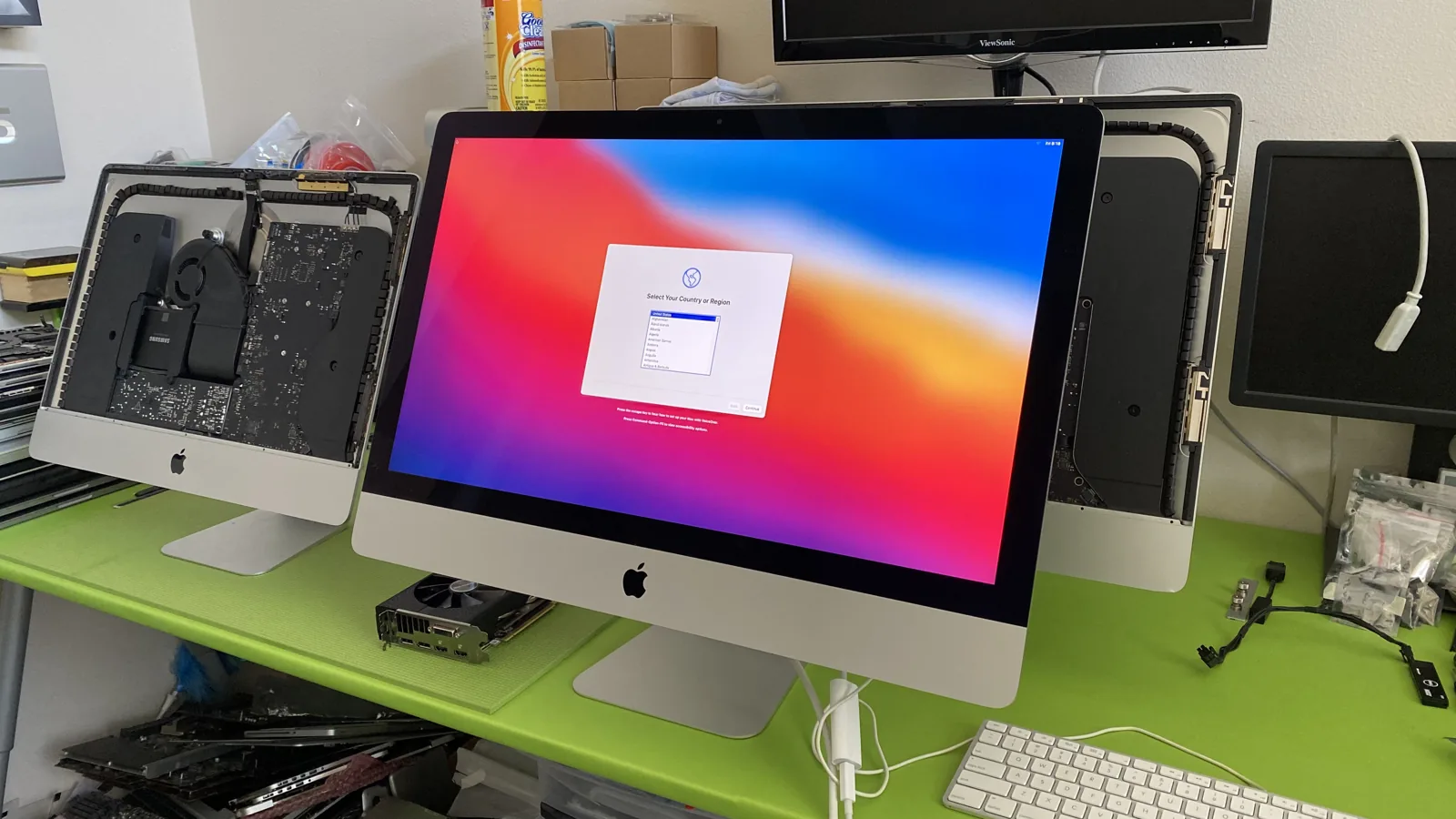
Repair vs Replace Your Mac
How to Make the Smart Call
A broken Mac does not always mean you need a new one. Here is a straightforward, no-pressure guide to deciding when a repair is worth it and when replacement is genuinely the better move.
The Simple Rule That Answers Most Cases
When a Mac stops working, the marketing around you pushes one answer: buy a new one. It is worth slowing down. In most cases a Mac fails because of a single part, not because the whole machine is finished.
Here is the rule of thumb we give every customer. If a genuine-parts repair costs less than roughly half the price of an equivalent new or refurbished Mac, and the machine still does what you need, repairing is the smarter financial decision. A battery, an SSD upgrade, or a screen on an otherwise healthy Mac almost always clears that bar with room to spare.
We are not going to talk you into a repair that does not make sense. Our diagnostic is free, and if replacement is genuinely the better value, we will tell you that plainly. Below is how the two options compare across the things that actually matter.
Repair vs Replace, Side by Side
An honest look at how the two options compare across cost, data, time, and impact.
Requires migrating everything and reinstalling your workflow. Some apps and licenses need to be set up again.
Your files, photos, apps, and settings stay exactly where they are. Nothing to migrate, nothing to reconfigure.
Buying and setting up a new Mac, then migrating data, can take days before you are fully working again.
Most repairs are done in 1 to 3 business days, many the same day, and you are back to a familiar machine.
A new Mac will be faster, which matters if your needs have genuinely outgrown the old hardware.
A repair plus an SSD or RAM upgrade restores an older Mac to smooth, everyday performance for most tasks.
Manufacturing a new Mac carries a significant carbon and raw-materials footprint.
Extending the life of a working machine keeps it out of the waste stream and avoids building a replacement.
If several major components have failed at once, replacement can become the more sensible option.
We give you an honest total. If stacked repairs approach the cost of a newer machine, we tell you plainly.
Buy New
Requires migrating everything and reinstalling your workflow. Some apps and licenses need to be set up again.
Repair
Your files, photos, apps, and settings stay exactly where they are. Nothing to migrate, nothing to reconfigure.
Buy New
Buying and setting up a new Mac, then migrating data, can take days before you are fully working again.
Repair
Most repairs are done in 1 to 3 business days, many the same day, and you are back to a familiar machine.
Buy New
A new Mac will be faster, which matters if your needs have genuinely outgrown the old hardware.
Repair
A repair plus an SSD or RAM upgrade restores an older Mac to smooth, everyday performance for most tasks.
Buy New
Manufacturing a new Mac carries a significant carbon and raw-materials footprint.
Repair
Extending the life of a working machine keeps it out of the waste stream and avoids building a replacement.
Buy New
If several major components have failed at once, replacement can become the more sensible option.
Repair
We give you an honest total. If stacked repairs approach the cost of a newer machine, we tell you plainly.
What You Would Pay Either Way
Typical repair starting prices next to the cost of buying a comparable new machine. Repair prices vary by model, confirmed after a free diagnostic.
| Repair | Repair Cost | Buy New Instead |
|---|---|---|
| Battery Replacement | From $79 | $999 to $1,599 new MacBook Air |
| Screen Replacement | From $125 | $1,299 to $2,499 new MacBook Pro |
| SSD / RAM Upgrade | Varies by model | $200+ per storage tier on a new Mac |
| Logic Board Repair | From $199 | $1,299 to $3,499 new machine |
| Liquid Damage | From $129 | Full replacement of the device |
| Keyboard / Top Case | From $150 | $1,299+ new MacBook |
Get a free diagnostic and exact quote before any work begins. No hidden fees, and no pressure to repair if replacement is the smarter call.
When to Choose Which
A quick, honest breakdown to help you decide with confidence.
When Replacing Makes Sense
- Multiple major components have failed at the same time and the repairs stack up close to the price of a newer machine.
- Your needs have genuinely outgrown the hardware, for example heavy video editing the old Mac was never built for.
- The machine has severe structural damage on top of internal failures.
- You want the latest features and the old Mac is simply a secondary consideration.
When Repairing Makes Sense
- A single part failed, such as the battery, screen, keyboard, or a component on the logic board.
- The Mac still handles your daily work and you are happy with how it performs.
- You want to keep your data and setup exactly as they are.
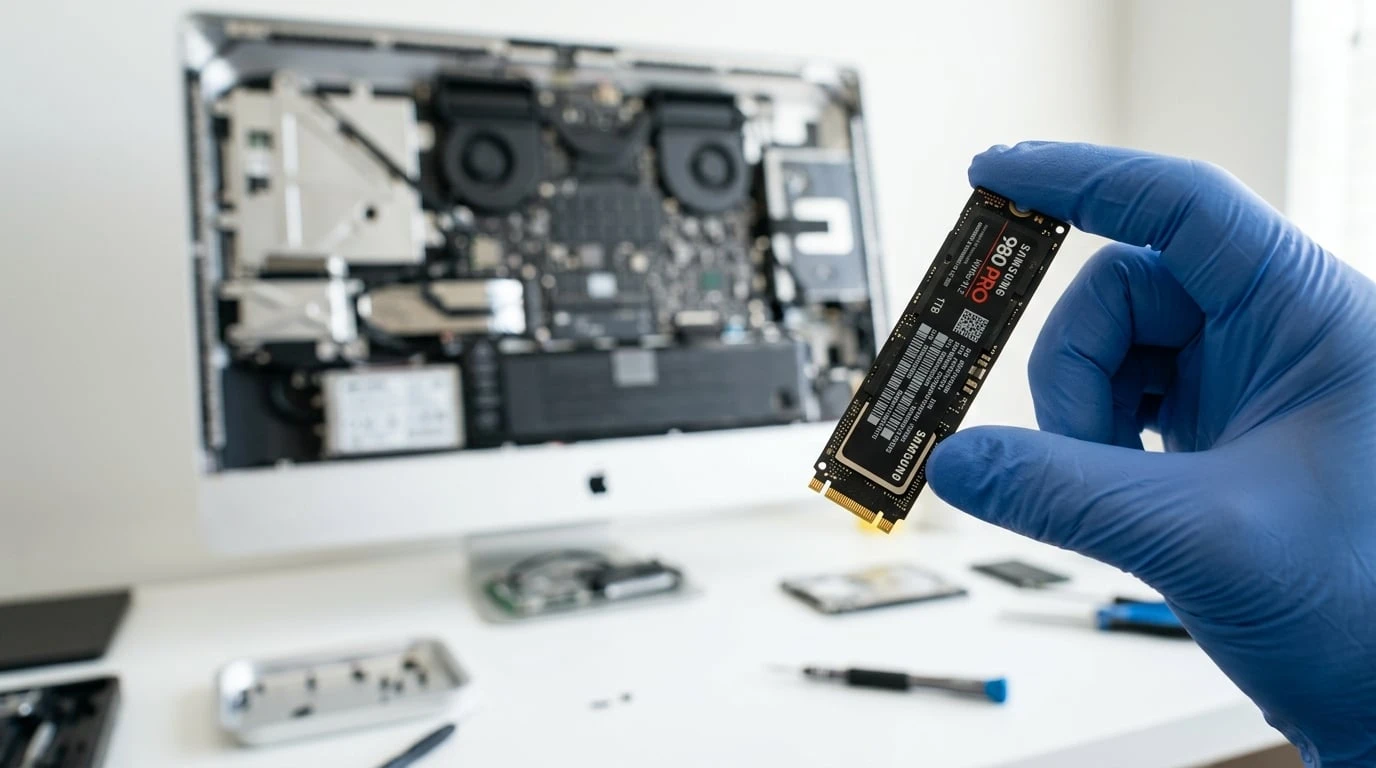
- An SSD or RAM upgrade would bring an older but capable Mac back to smooth performance.
- Apple called the machine vintage or obsolete but it still does the job.
- You want to avoid the cost and hassle of buying and setting up a new computer.
Age Is Not the Same as Obsolete
Apple labels older machines vintage after about five years and obsolete after seven, and then stops servicing them. That is an inventory decision on Apple's side, not a verdict on your Mac. A machine Apple will no longer touch can still be perfectly capable for browsing, email, office work, and plenty of creative tasks.
Because we repair at the component level and source parts Apple no longer stocks, we can keep older Macs running long after Apple has walked away. The question is never really the year on the box. It is whether the machine still does what you need it to do.
Often the single best value in all of computing is an SSD upgrade on an older Mac. It is a modest cost that can make a five or six year old machine feel dramatically faster, and it buys you years more use.
The Hidden Cost of Replacing
The sticker price of a new Mac is only part of the cost. There is the time to migrate your data, reinstall and reconfigure apps, re-authorize software licenses, and rebuild the small settings and shortcuts that make a machine feel like yours. For anything that will not migrate cleanly, there is the risk of losing it.
A repair sidesteps all of that. Your Mac comes back working the way it did before the failure, with your files, your setup, and your muscle memory intact. If your drive is the problem, we also offer data recovery so nothing important is left behind.
Do not take our word for it, take theirs
3 days ago
I did not visit but instead made an inquiry over the phone. They were super helpful kind and patient. Greatly appreciate…
Read more
20 days ago
I bought a used MacBook Pro off eBay. It had a nice configuration at a good price. However, the logic board went down on…
Read more
1 month ago
Loved my experience, it was fast and efficient. Highly recommend!
1 month ago
Excellent service with an issue I was having on a corrupted Apple Photos library on an external RAID array. Took just a …
Read more
1 month ago
I closed my MacBook with an earring in the corner and the screen was shot, Jean was so great at getting the parts he nee…
Read more
2 months ago
I found WarriorMac LLC online after contacting 2 computer stores and an Apple store agent who all advised me to discard …
Read more
2 months ago
Best choice we made to go to Warriormac to repair a macbook pro. Thought all the data was lost along with the computer d…
Read more
2 months ago
Jean was amazing and fast with replacing our iMac screen and other laptop fixes!
3 months ago
Outstanding Service and Professionalism! Jean-Andre went above and beyond to fix my MacBook Pro. His attention to detail…
Read more
3 months ago
Count yourself lucky if your Mac needs to be worked on and you live in the same city as Jean at WarriorMac. Not only is …
Read more
4 months ago
We have two Mac Books. One has not operated properly for years and was simply left in a storage drawer. The other would …
Read more
6 months ago
Jean-Andre is a true life saver! I will forever recommend WarriorMac LLC to all my loved ones, friends, coworkers, etc. …
Read more
5 months ago
WarriorMac and Jean-Andre go the extra mile on every repair. He treats your Macbook like his own and is not satisfied un…
Read more
6 months ago
Fast, excellent service! Jean repaired my MacBook Pro and had it back to me in just a day. His work is top-notch. For an…
Read more
6 months ago
WarriorMac is absolutely fantastic. My water-damaged MacBook Pro is now working like new again thanks to their skill and…
Read more
Frequently Asked Questions
Not Sure Which Way to Go?
Bring it in or ship it to us for a free diagnostic. We will give you an honest quote and tell you straight whether a repair is worth it.
Have a Question?
Send us a message and we will get back to you within a few hours.