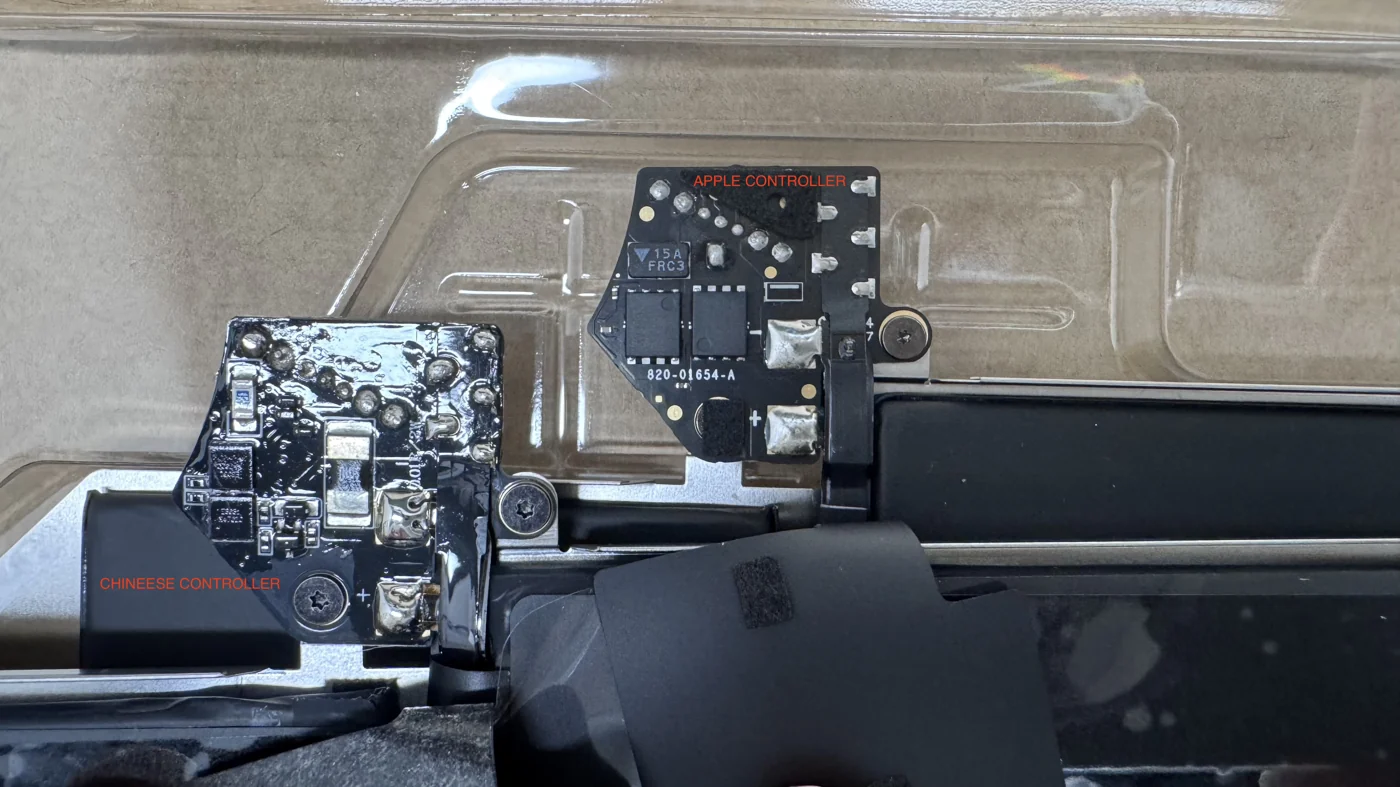
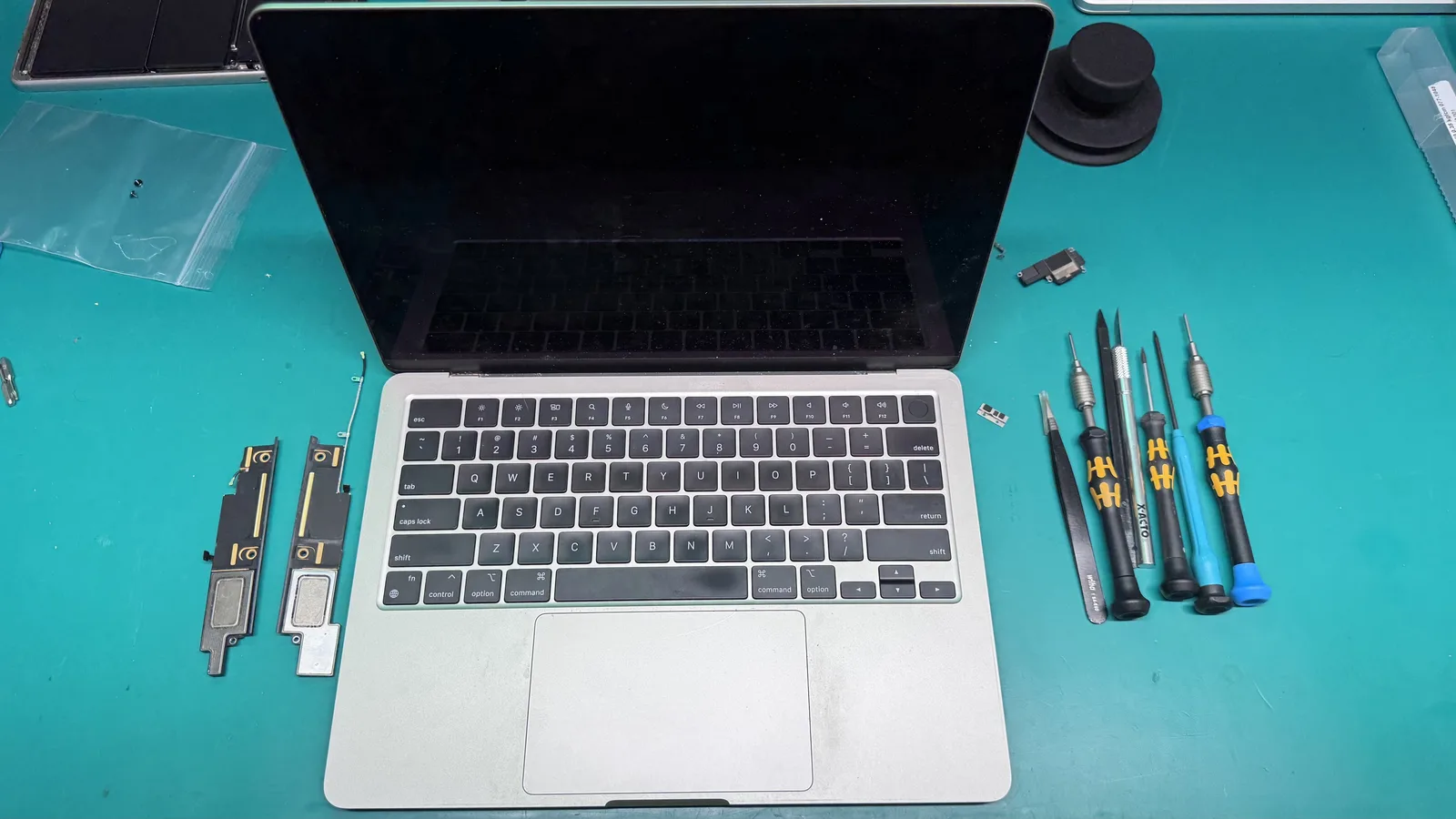
4 Common Causes for your MacBook Battery Not Charging

The Short Answer
When a MacBook battery will not charge, the cause is usually one of four things: a faulty charger or cable, a dirty or damaged charging port, a worn-out battery, or a charging circuit fault on the logic board. Try a different genuine charger and outlet first. If it still will not charge, a free WarriorMac diagnostic will identify the exact cause.
Few things are more frustrating than realizing your MacBook battery is not charging when you need it the most. Whether you're in the middle of an important project or on the go, a malfunctioning battery can disrupt your workflow and productivity.
The first common cause is a faulty or damaged charging cable or adapter. Over time, cables can fray, connectors can become bent, and adapters can fail internally. Try using a different charger to rule this out.
The second cause is a dirty or obstructed charging port. Dust, lint, and debris can accumulate in the MagSafe or USB-C port, preventing a proper connection. Use compressed air to gently clean the port.
Third, the SMC (System Management Controller) may need to be reset. The SMC manages battery charging behavior, and a glitch can prevent the battery from charging even when connected to power.
The fourth and most significant cause is a degraded or failed battery. MacBook batteries are designed for approximately 1,000 charge cycles. After that, battery health declines significantly, and the battery may need replacement.
At WarriorMac, we offer free diagnostics to determine the exact cause of your charging issues and provide genuine Apple battery replacements with a warranty on all repairs.
Frequently Asked Questions
Why is my MacBook battery not charging?
The four most common reasons are a bad charger or cable, a dirty or damaged charging port, an aged battery that no longer holds a charge, and a charging-circuit fault on the logic board. Testing a known-good charger first rules out the easiest cause.
How do I know if it is the battery or the charger?
Try a different genuine Apple charger and a different outlet. If it charges with another charger, the charger or cable was the problem. If not, the issue is likely the port, battery, or logic board and needs a diagnosis.
Is it safe to keep using a MacBook that will not charge?
It is best not to. A failing battery can swell and a charging fault can worsen. A quick free diagnostic prevents a small problem from becoming a board-level repair.
How long does a MacBook battery replacement take?
For most models it is a straightforward same-visit or quick-turnaround job once we confirm the battery is the cause, and every new battery carries a one-year warranty.
What should I check first if my MacBook battery is not charging?
First, we recommend checking the power adapter and cable for any visible damage or fraying. Next, ensure that the charging port on your MacBook is clean and free from debris. If everything looks good but the issue persists, we offer free diagnostics to help identify the problem.
Could a faulty charging port cause my MacBook battery not to charge?
Yes, a faulty charging port can prevent your MacBook battery from charging. If the connection is loose or damaged, it may not allow power to flow properly. We can inspect the charging port for any issues and provide a free diagnostic to determine the cause.
Need Mac Repair Help?
Our Apple-certified technicians are ready to help. Free diagnostics, genuine parts, and competitive pricing.