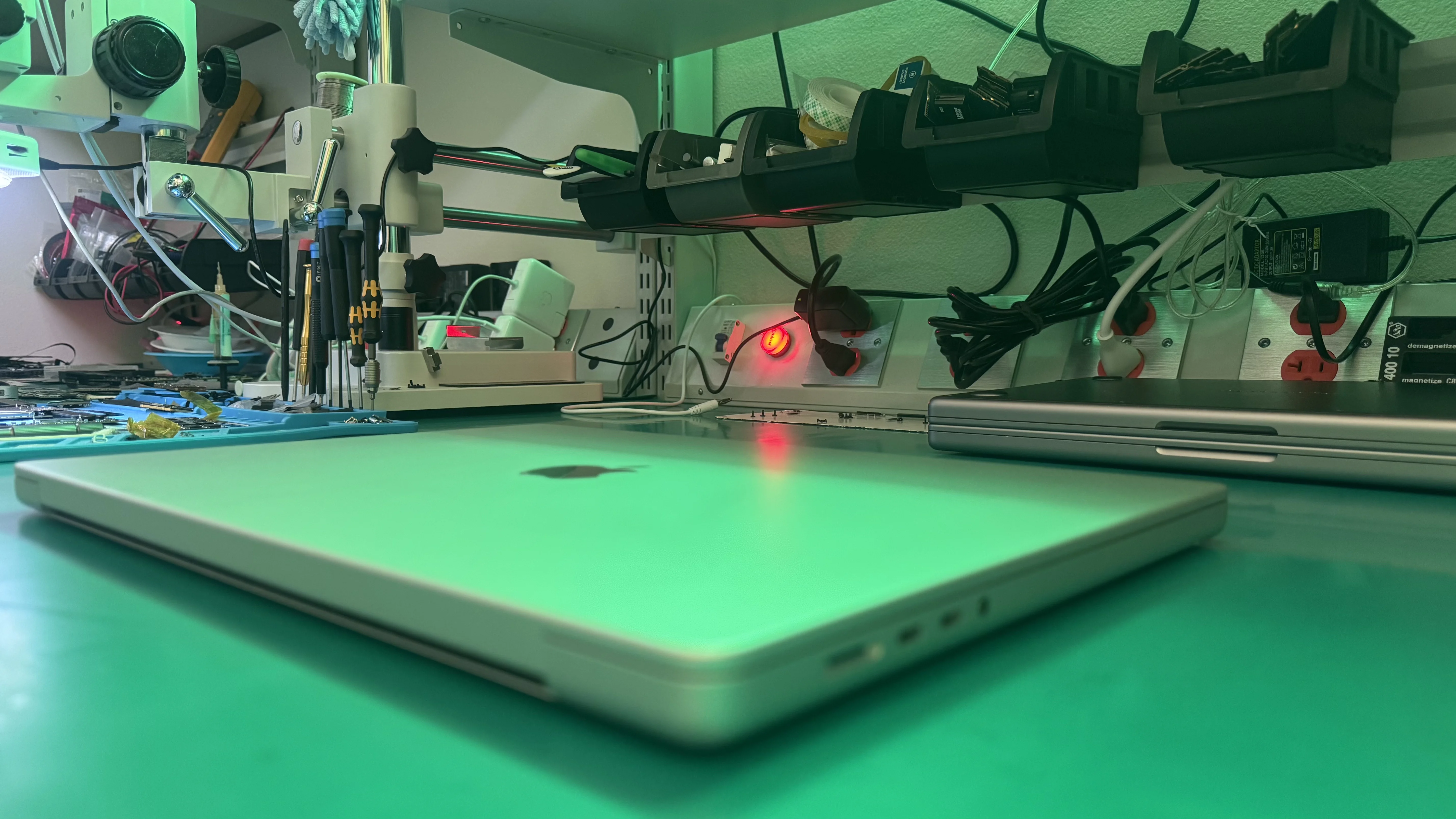
MacBook Pro 16-Inch
Repair Service
Complete repair coverage for every MacBook Pro 16-inch ever made. From the 2019 Intel i9 to the 2025 M5 Max, our Apple-certified technicians handle screen replacements, logic board repairs, battery swaps, liquid damage recovery, and everything in between.
All repairs use genuine Apple parts and include a 1-year warranty on parts and labor. Walk in to our Tampa shop or ship your MacBook Pro from anywhere in the US.
Ready to Fix Your MacBook Pro?
Start your repair in minutes. Choose the option that works best for you — ship it to us from anywhere in the U.S., or drop it off in person at our Tampa location.
Not sure which to choose? Start here and we’ll guide you.
 Apple Certified Techs Genuine Apple Parts 1-Year Warranty Same-Day Available 2019-2024 Models
We ONLY Use Genuine Apple Parts for Every Repair
No aftermarket knockoffs. Your MacBook Pro 16-inch deserves factory-original components with full compatibility and reliability.
The MacBook Pro 16-Inch, Apple's Most Powerful Laptop
The MacBook Pro 16-inch is Apple's flagship laptop, built for professionals who need maximum performance, display real estate, and battery life. Since its debut in 2019, the 16-inch has served as the go-to machine for video editors, software developers, music producers, 3D artists, and business professionals who depend on their Mac for mission-critical work.
At WarriorMac, we have repaired thousands of MacBook Pro 16-inch units across every generation. Whether your 2019 Intel i9 has a swollen battery, your 2021 M1 Max has liquid damage, or your 2025 M5 Pro has a cracked Liquid Retina XDR display, we have the expertise, genuine Apple parts, and specialized tools to bring it back to factory condition.
Every repair includes free Apple Diagnostics, an upfront quote with no hidden fees, and our industry-leading 1-year warranty. We fix Macs. That is all we do, and we have been doing it for 25 years.
Every 16-Inch Model, Every Generation
We know the specific issues, weak points, and repair procedures for each generation of the MacBook Pro 16-inch. Here is a breakdown of every model we service.
Intel Core i7/i9
A2141
First 16-inch model. Replaced the 15-inch with a redesigned keyboard, improved thermal system, and six-speaker sound. Common issues include keyboard failures, display cable wear, and battery swelling.
M1 Pro / M1 Max
A2485
Major redesign with Apple Silicon, ProMotion 120Hz display, MagSafe return, HDMI port, and SD card slot. Common issues include SSD controller faults, display hinge cracks, and charging port damage.
M2 Pro / M2 Max
A2780
Incremental upgrade with faster M2 chips, Wi-Fi 6E, and improved battery life. Common issues include thermal throttling under sustained loads, display coating wear, and USB-C port failures.
M3 Pro / M3 Max
A2991
Introduced Space Black finish, 3nm chips, hardware ray tracing. Common issues include Thunderbolt port inconsistencies, display ghosting under specific conditions, and battery calibration drift.
M5 Pro / M5 Max
TBD
New Fusion Architecture with two 3nm dies. M5 Pro and M5 Max with Neural Accelerator in every GPU core for 4x faster AI performance. Thunderbolt 5, Wi-Fi 7 via N1 chip, Bluetooth 6. M5 Max starts at 2TB storage. Early reports focus on thermal management under sustained AI workloads and Thunderbolt 5 peripheral compatibility.
M4 Pro / M4 Max
A2992
Previous generation with Thunderbolt 5, nano-texture display option, 48GB base RAM on Max. Common issues are still being documented as the model is relatively new, but early reports include Thunderbolt 5 port sensitivity and nano-texture coating care requirements.
MacBook Pro 16-Inch Models We Repair
Every configuration, every chip, every year. Green checkmark means we have the parts, schematics, and experience.
- MacBook Pro 16" M4 Pro / M4 Max (2024)
- MacBook Pro 16" M5 Pro / M5 Max (2026)
- MacBook Pro 16" M3 Pro / M3 Max (2023)
- MacBook Pro 16" M2 Pro / M2 Max (2023)
- MacBook Pro 16" M1 Pro / M1 Max (2021)
- MacBook Pro 16" Intel Core i7 / i9 (2019)
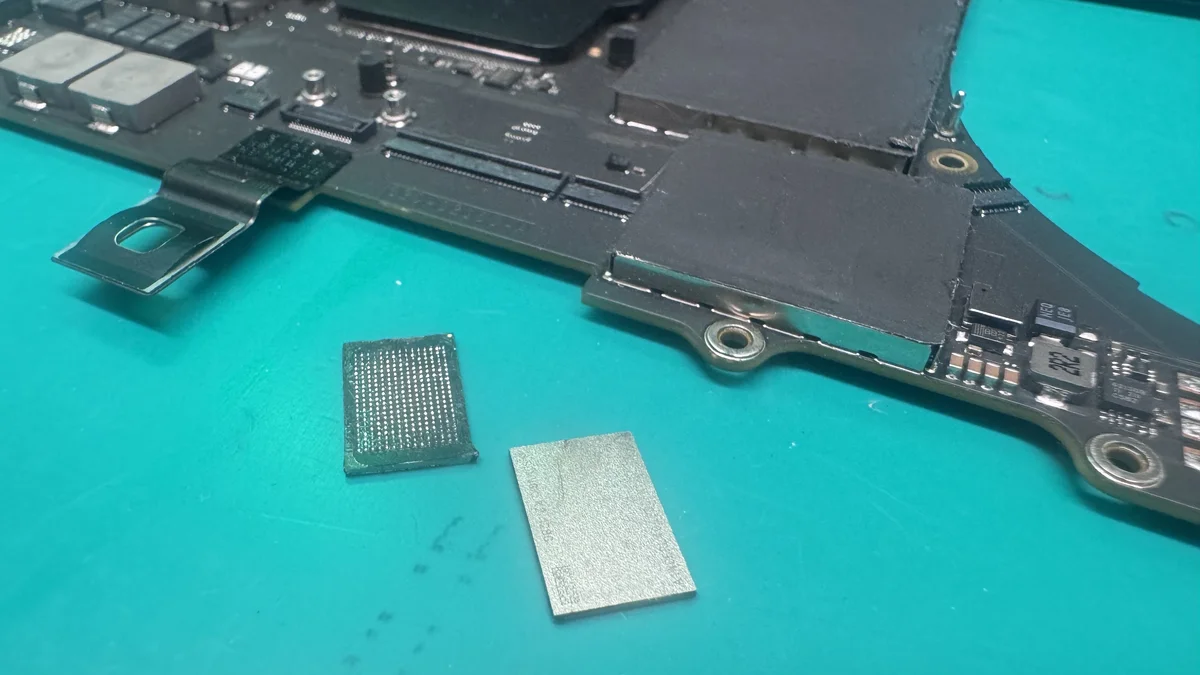
Component-Level Repair, Not Board Swaps
Most repair shops and even Apple will simply quote you for a full logic board replacement when your MacBook Pro 16-inch has a power issue, kernel panic, or GPU failure. That quote can easily exceed $1,000.
At WarriorMac, we perform component-level micro-soldering to identify and replace the specific failed chip, capacitor, or IC on your logic board. This approach saves you 50-80% compared to a full board replacement while restoring your Mac to full functionality.
- Micro-soldering for failed power management ICs and GPU chips
- Ultrasonic cleaning for corrosion from liquid damage
- USB-C and Thunderbolt port connector replacement
- T2 and Apple Silicon secure enclave recovery
- Board-level diagnostics using schematics and thermal imaging
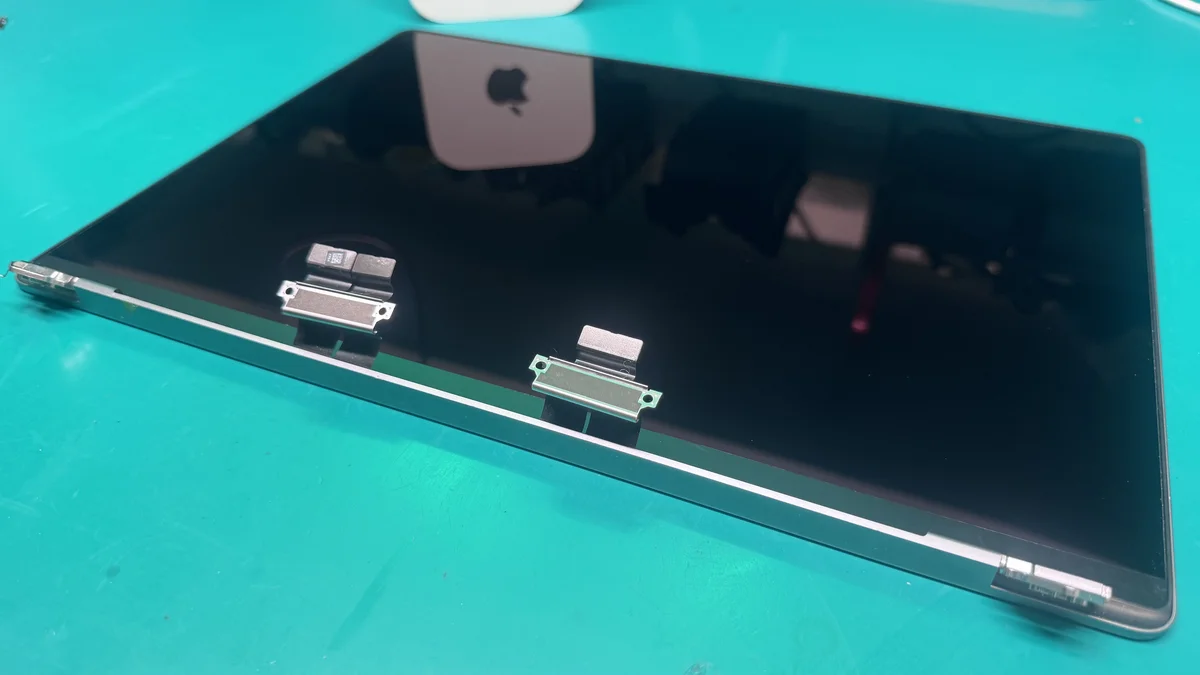
16-Inch Liquid Retina XDR Display Repair
The MacBook Pro 16-inch features Apple's most advanced laptop display technology. The 2019 model uses a standard Retina display, while 2021 and later models feature the Liquid Retina XDR display with ProMotion 120Hz, up to 1600 nits peak brightness, and over 1 billion colors.
Whether you have a cracked screen, dead pixels, backlight failure, or the infamous "Flexgate" cable issue on Intel models, we use genuine Apple display assemblies to restore your screen to factory specifications. True Tone, ProMotion, and HDR support are fully preserved.
- Genuine Apple Retina and Liquid Retina XDR panels
- True Tone functionality maintained after replacement
- ProMotion 120Hz preserved on 2021+ models
- Display hinge and cable repair for angle-dependent failures
Complete MacBook Pro 16-Inch Repair Services
From screen replacements to data recovery, we handle every type of repair your MacBook Pro 16-inch might need. All services include free diagnostics, genuine Apple parts, and our 1-year warranty.
Why MacBook Pro 16-Inch Owners Choose WarriorMac
Your 16-inch MacBook Pro is a serious investment, often $3,000 to $7,000+ depending on configuration. It deserves a repair shop that matches that level of seriousness.
1-Year Warranty
Brand-new part repairs include a full 1-year warranty; pre-owned part repairs carry a 180-day warranty.
Apple Certified
ACMT and ACT 2024 certified technicians with 25 years as a technician.
Fast Turnaround
Same-day service for batteries and simple repairs. Most complex repairs completed in 2-5 days.
40-75% Less Than Apple
Professional repair at a fraction of Apple Store pricing. Free diagnostics with every evaluation.
Apple Store vs WarriorMac, 16-Inch Pricing
See how much you save on MacBook Pro 16-inch repairs compared to Apple Store pricing.
Prices are estimates and may vary based on model year and damage severity. WarriorMac provides exact quotes after free diagnostics.
Common MacBook Pro 16-Inch Problems We Fix Daily
The MacBook Pro 16-inch is a powerhouse, but its complexity means more potential points of failure compared to smaller laptops. Here are the most common issues we see in our Tampa repair shop, along with what causes them and how we fix them.
Battery Swelling and Degradation
The 16-inch MacBook Pro packs a massive battery (up to 100Wh in later models), and these high-capacity cells are prone to swelling after 2-3 years of heavy use or improper charging habits. A swollen battery can warp the trackpad, push against the bottom case, and in severe cases crack the display from internal pressure. If your trackpad feels stiff, your laptop wobbles on a flat surface, or the bottom case appears warped, bring it in immediately. We replace swollen batteries with genuine Apple cells and recalibrate the battery management system.
Thermal Throttling and Overheating
The MacBook Pro 16-inch generates significant heat under sustained workloads, especially the Intel Core i9 (2019) and M1/M2/M3/M4/M5 Max configurations running heavy creative applications. Over time, thermal paste degrades, dust accumulates in the cooling fins, and fans can develop bearing noise. We perform professional thermal maintenance including thermal paste replacement with premium compound, fan cleaning and replacement, and heat sink service. This typically reduces temperatures by 10-20 degrees Celsius and eliminates thermal throttling.
Liquid Damage Recovery
The 16-inch MacBook Pro is particularly vulnerable to liquid damage due to its large keyboard surface area and the critical components positioned directly beneath it. A single coffee spill can reach the logic board in seconds, causing corrosion that worsens over time if not treated properly. Our liquid damage recovery process starts with immediate disassembly, followed by ultrasonic cleaning of all affected boards and components, then component-level diagnosis and micro-soldering repair of any damaged ICs. We recover MacBook Pro 16-inch units that other shops declare "unrepairable."
Keyboard and Trackpad Failures
The 2019 MacBook Pro 16-inch introduced the Magic Keyboard with scissor-switch mechanism, replacing the unreliable butterfly keyboard. While far more reliable, these keyboards can still develop issues including stuck keys, unresponsive areas, and backlight failures. On Apple Silicon models, the keyboard and trackpad are part of the top case assembly. We replace the entire top case with genuine Apple parts, ensuring your keyboard, trackpad, and Touch ID sensor work perfectly.
USB-C and Thunderbolt Port Issues
With three Thunderbolt ports on the left side and one HDMI, one SDXC, and one MagSafe on the right (2021+), port issues are a frequent repair. Bent pins, liquid ingress, and physical damage from forceful cable insertion are common causes. We perform component-level port connector replacement, which is significantly cheaper than a full logic board swap. If your MacBook Pro 16-inch is not charging, not recognizing external displays, or showing intermittent connection drops, a port repair may be all you need.
MacBook Pro 16-Inch Repair FAQ
Need Your MacBook Pro 16-Inch Fixed?
Get a free diagnostic and honest quote. No obligation, no hidden fees. Walk in to our Tampa shop or ship your MacBook Pro from anywhere in the US.