All Repair Manuals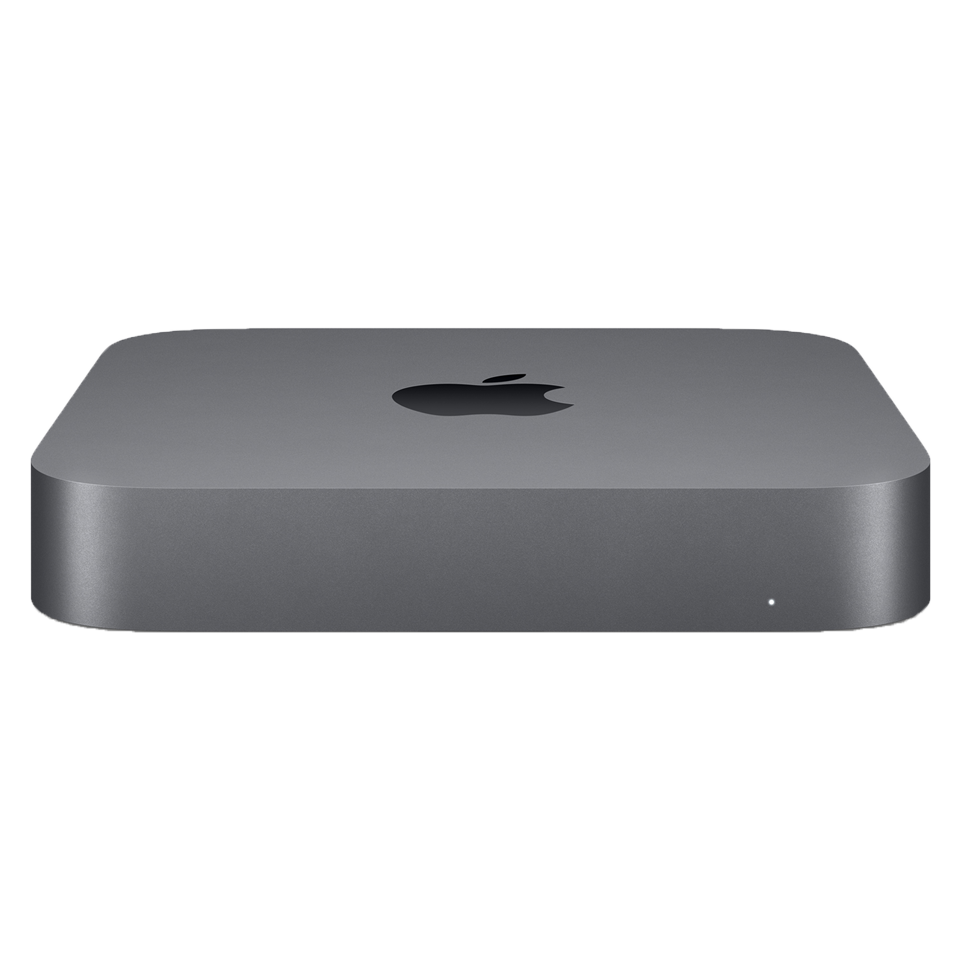
DesktopMac mini•2018
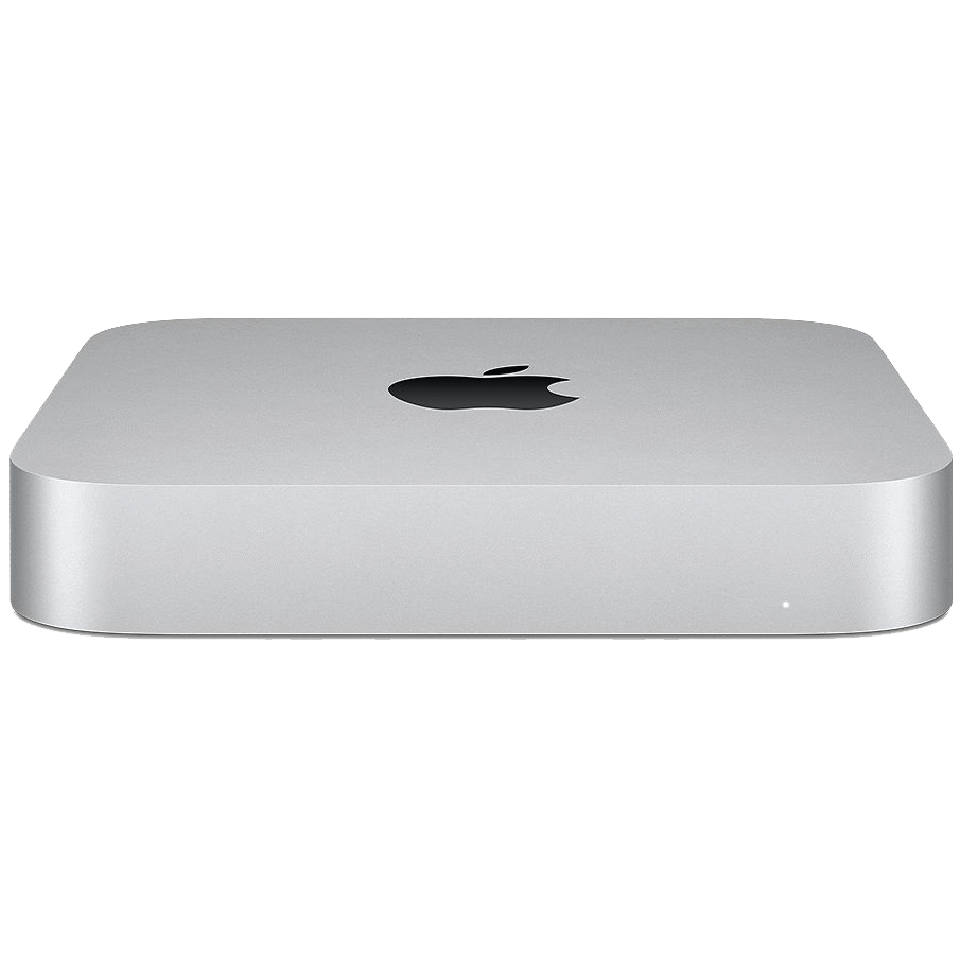
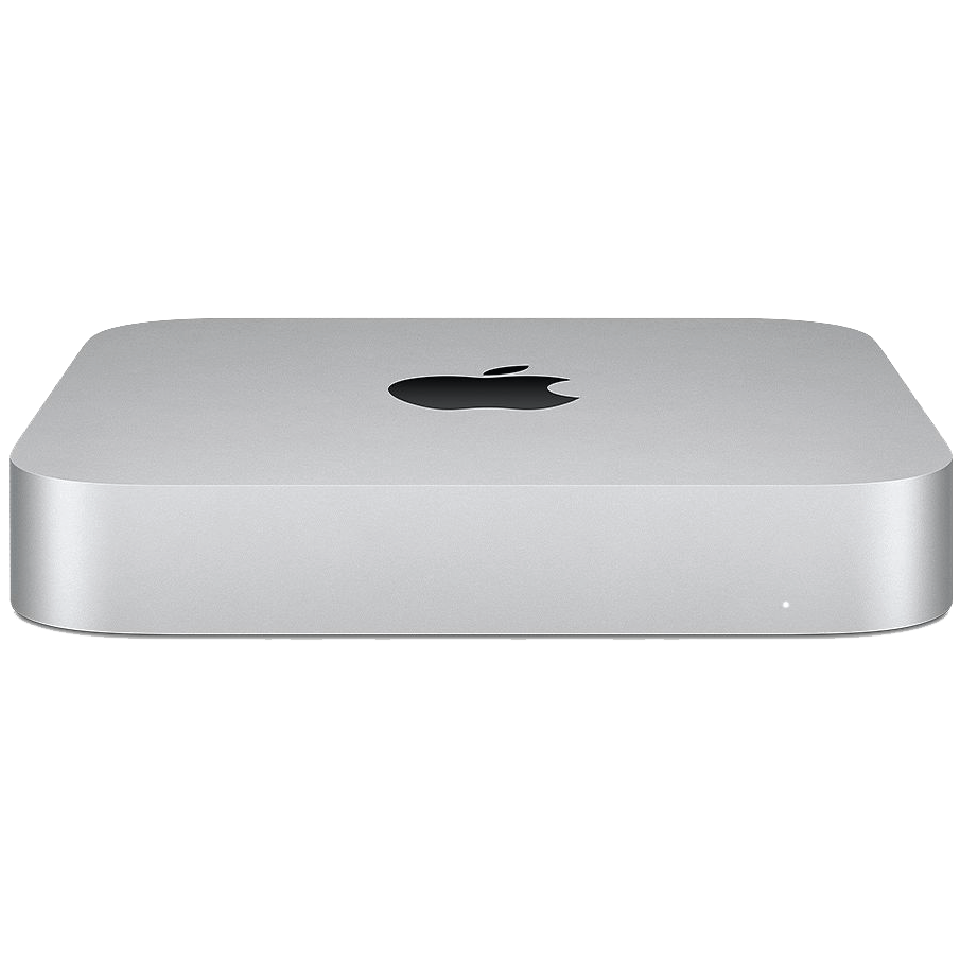
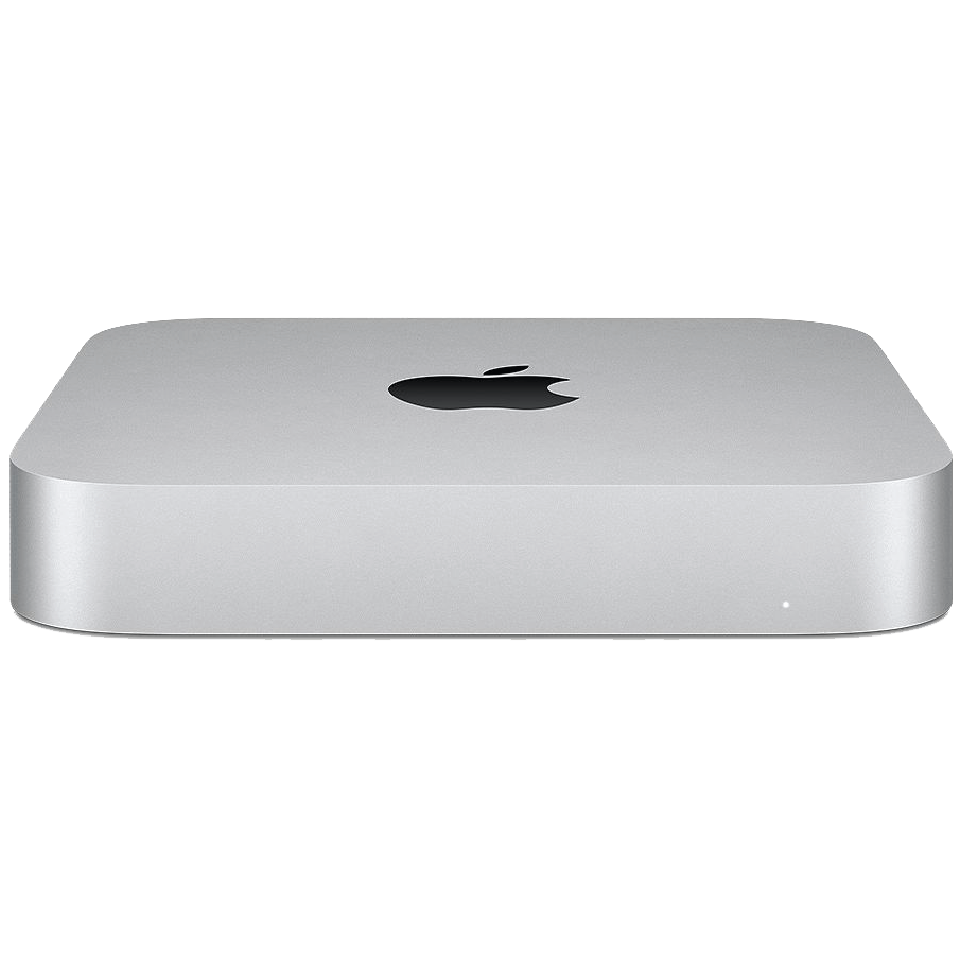
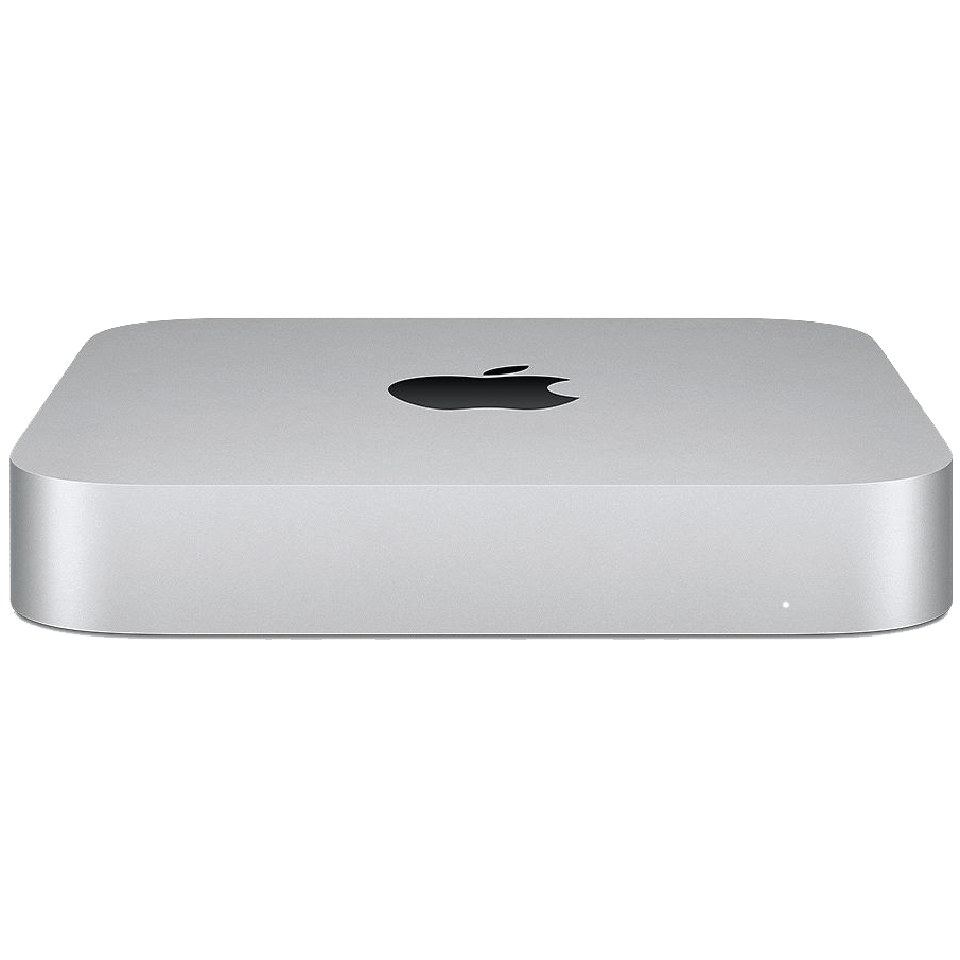
Mac mini (Late 2018)
The Mac mini Late 2018 was a massive upgrade with Coffee Lake processors (up to 6-core i7), T2 chip, Thunderbolt 3, and Space Gray finish.
Model: A1993
EMC: 3213
71 parts available
Moderate, Some Experience Needed
Key Specifications
Intel Core i3/i5/i7 (Coffee Lake)
8GB–64GB DDR4 (user-upgradeable)
128GB–2TB SSD
Intel UHD Graphics 630
T2 chip, 4× Thunderbolt 3, HDMI 2.0, 10Gb Ethernet option
Common Repairs
1RAM upgrade
2Fan replacement
3Power supply replacement
4Logic board replacement
5SSD replacement
Available Parts (71)
Apple Service Guide Parts (12)
Official Apple order numbers from this model's illustrated parts list (48 part numbers). Item numbers match the exploded view callouts in the Apple service guide.
1
Bottom Cover
1 number2
Antenna Plate
1 number3
Fan
1 number4
AC Inlet Retention Clip
1 number5
AC Inlet Cowling
1 number6
Memory Cover (includes left and right bumpers)
2 numbers7
Speaker
1 number8
Memory
4 numbers9
Logic Board
28 numbers661-102053.0GHz i5, 256GB, 1Gb ENET
661-102063.0GHz i5, 256GB, 10Gb ENET
661-102073.0GHz i5, 512GB, 1Gb ENET
661-102083.0GHz i5, 512GB, 10Gb ENET
661-102093.0GHz i5, 1TB, 1Gb ENET
661-102103.0GHz i5, 1TB, 10Gb ENET
661-102113.0GHz i5, 2TB, 1Gb ENET
661-102123.0GHz i5, 2TB, 10Gb ENET
661-102133.2GHz i7, 128GB, 1Gb ENET
661-102143.2GHz i7, 128GB, 10Gb ENET
661-102153.2GHz i7, 256GB, 1Gb ENET
661-102163.2GHz i7, 256GB, 10Gb ENET
661-102173.2GHz i7, 512GB, 1Gb ENET
661-102183.2GHz i7, 512GB, 10Gb ENET
661-102193.2GHz i7, 1TB, 1Gb ENET
661-102203.2GHz i7, 1TB, 10Gb ENET
661-102213.2GHz i7, 2TB, 1Gb ENET
661-102223.2GHz i7, 2TB, 10Gb ENET
661-102233.6GHz i3, 128GB, 1Gb ENET
661-102243.6GHz i3, 128GB, 10Gb ENET
661-102253.6GHz i3, 256GB, 1Gb ENET
661-102263.6GHz i3, 256GB, 10Gb ENET
661-102273.6GHz i3, 512GB, 1Gb ENET
661-102283.6GHz i3, 512GB, 10Gb ENET
661-102293.6GHz i3, 1TB, 1Gb ENET
661-102303.6GHz i3, 1TB, 10Gb ENET
661-102313.6GHz i3, 2TB, 1Gb ENET
661-102323.6GHz i3, 2TB, 10Gb ENET
10
I/O Wall
1 number11
Housing
1 numberPart numbers are sourced from the official Apple service guide for reference. Availability varies, contact us to confirm current pricing and stock for any part.
Safety Precautions
- • Always disconnect power and discharge the battery before beginning any repair.
- • Use an anti-static wrist strap (ESD) to prevent electrostatic damage to components.
- • Keep screws organized by step, magnetic project mats are highly recommended.
- • Never force connectors. Use a spudger to gently lift ZIF, FPC, and board-to-board connectors.
- • If your Mac has a swollen battery, do not attempt removal yourself, contact a professional.
Model Identification
Model Number(s)
A1993
EMC Number(s)
3213
Order Number(s)
MRTR2LL/AMRTT2LL/A
Identifier(s)
Macmini8,1
Product Line
Mac mini
Year
2018
Essential Tools
- Pentalobe P5 screwdriver (1.2mm)
- Torx T3, T4, T5, T6 screwdrivers
- Phillips #00 screwdriver
- Spudger (nylon)
- Suction cup(s)
- Anti-static wrist strap (ESD)
- Tweezers (angled)
- Guitar picks / opening picks
- Isopropyl alcohol (99%)
- Thermal paste (Arctic MX-4 or equivalent)
Need Professional Help?
Our Apple Certified Technicians can handle any Mac mini (Late 2018) repair. Free diagnostics, 1-year warranty on all parts.