7 Maintenance Tips After a MacBook Keyboard Replacement

The Short Answer
After a keyboard replacement, protect the repair by keeping food and liquids away, using clean hands, wiping keys gently with a slightly damp cloth, avoiding harsh cleaners, and not resting heavy objects on the closed lid. Good habits keep the new keyboard working like day one, and your WarriorMac repair stays covered by warranty.
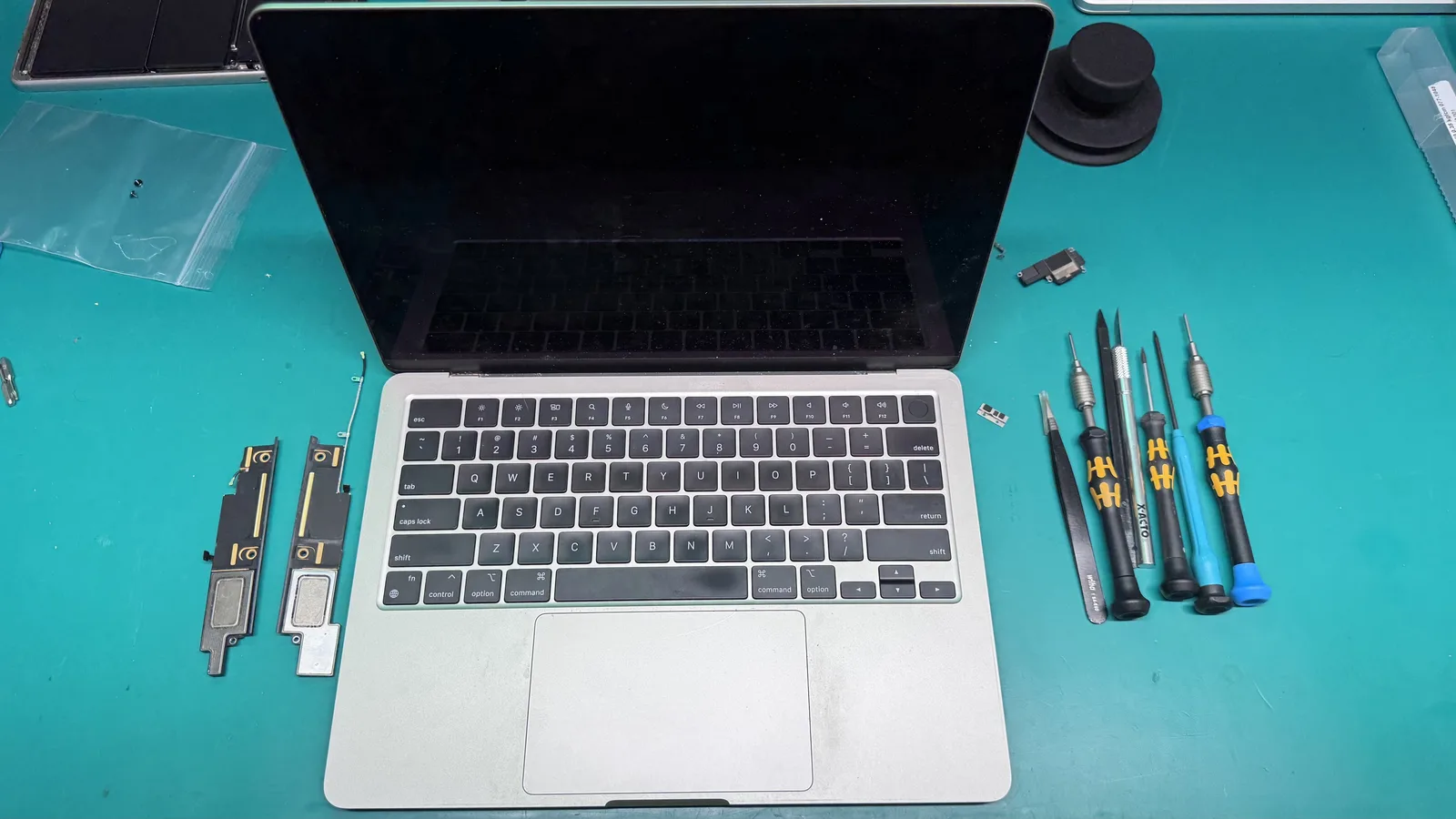
A malfunctioning MacBook keyboard can be frustrating at time, impacting your productivity and the overall user experience. When keyboard issues arise, opting for a keyboard replacement for your MacBook is often the best solution.
Keep your workspace clean and free of crumbs, dust, and debris. Use compressed air regularly to blow out any particles that may have settled between the keys. This simple habit can dramatically extend the life of your new keyboard.
Avoid eating and drinking near your MacBook. Liquid spills and food crumbs are among the top causes of keyboard damage. If you must have beverages nearby, use spill-proof containers.
Use a keyboard cover or silicone protector to shield your keys from dust and minor spills. Choose a thin, well-fitted cover that does not interfere with the laptop closing properly or affect thermal performance.
Practice gentle typing habits. Excessive force when typing can wear down key mechanisms faster. Modern MacBook keyboards, especially the butterfly and scissor switch designs, respond to light pressure.
Clean your keyboard regularly with a slightly damp microfiber cloth. Avoid using harsh chemicals or excessive moisture, as these can damage the key labels and mechanisms.
Schedule periodic professional cleanings with a service like WarriorMac to ensure the internal components remain free of accumulated dust and debris that home cleaning cannot reach.
Frequently Asked Questions
How do I take care of my MacBook after a keyboard replacement?
Keep drinks and food away from it, use clean dry hands, wipe the keys with a barely damp lint-free cloth, skip harsh chemical cleaners, and avoid pressing hard objects onto the closed lid. These simple habits protect the new keyboard.
How should I clean my MacBook keyboard safely?
Power it down, use a soft lint-free cloth lightly dampened with water or a screen-safe cleaner, and never spray liquid directly onto the keys. Compressed air can clear crumbs from between the keys.
What is the most common cause of keyboard failure?
Liquid spills and debris are the top causes. That is why keeping drinks away and cleaning gently makes the biggest difference in how long a keyboard lasts.
Is my replaced keyboard under warranty?
Yes. New genuine parts from WarriorMac are covered for a full year, so if a fault appears within that time we take care of it.
How can I prevent dust and debris from damaging my new keyboard?
To keep dust and debris at bay, we recommend using a keyboard cover or simply keeping your MacBook closed when not in use. Additionally, try to avoid eating or drinking near your device, as crumbs and spills can lead to issues over time. Regularly cleaning your keyboard with a soft, lint-free cloth can also help maintain its condition.
Need Mac Repair Help?
Our Apple-certified technicians are ready to help. Free diagnostics, genuine parts, and competitive pricing.