Mac Repair Glossary
Every Apple hardware term customers ask us about, explained in plain English by Apple certified technicians with 25 years of Mac hardware experience. Each entry covers what the part or failure actually is, how to recognize it, and what a real repair involves.
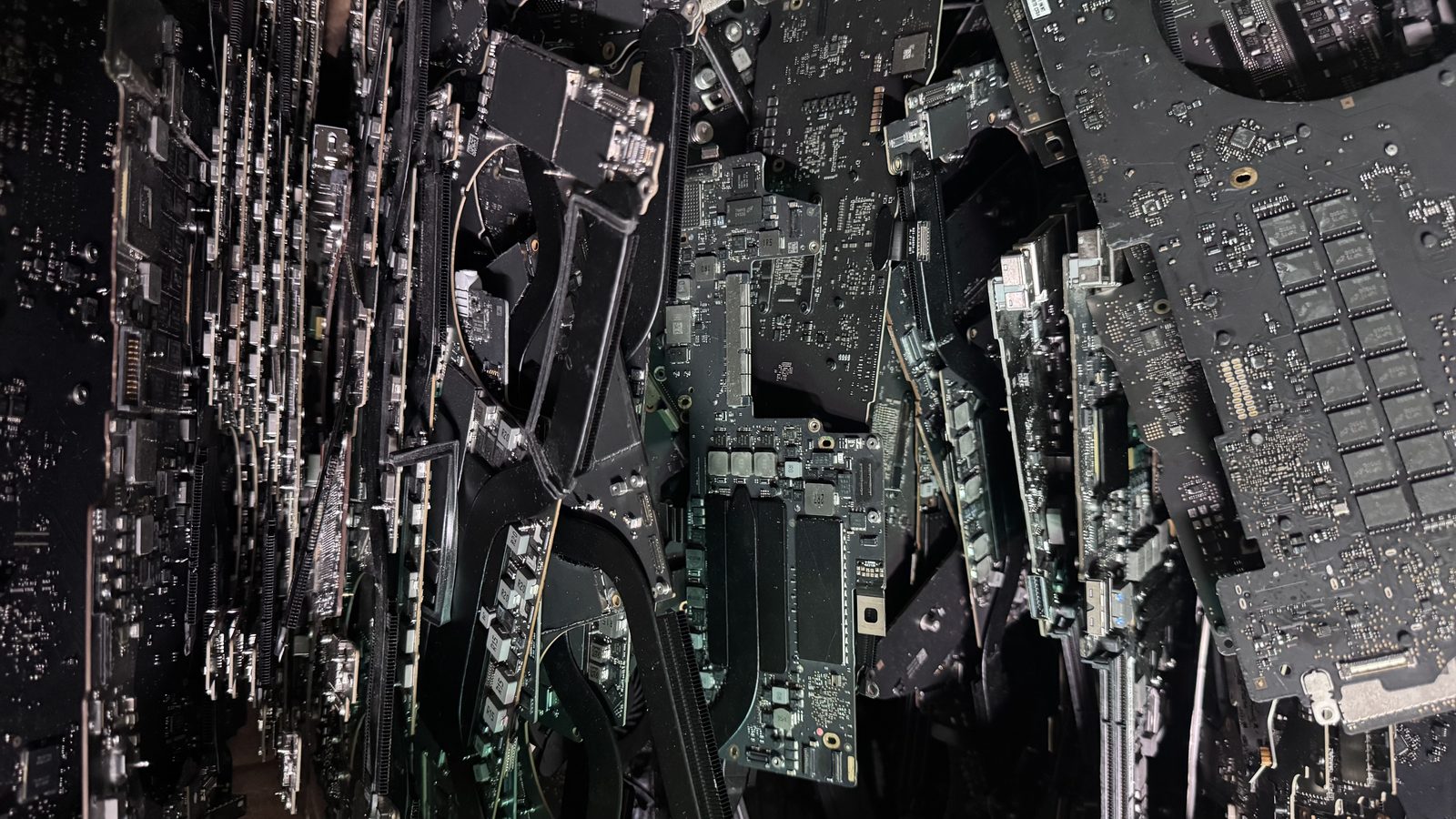
MacBook Logic Board
The logic board is the main circuit board inside every Mac. It houses the CPU, GPU, RAM (on modern Macs), storage controller, power management, and every other core chip. When Apple or a repair shop says "logic board failure," they mean one or more components on this board have stopped working.
Read the full explanation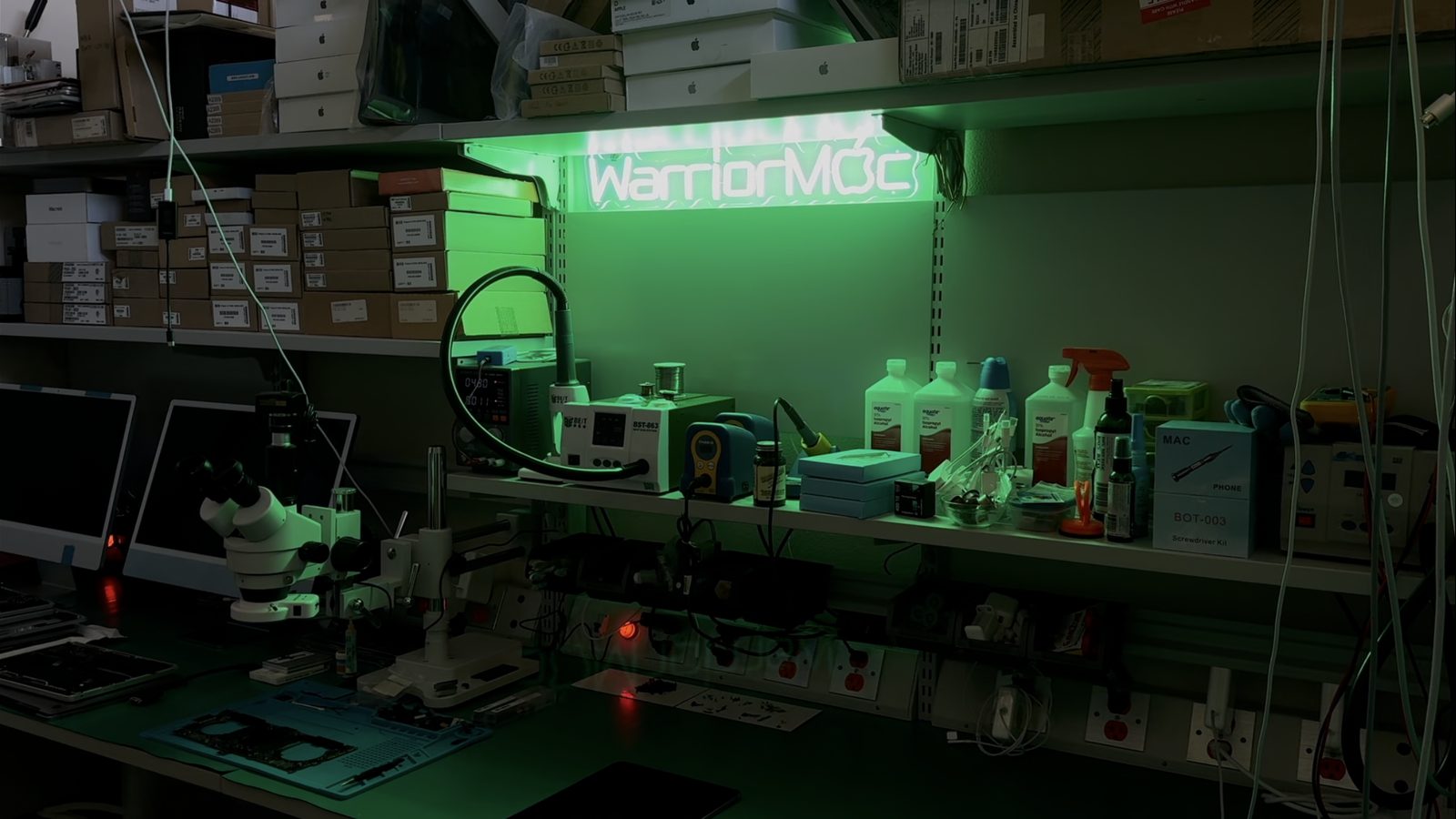
Flexgate
Flexgate is a design defect in certain 2016-2018 MacBook Pro models where the display flex cable, the thin ribbon cable connecting the display to the logic board, is too short. Every time you open and close the lid, the cable stretches over a sharp edge, eventually tearing and causing backlight failure.
Read the full explanation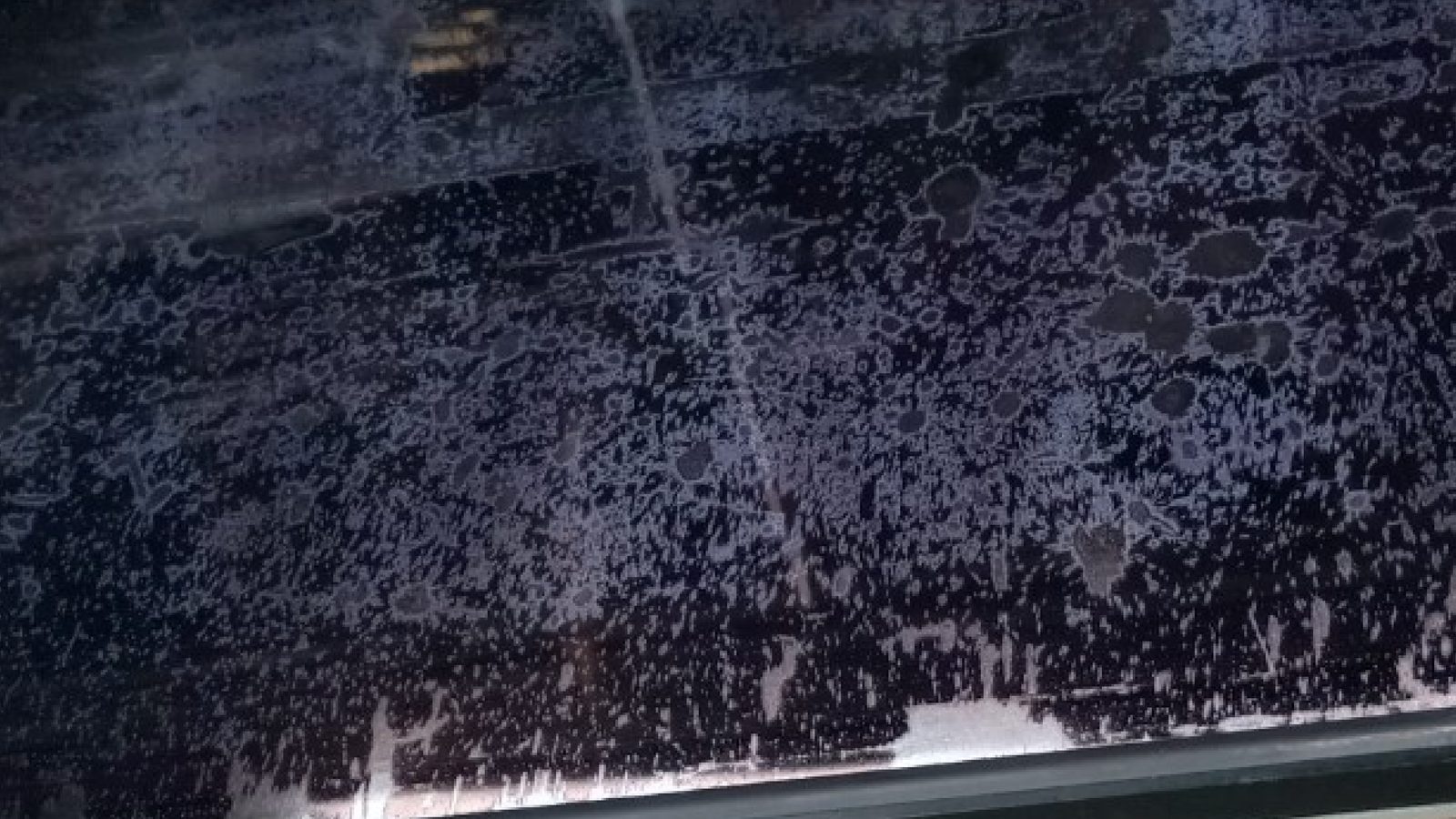
Staingate
Staingate refers to the delamination of the anti-reflective (AR) coating on MacBook Retina displays. The coating develops cloudy patches, smears, and stains that cannot be cleaned off because the coating itself is breaking down. It looks like the screen is permanently dirty.
Read the full explanation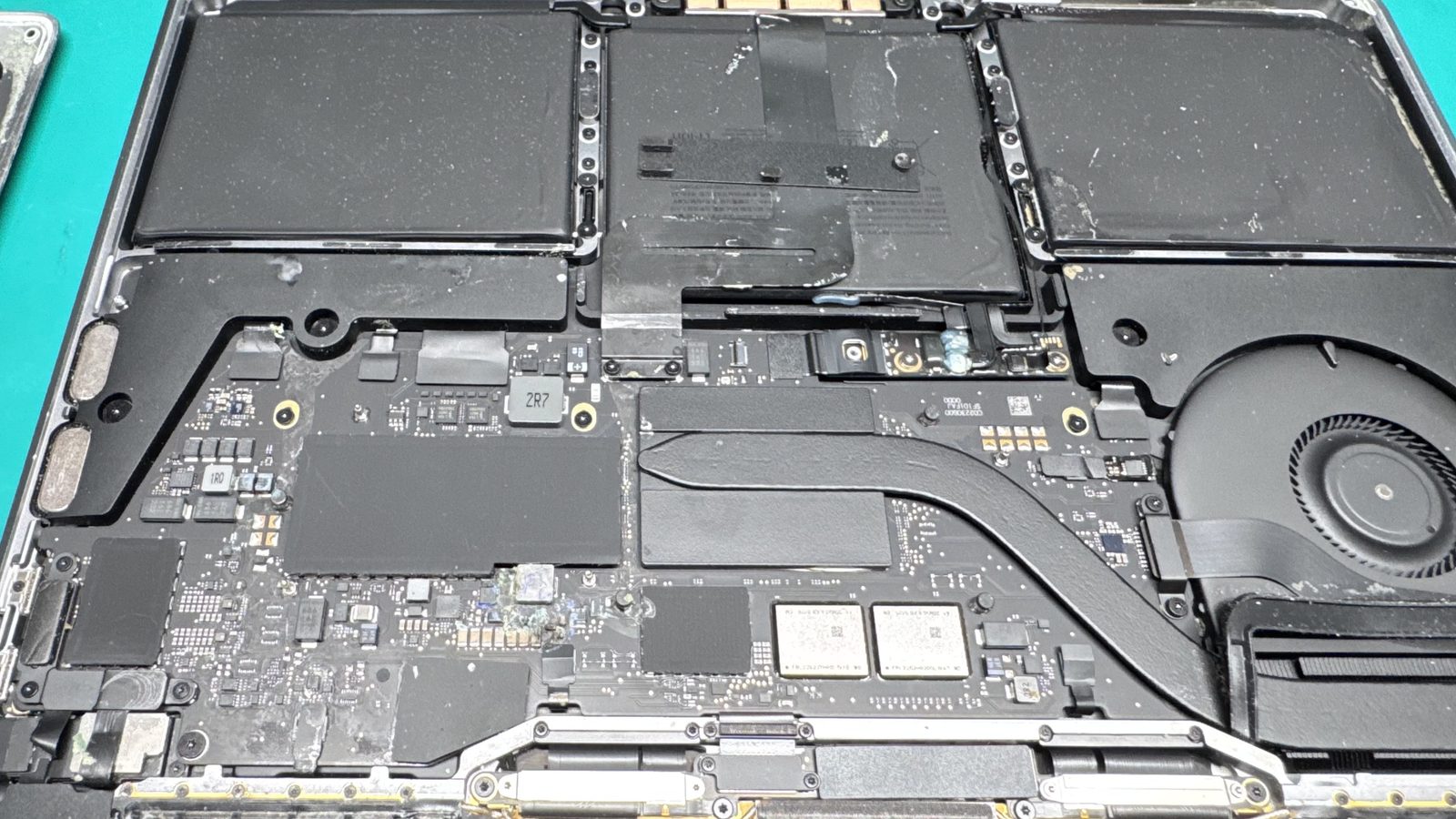
Liquid Damage & Corrosion
When liquid reaches a Mac's logic board, it does not just cause a short circuit, it triggers a chemical corrosion process that spreads across the board over hours and days. The liquid itself is often less damaging than the corrosion it leaves behind, which is why fast, proper treatment is critical.
Read the full explanation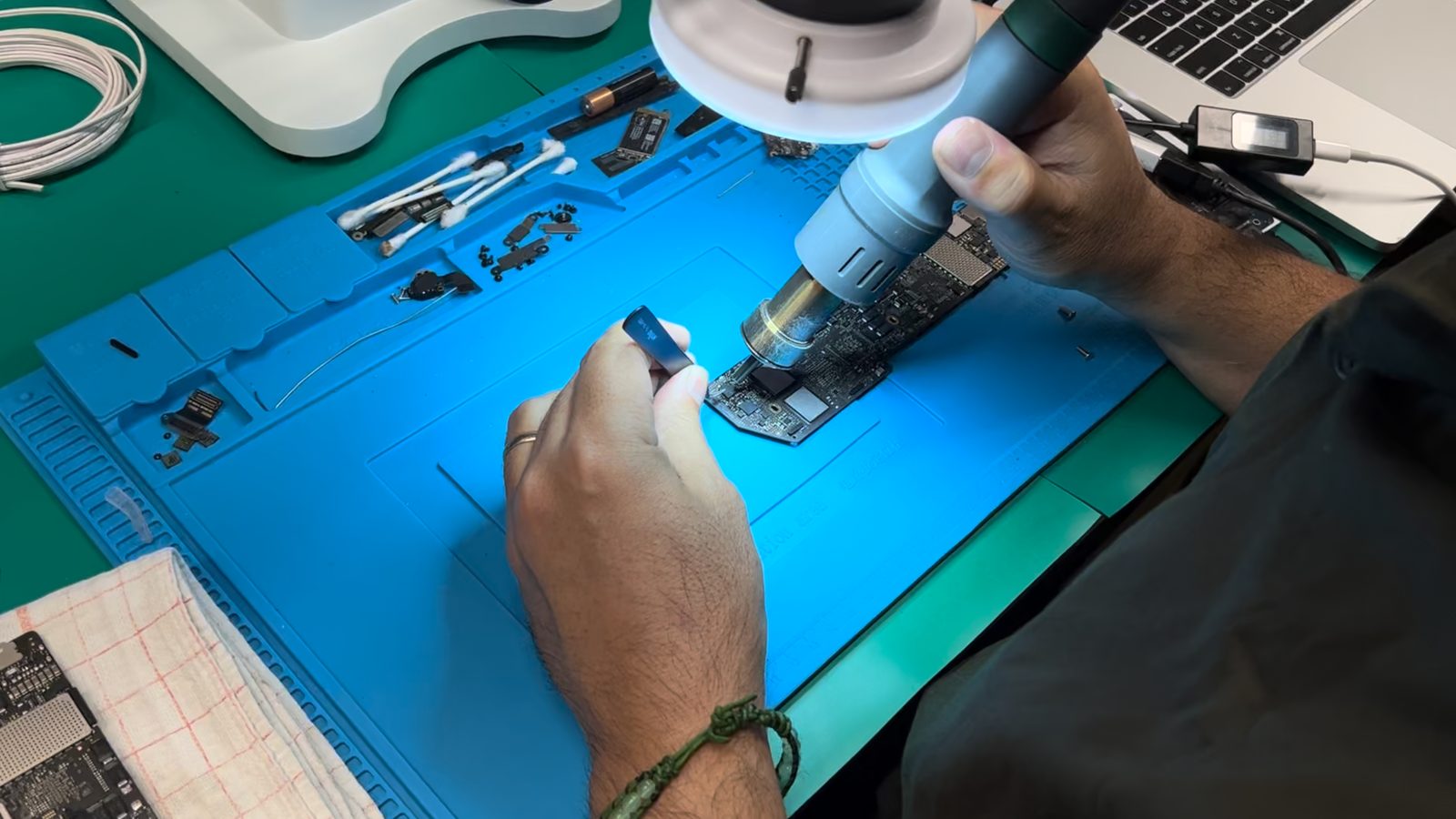
Board-Level Repair vs. Part Replacement
Board-level repair means fixing individual components (chips, capacitors, connectors) on the existing circuit board using micro-soldering. Part replacement means swapping an entire module, a complete logic board, display assembly, or top case. These are fundamentally different repair approaches with different costs, timelines, and data implications.
Read the full explanation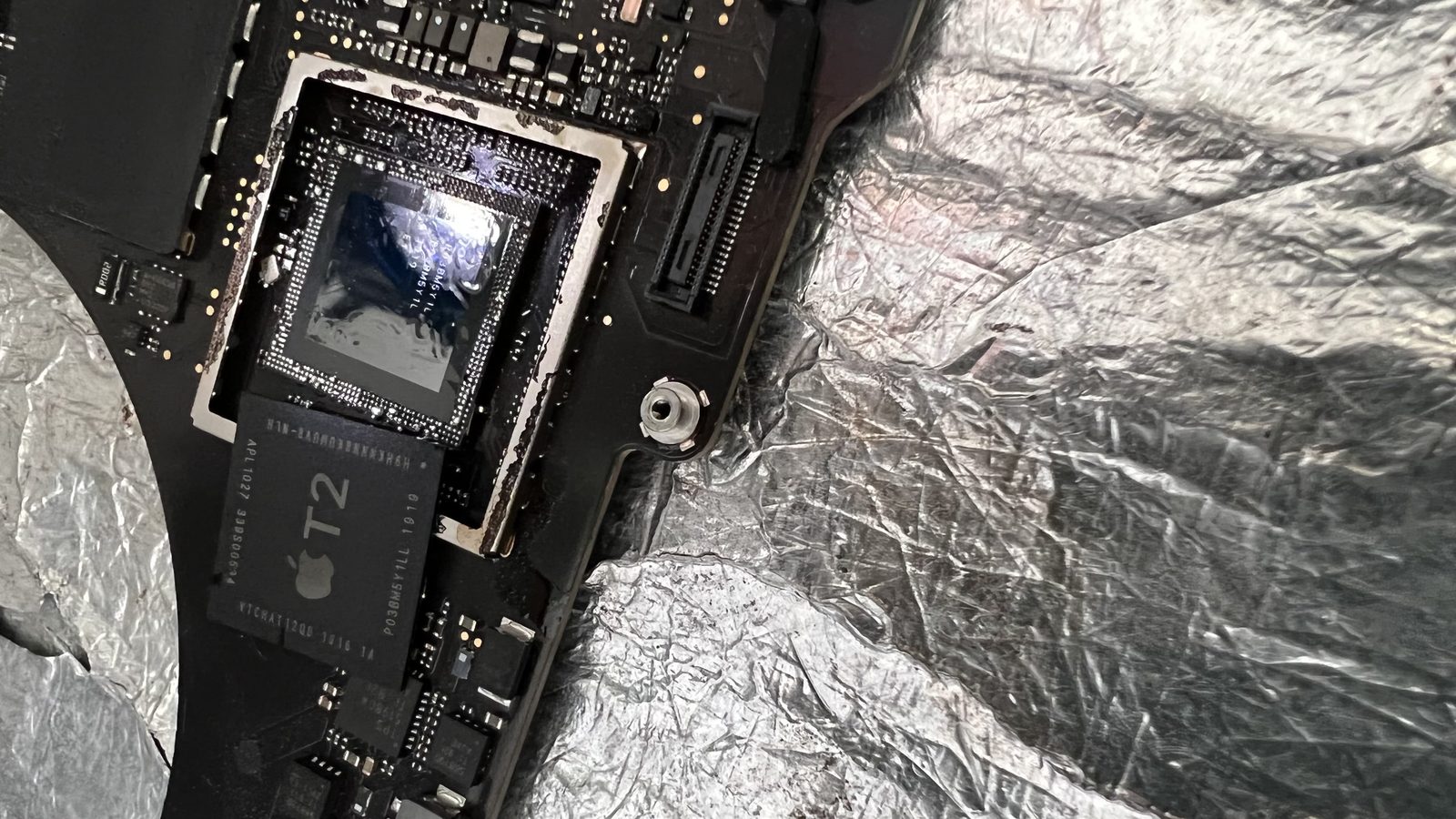
Apple T2 Security Chip
The Apple T2 Security Chip is a custom Apple-designed silicon chip present in certain 2018-2020 Intel Macs. It handles real-time SSD encryption, secure boot, the Touch ID sensor, and system management controller (SMC) functions. The T2 chip made Macs more secure but also created significant repair and data recovery challenges.
Read the full explanation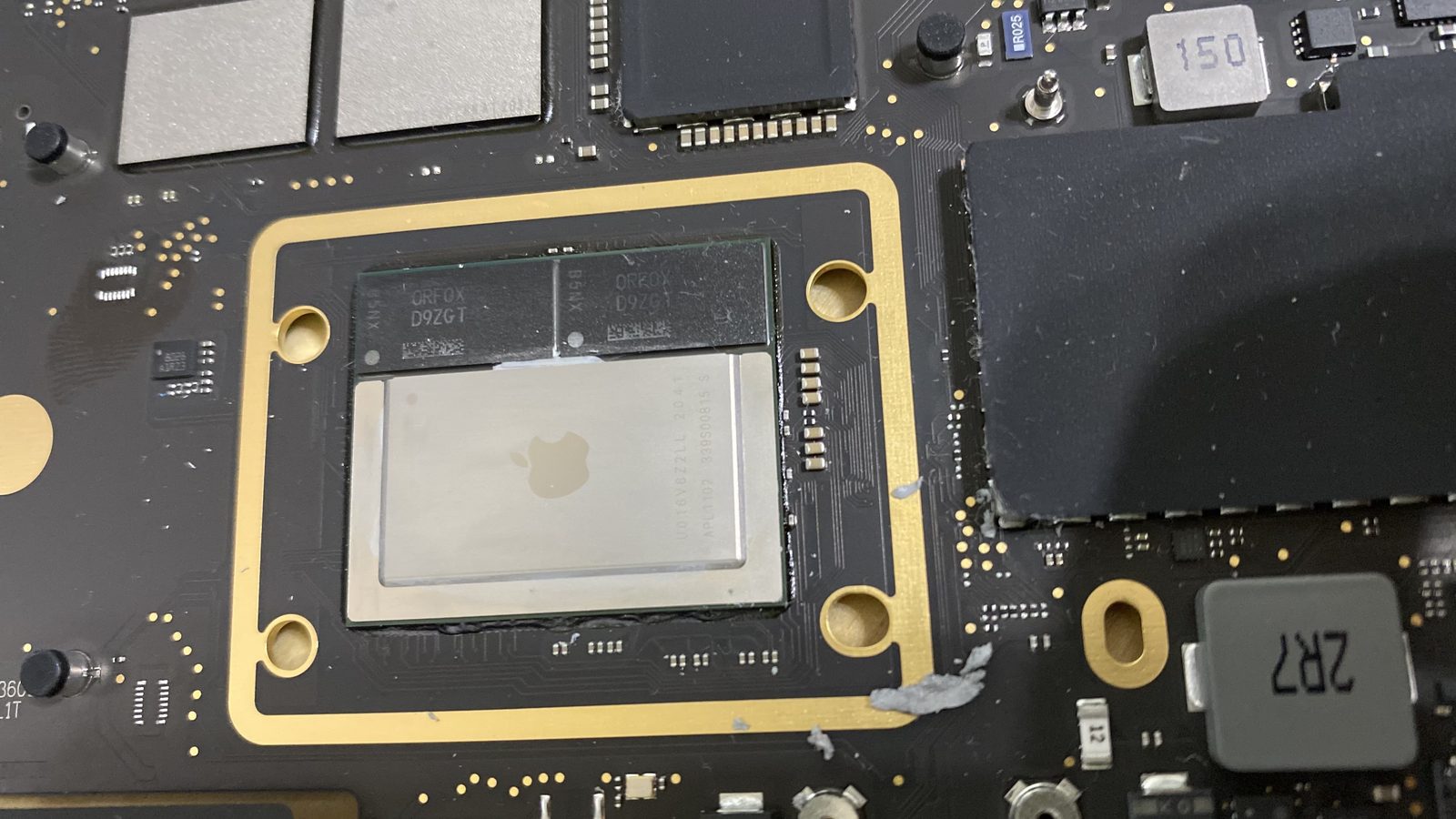
Apple Silicon
Apple Silicon refers to Apple's custom-designed ARM-based processors (M1, M2, M3, M4 and their Pro/Max/Ultra variants) that replaced Intel CPUs in Macs starting in late 2020. These chips integrate the CPU, GPU, Neural Engine, RAM, and security functions onto a single piece of silicon, a System on a Chip (SoC) design that is fundamentally different from Intel Macs.
Read the full explanation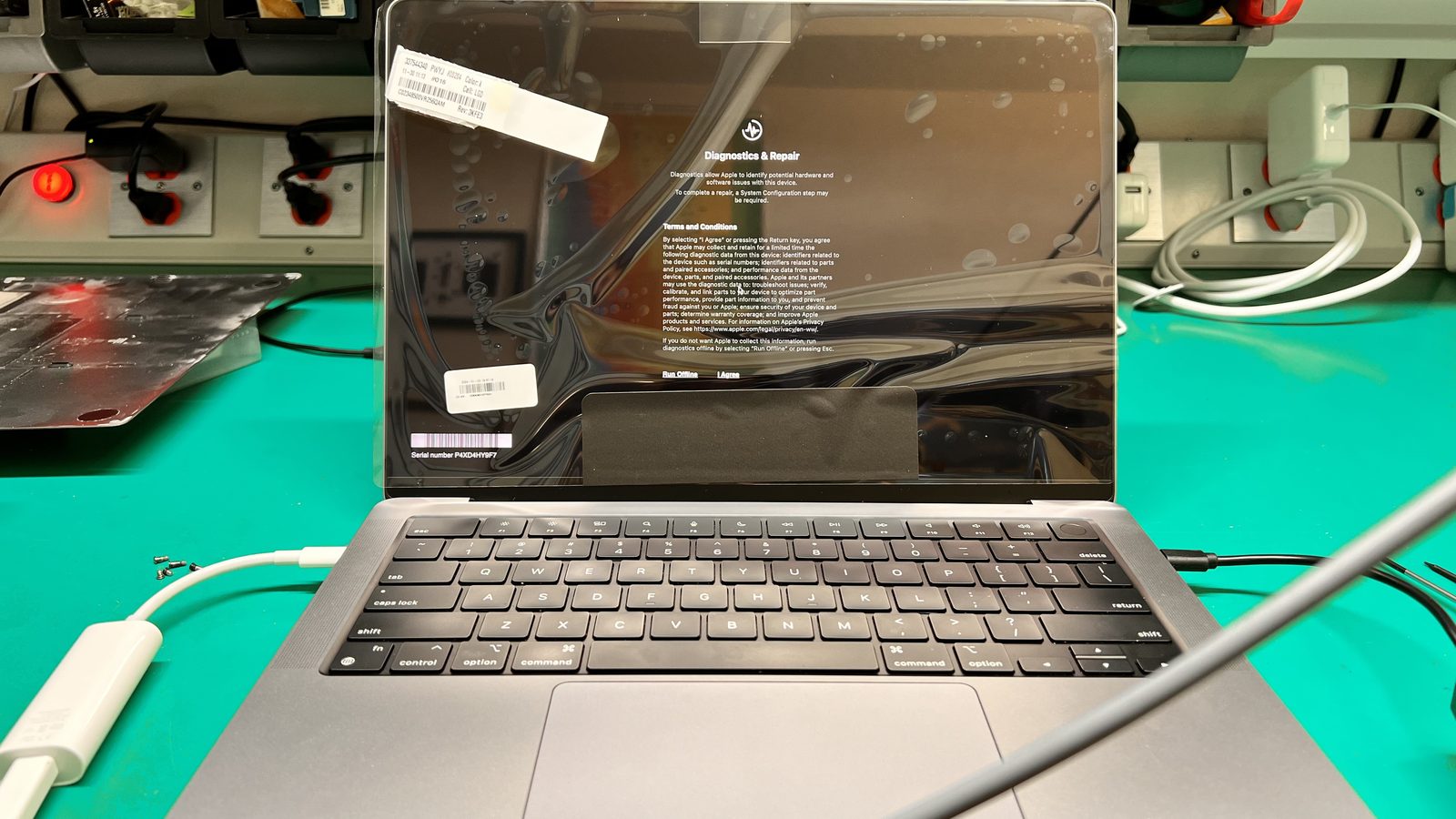
Retina Display
Retina Display is Apple's brand name for high-pixel-density screens where individual pixels are indistinguishable to the naked eye at normal viewing distance. Introduced in 2012, Retina displays have evolved from standard LCD to Liquid Retina (LCD with rounded corners) to Liquid Retina XDR (mini-LED with extreme dynamic range and 1,600-nit peak brightness).
Read the full explanation
Butterfly Keyboard
The butterfly keyboard is the ultra thin key mechanism Apple used from 2015 to 2019. It replaced the traditional scissor switch with a hinged butterfly wing design that cut key travel to roughly 0.55mm. The mechanism sits so close to the top case that a single crumb, grain of sand, or speck of dust can jam a key permanently.
Read the full explanation
Service Recommended Battery Warning
Service Recommended is the status macOS shows when your MacBook battery has degraded past the point Apple considers healthy. It appears under System Settings, Battery, and in the battery menu. It is an advisory that the cell can no longer hold its rated charge, not an emergency shutdown warning.
Read the full explanation
MacBook GPU Failure
GPU failure is the breakdown of the discrete graphics chip on a Mac logic board, most commonly caused by cracked solder joints under the chip after years of heat cycling. It affects Intel era MacBook Pro and iMac models that carried a separate AMD or NVIDIA graphics processor alongside the CPU.
Read the full explanation
Mac SSD Failure
Mac SSD failure is the loss of the flash storage that holds your system and your data. What makes it different from a failing drive in a generic laptop is that on most Macs built after 2016 the storage is soldered directly to the logic board, so it cannot simply be unplugged and read in another machine.
Read the full explanation
Mac Kernel Panic
A kernel panic is macOS shutting itself down deliberately because the core of the operating system hit an error it cannot safely recover from. You see it as the message telling you your computer restarted because of a problem, sometimes preceded by a dark overlay across the screen.
Read the full explanation
Mac Activation Lock
Activation Lock is Apple's anti theft system. When Find My is enabled, the Mac is tied to that Apple Account at the hardware level, and it cannot be erased, reinstalled, or reused without the original account credentials. A separate mechanism, the EFI firmware password, locks the machine before macOS even loads.
Read the full explanationNot sure which one describes your Mac?
Call and describe the symptoms. We will tell you what is most likely failing and what the repair involves before you bring anything in. Walk-ins are welcome, no appointment needed.