How Long Will Your Mac Last After a Repair?
The Short Answer
A properly repaired Mac using genuine Apple parts can easily last several more years, often as long as the rest of the machine holds up. What matters is the quality of the parts and the technician, not the fact that it was repaired. At WarriorMac every new part carries a full one-year warranty and quality pre-owned parts carry a 180-day warranty, so you have real time to know the fix held.
Almost every person who walks into our Tampa shop asks us the same thing before they agree to anything. It is not how much, and it is not how fast. It is this: if I pay to fix it, how long is this Mac actually going to last?
It is a fair question, and honestly it is the smartest one you can ask. You do not want to put money into a machine only to have something else fail a month later. You want to know the repair buys you real time, not a few weeks. So instead of giving you a sales pitch, we are going to answer it the way we answer it at the counter, plainly and from experience.
The short, honest answer
When a Mac is repaired correctly, with the right part, by someone who knows what they are doing, it will usually keep running for years, not months. In most cases we tell people to expect the same kind of lifespan they would get out of any healthy Mac of that age. A repair does not put an expiration date on your computer. It removes the one thing that was stopping it from working.
Think of it this way. A Mac is not a single throwaway object. It is a collection of parts, and most of those parts are perfectly fine on the day you bring it in. Usually one thing has failed. A battery has worn out, a screen has cracked, a port has stopped charging, or a small component on the board has given up. When we replace the failed piece with a proper part, the rest of the machine, which was never the problem, keeps doing its job.
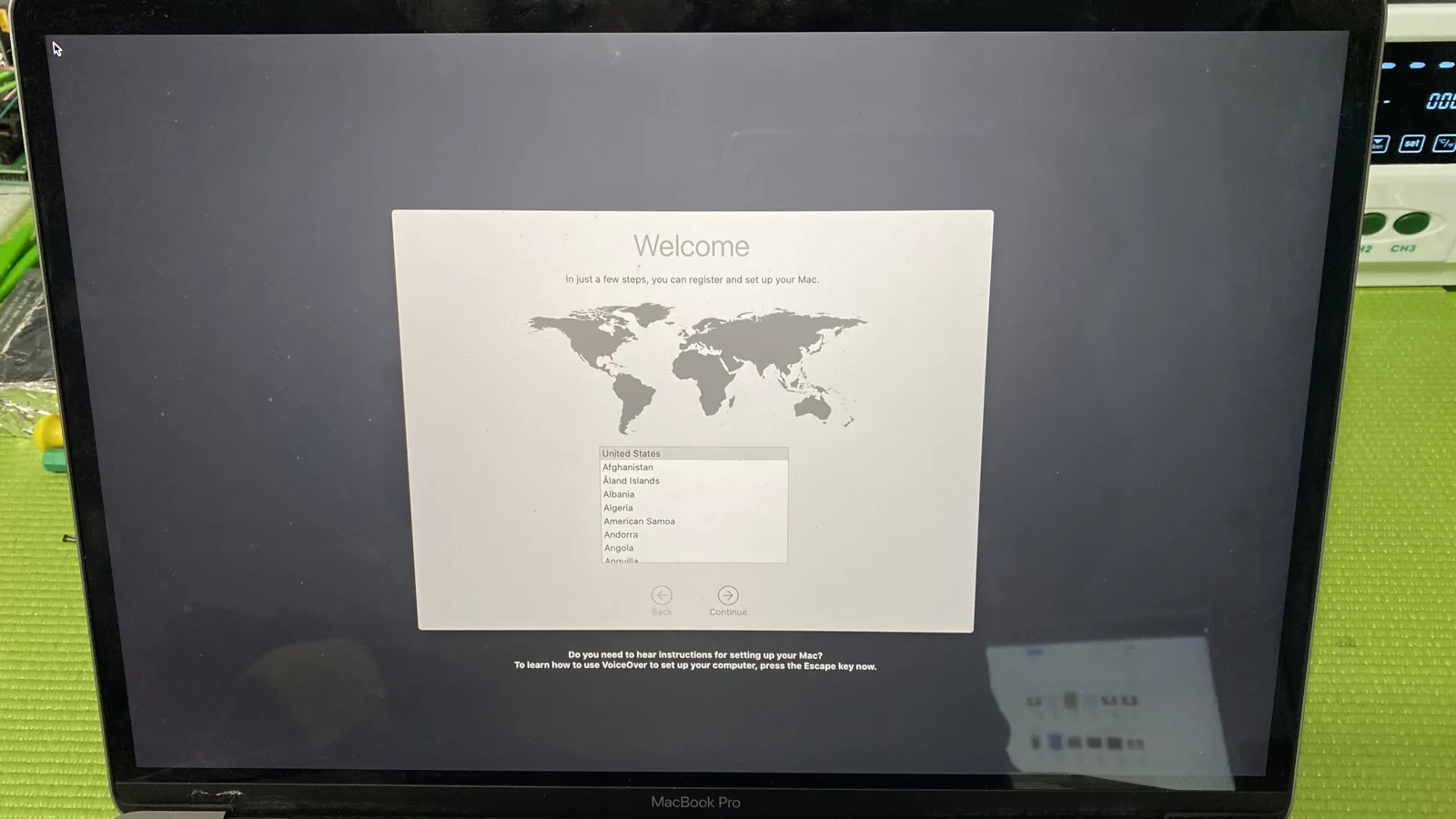
That is why we can say with a straight face that a well done repair often gives you three, four, five more years of use. We see machines come back through the door years after we fixed them, still running, usually for something completely unrelated to the first repair.
Why a repaired Mac can outlast what people expect
There is a belief out there that once a computer has been opened up and worked on, it is somehow living on borrowed time. That is simply not true when the work is done right. Apple builds these machines to last, and the internal components are far more durable than most people assume.
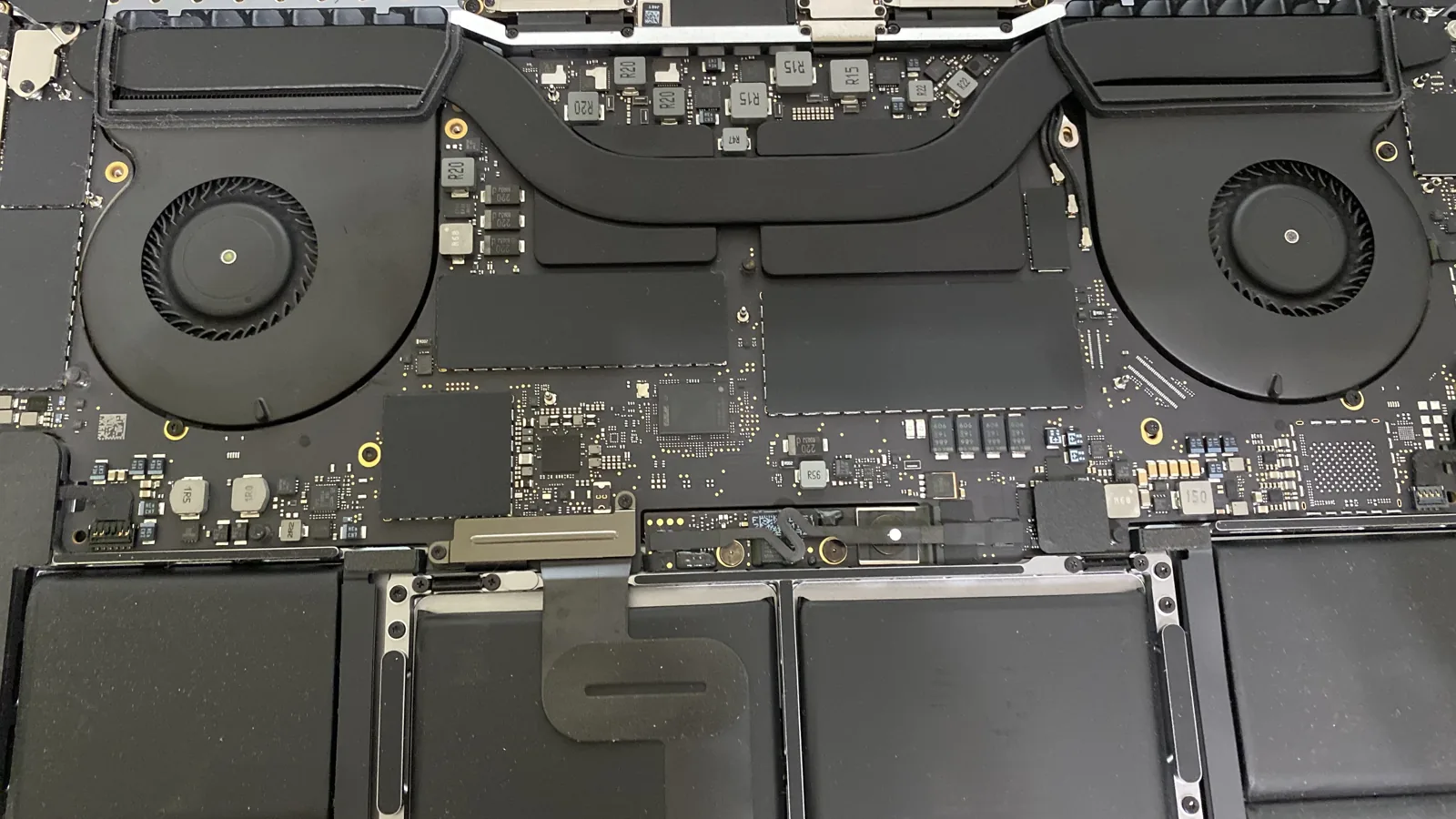
Take a look at the inside of a typical MacBook Pro. The logic board, the cooling fans, the heat pipes, the storage, and the battery cells are all engineered to run for a long time under normal use. When one part wears out, the failure is almost always isolated. The rest of the hardware has plenty of life left in it.
So when we open a machine and replace what failed, we are not resetting a countdown. We are giving a fundamentally sound computer the one thing it needed to keep going. That is the difference between a repair that lasts and one that does not. It comes down to fixing the actual root cause instead of masking a symptom, and using a part that matches the quality of everything around it.
It comes down to what we replace, and with what
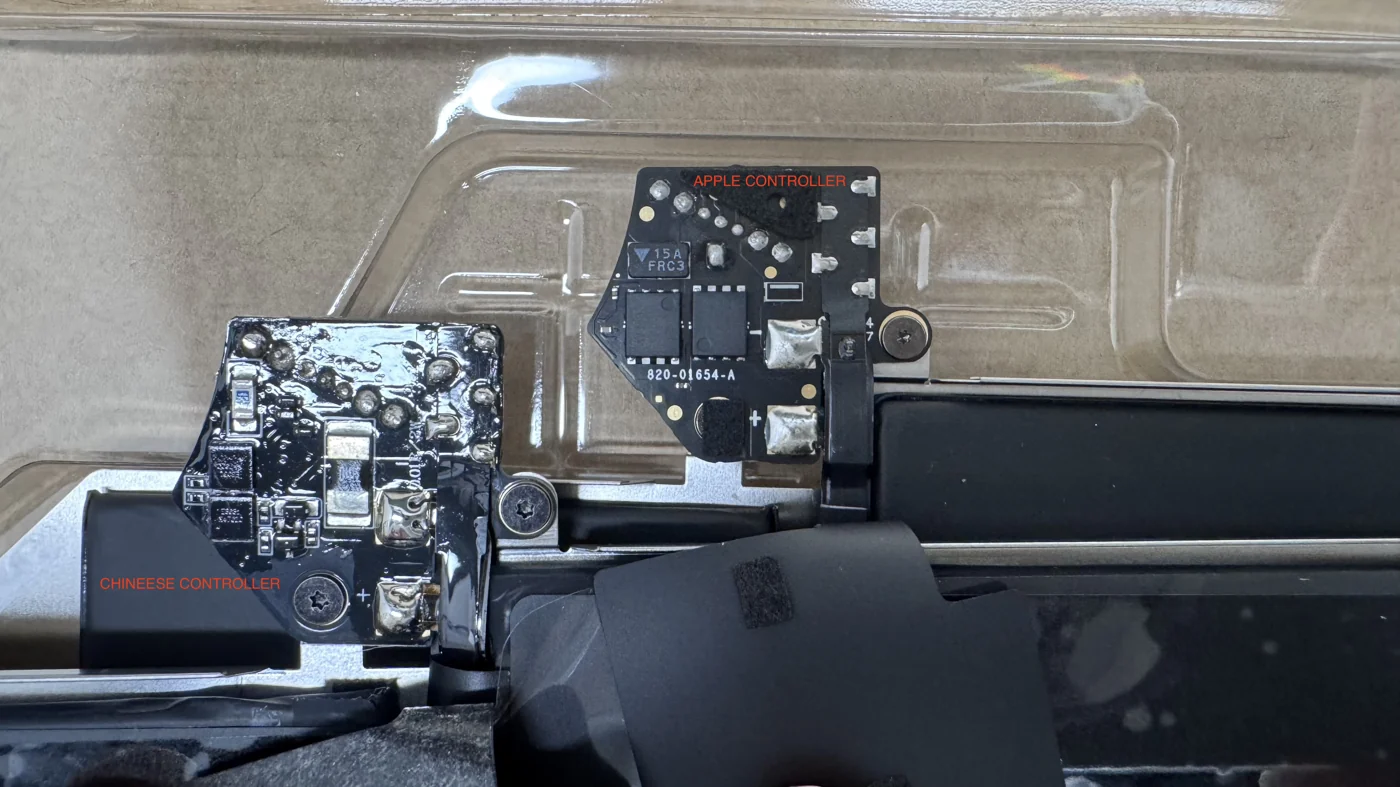
This is the part most people never get told. How long a repair lasts depends heavily on the quality of the part that goes back in. This is exactly why we use genuine Apple parts. A real Apple battery, screen, or component is built to the same standard as the one that came out. It fits correctly, it performs the way it should, and it lasts the way it should.
Cheap aftermarket parts are where a lot of repair horror stories come from. A bargain battery might swell within months. A knockoff screen might have the wrong brightness, poor touch response, or start failing at the edges. When someone tells us their last repair only lasted a few weeks, the reason is almost always a low quality part or a rushed install, not the fact that the machine was repaired at all.
When you see the inside of one of these machines, it becomes obvious why the part matters. Everything in there is precise. The battery cells sit flush against the case. The board is packed with tiny components that all have to work together. Putting the wrong part into that environment is asking for trouble down the road. Putting the right part in is what makes the repair last.
Our warranty is that answer, in writing
We could tell you all day that our repairs last, but talk is cheap. So we back it up. Every repair we do using a brand new genuine Apple part is covered by a one year warranty. Repairs done with a quality pre-owned part are covered for 180 days.
That warranty is not marketing. It is us putting our money where our mouth is. We would not offer a full year of coverage on a repair if we expected it to fail. We offer it because we know how these machines hold up when the work is done properly, and because we stand behind what leaves our bench.
So when you ask how long it will last, the warranty is a real, concrete part of the answer. If anything related to the repair goes wrong within that window, you bring it back and we take care of it. That is the kind of certainty you should expect any time you pay for a repair.
What actually fails, and what happens after we fix it
It helps to break this down by the repairs we do most often, because the honest lifespan answer is a little different for each one.
A worn out battery is the most common thing we replace. Batteries are consumable by design, and after several years and hundreds of charge cycles they lose capacity. When we install a new genuine battery, you are essentially back to day one on that front. Expect years of normal use before you would even think about it again, just like a new machine.
A cracked or failing screen is another big one. Once a proper replacement screen is installed, there is no reason it should not last the rest of the machine life. A screen does not wear out the way a battery does. Barring another accident, it is a one and done fix.
Charging port and connector issues are usually a clean, lasting repair as well. Once the faulty port or cable is replaced, the machine charges normally again and stays that way.
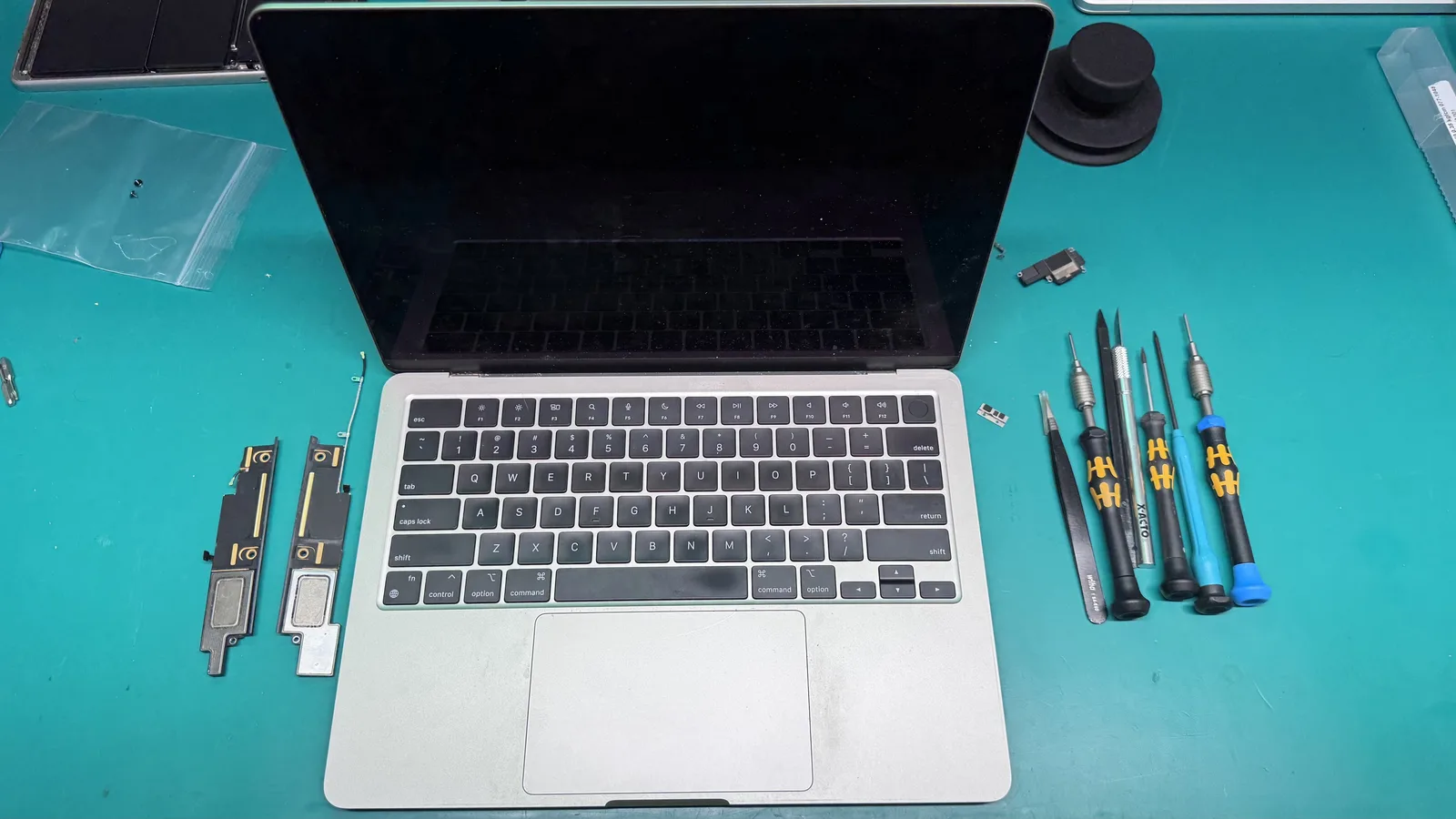
Logic board repairs are where people worry the most, and understandably so. The board is the heart of the machine. But a properly done board repair, whether it is a component level fix or a board replacement, restores the machine to full working order. We have seen board repaired machines run for years afterward without issue. The key is a correct diagnosis and clean, careful work, which is exactly what a certified technician is for.
And if your concern is the data on a machine that has failed, that is its own conversation. Our data recovery work is about getting your files back safely, and once recovered, that data is yours to keep and back up going forward.
How you can make a repaired Mac last even longer
A repair gives your machine a fresh start, and there are simple things you can do to protect that investment and stretch it as far as possible.
Keep it cool and let it breathe. Heat is the enemy of every laptop. Avoid using it on soft surfaces like a bed or couch that block the vents, and keep the fans and vents free of dust. A machine that runs cooler runs longer.
Be gentle with the charging habits. You do not need to obsess over battery percentages, but avoiding extreme heat and not letting it sit fully drained for long stretches will help your new battery age gracefully.
Keep your software reasonably up to date and keep some free space on your storage. A machine that is not choking on a full drive or fighting outdated software simply runs smoother and puts less strain on the hardware.
And back up your files. This one has nothing to do with the hardware lasting and everything to do with your peace of mind. A repaired Mac can run for years, but life happens. A simple Time Machine backup means you are never one bad day away from losing what matters.
When a repair buys you years, and when it buys you time
We promised you honesty, so here it is. Not every repair is the same, and we will always tell you the truth about what you are looking at.
On the vast majority of machines we see, a repair is a clear win. The computer is otherwise healthy, the failed part is straightforward to replace, and you walk out with years of use ahead of you for a fraction of the cost of a new machine.
On a much smaller number of older or heavily damaged machines, we will be upfront that a repair is more of a bridge than a long term fix. Maybe the machine is very old and other parts are near the end of their life too. In those cases we tell you exactly that, so you can decide whether the repair makes sense for you. We would rather lose a sale than take your money for a repair we do not believe in.
That honesty is the whole point. When we tell you a repair will last, it is because we mean it, not because we are trying to close a ticket. And that is exactly why our free diagnostic exists. We look at the actual machine, tell you what is really going on, and give you a straight answer about what the repair will and will not do for you.
The bottom line
So, how long will your Mac last after a repair? In most cases, years. A correctly diagnosed problem, fixed with a genuine part, by a certified technician, gives you back a machine that is ready to keep working for a long time to come. That is not a hopeful guess. It is what we see every day, and it is why we are comfortable backing our work with a real warranty.
If you are sitting on a Mac that is acting up and wondering whether it is worth fixing, do not guess. Bring it to WarriorMac in Tampa for a free diagnostic, and we will give you the honest answer about what is wrong, what it will cost, and how long you can expect it to last once it is fixed. No pressure, no sales pitch, just the truth about your machine.
Frequently Asked Questions
How long will my Mac last after a repair?
With genuine Apple parts and a correct repair, most Macs keep running for years, typically limited by the age of the whole machine rather than the repair itself. A good battery or screen replacement often feels like a brand new device.
Does repairing a Mac shorten its lifespan?
No. A repair done with proper parts and technique restores the Mac to normal working condition. Poor-quality parts or sloppy work are what cause repeat failures, which is why the technician and parts matter far more than the repair itself.
What is covered by the WarriorMac warranty?
New genuine parts are covered for a full year and quality pre-owned parts for 180 days. If a part we installed fails within that window, we take care of it.
Is it worth repairing an older Mac?
Often yes, especially if the body and screen are in good shape and you only need one component fixed. A free diagnostic will tell you whether the repair makes financial sense or whether replacement is the smarter call.
What factors affect how long my Mac will last after a repair?
Several factors can influence your Mac's lifespan after a repair, including the quality of the parts we use and your usage habits. At WarriorMac, we use genuine Apple parts and offer a 1-year warranty on new components, which helps ensure durability. Additionally, regular maintenance and updates can extend your Mac's life, so we recommend keeping it well cared for.
Need Mac Repair Help?
Our Apple-certified technicians are ready to help. Free diagnostics, genuine parts, and competitive pricing.