Data Recovery from a Dead Mac
Photos, documents, projects. We recover data from MacBooks others have given up on.
Quick Diagnosis
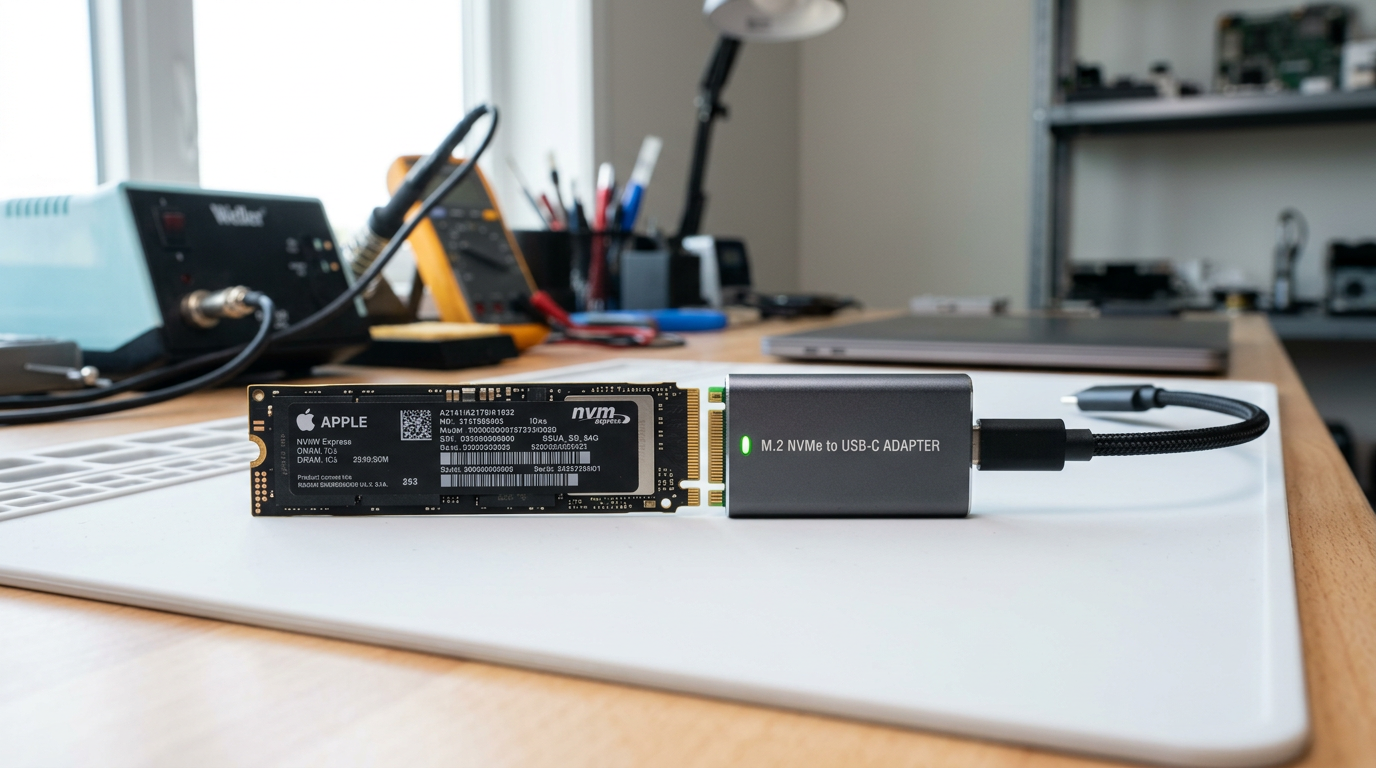
Losing access to your data is stressful, but in most cases the data is still physically on the SSD even when the Mac will not boot or has suffered hardware failure. Modern MacBooks use soldered or proprietary SSD modules that require specialized tools and adapters to read outside the Mac. At WarriorMac, we have the adapters and expertise to extract data from every MacBook generation, including T2 and Apple Silicon models with hardware encryption.
Common Causes
Here are the most frequent reasons for this problem, ranked by how often we see each one.
Logic board failure
CommonIf the logic board has failed but the SSD is intact, data can be recovered by reading the SSD directly with a specialized adapter (non-T2/non-Apple Silicon models) or by repairing the board enough to boot (T2/Apple Silicon models).
Liquid damage
CommonLiquid spills rarely damage the SSD directly. Even if the logic board is beyond repair, the data on the SSD is usually recoverable.
Corrupted file system
LikelyFile system corruption from unexpected shutdowns, failed updates, or software bugs can make data inaccessible without specialized recovery tools.
SSD failure
PossibleWhile rare, SSDs can fail due to controller issues, NAND wear, or firmware bugs. Recovery depends on the type of failure and whether the NAND chips are intact.
Accidental deletion or format
PossibleAccidentally erased files or a reformatted drive can often be recovered if the data has not been overwritten by new files.
Try These Steps First
Before bringing your Mac in, try these diagnostic steps at home.
Stop using the Mac immediately
If you suspect data loss, stop using the Mac. Continued use can overwrite deleted files, making them unrecoverable.
Do not reinstall macOS
Reinstalling the operating system writes new data to the drive and can overwrite your files. Bring it in as-is.
Check Time Machine or iCloud
If you have Time Machine backups or iCloud sync enabled, some or all of your data may already be backed up. Check before pursuing hardware recovery.
Note what happened
Tell us exactly what happened (liquid spill, sudden shutdown, failed update, accidental delete). This helps us choose the right recovery approach and prioritize.
What WarriorMac Does Differently
We use specialized Apple SSD adapters, forensic recovery software, and board-level repair techniques to extract data from every MacBook model. For T2 and Apple Silicon Macs with hardware encryption, we repair the logic board to a bootable state so the encryption can be unlocked with your password. For older models with removable or proprietary SSDs, we read the drive directly. All recovered data is transferred to an external drive that you keep.
Repair Options & Pricing
Standard data recovery
Data extraction from a non-booting Mac with intact SSD. Includes transfer to an external drive.
Board repair for encrypted recovery
Logic board repair to boot a T2 or Apple Silicon Mac so encrypted data can be accessed with your password.
Liquid damage data recovery
Data extraction from a liquid-damaged Mac, including ultrasonic cleaning if needed to access the SSD.
SSD failure recovery
Advanced recovery from a failed SSD using NAND-level techniques when possible.
Frequently Asked Questions
Can you recover data from a dead MacBook?
How much does Mac data recovery cost?
Can you recover data from a water-damaged MacBook?
Is my data encrypted on a MacBook with a T2 chip or Apple Silicon?
What if I do not have a backup?
Related Services
Still Not Fixed?
Bring it to us or ship it in. Free diagnosis, no-fix-no-fee guarantee, 25 years of experience.