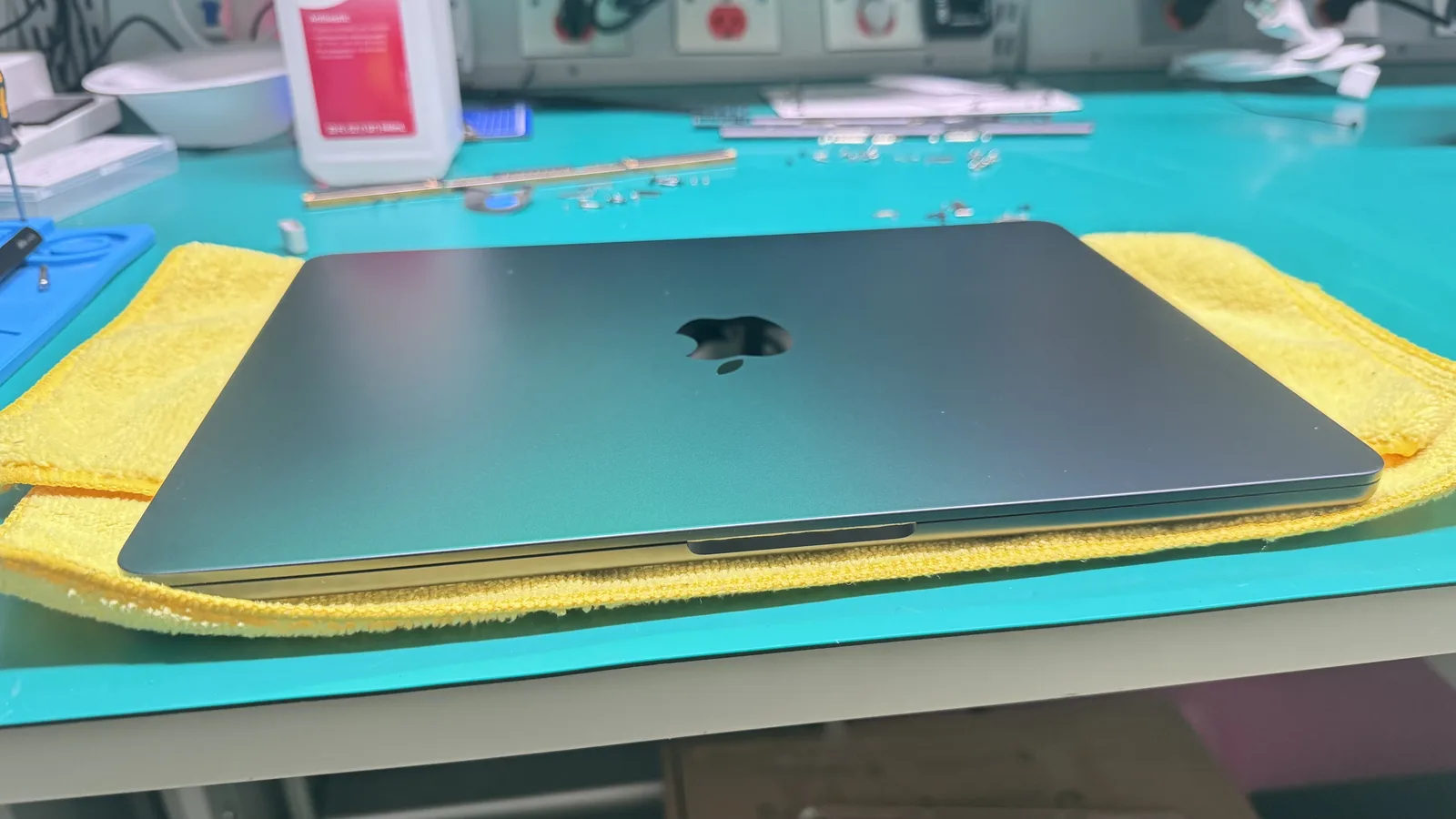
MacBook Pro 13" (2017)Repair
2017 · A1706 (Touch Bar) / A1708 (Function Keys) · Intel Core i5/i7
The 2017 MacBook Pro 13-inch came in two variants: the A1706 with Touch Bar and the A1708 without. Both share the butterfly keyboard and are now firmly in the repair-not-replace sweet spot. WarriorMac handles every common A1706/A1708 issue: butterfly keyboard failure, battery swelling, Retina display cracks, Touch Bar glitches, and logic board faults. Apple Certified technicians, Apple Genuine Parts, 1-year warranty.
WarriorMac repairs the MacBook Pro 13" (2017) including butterfly keyboard repair, battery replacement, retina display replacement and more. Apple Certified micro-soldering, free diagnostic, and a 1-year warranty. Repairs start from $79.
Repaired the right way by Apple Certified experts
Every MacBook Pro 13" (2017) repair is performed by an Apple Certified (ACMT) technician using Apple Genuine Parts and professional precision instruments. No shortcuts, no guesswork, just meticulous board-level expertise built over 25 years in the Tampa Bay area.
Common MacBook Pro 13" (2017) Repairs
Transparent pricing, Apple Genuine Parts, and a warranty on every job.
Butterfly Keyboard Repair
Stuck, repeating, or dead keys on the 2nd-gen butterfly keyboard repaired without a full top case swap.
Battery Replacement
Swollen or weak battery replacement with an Apple Genuine cell and full health calibration.
Retina Display Replacement
Cracked or dead 13-inch Retina display assembly replacement.
Touch Bar Replacement (A1706)
Non-responsive or flickering Touch Bar replacement on the A1706 model.
Logic Board Repair
Micro-soldering for no power, no backlight, and charging faults on the 2017 board.
Known MacBook Pro 13" (2017) issues
The problems we see most on this model, what usually causes them, and how we resolve them.
Butterfly keyboard keys sticking or double-typing
Likely cause: The 2nd-gen butterfly mechanism traps dust and particles, jamming the low-travel switches.
Our fix: We clean or replace individual key switches on the butterfly keyboard rather than forcing a full top case replacement.
Touch Bar frozen, flickering, or showing artifacts (A1706)
Likely cause: The OLED Touch Bar strip or its ribbon cable degrades over time, causing display issues on the bar.
Our fix: We replace the Touch Bar module and re-seat the cable to restore full functionality.
Battery swollen, bottom case bulging
Likely cause: After years of use, the lithium cells expand and deform the bottom case, sometimes pushing the trackpad up.
Our fix: We safely remove the swollen battery and fit a genuine Apple replacement to restore safe operation.
No backlight or very dim screen
Likely cause: A failed backlight fuse or driver IC on the logic board cuts power to the display backlight.
Our fix: We locate the blown fuse or IC under a microscope and micro-solder a replacement to bring the backlight back.
Built on expertise
13.3-inch Retina display (2560x1600)
Intel Core i5/i7 (dual-core)
Touch Bar on A1706 / Function keys on A1708
2nd-gen butterfly keyboard
2x Thunderbolt 3 (A1708) or 4x (A1706)
Your repair in four steps
Book or Walk In
Start your repair online in two minutes or walk into our Tampa shop. No appointment needed and every diagnostic is free.
Free Diagnostic
Our Apple Certified technicians inspect your device and give you an honest written estimate before any work begins.
Expert Repair
We complete the repair using Apple Genuine Parts and Apple-standard procedures. Most common repairs finish the same day.
Pick Up or Ship Back
Collect your device in person or we ship it back to you free. Every repair is backed by our warranty.
Rated 5.0 stars by real customers
Join 440+ happy customers across Tampa and the greater Tampa Bay area.
Every repair starts with a free diagnostic and an honest, written estimate. You approve the price before any work begins. No surprises.
No charge to find out what is wrong.
If we cannot fix it, you do not pay for the repair.
Backed on every repair using new parts.
ACMT technicians and Apple Genuine Parts.
Understanding your estimate
Your final price depends on your exact MacBook Pro 13" (2017) and its condition. These are the factors that move it.
The Touch Bar model has a more complex top case and an extra OLED component, so repairs tend to cost slightly more.
Individual butterfly switch repair costs far less than replacing the entire top case assembly.
A blown backlight fuse is a quick micro-solder job; a failed driver IC is more involved but still cheaper than a new board.
Get your MacBook Pro 13" (2017) repair started today
Whether you are around the corner or across the state, there is a simple path to a fixed device.
Walk in or drive in
Bring your MacBook Pro 13" (2017) to our Tampa shop. Walk-ins are welcome six days a week, no appointment needed. Most repairs are ready the same day when parts are in stock.
Start a walk-in repairMail it in from anywhere
Prefer not to drive? Ship your MacBook Pro 13" (2017) to us with our simple mail-in process. We diagnose, send your estimate, repair it, and ship it back with free return shipping.
See how mail-in worksTell us the symptoms and we will give you an honest quote at no charge.
All Apple repairs we do
One certified team for every Apple device. Explore the other repairs we handle at our Tampa shop.
Fixing your MacBook Pro 13" (2017) from our Tampa shop
Drop off your MacBook Pro 13" (2017) in person or ship it to us from anywhere. Our Apple Certified technicians work out of a dedicated Tampa repair lab, serving customers across the entire Tampa Bay area.
Mac Repair in nearby cities
We proudly serve customers across the Tampa Bay area. Find mac repair near you.
Related Mac models we repair
Frequently asked
Ready to fix your MacBook Pro 13" (2017)?
Free diagnostics and honest estimates. Fast turnaround, often same day when the parts are in stock. Walk in to our Tampa shop or ship it to us free.