MacBook Overheating? Strategies to Keep Your Laptop Cool

The Short Answer
A MacBook that runs hot and loud is usually struggling with blocked airflow, dust-clogged fans, dried-out thermal paste, or software pushing the processor hard. Keep it on a hard flat surface, check for runaway apps, and keep the vents clear. If it is still overheating, an internal cleaning and thermal service from WarriorMac usually brings temperatures back to normal.
Navigating the challenges of a MacBook overheating situation can be both frustrating and concerning, potentially impeding your productivity and putting your device at risk of damage. Although overheating issues are not uncommon, a thoughtful and informed approach can often bring effective resolution.
Check Activity Monitor to identify resource-hungry applications that may be causing excessive CPU usage. Chrome, video editing software, and certain browser extensions are common culprits that can push your processor to its limits.
Ensure your MacBook has adequate ventilation. Using it on soft surfaces like beds, pillows, or blankets can block the air vents. Always place your MacBook on a hard, flat surface for optimal airflow.
Dust accumulation inside your MacBook is one of the most common causes of overheating. Over time, dust clogs the fans and heatsinks, reducing their cooling efficiency. Professional cleaning can significantly improve thermal performance.
Keep your macOS and applications updated. Apple regularly releases updates that improve power management and thermal regulation. Outdated software may cause the processor to work harder than necessary.
If your MacBook continues to overheat despite these measures, the thermal paste between the CPU and heatsink may have dried out and need replacement. At WarriorMac, we offer comprehensive thermal system servicing to restore optimal cooling performance.
Frequently Asked Questions
Why is my MacBook overheating and running loud?
The usual causes are dust-clogged fans and vents, aged thermal paste, blocked airflow from soft surfaces, or software driving the processor at full load. Most of these are straightforward to service.
How can I cool down my MacBook myself?
Use it on a hard flat surface, keep the vents unobstructed, close or quit apps that are maxing the processor, and keep macOS updated. If it still overheats, the inside likely needs cleaning and fresh thermal paste.
Can overheating damage my MacBook?
Sustained overheating can shorten the life of the battery and logic board components, so it is worth addressing early rather than living with it.
What does a professional overheating service include?
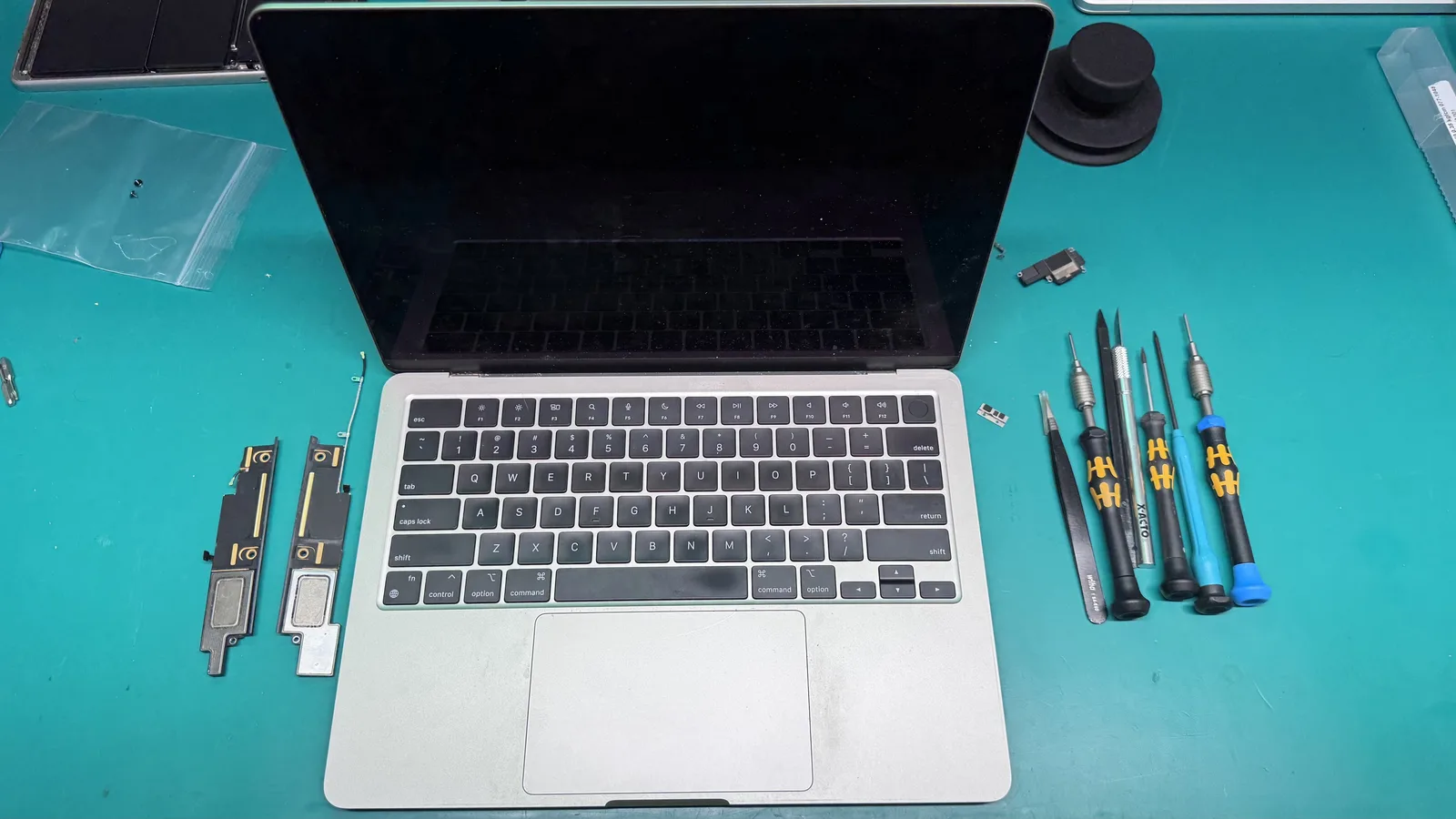
We open the Mac, clean out dust from the fans and heatsink, replace dried thermal paste, and verify temperatures under load, restoring normal cooling performance.
What are some signs that my MacBook is overheating?
Some signs that your MacBook may be overheating include excessive fan noise, a noticeably hot chassis, or unexpected shutdowns. If you notice these symptoms, it is important to address the issue promptly to avoid potential damage. We offer free diagnostics to determine the cause and provide the necessary repairs.
Need Mac Repair Help?
Our Apple-certified technicians are ready to help. Free diagnostics, genuine parts, and competitive pricing.