MacBook Liquid Damage: Quick Actions for Liquid Spills

The Short Answer
After a spill, the two things that save a MacBook are speed and doing nothing risky. Power it off, unplug it, do not press the power button to test it, and do not use rice or a hair dryer. Get it to a professional fast, because the real damage from liquid is corrosion that keeps spreading over hours and days. WarriorMac offers free liquid damage diagnostics in Tampa.
Accidents happen, and when they involve liquid spills on your MacBook, they can be particularly distressing. MacBook Liquid Damage can lead to serious issues like malfunctioning keyboards, damaged internal components, and even complete system failure.
The very first thing you should do is immediately turn off your MacBook and disconnect it from any power source. Do not try to turn it on to check if it still works, as this can cause short circuits that worsen the damage.
Flip your MacBook upside down in a tent-like position to allow gravity to help drain the liquid away from the internal components. Use a lint-free cloth to gently dab any visible liquid from the surface and keyboard.
Do not use a hair dryer or other heat source to try to dry out your MacBook. Excessive heat can cause additional damage to sensitive electronic components. Instead, place the laptop in a dry, well-ventilated area.
Avoid the common advice of placing your device in rice. Rice particles can get inside ports and cause further issues. Instead, silica gel packets are a much better option for absorbing moisture if available.
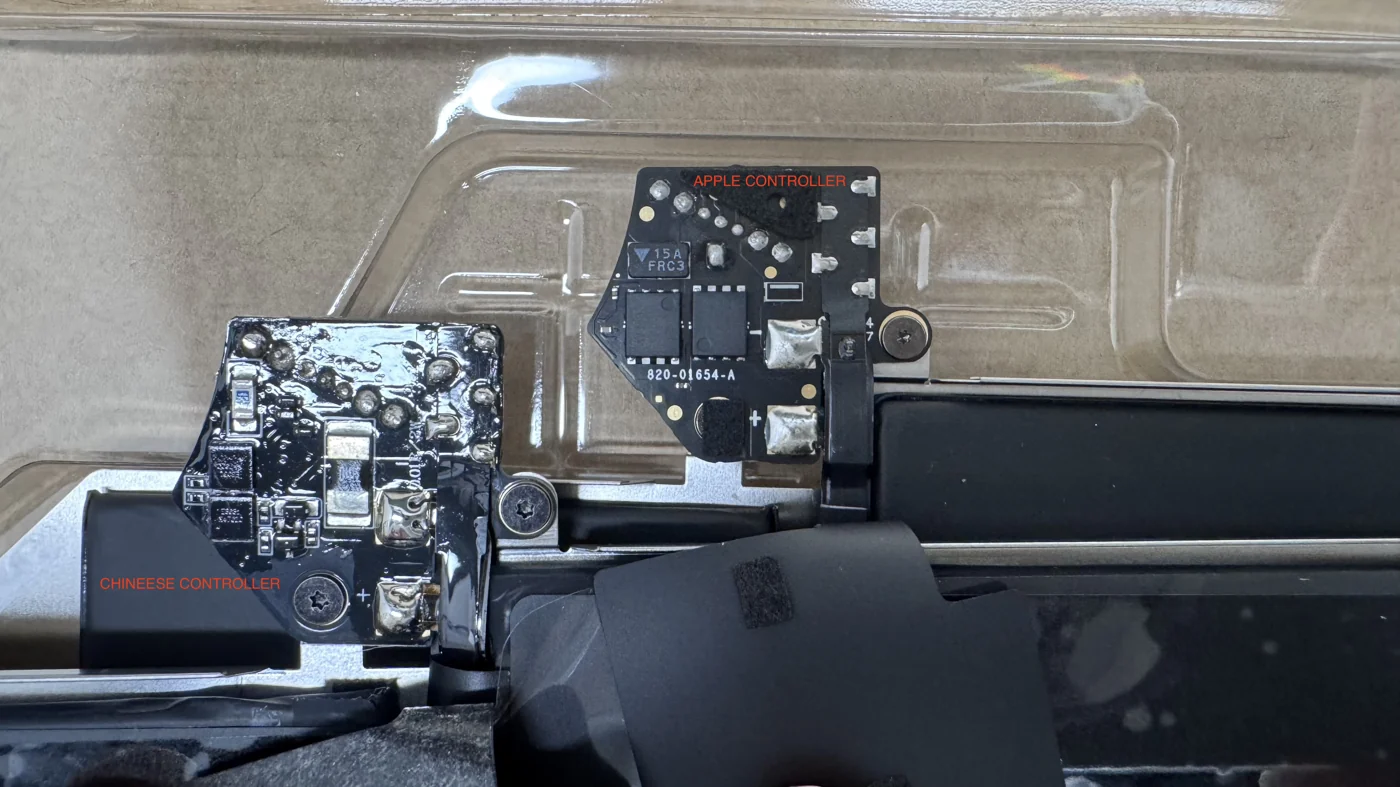
Time is critical with liquid damage. The sooner you bring your MacBook to a professional repair service like WarriorMac, the better the chances of a full recovery. Our technicians will perform an ultrasonic cleaning of the logic board and replace any damaged components.
Frequently Asked Questions
What should I do immediately after spilling liquid on my MacBook?
Shut it down right away, unplug the charger, and do not try to turn it back on to see if it works. Turning it on while wet is the single fastest way to cause permanent damage. Then get it to a professional as soon as possible.
Does the rice trick actually work for a wet MacBook?
No. Rice does not reach the liquid inside the machine and does nothing to stop corrosion on the logic board. It mostly wastes the critical time when a proper cleaning could have saved the Mac.
My MacBook still works after a spill, is it fine?
Not necessarily. Liquid damage often shows up days or weeks later as corrosion spreads. It is worth a free diagnostic and internal cleaning now to avoid a much larger failure later.
Can a liquid-damaged MacBook be saved?
Often yes, especially when it is treated quickly. Professional cleaning and component-level board repair recover many spilled MacBooks that owners assumed were finished.
What are the signs that my MacBook has sustained liquid damage?
Signs of liquid damage can include unusual behavior like keyboard malfunctions, screen flickering, or unexpected shutdowns. If you notice any of these issues after a spill, it's important to bring your MacBook to us for a free diagnostic. We use only genuine Apple parts for repairs and offer warranties on our work, so you can trust that we will do our best to save your device.
How can I prevent further damage to my MacBook after a liquid spill?
To prevent further damage, we recommend turning off your MacBook immediately and disconnecting any power sources. Avoid using heat sources like hair dryers to dry it out, as this can cause more harm. Instead, bring it to us for a free diagnostic, and we can assess the situation and suggest the best course of action.
Need Mac Repair Help?
Our Apple-certified technicians are ready to help. Free diagnostics, genuine parts, and competitive pricing.