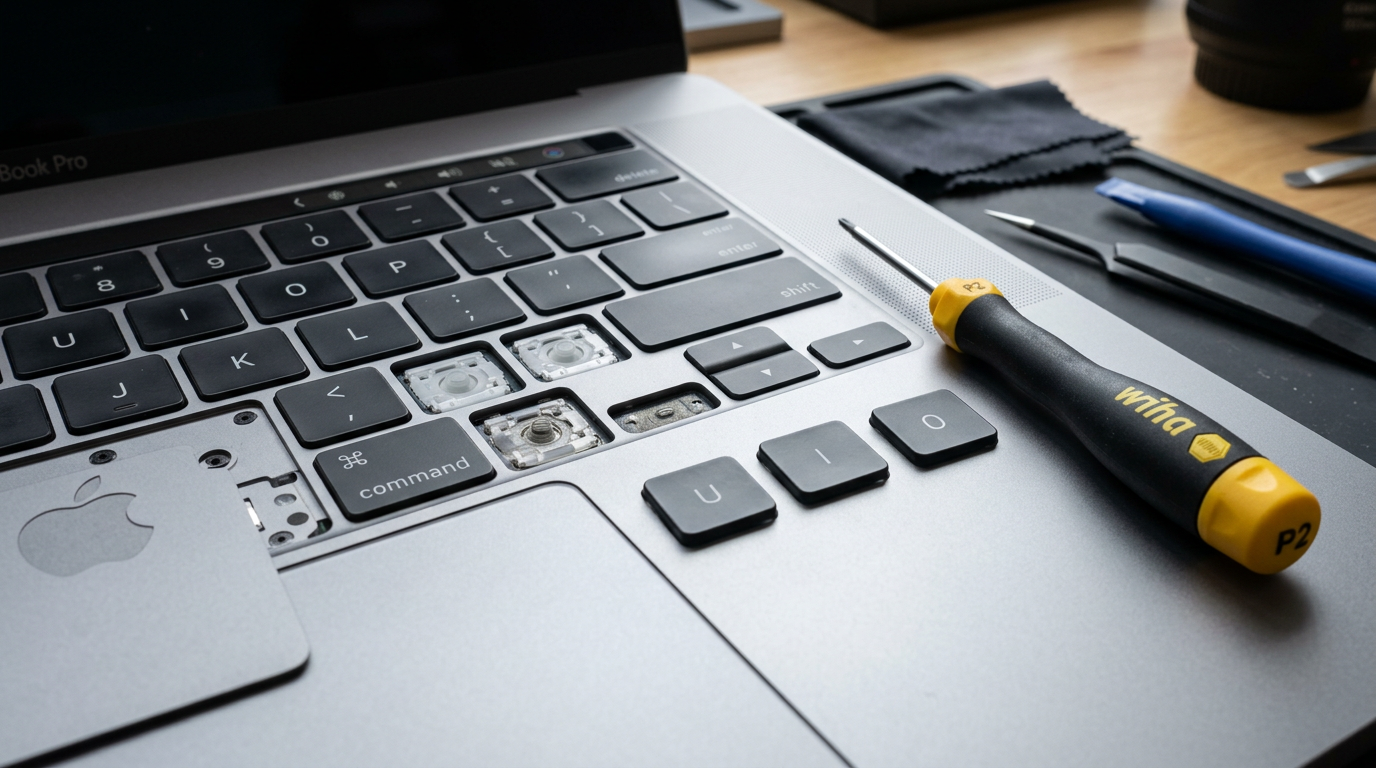
MacBook Air 13-inch Keyboard Replacement Cost
butterfly 2018-2019 and Magic Keyboard 2020 and later. Free diagnosis, walk-in Tampa or mail-in nationwide
Every Mac repair is performed in-house using genuine Apple parts.
Quick Answer
MacBook Air 13-inch keyboard replacement at WarriorMac costs $149 – $299. Apple typically charges $199 – $399. Diagnosis is free, and you get an exact price before any work starts. Walk in at our Tampa shop or mail your Mac in from anywhere in the US.
Cost Breakdown by Model
See what each repair costs at WarriorMac versus a typical Apple Store quote.
Individual key repair (any model)
MacBook Air 13" keyboard
Please note: All prices shown are estimates provided only to give you an approximate idea of the cost. Final pricing varies from one machine to another and depends on the severity of the issue. These price ranges do not include labor. We always provide a free diagnostic and an exact quote before any work begins.
What Affects the Cost
Butterfly Air vs Magic Keyboard Air
The 2018-2019 Air (A1932) has the butterfly keyboard that sticks and repeats. Newer Airs use the more reliable scissor keyboard.
A few keys or the whole keyboard
If only a few keys fail, we can often replace the key caps and mechanisms on their own for much less than a full keyboard.
Butterfly or scissor mechanism
Butterfly keyboards (2016 to 2019) fail more often from dust and debris. Scissor keyboards (2020 and later) are more reliable and usually cheaper to fix.
WarriorMac vs. Apple Store
Apple typically charges $199 – $399 for this repair on the MacBook Air 13-inch. WarriorMac uses genuine Apple parts or component-level repair, gives you a free diagnosis first, and usually finishes in 1 to 3 business days after your Mac arrives.
Frequently Asked Questions
How much does MacBook Air keyboard replacement cost?
MacBook Air 13-inch keyboard replacement at WarriorMac is $149 – $299. Single key repairs start lower. Apple typically charges $199 – $399 because it replaces the whole top case.
Can you fix just one or two keys?
Often, yes. If the rest of the keyboard works, we replace only the damaged key caps and mechanisms, which is faster and much cheaper.
Will my keyboard backlight and Touch ID still work?
Yes. We use genuine Apple parts and test the backlight, every key and Touch ID before the Mac goes back to you.
How do I find out which MacBook Air I have?
Open the Apple menu and choose About This Mac to see the chip and year. The model number (A followed by four digits) is printed on the bottom case. 2018-2019 Airs (A1932) use the butterfly keyboard. 2020 and later Airs use the scissor Magic Keyboard.
Can I mail my MacBook in from outside Tampa?
Yes. Most of our customers ship their Mac to us from across the United States. Fill out the mail-in form, pack the Mac securely and ship it to our Tampa shop. We diagnose it for free, email you an exact quote, and ship it back fully tested after the repair.