Flexgate
A design flaw that Apple acknowledged but never fully addressed
Quick Definition
Flexgate is a design defect in certain 2016-2018 MacBook Pro models where the display flex cable, the thin ribbon cable connecting the display to the logic board, is too short. Every time you open and close the lid, the cable stretches over a sharp edge, eventually tearing and causing backlight failure.
What causes Flexgate
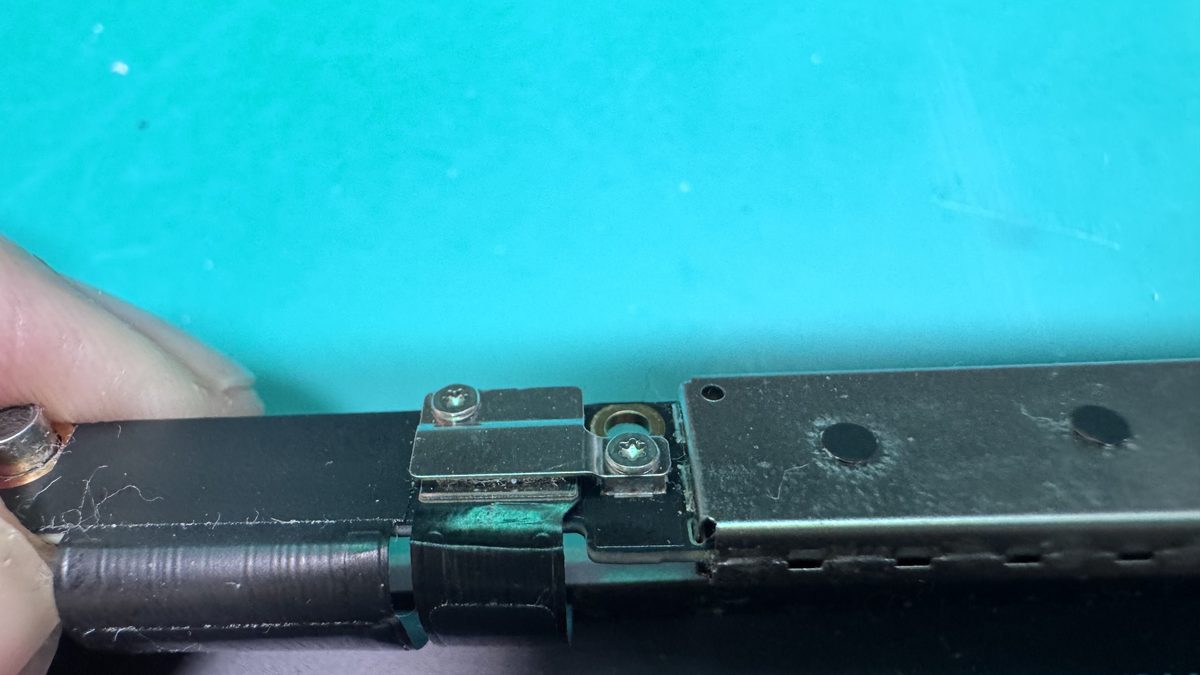
Apple routed the display backlight flex cable over the logic board connector in a way that leaves very little slack. Each time you open and close the MacBook lid, the cable flexes against a metal edge. Over hundreds or thousands of open-close cycles, the thin copper traces inside the cable crack and break, first causing intermittent backlight flickering, then a characteristic "stage lighting" effect at the bottom of the screen, and eventually complete backlight failure.
Symptoms of Flexgate
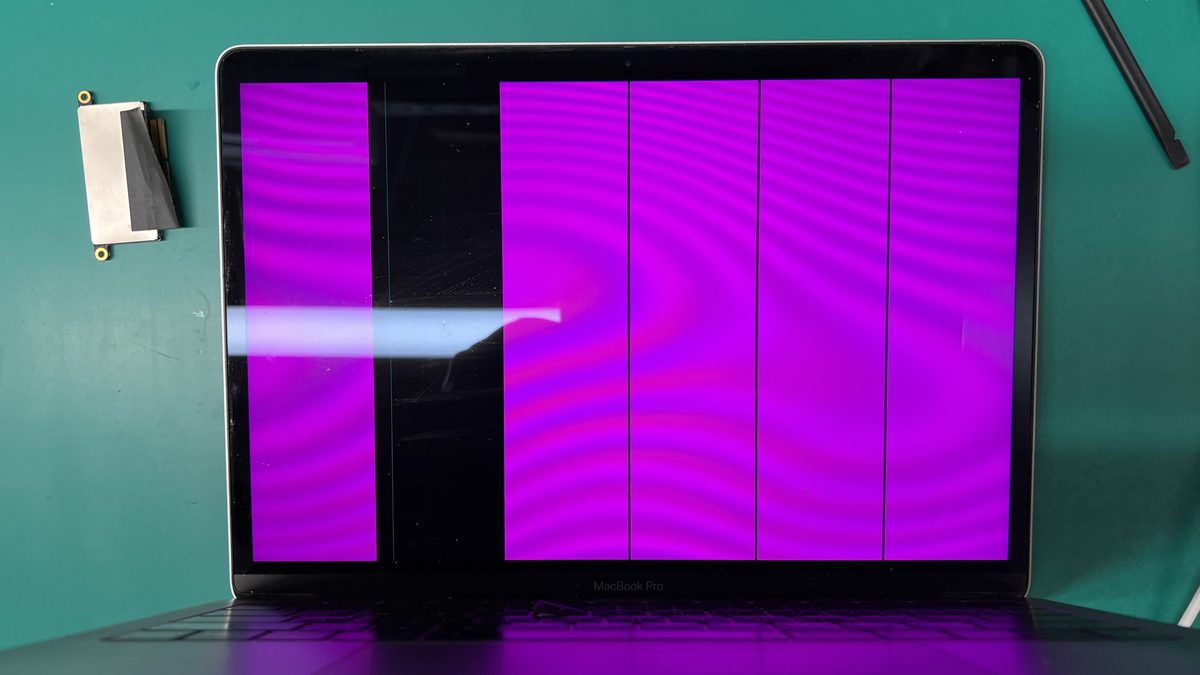
The progression is predictable: first, the backlight flickers when you adjust the screen angle. Then a bright "stage lighting" glow appears along the bottom edge of the display, it looks like spotlights shining up from the bottom. As more traces break, the backlight fails entirely, leaving you with a dim screen that is only visible under direct light (the LCD panel still works, but the backlight does not illuminate it). The screen may work normally when opened to certain angles and go dark at others.
Affected models
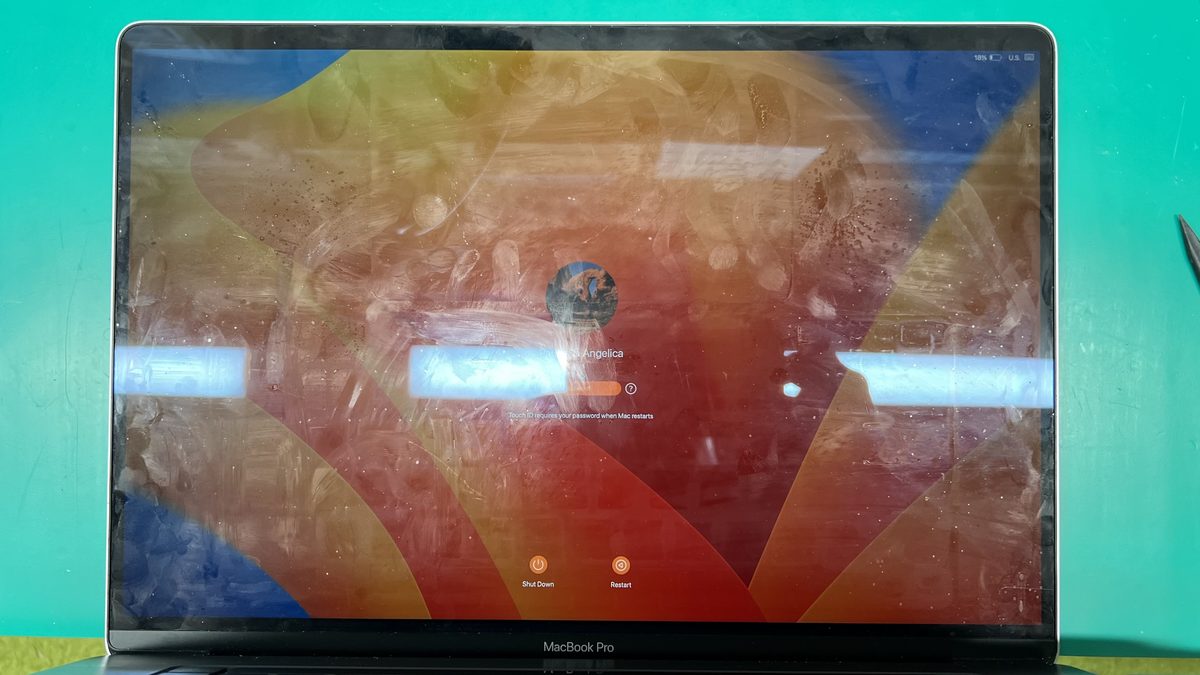
Flexgate primarily affects the 2016 and 2017 MacBook Pro 13-inch and 15-inch models with the Touch Bar. The 2018 models were partially addressed with a slightly longer cable, but some 2018 units still exhibit the issue. Apple offered a limited repair program for 2016 13-inch models only, leaving 2016 15-inch and 2017 owners without coverage. The program has since expired.
Repair options
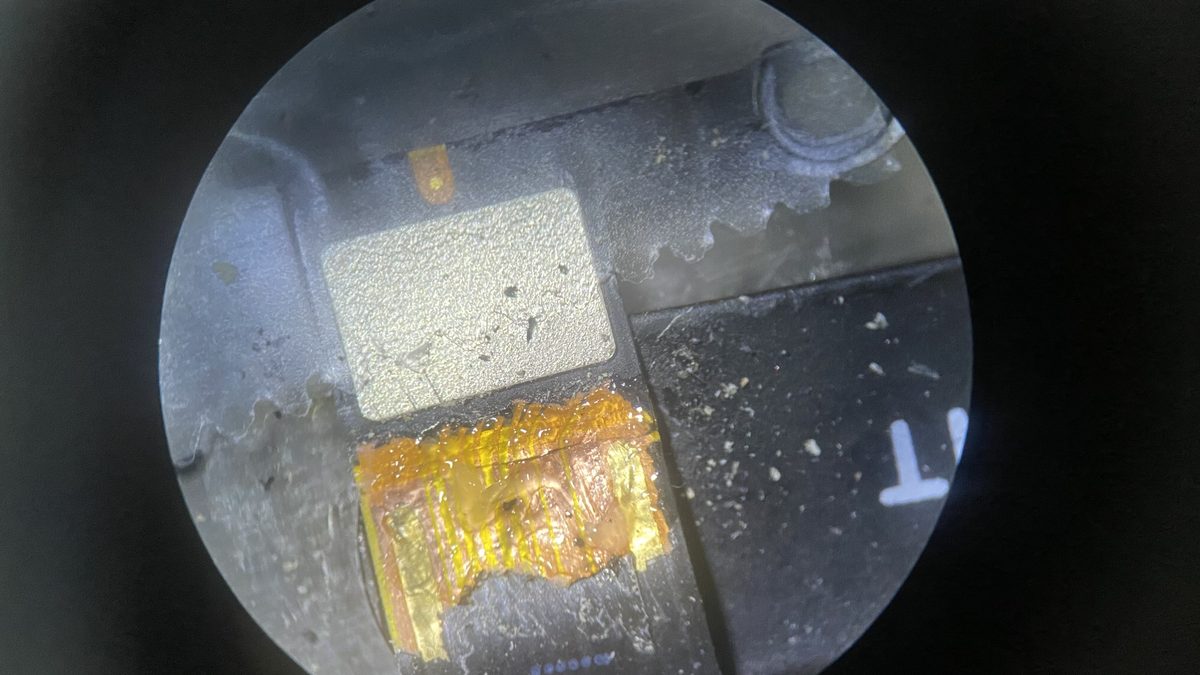
Apple's official fix is to replace the entire display assembly, typically $500-$700+. However, the actual fix is replacing just the damaged flex cable, which is a fraction of the cost. This requires micro-soldering skill because the cable connector must be carefully detached and a new cable routed correctly. A skilled technician can replace the flex cable and restore full backlight function without replacing the entire display.
How WarriorMac Handles This
WarriorMac repairs Flexgate at the cable level rather than replacing the entire display assembly. Our technicians replace the damaged flex cable using micro-soldering techniques, restoring full backlight function at a fraction of Apple's display assembly replacement cost. If the display panel itself is undamaged, you keep your original screen.
Related WarriorMac services & guides
Frequently Asked Questions
How do I know if my MacBook has Flexgate?
Look for a "stage lighting" effect, bright spots along the bottom of your screen that look like spotlights. If your screen goes dark when you open the lid past a certain angle but works at other angles, that is a classic Flexgate symptom.
Did Apple recall Flexgate MacBooks?
Apple offered a limited repair program for the 2016 MacBook Pro 13-inch only. The 2016 15-inch, 2017, and affected 2018 models were not covered. The program has since ended.
Can Flexgate be repaired without replacing the whole screen?
Yes. The damaged flex cable can be replaced individually using micro-soldering, which is significantly less expensive than replacing the entire display assembly. The LCD panel itself is usually undamaged.
How much does Flexgate repair cost?
At WarriorMac, Flexgate flex cable repair costs significantly less than Apple's $500-$700 display assembly replacement. Contact us for current pricing on your specific model.