Retina Display
The screen technology that makes everything on your Mac look sharp
Quick Definition
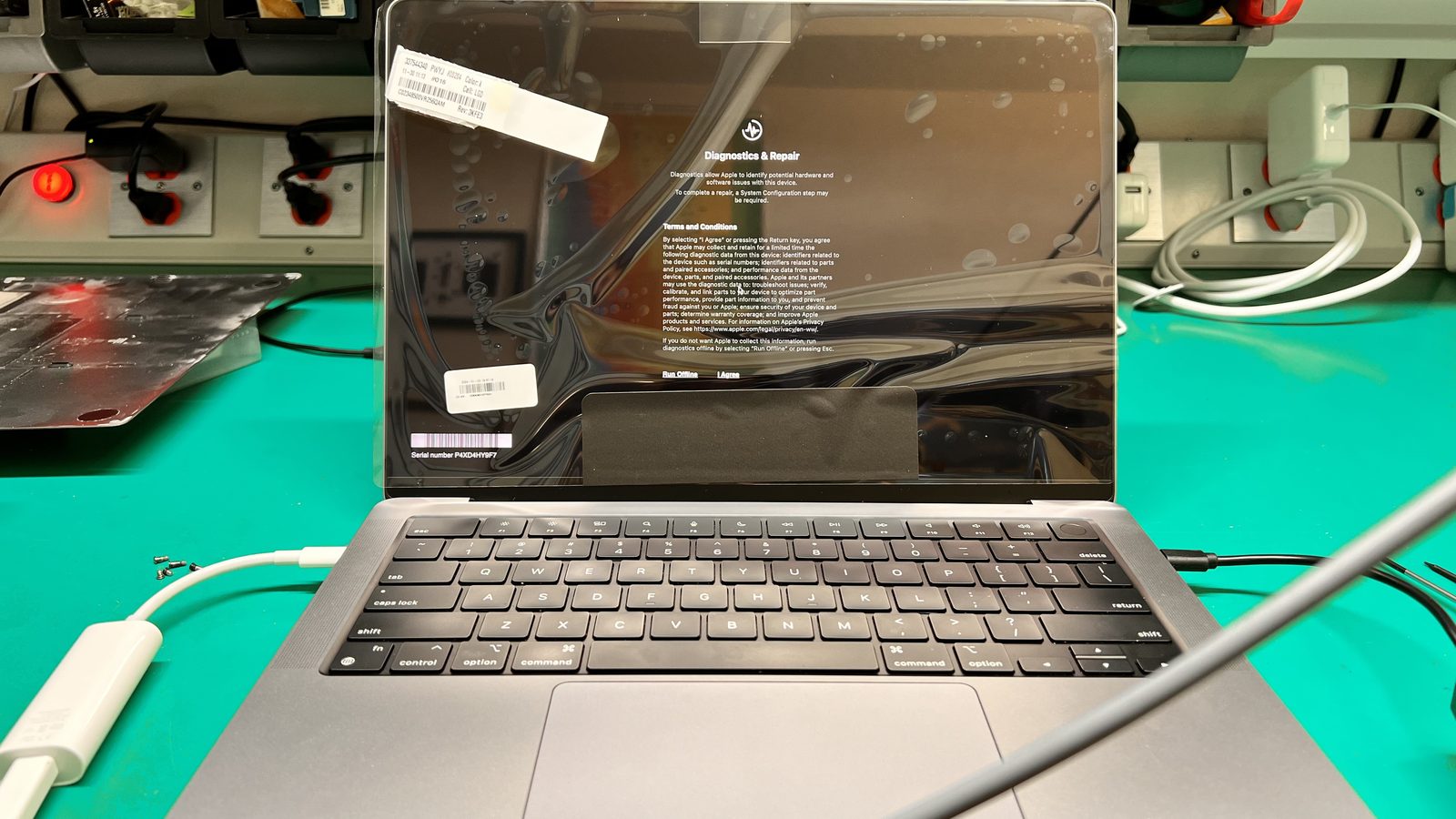
Retina Display is Apple's brand name for high-pixel-density screens where individual pixels are indistinguishable to the naked eye at normal viewing distance. Introduced in 2012, Retina displays have evolved from standard LCD to Liquid Retina (LCD with rounded corners) to Liquid Retina XDR (mini-LED with extreme dynamic range and 1,600-nit peak brightness).
What makes a display "Retina"
Apple defines Retina as a display with enough pixel density that the human eye cannot distinguish individual pixels at a typical viewing distance. For MacBook Pros, this means over 220 pixels per inch, roughly 4x the pixel count of pre-Retina displays. The result is text that looks as sharp as printed paper, images with fine detail, and smooth edges on everything from icons to web pages.
Display technology evolution
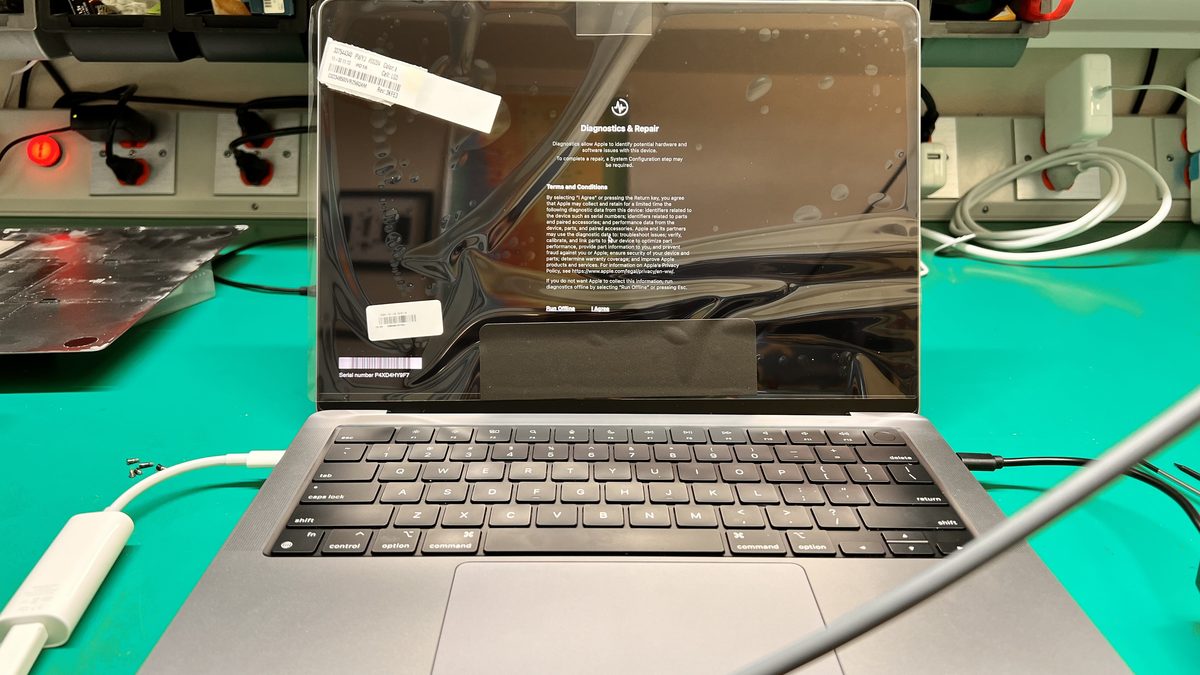
Standard Retina (2012-2020): Traditional IPS LCD panels with LED backlighting. Found in MacBook Pro, MacBook Air, and iMac. Liquid Retina (2018+): Apple's name for IPS LCD with rounded display corners and P3 wide color gamut. Found in MacBook Air M1/M2 and iMac 24". Liquid Retina XDR (2021+): Mini-LED backlighting with over 10,000 LEDs creating 1,000+ local dimming zones. Delivers 1,000 nits sustained brightness and 1,600 nits peak for HDR content. Found in MacBook Pro 14" and 16" models.
Common Retina display problems
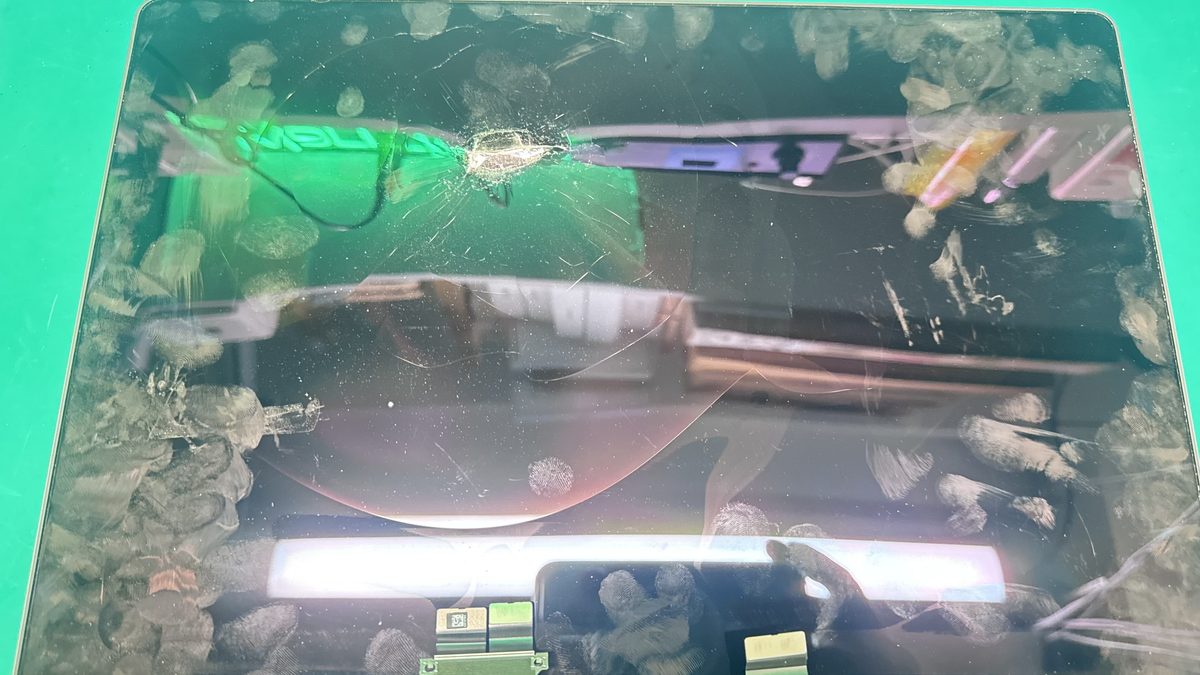
Anti-reflective coating delamination (Staingate): The AR coating breaks down, creating permanent-looking cloudy patches. Flexgate: Display flex cable failure causing backlight loss on 2016-2018 MacBook Pros. Cracked panels: Retina panels are thin and fragile; drops, pressure, and even debris caught between the keyboard and screen can crack them. Dead pixels: Individual pixel failures that appear as black or stuck-color dots. Image persistence: Faint ghost images burned into the panel from static content displayed for extended periods.
Repair options for Retina displays
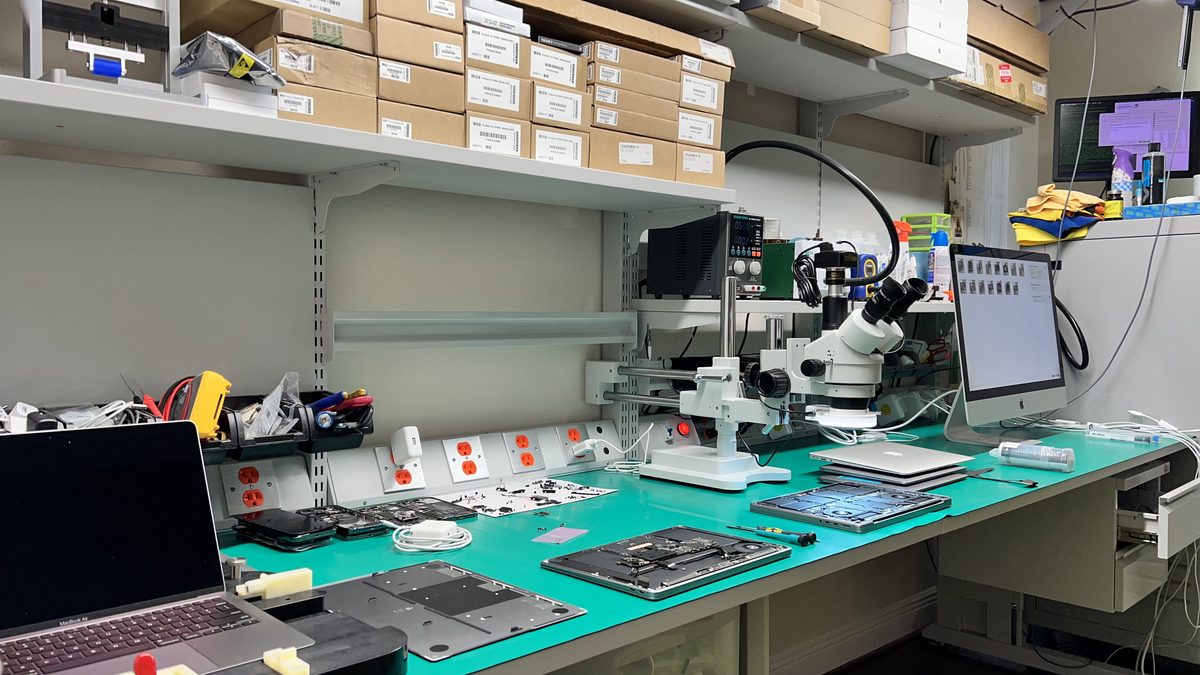
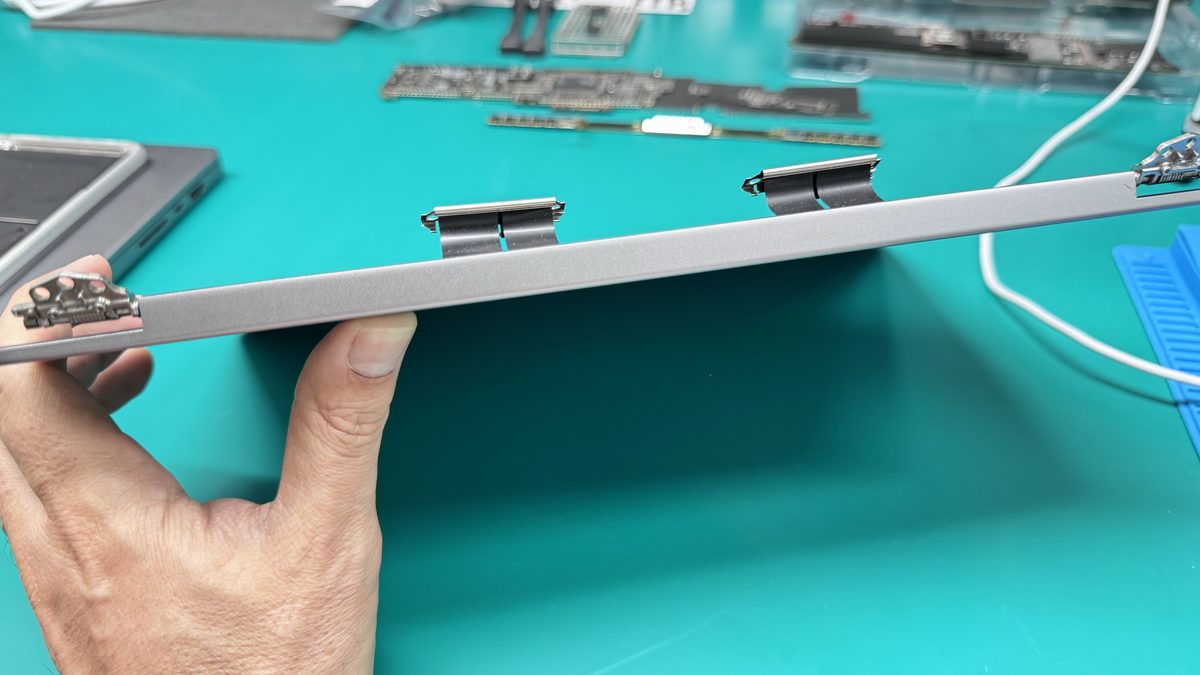
Apple's standard repair is a full display assembly replacement, the panel, enclosure, cables, and hinges as one unit, typically $300-$900+ depending on the model. For some issues (Flexgate, backlight circuit failures), component-level repair can restore function without replacing the entire assembly. For cracked panels, the panel itself must be replaced, but the enclosure and cables can often be reused. Screen repair at WarriorMac starts from $125.
How WarriorMac Handles This
WarriorMac repairs all generations of Retina displays. For Flexgate and backlight issues, we perform component-level repairs that cost a fraction of a full assembly replacement. For cracked panels, we replace the panel itself using genuine Apple parts. Screen and display repair starts from $125.
Related WarriorMac services & guides
Frequently Asked Questions
How much does it cost to replace a Retina display?
Screen and display repair at WarriorMac starts from $125, with the range depending on your specific model and whether the issue is a panel crack, backlight failure, or coating problem. We provide a free diagnosis and transparent quote.
What is the difference between Retina and Liquid Retina XDR?
Standard Retina uses traditional LED backlighting with one backlight zone. Liquid Retina XDR uses mini-LED technology with thousands of individual dimming zones, delivering dramatically better contrast, 1,600-nit peak brightness, and true HDR capability.
Can a cracked Retina screen be repaired or does it need replacement?
A cracked LCD panel must be replaced, cracks cannot be repaired. However, we replace the panel itself rather than the entire display assembly when possible, which reduces cost.
Why does my Retina screen have cloudy patches?
This is most likely Staingate, delamination of the anti-reflective coating. The coating breaks down due to oils, cleaning products, and keyboard contact. A display replacement with a fresh panel resolves it.