When to Replace Your MacBook Trackpad: Signs and Symptoms

The Short Answer
You should look at replacing a MacBook trackpad when clicks stop registering, the cursor jumps or moves on its own, or the surface feels raised or cracked. A swollen battery underneath is a common hidden cause and should be checked right away for safety. A free WarriorMac diagnostic will tell you whether the trackpad itself or something beneath it needs attention.
The MacBook Trackpad is a quintessential component that defines the user experience, offering precision and convenience for navigating and executing tasks. However, like all hardware, the MacBook Trackpad can experience wear and tear over time, affecting its functionality.
One of the most common signs of trackpad failure is unresponsive or erratic cursor movement. If your cursor jumps around, freezes, or does not respond to touch, the trackpad may need attention.
A physically clicking trackpad that no longer registers clicks properly is another clear sign. The Force Touch trackpad on newer MacBooks uses haptic feedback, and failure of this system can make clicks unreliable.
If your trackpad is physically swollen or raised, this is often a sign of a swelling battery beneath it. This is a serious issue that requires immediate attention, as a swollen battery can be a safety hazard.
Before replacing the trackpad, try resetting the SMC and PRAM, as software issues can sometimes mimic hardware failures. Also check your trackpad settings in System Preferences to ensure nothing has been accidentally changed.
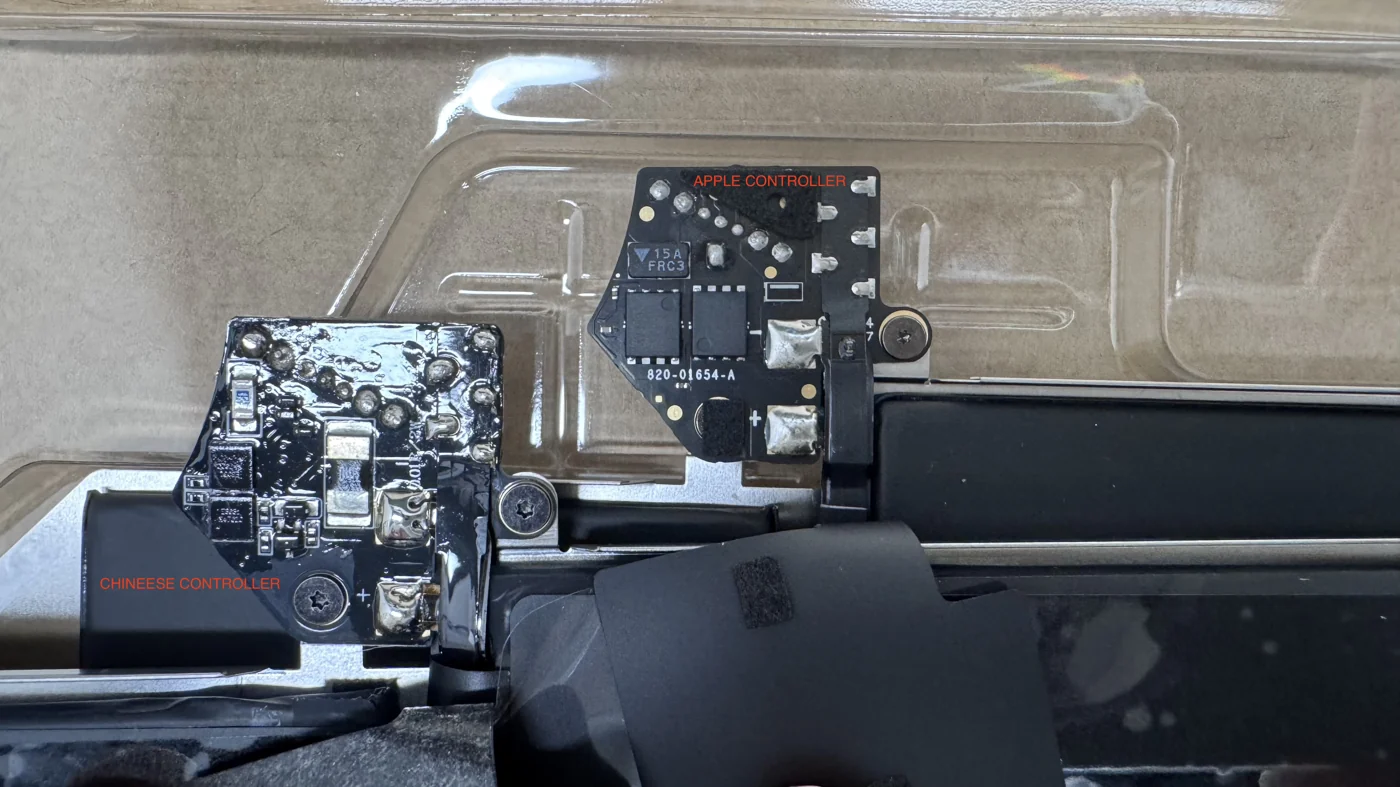
When replacement is necessary, WarriorMac uses genuine Apple trackpad components to ensure your MacBook feels and responds exactly as designed. Our repair process is thorough and includes a full diagnostic to check for any related issues.
Frequently Asked Questions
What are the signs my MacBook trackpad needs replacing?
Watch for clicks that do not register, a cursor that jumps or drifts, unresponsive areas, or a trackpad that feels raised, stiff, or cracked. These point to a worn trackpad or an issue underneath it.
Why is my trackpad raised or not clicking?
A very common cause is a swollen battery pressing up on the trackpad from below. This should be checked promptly because a swelling battery is a safety concern as well as a trackpad problem.
Can a trackpad problem be fixed without full replacement?
Sometimes. If the cause is a swollen battery or a loose connection, addressing that can restore normal function. A free diagnostic determines whether a repair or a trackpad replacement is the right fix.
Is it worth replacing a MacBook trackpad?
Usually yes, since it is far cheaper than a new Mac and restores full control of the machine. We quote the exact cost after the free diagnostic.
How long does it take to replace a MacBook trackpad?
Replacing a MacBook trackpad usually takes a few hours, depending on our current workload. We offer free diagnostics to assess the issue first, and we use genuine Apple parts for all repairs. Our goal is to get your device back to you as quickly as possible without sacrificing quality.
How can I tell if my MacBook trackpad is malfunctioning?
If your MacBook trackpad is unresponsive or has erratic behavior, it may be malfunctioning. Additionally, if it doesn't register clicks or gestures properly, it's a sign that something is wrong. We offer free diagnostics to help determine if a replacement is necessary, so feel free to bring it to our Tampa shop.
Need Mac Repair Help?
Our Apple-certified technicians are ready to help. Free diagnostics, genuine parts, and competitive pricing.