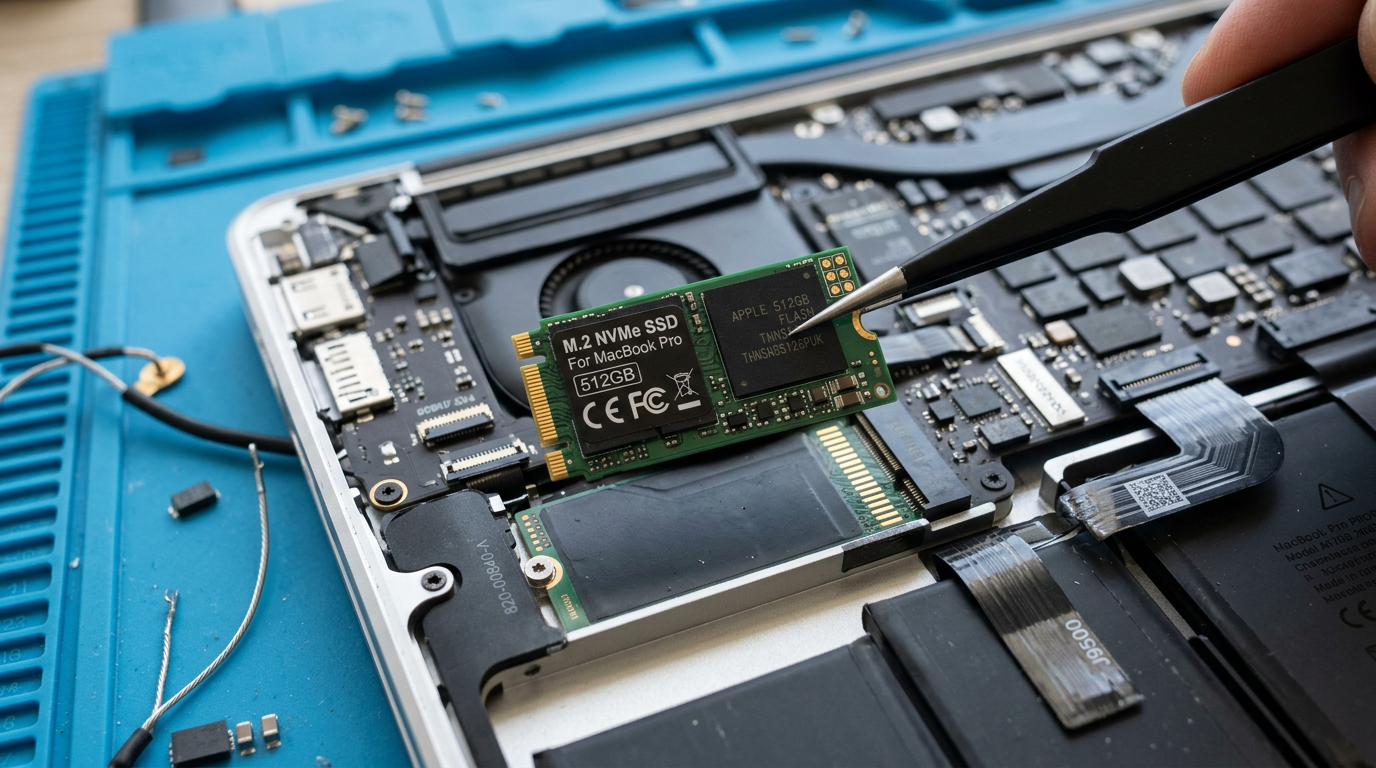
MacBook SSD Upgrade Cost
More storage, faster speeds, data migration included
Every Mac repair is performed in-house using genuine Apple parts.
Quick Answer
MacBook SSD upgrades at WarriorMac cost from $149 for a 256GB upgrade to $449 for a 2TB upgrade, including the SSD and data migration. iMac HDD-to-SSD upgrades start from $199 and provide the single biggest performance improvement possible for older iMacs.
Cost Breakdown by Model
See what each repair costs at WarriorMac versus a typical Apple Store quote.
MacBook SSD upgrade (256GB)
MacBook SSD upgrade (512GB)
MacBook SSD upgrade (1TB)
iMac HDD to SSD upgrade
iMac blade SSD addition
Please note: All prices shown are estimates provided only to give you an approximate idea of the cost. Final pricing varies from one machine to another and depends on the severity of the issue. These price ranges do not include labor. We always provide a free diagnostic and an exact quote before any work begins.
What Affects the Cost
Storage capacity desired
Larger SSDs cost more. Upgrading from 128GB to 512GB is more affordable than upgrading to 2TB.
MacBook model and compatibility
Only MacBooks with removable SSDs (generally pre-2016) can be upgraded. 2016+ models with soldered storage cannot be upgraded after purchase.
SSD type and speed
NVMe SSDs offer the fastest speeds. SATA SSDs are slower but still a dramatic improvement over spinning hard drives.
WarriorMac vs. Apple Store
Apple does not offer SSD upgrades after purchase. The only option at the time of purchase is to configure a larger SSD, which costs $200-$600 more. Once purchased, the storage capacity is fixed (on 2016+ MacBooks with soldered SSDs). WarriorMac can upgrade removable SSDs on compatible models.
First, whether an upgrade is even possible
The honest answer that saves you money: on every Apple silicon Mac (M1, M2, M3, M4) and on the Intel models with a T2 chip, the storage is soldered to the logic board and encrypted to the Secure Enclave, so it cannot be upgraded after purchase. Anyone offering to add storage to those machines is mistaken, and we will tell you that before you spend a cent rather than after.
Where an upgrade genuinely pays off is the 2012 to 2017 Intel MacBooks and many iMacs and Mac minis of that era, which still use a removable drive or a fusion drive. On those, moving to a solid-state drive is the single most transformative repair we do, and it costs a fraction of replacing the machine.
What actually drives the price
Three things set the cost. The first is the drive capacity you choose, since a larger SSD simply costs more. The second is the connector your model uses, because some MacBooks take a standard drive while others need a specific Apple blade format or an adapter, and that changes the part. The third is labour, which is small on a MacBook where the bottom comes off easily and larger on an iMac where the glued display has to be opened.
On an iMac we always try to combine the drive upgrade with any other internal work while the panel is off, since opening the display is the bulk of the labour and doing both in one visit saves you paying for that twice.
What you get for the price
A drive swap is only half the job. We migrate your existing system, apps and files onto the new SSD so you sit down to exactly the Mac you had, only far faster, with nothing to reinstall. We also check the health of the old drive on the way out and flag any files at risk if it was already failing.
Upgrade drives are quality parts matched to your model, with a one year warranty on new parts. Diagnosis and advice are free with a fixed price up front. We are in Tampa with walk-in service, and we handle mail-in upgrades nationwide.
Frequently Asked Questions
How much does a MacBook SSD upgrade cost?
SSD upgrades start from $149 for a 256GB drive including installation and data migration. 512GB starts from $199, 1TB from $279. iMac HDD-to-SSD upgrades start from $199.
Can I upgrade the SSD in my MacBook?
MacBook Air (2010-2017) and MacBook Pro Retina (2012-2015) have removable SSDs that can be upgraded. MacBooks from 2016 onwards have soldered storage that cannot be upgraded.
Will I lose my data during an SSD upgrade?
No. We migrate all your data from the old drive to the new SSD. Your files, apps, and settings will be exactly as they were, just with more space.