Staingate
When your MacBook screen looks dirty no matter how much you clean it
Quick Definition
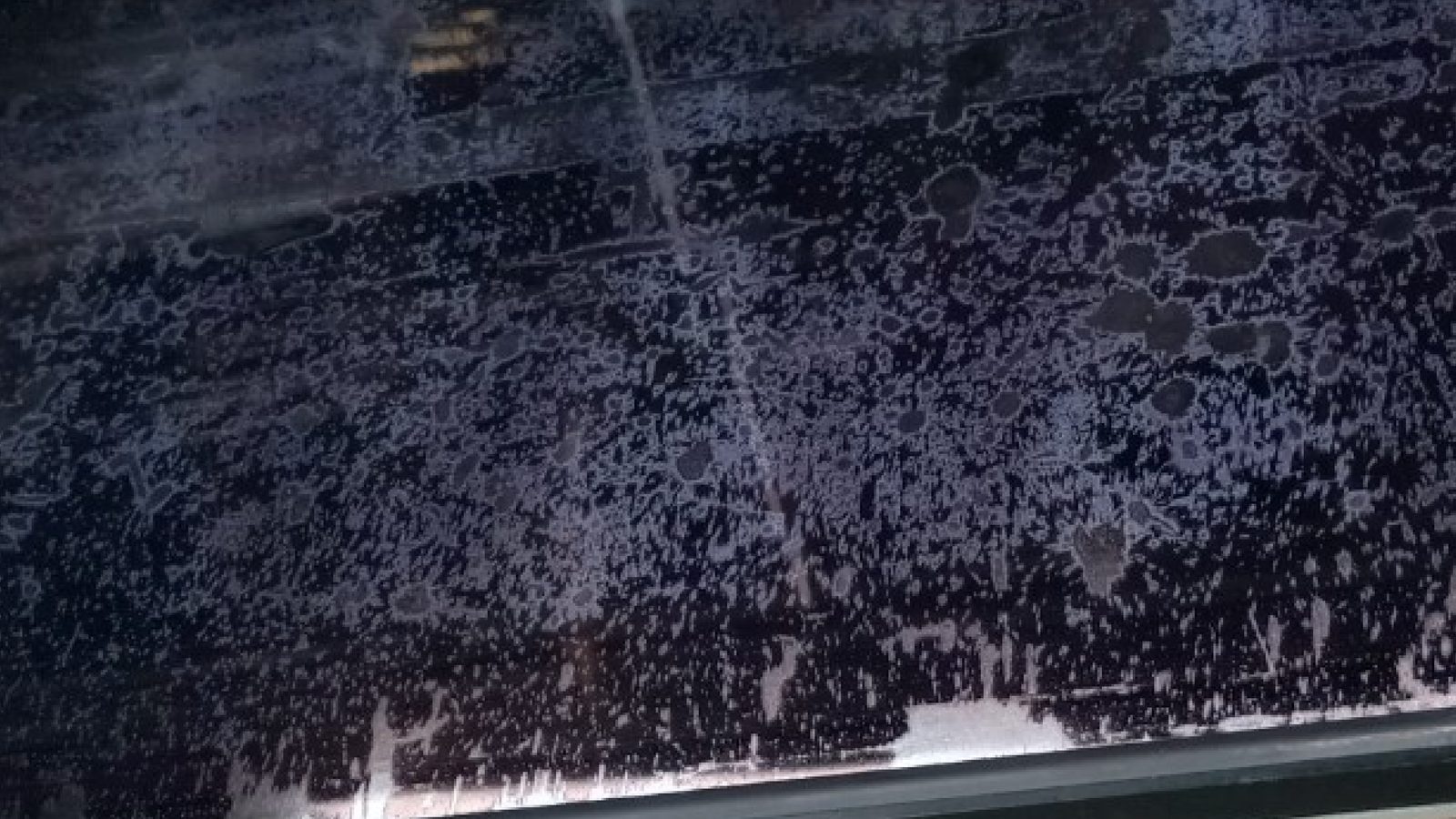
Staingate refers to the delamination of the anti-reflective (AR) coating on MacBook Retina displays. The coating develops cloudy patches, smears, and stains that cannot be cleaned off because the coating itself is breaking down. It looks like the screen is permanently dirty.
What causes Staingate
Apple applies a thin anti-reflective coating to Retina display panels to reduce glare. This coating is vulnerable to oils from skin and fingers, cleaning products (especially those containing alcohol or ammonia), and simple age. Over time, the coating breaks down unevenly, creating cloudy patches, streaks, and permanent-looking stains on the display surface. The keyboard keys pressing against the screen when the laptop is closed also accelerate coating wear in the key contact areas.
How to identify Staingate
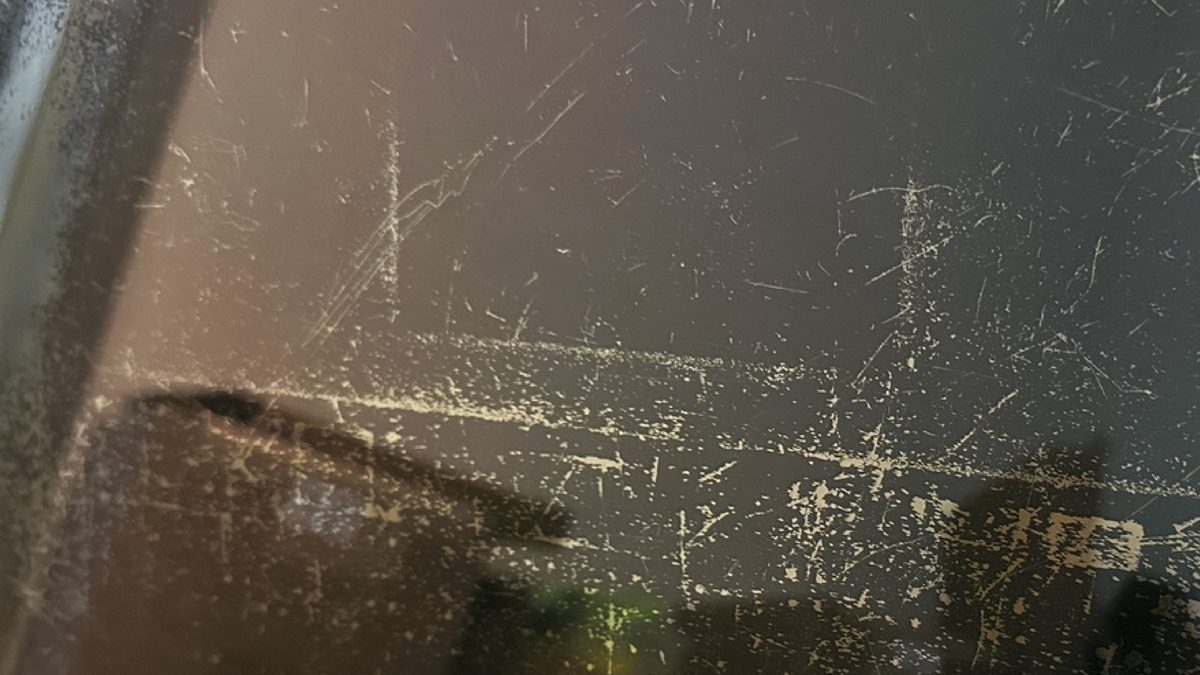
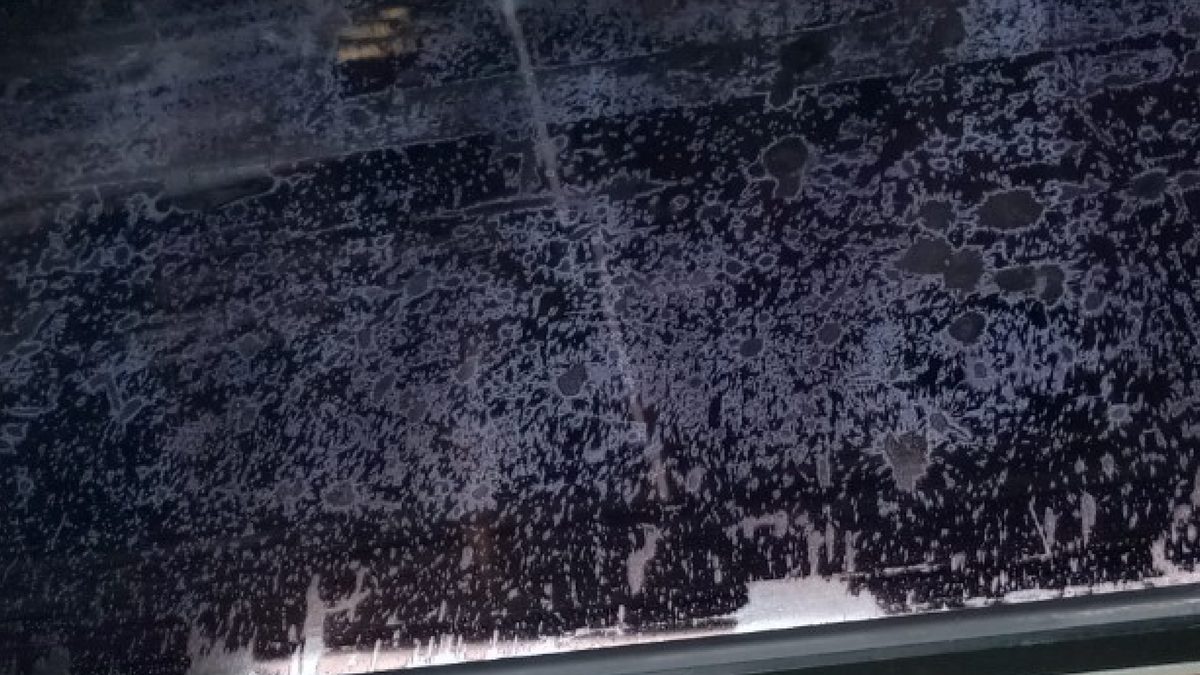
Staingate appears as cloudy or hazy patches on the screen that cannot be wiped away. They are most visible on dark backgrounds and under bright lighting. The patches often start near the edges or in the center where keyboard keys contact the display. In severe cases, the entire screen looks foggy or mottled. If you look closely, you can sometimes see where the coating has worn away entirely, revealing clear glass underneath.
Affected models
Staingate affects most MacBook models with Retina displays, from the first Retina MacBook Pro in 2012 through current models. Apple ran a quality program for some affected models that extended display replacement coverage to 4 years from purchase, but this program has ended for most models. All MacBooks with the anti-reflective coating can potentially develop Staingate over time.

Repair and mitigation options
The permanent fix is a display replacement with a new panel that has a fresh coating. Some users have had success carefully removing the remaining AR coating with a specific cleaning process, which eliminates the splotchy appearance but leaves the screen more reflective. Apple's approach is a full display assembly replacement. A skilled repair technician can replace just the LCD panel if the rest of the display assembly is intact.
How WarriorMac Handles This
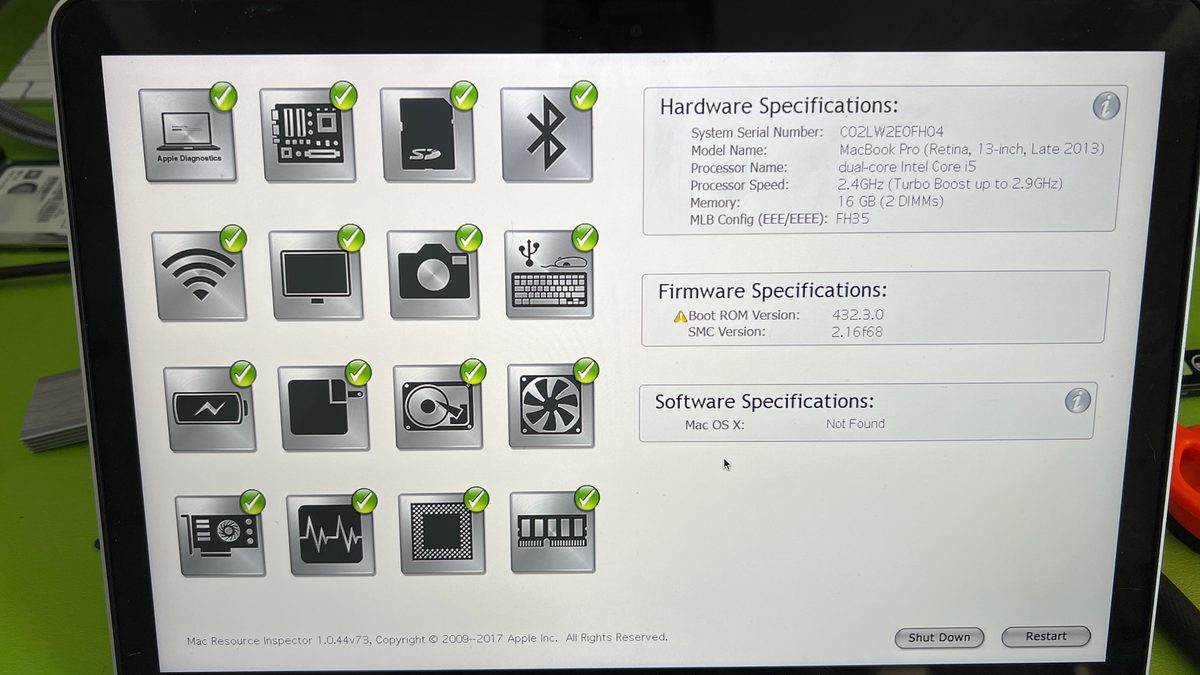
WarriorMac can replace the display panel to resolve Staingate with a fresh anti-reflective coating. We also advise customers on prevention: use a microfiber cloth between the keyboard and screen when closing the lid, and clean the display only with a slightly damp microfiber cloth, never with alcohol or ammonia-based cleaners.
Related WarriorMac services & guides
Frequently Asked Questions
Is Staingate covered by Apple?
Apple ran a quality program for some models, extending display coverage to 4 years from purchase. This program has ended for most models. Newer Macs experiencing Staingate are generally not covered outside of standard AppleCare.
Can I remove the anti-reflective coating myself?
Some users have removed the coating with careful cleaning, which eliminates the cloudy appearance but makes the screen more reflective/glossy. This is a permanent change. We recommend consulting a technician before attempting it.
Does Staingate affect all Retina MacBooks?
Any MacBook with an anti-reflective coated Retina display can develop Staingate. Some models and manufacturing batches are more prone than others. It tends to worsen with time and exposure to oils and cleaning products.
How much does Staingate repair cost?
Screen replacement cost depends on your MacBook model. At WarriorMac, screen and display repair starts from $125. Contact us for pricing specific to your model.