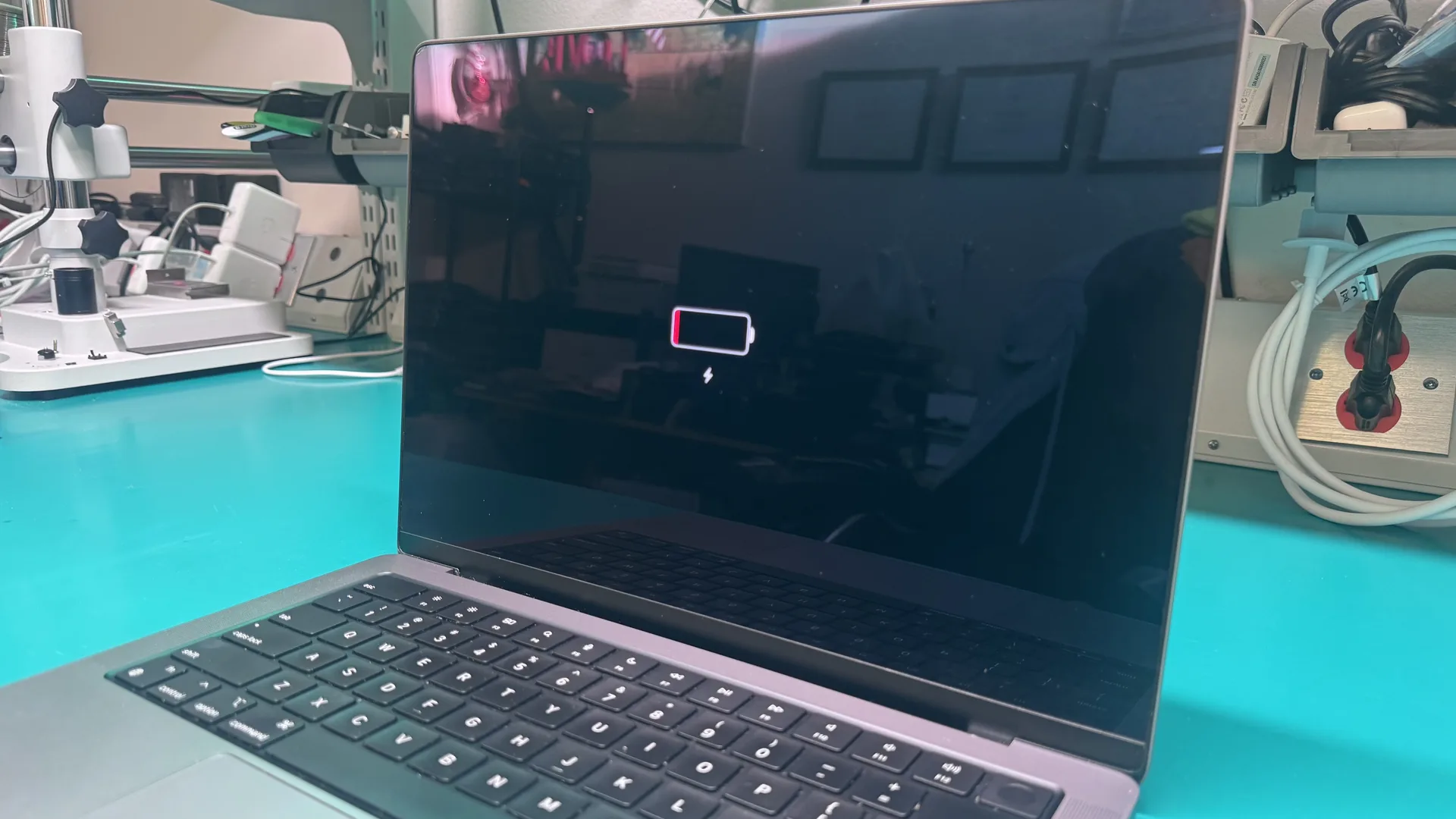
Apple Battery Not Charging Repair Service
Fast, reliable charging repair for Apple devices in Tampa with free diagnostics and warranty coverage.
Ready to Fix Your Mac?
Start your repair in minutes. Choose the option that works best for you — ship it to us from anywhere in the U.S., or drop it off in person at our Tampa location.
Not sure which to choose? Start here and we’ll guide you.
Apple Battery Not Charging Repair Service
When your Apple device won't charge, the cause can be a worn-out battery, a damaged charging port, a faulty power IC on the logic board, or even a software issue. At WarriorMac our Apple Certified technician diagnoses the root cause for free before recommending a fix. Simple battery replacements start from $79, port repairs from $99, and board-level charging circuit repairs from $199.
We use only genuine Apple batteries, which include the matched microcontroller that communicates safely with macOS. Cheap generic batteries without that controller can damage your Mac. Walk-in same-day diagnostics in Tampa, nationwide mail-in available.
Understanding Apple Battery Charging Problems
Apple devices use advanced lithium-ion batteries designed for long-lasting performance. However, even these reliable batteries can fail over time or experience charging interruptions.
Charging Problems Can Manifest As:
- Device not charging at all
- Slow charging speeds
- Intermittent charging
- Unexpected battery drain
- Overheating during charging
Professional Services Identify Root Causes:
- Battery failure
- Charging port damage
- Logic board issues
- Software conflicts
- Power management IC problems
- Damaged charging cables or adapters
- Liquid exposure
Correct diagnosis is crucial. Replacing the wrong part wastes time, money, and effort.
Common Reasons Apple Devices Stop Charging
1. Faulty Battery
All lithium-ion batteries degrade over time. Repeated charge cycles reduce capacity and efficiency.
2. Damaged Charging Port
The charging port is heavily used and prone to wear, dirt accumulation, or corrosion.
3. Defective Cable or Adapter
Sometimes the issue is not the device but the charging accessories.
4. Software Glitches
Battery management relies on the device’s software. Glitches, outdated firmware, or corrupted settings can interfere.
5. Logic Board Problems
The logic board manages power distribution. Damage to charging circuits, IC chips, or connectors can prevent charging.
6. Liquid Damage
Exposure to water or other liquids is a leading cause of charging failure.
Signs You Need Apple Battery Not Charging Repairs
Early detection prevents further damage. Look for these warning signs:
Warning: A swollen battery is dangerous. Stop using the device and seek professional repair immediately.
Apple Devices Commonly Affected
Professional repair services cover the entire Apple ecosystem:
iPhone
Models from iPhone X to iPhone 15 are commonly serviced for battery replacement, charging port repair, and logic board repair.
iPad
iPads may have charging issues caused by port wear, battery degradation, software conflicts, or logic board damage.
MacBook
MacBook charging problems may involve battery wear, USB-C or MagSafe port damage, or charging controller failure.
Apple Watch
Watch charging issues include magnetic charger problems, battery degradation, charging coil faults, and software glitches.
AirPods
AirPods charging cases often fail due to battery wear, connector damage, or internal circuitry failure.
Professional Diagnostic Process
Experienced technicians follow a step-by-step diagnostic approach to ensure accurate diagnosis and effective repair:
Initial Inspection
Check physical condition, charging port, and battery health.
Battery Health Analysis
Evaluate capacity, voltage, and charge cycles.
Charging System Testing
Test the circuitry for electrical faults.
Software Diagnostics
Verify firmware, updates, and system integrity.
Component-Level Assessment
Inspect logic board, connectors, and IC chips for damage.
Benefits of Professional Apple Battery Repair
Accurate Diagnosis
Correctly identify the root cause of charging failure.
Cost-Effective
Avoid unnecessary replacements and save money.
Apple Genuine Parts
Genuine Apple components matched to your device.
Fast Turnaround
Many repairs are completed the same day.
Data Protection
Safeguard personal information during repair.
Extended Device Life
Timely repairs prolong usability and performance.
Risks of DIY Battery Repairs
Attempting self-repair can cause serious problems. Professional services are always safer and more reliable:
- Screen or component damage
- Battery puncture or fire hazard
- Logic board destruction
- Data loss
- Warranty voidance
Preventive Measures
Maintain your Apple device to reduce future charging problems:
Choosing the Right Repair Service
Select providers based on these essential criteria:
- Experienced technicians with Apple expertise
- Comprehensive diagnostics before any repair
- Apple Genuine Parts
- Warranty coverage on repairs
- Positive customer reviews and reputation
- Quick service turnaround
Frequently Asked Questions
Conclusion
When your Apple device stops charging, professional Apple battery not charging repair services offer the fastest, safest, and most reliable solution. Whether the issue involves battery failure, port damage, software glitches, or logic board faults, experienced technicians can restore full functionality. Timely repairs extend the device's lifespan, protect data, and save money compared to premature replacement.
If your Apple device won't charge, don't wait. Contact WarriorMac today for a free diagnostic and get your device back on track.
Get Your Apple Device Charging Again Today
Whether the issue involves battery failure, port damage, software glitches, or logic board faults, our experienced technicians can restore full charging functionality. Timely repairs extend your device's lifespan, protect your data, and save money compared to premature replacement.