Service Recommended Battery Warning
What the warning actually means, and when it becomes urgent
Quick Definition
Service Recommended is the status macOS shows when your MacBook battery has degraded past the point Apple considers healthy. It appears under System Settings, Battery, and in the battery menu. It is an advisory that the cell can no longer hold its rated charge, not an emergency shutdown warning.
The four battery condition states
macOS reports one of a small set of conditions. Normal means the battery is operating within expected parameters. Service Recommended, which replaced the older Replace Soon and Replace Now labels, means capacity or internal resistance has drifted outside spec. Service Battery on older releases carried the same meaning. Anything other than Normal means the cell is measurably worn and the machine will run shorter than it did new.
How the warning is triggered
Two factors drive it. Cycle count is the number of full charge cycles the battery has completed, where partial charges add up to whole cycles over time. Most modern MacBook batteries are rated for 1000 cycles. The second factor is maximum capacity, the percentage of original design capacity the cell can still hold. Apple considers a battery consumed when it drops to about 80 percent of design capacity, though the warning can appear earlier if the battery management chip detects abnormal internal resistance or a cell imbalance.

How to check your own numbers
Hold the Option key and click the Apple menu, then choose System Information and select Power in the sidebar. You will see cycle count, condition, full charge capacity in milliamp hours, and design capacity. Comparing full charge capacity against design capacity gives you the real health percentage. A machine at 4200 mAh against a 6800 mAh design capacity is at roughly 62 percent and will feel dramatically worse than it did new regardless of what the condition label says.

Is it safe to keep using
In most cases yes, for a while. A worn battery mainly means shorter runtime and, on some models, the system throttling performance to avoid drawing more current than the cell can deliver. What is not safe is a swollen battery. If the trackpad has stopped clicking properly, the bottom case no longer sits flat, or the top case is visibly bowed, stop using the machine and stop charging it. A swollen lithium cell is a physical hazard and it can crack the trackpad and the top case if left in place.
What replacement involves
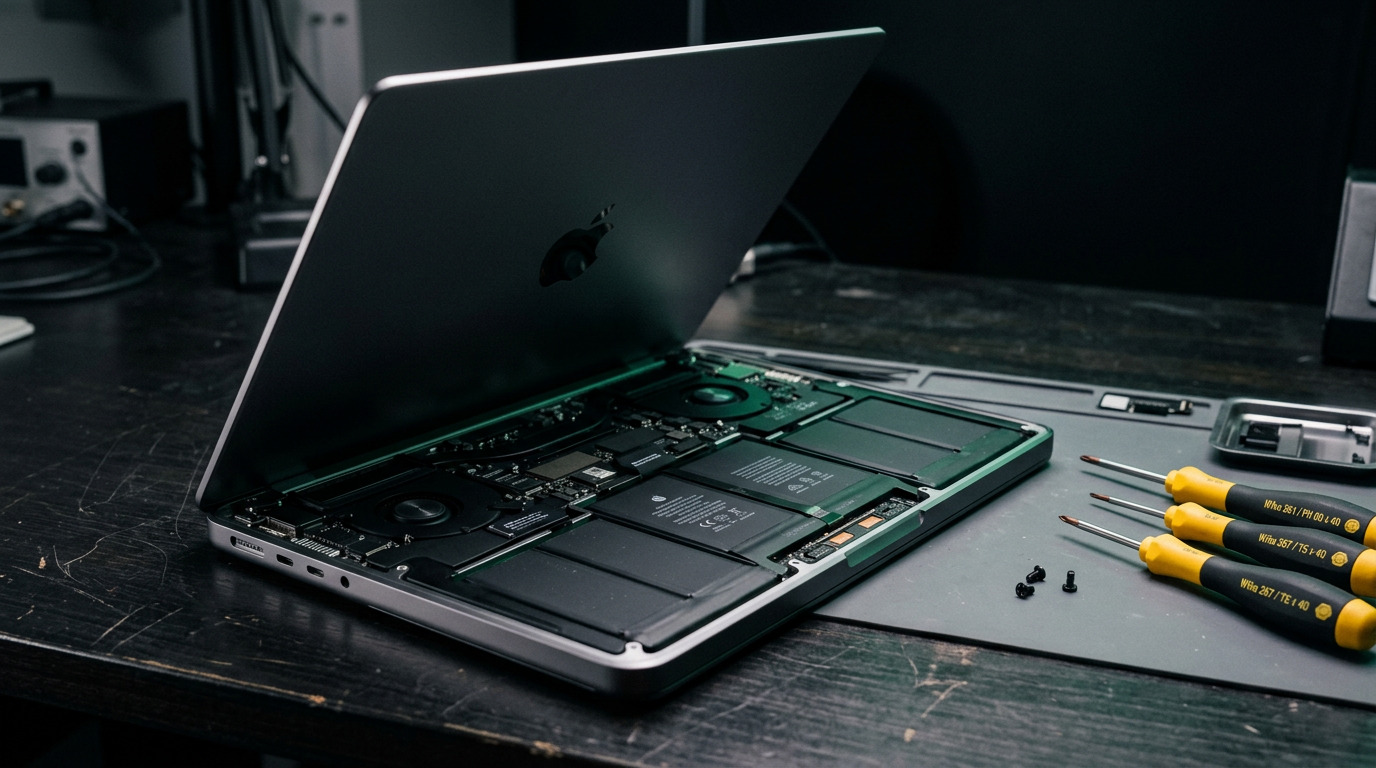
On older MacBook Pro models the battery is a screwed in pack that comes out cleanly. On most Retina and Touch Bar machines the cells are adhered to the top case with strips of adhesive that have to be released carefully with a solvent and controlled heat. On many Touch Bar models Apple supplies the battery only as part of the complete top case assembly. A technician should tell you which applies to your exact model before quoting, because the difference in labour is substantial.
How WarriorMac Handles This
WarriorMac replaces MacBook batteries using genuine Apple parts, and brand new part repairs carry a 1 year warranty. Diagnostics are free, so if you are unsure whether the warning is urgent we will read the real cycle count and capacity figures off your machine and tell you honestly. If your battery is swollen bring the machine in rather than continuing to charge it. Walk in during business hours, no appointment needed.
Related WarriorMac services & guides
Frequently Asked Questions
What does Service Recommended mean on a MacBook battery?
It means macOS has determined the battery has degraded past healthy operating parameters, usually because maximum capacity has fallen near or below 80 percent of design capacity or the cycle count is high. It is an advisory to plan a replacement, not an immediate failure.
How many cycles should a MacBook battery last?
Most modern MacBook batteries are rated for 1000 charge cycles before they are considered consumed. Older models were rated for 300 to 500 cycles depending on the generation.
Can I keep using my MacBook with a Service Recommended battery?
Usually yes, though you should expect shorter runtime and possible performance throttling. The exception is a swollen battery. If the trackpad will not click, the bottom case does not sit flat, or the case looks bowed, stop charging it and have it looked at.
How do I check my MacBook battery cycle count?
Hold Option and click the Apple menu, choose System Information, then select Power in the sidebar. Cycle count, condition, full charge capacity, and design capacity are all listed there.
Does a new battery fix a MacBook that shuts down randomly?
Often yes, when the shutdowns are caused by a worn cell that cannot deliver peak current. It does not fix shutdowns caused by a power management fault on the logic board, which is why a diagnostic before replacement matters.