Butterfly Keyboard
The most complained about keyboard Apple ever shipped
Quick Definition
The butterfly keyboard is the ultra thin key mechanism Apple used from 2015 to 2019. It replaced the traditional scissor switch with a hinged butterfly wing design that cut key travel to roughly 0.55mm. The mechanism sits so close to the top case that a single crumb, grain of sand, or speck of dust can jam a key permanently.
Why the butterfly mechanism fails
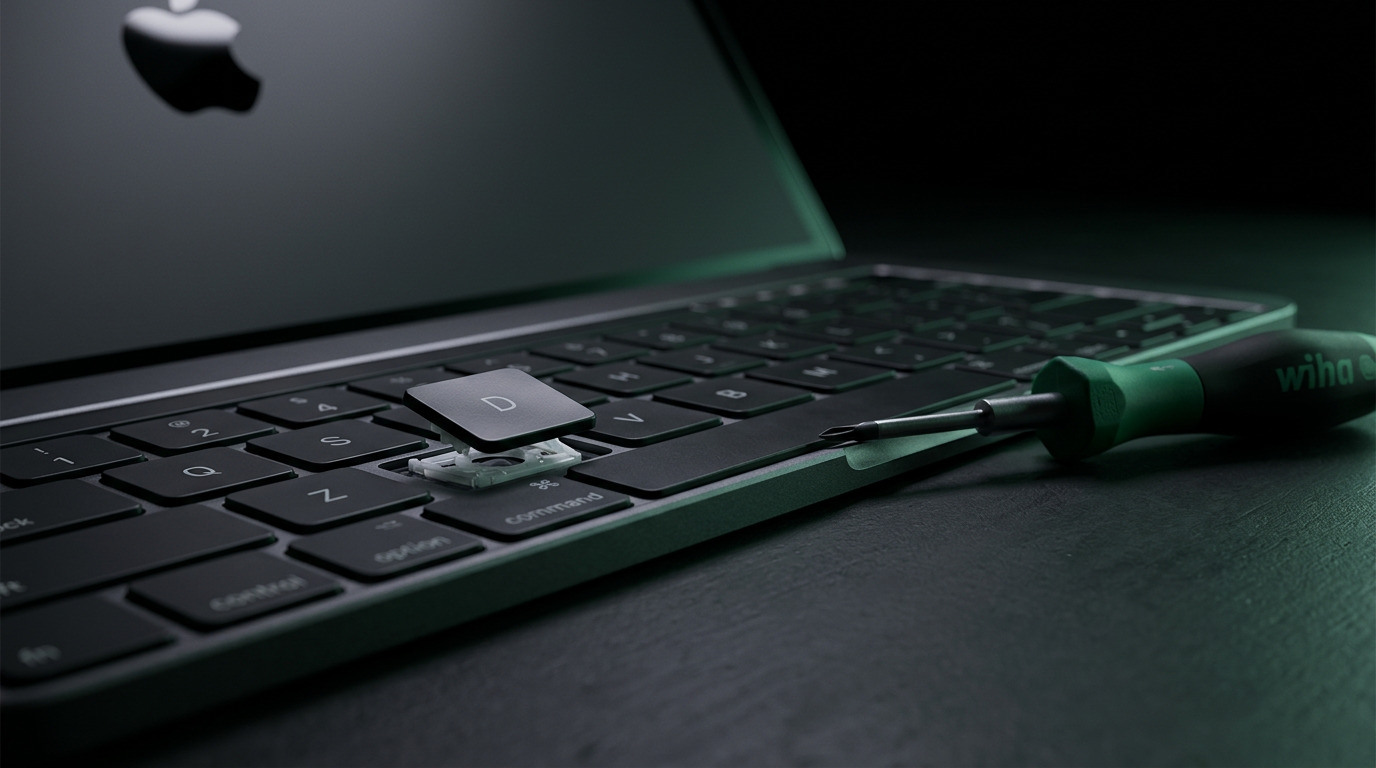
A traditional scissor switch has enough internal clearance to tolerate small debris. The butterfly design removed that clearance to make the machine thinner. When a particle works its way under the keycap it blocks the wing from returning to rest position. The result is a key that feels mushy, sticks down, does nothing at all, or fires the same character several times from one press. Apple added a thin silicone membrane in the 2018 revision to slow debris ingress, but the underlying mechanism was unchanged and failures continued.
The four classic symptoms
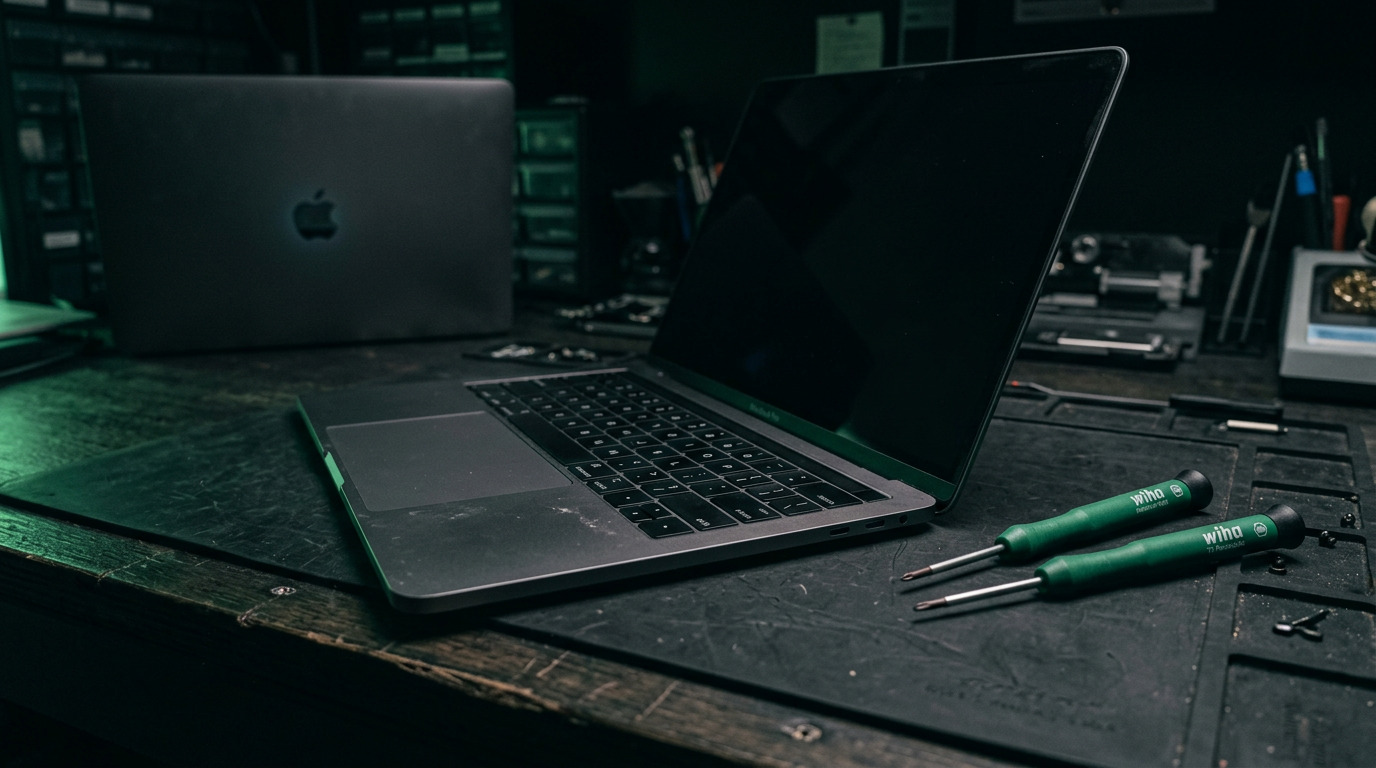
Owners report the same four behaviors. A dead key that produces no character no matter how hard it is pressed. A repeating key that types several characters from one press. A sticky key that feels different from its neighbors and does not spring back. And a loose or crooked keycap that has popped partly off its clips. Any one of these on a 2015 to 2019 machine points at the butterfly mechanism rather than a software fault.
Affected models
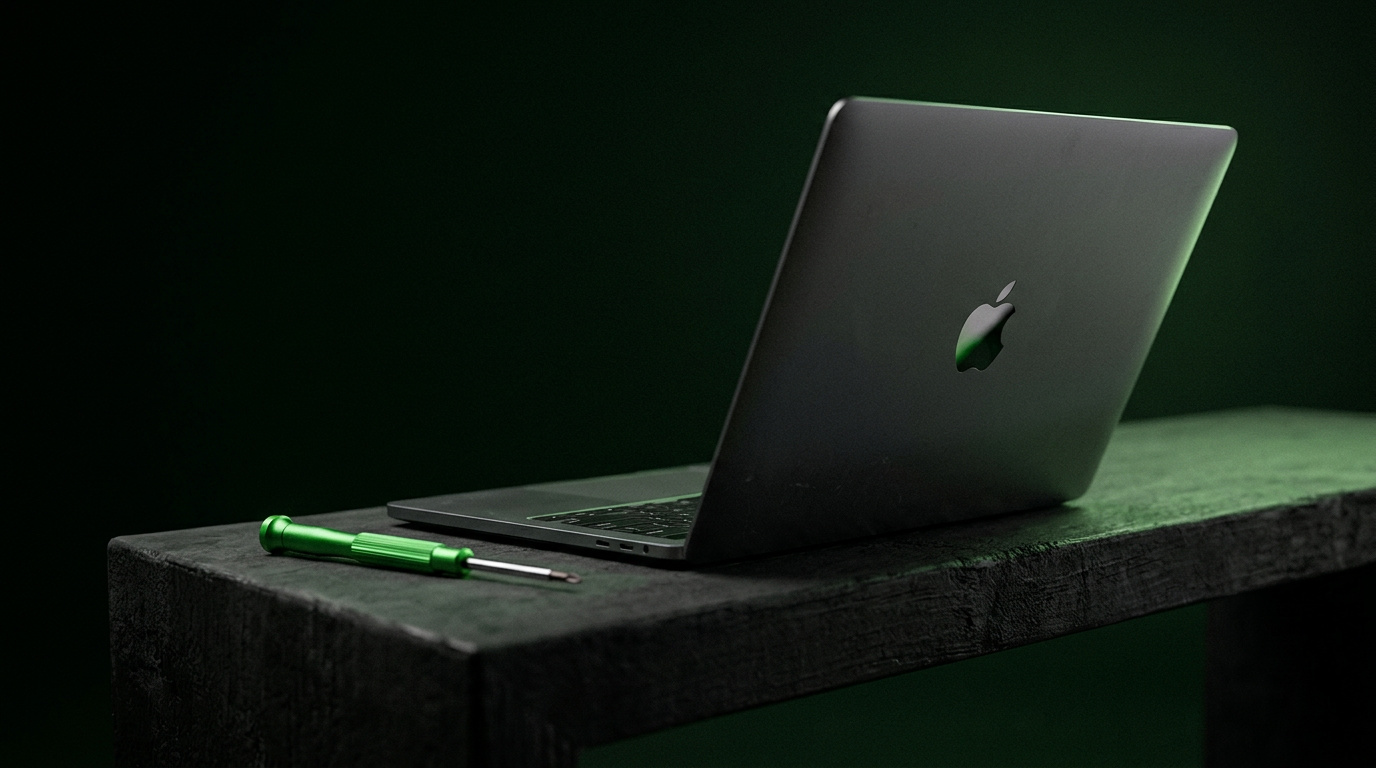
The 12 inch MacBook from 2015 onward, the MacBook Pro 13 inch and 15 inch with Touch Bar from 2016 through 2019, and the MacBook Air from 2018 through 2019 all use butterfly keyboards. Apple returned to a scissor mechanism it called the Magic Keyboard starting with the 16 inch MacBook Pro in late 2019, the 13 inch MacBook Pro in 2020, and the MacBook Air in 2020. If your machine is a 2020 or newer model you have the scissor design and a stuck key is far more likely to be debris that can be cleaned.
Why one key cannot simply be replaced
This is the part that surprises most owners. On a butterfly machine the keyboard is riveted into the top case assembly, and on Touch Bar models the battery is glued to that same assembly. Apple does not sell an individual key mechanism as a service part. The official repair replaces the entire top case, which brings a new keyboard, a new battery, and usually a new trackpad with it. That is why the quote is far higher than people expect for what looks like one broken key.
Apple's service program has ended
Apple ran a Keyboard Service Program that covered eligible butterfly machines for four years from the original date of sale. Because the last butterfly models shipped in 2019, that window has now closed on the entire affected range. Owners with a failing butterfly keyboard today are paying out of pocket wherever they go, which makes comparing repair options worth the effort.
What a real repair looks like now
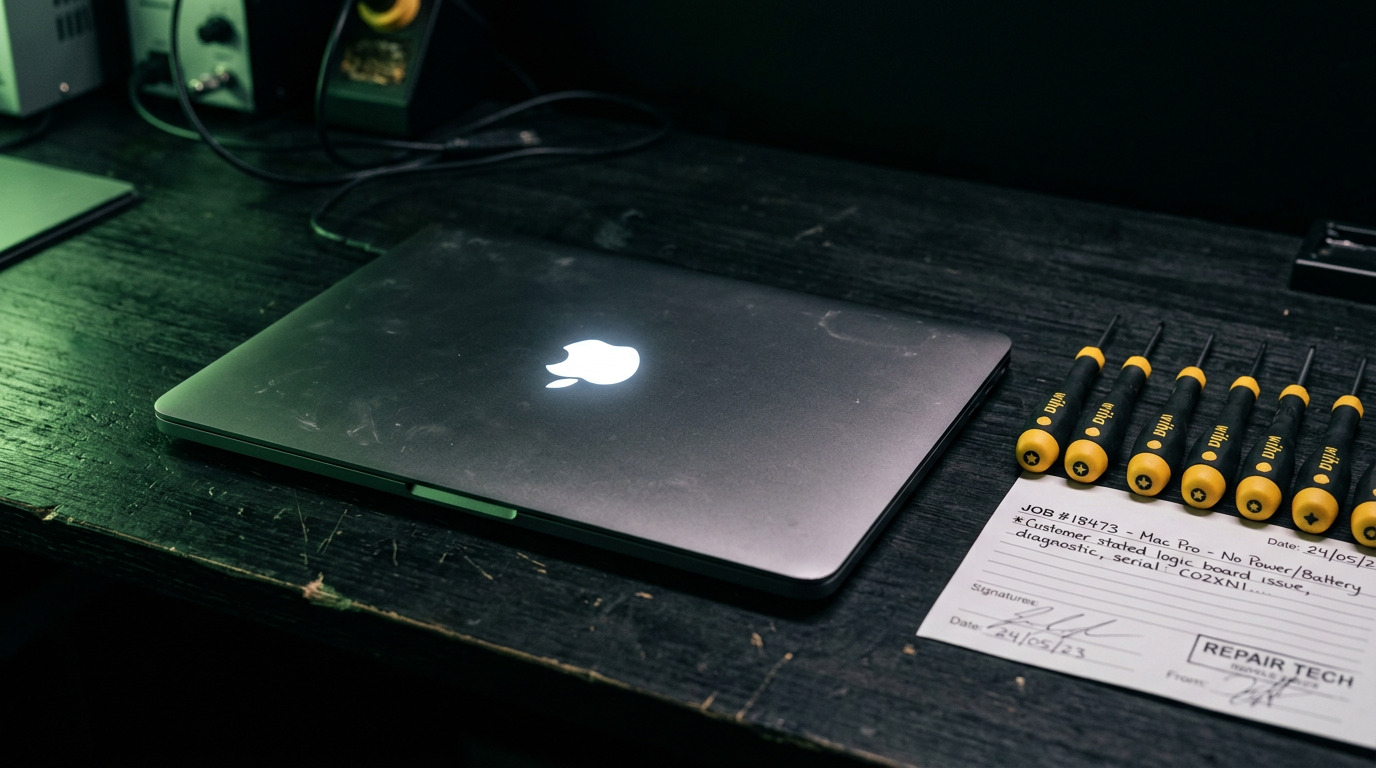
There are two honest paths. A full top case replacement restores the machine to factory condition with a fresh keyboard and a fresh battery in one operation. Alternatively, on some machines a careful teardown, ultrasonic cleaning of the affected mechanism, and reassembly can recover a key that is jammed rather than physically broken. A technician should tell you which of the two your machine actually needs after inspection instead of quoting the expensive option by default.
How WarriorMac Handles This
WarriorMac has been repairing Apple hardware for 25 years and our technicians are Apple certified. We inspect a failing butterfly keyboard before quoting so you know whether the mechanism is jammed or genuinely broken. When a top case replacement is the right call we use genuine Apple parts, and brand new part repairs carry a 1 year warranty. Walk in during business hours, no appointment needed.
Related WarriorMac services & guides
Frequently Asked Questions
Which MacBooks have the butterfly keyboard?
The 12 inch MacBook from 2015 onward, the MacBook Pro with Touch Bar from 2016 through 2019, and the MacBook Air from 2018 through 2019. Models from 2020 onward use the scissor based Magic Keyboard instead.
Can you replace just one broken key on a butterfly keyboard?
Apple does not sell individual butterfly key mechanisms as service parts, and the keyboard is riveted into the top case. In many cases a jammed key can be recovered through teardown and cleaning. When the mechanism is physically broken the top case assembly has to be replaced.
Is Apple still replacing butterfly keyboards for free?
No. The Keyboard Service Program covered eligible machines for four years from the date of sale, and since the last butterfly models shipped in 2019 that coverage has expired across the entire affected range.
Why does my MacBook key type the same letter multiple times?
Repeating keys are a hallmark butterfly failure. Debris under the keycap prevents the wing mechanism from returning cleanly to rest, so the switch registers several contacts from a single press.
Does replacing the top case also replace the battery?
On Touch Bar MacBook Pro models the battery is bonded to the top case assembly, so a top case replacement includes a new battery and normally a new trackpad as well.