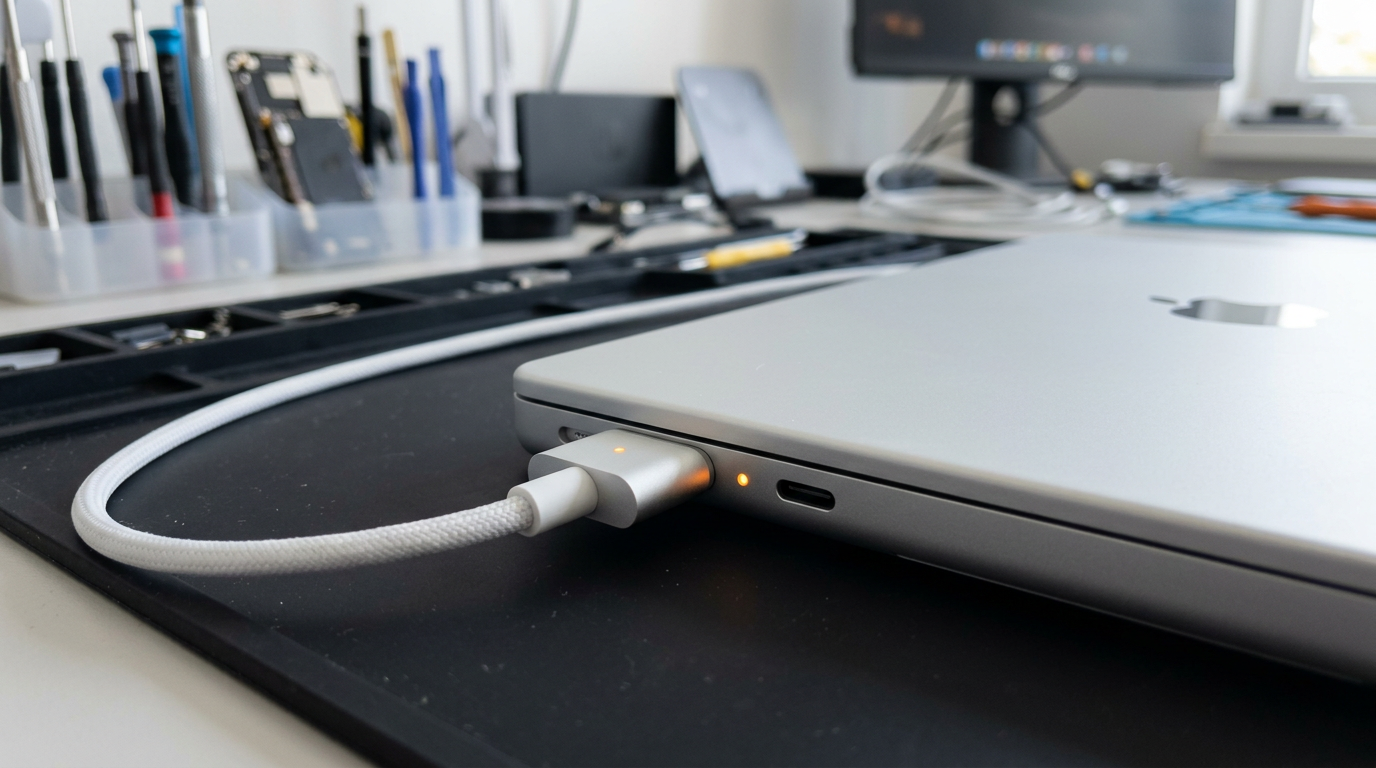
MacBook Not Charging?
No charger light? Stuck at 1%? We trace the charging circuit to the exact fault.
Quick Diagnosis
A MacBook that will not charge can be caused by a faulty charger or cable, a damaged USB-C or MagSafe port, a failed charging IC on the logic board, or a battery that has reached end of life. The charging indicator light (or lack of it) provides the first clue. No light at all usually points to a port or board-level issue. An amber light that never turns green suggests a battery or charging circuit problem.
Common Causes
Here are the most frequent reasons for this problem, ranked by how often we see each one.
Faulty charger or cable
CommonUSB-C cables and MagSafe adapters can fail internally without visible damage. Third-party chargers that do not meet Apple's power delivery specs may also fail to charge.
Debris in the charging port
CommonLint, dust, and other debris can accumulate in the USB-C or MagSafe port, preventing a solid connection. Careful cleaning with a wooden toothpick (never metal) can resolve this.
Charging IC failure (CD3215 / ISL9239)
LikelyThe USB-C controller (CD3215) or charging IC (ISL9239) on the logic board can fail, preventing the Mac from negotiating power with the charger.
Battery at end of life
PossibleA battery that has degraded past its minimum threshold may refuse to charge or may drain faster than the charger can supply power.
SMC glitch
PossibleThe System Management Controller manages charging behavior. A hung SMC can prevent charging even with good hardware. An SMC reset often resolves this.
Try These Steps First
Before bringing your Mac in, try these diagnostic steps at home.
Try a different charger and cable
Borrow or purchase a known-good Apple USB-C or MagSafe charger. This eliminates the most common cause immediately.
Inspect the charging port
Use a flashlight to look inside the USB-C or MagSafe port for lint, debris, or bent pins. Gently clean with a wooden toothpick if needed.
Check the charger indicator
On MagSafe models: amber = charging, green = full, no light = no connection. On USB-C models without an indicator, check System Information > Power for charging status.
Reset the SMC
On Intel Macs: shut down, hold Control + Option + Shift + Power for 10 seconds. On Apple Silicon: shut down, wait 30 seconds, restart.
Check battery health
Go to Apple menu > About This Mac > System Report > Power. Check "Condition" and "Cycle Count." Condition: "Replace Soon" or "Service Battery" indicates end of life.
What WarriorMac Does Differently
We test the complete charging path from the port through the logic board to the battery using specialized diagnostic equipment. For port issues, we repair or replace the USB-C port assembly. For board-level charging IC failures, we perform component-level micro-soldering to replace the specific chip that has failed. Battery replacements use genuine Apple cells with full health calibration after installation.
Repair Options & Pricing
Charger / cable diagnosis
Testing your charger and cable to confirm whether the issue is the accessory or the Mac.
USB-C / MagSafe port repair
Repair or replacement of the damaged charging port or port flex cable.
Charging IC micro-soldering
Board-level replacement of the CD3215 USB-C controller, ISL9239 charging IC, or related power components.
Battery replacement
Genuine Apple battery replacement with full health calibration.
Frequently Asked Questions
Why is my MacBook not charging when plugged in?
My MagSafe charger shows no light at all. What does that mean?
How much does MacBook charging repair cost?
Can a third-party charger damage my MacBook?
Related Services
Still Not Fixed?
Bring it to us or ship it in. Free diagnosis, no-fix-no-fee guarantee, 25 years of experience.