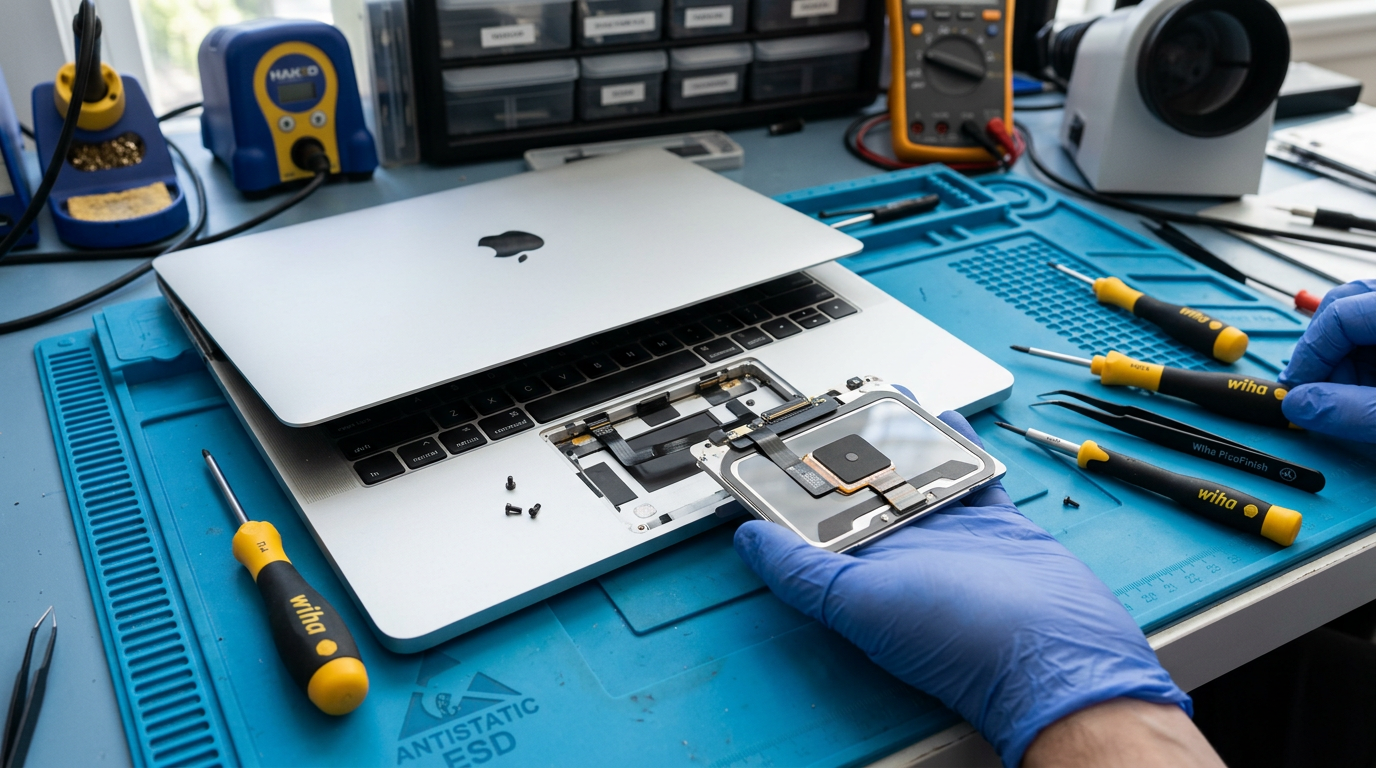
MacBook Trackpad Not Working?
Not clicking, jumping, stuck. We repair Force Touch and mechanical trackpads.
Quick Diagnosis
A MacBook trackpad that does not click, jumps around, or is completely unresponsive is most commonly caused by a swollen battery pushing up against the trackpad from underneath, a failed Force Touch mechanism, liquid damage, or a flex cable issue. The first thing to check is whether the trackpad is physically raised or warped, which indicates a swollen battery.
Common Causes
Here are the most frequent reasons for this problem, ranked by how often we see each one.
Swollen battery
CommonA swollen battery pushes up against the underside of the trackpad, preventing it from clicking properly or causing phantom clicks. This is the most common hardware cause of trackpad issues.
Force Touch actuator failure
LikelyModern MacBooks use a Force Touch trackpad that simulates a click using haptic feedback. If the Taptic Engine or its controller fails, the trackpad may stop clicking or feel "dead."
Liquid damage
PossibleLiquid reaching the trackpad area can corrode the flex cable or the trackpad itself, causing erratic behavior, phantom clicks, or complete failure.
Flex cable issue
PossibleThe cable connecting the trackpad to the logic board can become damaged or disconnected, especially after a drop or impact.
Software or settings issue
PossibleIncorrect trackpad settings, accessibility features, or a software bug can make the trackpad behave erratically. Check System Preferences > Trackpad first.
Try These Steps First
Before bringing your Mac in, try these diagnostic steps at home.
Check for swollen battery
Place the MacBook on a flat surface. If it wobbles, or the trackpad surface appears raised compared to the palm rest, the battery is likely swollen.
Try an external mouse
Connect a USB or Bluetooth mouse. If the external mouse works fine, the issue is the built-in trackpad, not a system-wide input problem.
Reset SMC and PRAM
An SMC reset can recalibrate the trackpad. PRAM reset can fix stored input settings that may be causing erratic behavior.
Boot in Safe Mode
If the trackpad works normally in Safe Mode, a software conflict is likely. Check for recently installed apps or drivers.
What WarriorMac Does Differently
We diagnose the root cause of the trackpad failure: swollen battery, Force Touch actuator, flex cable, liquid damage, or logic board. For swollen batteries, we safely replace the battery (which usually resolves the trackpad issue). For hardware trackpad failures, we replace the Force Touch trackpad assembly. All repairs use genuine Apple parts.
Repair Options & Pricing
Battery replacement (swollen battery cause)
Safe removal of swollen battery and genuine Apple replacement. Trackpad function typically returns to normal.
Trackpad replacement
Replacement of the Force Touch trackpad assembly with genuine Apple part.
Trackpad flex cable repair
Repair or replacement of the trackpad flex cable connection.
Logic board trackpad controller repair
Component-level repair if the trackpad controller on the logic board has failed.
Frequently Asked Questions
Why does my MacBook trackpad not click?
How much does MacBook trackpad repair cost?
Can a swollen battery cause trackpad problems?
Related Services
Still Not Fixed?
Bring it to us or ship it in. Free diagnosis, no-fix-no-fee guarantee, 25 years of experience.