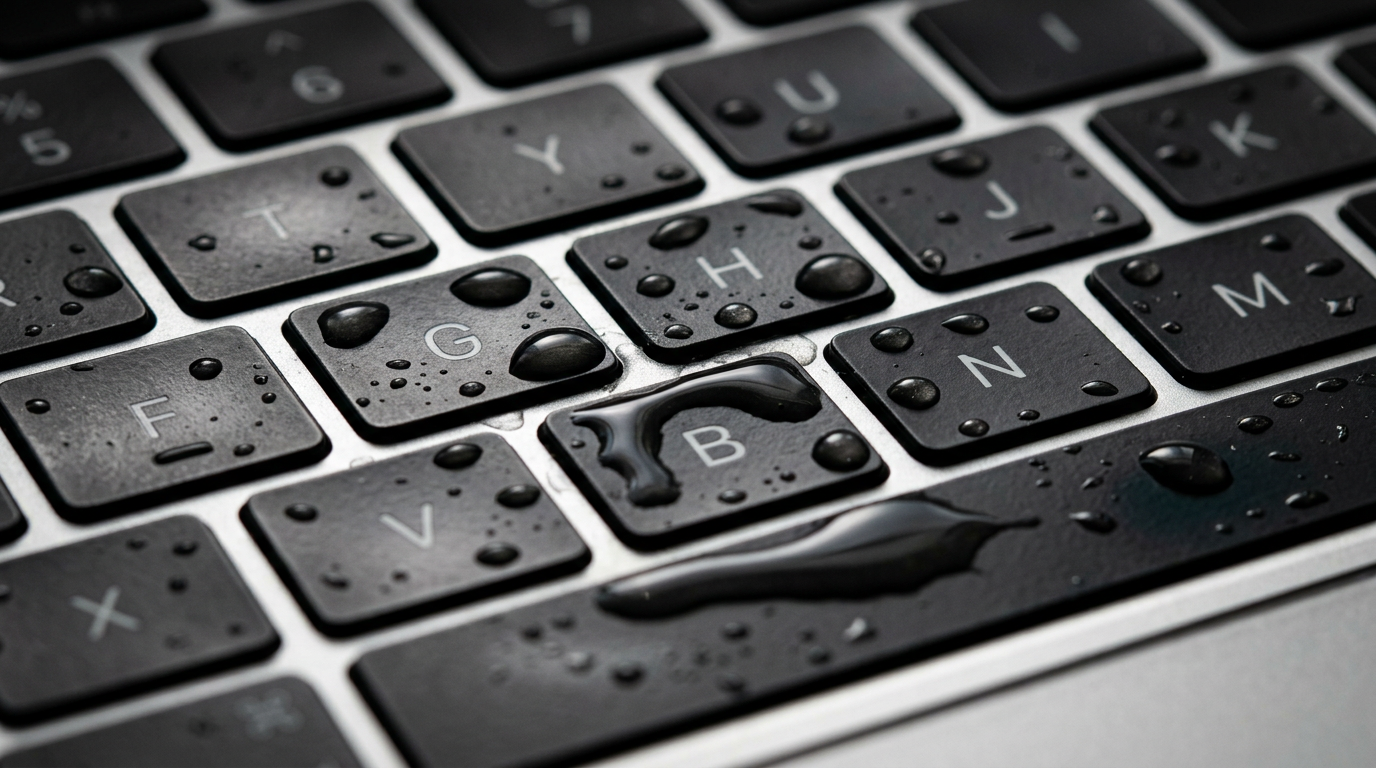
Spilled Liquid on Your MacBook?
Time is critical. Do NOT turn it on. We specialize in liquid damage recovery.
Do NOT turn on a liquid-damaged MacBook. Do NOT plug in the charger. Do NOT put it in rice. Every power-on attempt drives electricity through wet circuits and causes additional damage that may be irreversible.
Quick Diagnosis
Liquid damage is one of the most common and most urgent MacBook problems. Water, coffee, tea, wine, and other liquids can corrode logic board components within hours. The single most important thing you can do is turn the MacBook off immediately, do not try to charge it, and get it to a specialist as fast as possible. At WarriorMac, we use ultrasonic cleaning and board-level micro-soldering to save MacBooks that Apple would declare "vintage" or quote a full logic board replacement for.
Common Causes
Here are the most frequent reasons for this problem, ranked by how often we see each one.
Direct liquid spill on keyboard
CommonThe keyboard sits directly above the logic board in most MacBooks. Liquid flows through the key mechanisms and onto the board, causing short circuits and corrosion.
Condensation or humidity exposure
PossibleTaking a cold MacBook into a warm, humid environment (or using it in a steamy bathroom) can cause internal condensation on the logic board.
Liquid entering through ports
PossibleDrinks placed near the Mac can splash into USB-C, headphone, or MagSafe ports, reaching internal components through the port openings.
Delayed corrosion from old spill
LikelySometimes a MacBook survives an initial spill but develops symptoms days or weeks later as corrosion slowly spreads across the logic board traces and components.
Try These Steps First
Before bringing your Mac in, try these diagnostic steps at home.
Turn it off immediately
Press and hold the power button for 10 seconds to force shutdown. Do NOT try to save your work. Every second it stays on with liquid inside increases the damage.
Unplug the charger
Remove the charging cable immediately. Electricity flowing through wet circuits accelerates corrosion and short-circuit damage.
Flip it upside down
Open the MacBook fully and place it face-down (keyboard facing down) on a towel in an inverted V shape. This lets gravity pull liquid away from the logic board.
Do NOT use rice
Rice does not dry electronics effectively and can introduce starch particles that cause additional problems. Do not use a hair dryer either, as the heat can damage components.
Get it to a specialist quickly
Corrosion begins within hours. The sooner a professional performs ultrasonic cleaning and removes residue from the logic board, the better the outcome.
What WarriorMac Does Differently
We perform full ultrasonic cleaning of the logic board and all affected components using specialized cleaning solutions. After cleaning, we inspect every component under a microscope to identify and replace any that have been damaged by corrosion or short circuits. We use component-level micro-soldering to repair individual ICs, capacitors, and traces rather than replacing the entire logic board, which saves you hundreds of dollars.
Repair Options & Pricing
Ultrasonic cleaning + inspection
Full disassembly, ultrasonic bath cleaning of the logic board, microscope inspection, and reassembly.
Board-level repair after cleaning
Component-level micro-soldering to replace corroded ICs, capacitors, connectors, or traces identified during inspection.
Keyboard replacement
Liquid-damaged keyboards often need replacement even after the logic board is repaired.
Full restoration (board + keyboard + battery)
Comprehensive liquid damage restoration including logic board repair, keyboard, and battery replacement.
Frequently Asked Questions
Can a water-damaged MacBook be fixed?
How much does MacBook water damage repair cost?
I spilled water on my MacBook and it still works. Should I still bring it in?
Will Apple fix my water-damaged MacBook?
Can you recover data from a water-damaged MacBook?
Related Services
Still Not Fixed?
Bring it to us or ship it in. Free diagnosis, no-fix-no-fee guarantee, 25 years of experience.