iMac Repair Cost
Screen, logic board, SSD, and power supply repairs
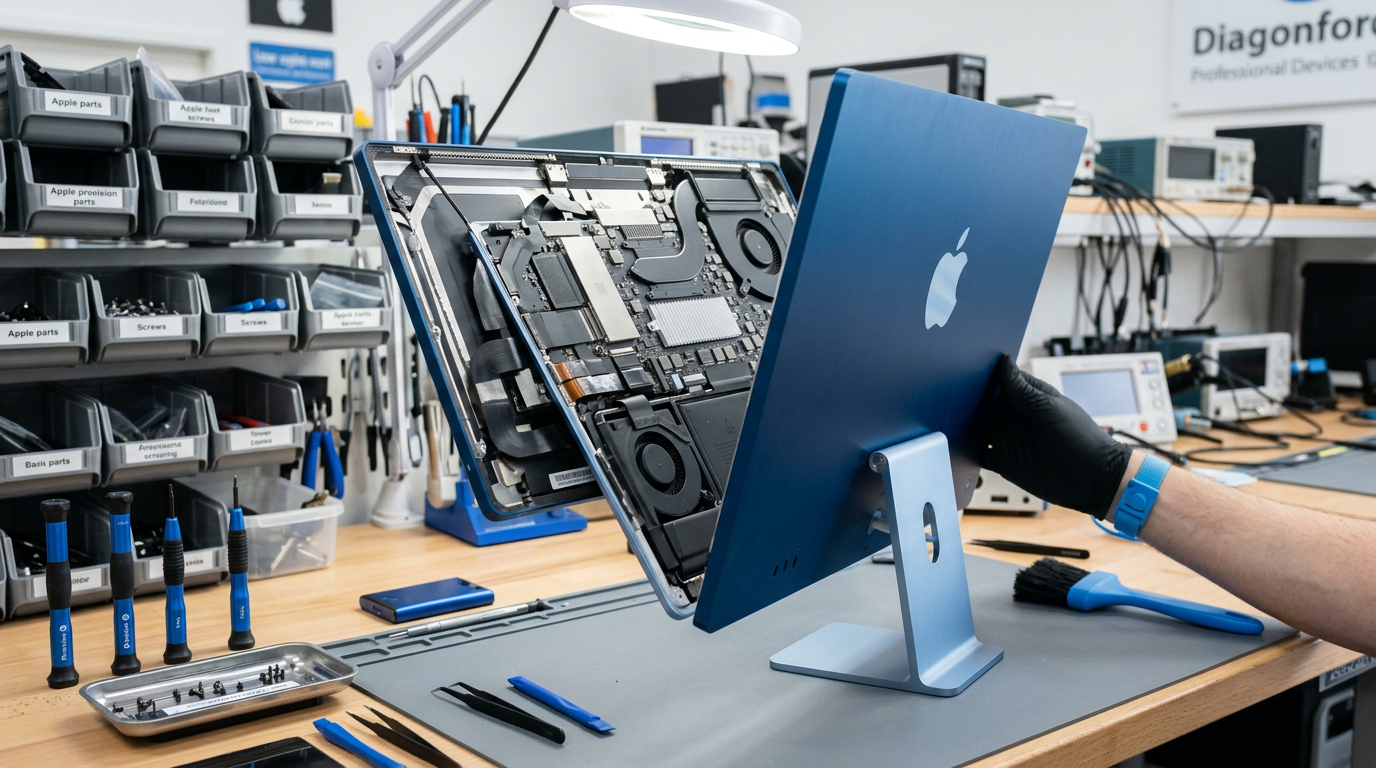
Every Mac repair is performed in-house using genuine Apple parts.
Quick Answer
iMac repair at WarriorMac costs from $99 for basic repairs and cleaning to $899 for complex display replacements or logic board micro-soldering. The 24-inch M1/M3/M4 iMac, 27-inch Retina 5K, and 21.5-inch models each have different repair costs due to part differences. Diagnosis is free.
Cost Breakdown by Model
See what each repair costs at WarriorMac versus a typical Apple Store quote.
iMac SSD upgrade (HDD to SSD)
iMac fan/thermal service
iMac power supply repair
iMac logic board repair
iMac 21.5" screen replacement
iMac 27" 5K screen replacement
iMac 24" M-series screen replacement
Please note: All prices shown are estimates provided only to give you an approximate idea of the cost. Final pricing varies from one machine to another and depends on the severity of the issue. These price ranges do not include labor. We always provide a free diagnostic and an exact quote before any work begins.
What Affects the Cost
iMac model and screen size
The 27-inch Retina 5K display is more expensive to replace than the 21.5-inch. The 24-inch M-series iMac has a unique thin design that requires specialized parts.
Type of repair needed
Screen replacement is the most expensive iMac repair. Logic board, SSD, power supply, and fan repairs are typically less.
Age of the iMac
Parts for current and recent models are readily available. Older iMac parts may be harder to source, which can affect pricing and turnaround.
WarriorMac vs. Apple Store
Apple charges $399-$1,299+ for iMac repairs and does not offer component-level logic board repair. For iMacs out of warranty, Apple often recommends buying a new one rather than repairing. WarriorMac repairs at the component level, preserving your data and saving hundreds.
Diagnosing an iMac that will not power on
Intel iMacs carry diagnostic LEDs on the logic board next to the memory, and they answer the most expensive question in about a minute. LED1 should light as soon as the machine is plugged into a live outlet, before the power button is pressed, because it confirms the power supply is producing standby voltage. A dark LED1 with a known good mains lead points at the power supply.
If LED1 lights but LED2 never does when the button is pressed, the board is not coming out of standby and the fault has moved to the logic board. If LED1 and LED2 both light but the screen stays black, the machine is running and the problem is the display, the display cable or the graphics.
The reason this matters for cost is that those three answers are three very different prices, and a shop that quotes an iMac without checking them is guessing.
Opening an iMac is the labour, not the part
From 2012 Apple bonded the iMac display glass to the chassis with a foam adhesive strip that has to be cut through with a wheel tool and then completely replaced on reassembly. Nothing inside the machine can be reached until that is done, which is why even a simple drive swap on a 2015 iMac carries more labour than the same job on a MacBook.
Pre-2012 iMacs are the exception. The front glass on those is held by magnets and lifts off with suction cups, so drive and memory work on a 2009 to 2011 machine is quick and inexpensive.
What is still worth upgrading
The 27-inch iMac from 2012 through 2020 has a rear access door with four SO-DIMM slots, so memory can be increased in minutes with no disassembly at all, and it is the single best value upgrade on those machines. The 21.5-inch models have memory soldered or buried behind a full strip down depending on the year.
Replacing a spinning hard drive or a Fusion Drive with an SSD is the other upgrade that transforms an older iMac, and on a machine that currently takes two minutes to reach the desktop it is a bigger real world improvement than any processor change. The 24-inch M1 and later iMacs have both memory and storage soldered, so neither can be changed after purchase.
Frequently Asked Questions
How much does iMac screen replacement cost?
iMac screen replacement at WarriorMac ranges from $249 for a 21.5-inch display to $899 for a 24-inch M-series Retina display. We use genuine Apple display assemblies and test all features after installation.
Can you upgrade my iMac from HDD to SSD?
Yes. This is the single best performance upgrade for any iMac with a spinning hard drive. The upgrade starts from $199 and includes the SSD and data migration. Your iMac will feel like a new machine.
Is it worth repairing an old iMac?
In many cases, yes. A $200-$400 repair on an iMac that originally cost $1,500-$3,000 is usually worth it if the machine meets your needs. An SSD upgrade alone can make a 2015-2019 iMac feel current. We give you an honest assessment during the free diagnosis.
Do you repair the 24-inch M1/M3/M4 iMac?
Yes. We repair all iMac models including the current 24-inch Apple Silicon iMacs. These have a unique thin design that requires specialized service, which we are equipped and certified to provide.