MacBook GPU Failure
The failure that turns a working Mac into a black screen
Quick Definition
GPU failure is the breakdown of the discrete graphics chip on a Mac logic board, most commonly caused by cracked solder joints under the chip after years of heat cycling. It affects Intel era MacBook Pro and iMac models that carried a separate AMD or NVIDIA graphics processor alongside the CPU.
Why discrete GPUs fail
A discrete graphics chip is mounted to the logic board as a ball grid array, meaning it sits on a grid of hundreds of tiny solder balls rather than pins. The chip runs hot under load and cools when idle. Every heat cycle expands and contracts the solder slightly. Over several years of this the solder joints develop microscopic cracks, and eventually one or more connections open up intermittently. The chip itself is often still functional. The connection to the board is what has failed.
Recognising the symptoms
GPU failure has a distinctive signature. Visual artifacting is the classic sign, meaning coloured lines, checkerboard patterns, distorted geometry, or garbled text appearing on the display. Many machines boot to a grey or black screen while the fans spin and the keyboard backlight comes on, which tells you the machine has power but no image. Some enter a boot loop where the Apple logo appears and the machine restarts. On models with switchable graphics the Mac may run fine on the integrated chip and fail only when an application demands the discrete one, which makes the fault look random.
Commonly affected models
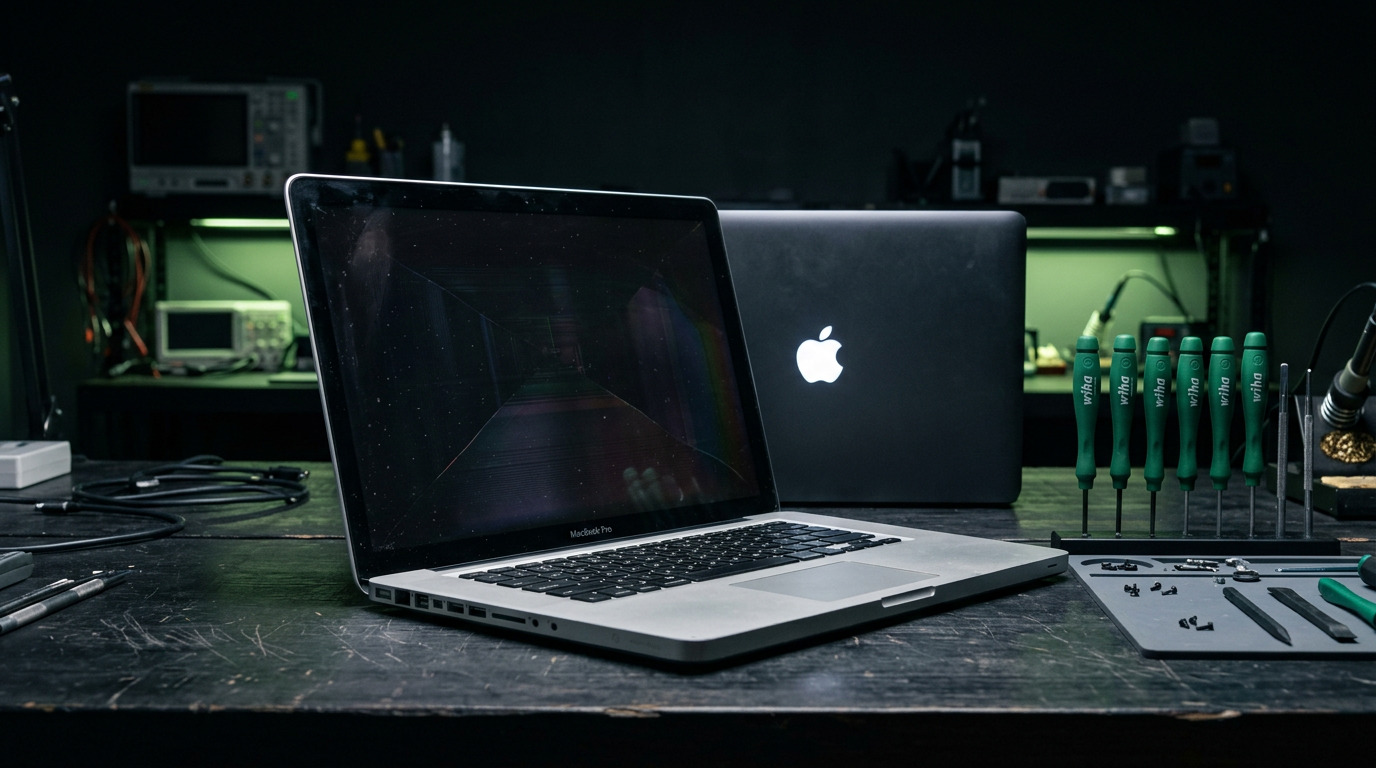
The failure is concentrated in Intel era machines with discrete graphics. The 15 inch and 17 inch MacBook Pro models from 2011 with AMD Radeon graphics are the best known example and generated one of the largest waves of GPU complaints Apple ever faced. The 2012 through 2015 Retina MacBook Pro 15 inch with discrete graphics, and various 21.5 inch and 27 inch iMac models across the same era, also show it. Apple Silicon Macs from the M1 onward have the GPU integrated into the main system on a chip, so this specific solder joint failure mode does not apply to them.

Apple's repair programs have expired
Apple ran extended repair programs for several of the worst affected model ranges, most notably the 2011 MacBook Pro. Those programs ended years ago. An owner facing GPU failure today is quoted a full logic board replacement at retail, which on these machines frequently costs more than the machine is worth. That economic reality is why board level repair is worth understanding before writing the machine off.

Reball, reflow, and replace
Three approaches exist and they are not equal. A reflow heats the existing solder to try to re close the cracks, which sometimes revives a machine but rarely lasts because the same fatigued solder is still in place. A reball removes the chip entirely, strips the old solder, applies a fresh array of solder balls, and reseats the chip properly, which is a genuine repair. Replacing the chip outright with a known good unit is the most durable option where a compatible chip can be sourced. A shop offering only a reflow should be honest that it is a temporary measure.
Diagnosing it correctly first
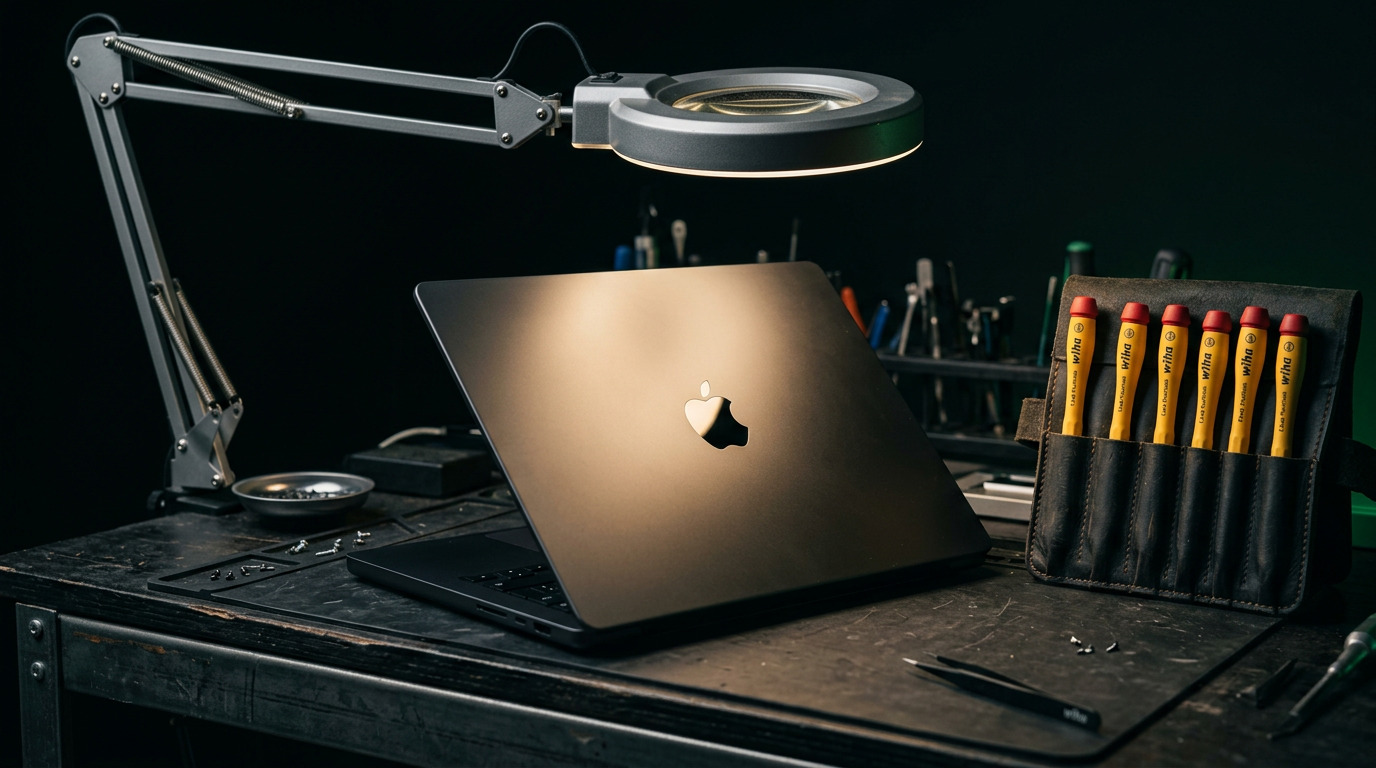
A black screen is not automatically a GPU fault. It can equally be a backlight failure, a display cable fault, a power rail problem, or on some models a firmware issue. The distinction matters because the repairs are wildly different in cost. A proper diagnostic checks whether the machine produces an image on an external display, whether the panel is lit under direct light, and what the board rails measure, before anyone concludes the graphics chip is at fault.
How WarriorMac Handles This
WarriorMac performs component level logic board work rather than defaulting to full board replacement. With 25 years of Apple hardware experience our technicians diagnose whether a black screen or artifacting is genuinely the graphics chip before recommending anything. Board level repairs carry a 180 day warranty. Diagnostics are free and walk ins are welcome during business hours.
Related WarriorMac services & guides
Frequently Asked Questions
What are the symptoms of a failing MacBook GPU?
Coloured lines or checkerboard artifacts on screen, distorted or garbled graphics, a black or grey screen while the fans and keyboard backlight are active, boot loops at the Apple logo, and on switchable graphics models crashes that only occur when a demanding application runs.
Which MacBook models are known for GPU failure?
The 2011 MacBook Pro 15 inch and 17 inch with AMD Radeon graphics are the best known. The 2012 through 2015 Retina MacBook Pro 15 inch with discrete graphics and several Intel era iMac models are also affected. Apple Silicon Macs do not share this failure mode.
Is a GPU reball a permanent fix?
A proper reball, where the chip is removed, the old solder is stripped and a fresh ball array is applied, is a real repair and holds far better than a reflow. A reflow simply reheats fatigued solder and often fails again.
Can a failed GPU be repaired without replacing the whole logic board?
In many cases yes. The graphics chip is one component on the board, and reballing or replacing that chip is a board level repair that costs a fraction of a full board swap.
Is a black screen always a GPU problem?
No. Backlight failure, a damaged display cable, a power rail fault, or a firmware issue can all produce a black screen. Checking whether the machine outputs to an external display is one of the fastest ways to narrow it down.