SSD & Storage Upgrades for Mac
Mac SSD upgrade: replace a slow hard drive or Fusion Drive with a fast SSD. Data cloned, 1-year warranty. MacBook, iMac, Mac Mini. Same-day available.
Ready to Fix Your Mac?
Start your repair in minutes. Choose the option that works best for you — ship it to us from anywhere in the U.S., or drop it off in person at our Tampa location.
Not sure which to choose? Start here and we’ll guide you.
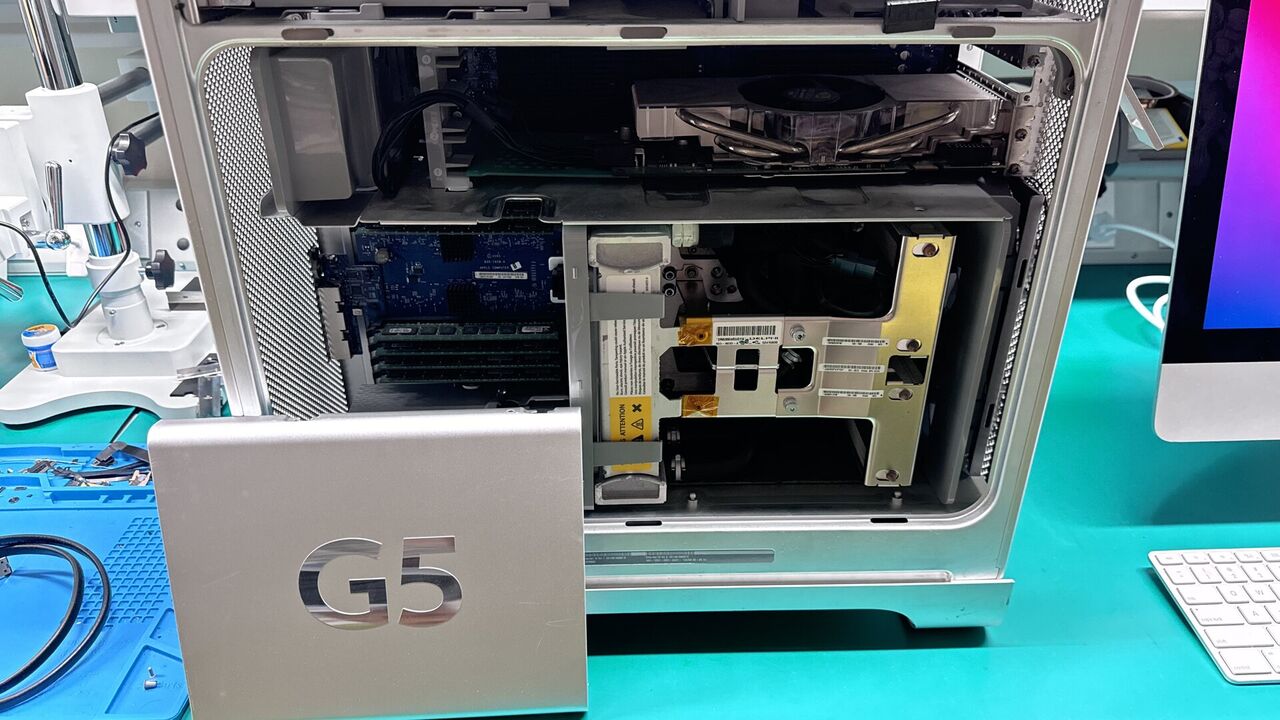
An SSD upgrade is the single biggest performance improvement you can make to an older Mac. If your MacBook, iMac, or Mac Mini still has a spinning hard drive or Fusion Drive, replacing it with a solid-state drive cuts boot time from over a minute to under 15 seconds, makes applications launch instantly, and transforms everyday responsiveness.
At WarriorMac, we clone all your data to the new SSD before the swap, so nothing is lost. We handle the proper thermal sensor configuration on iMacs so there are no fan noise issues after the upgrade. Every SSD upgrade includes a 1-year warranty on parts and labor.
We carry 500GB, 1TB, and 2TB drives in stock for same-day service on most models. Bundle an SSD with a RAM upgrade for the best performance boost at a lower combined cost.
SSD Upgrades for MacBook, iMac & Mac Mini
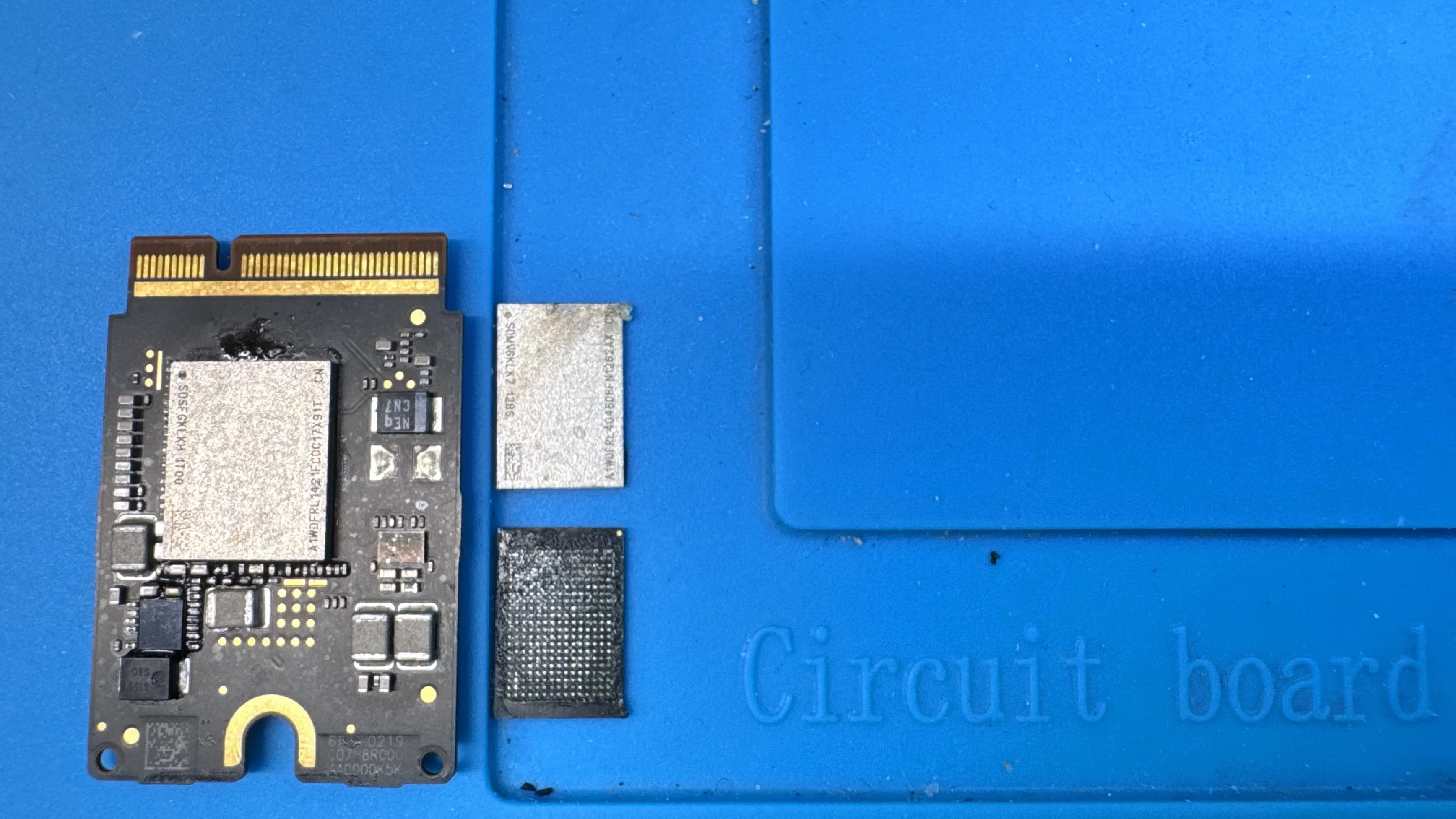
Whether you have a 2012 MacBook Pro with a spinning hard drive, a 2017 iMac with a sluggish Fusion Drive, or a Mac Mini you use as a server, an SSD upgrade transforms the experience. Boot times drop from minutes to seconds, large file copies are 5 to 10 times faster, and multitasking becomes smooth again. WarriorMac handles all upgradeable Mac models and uses high-quality NVMe and SATA drives with certified adapters for models with Apple proprietary connectors.
 MacBook Pro and MacBook Air SSD upgrades (2009-2015 models)iMac HDD and Fusion Drive to SSD (2012-2020 models)Mac Mini SSD and RAM upgrades for all supported generationsProper thermal sensor handling on iMacs to prevent fan issues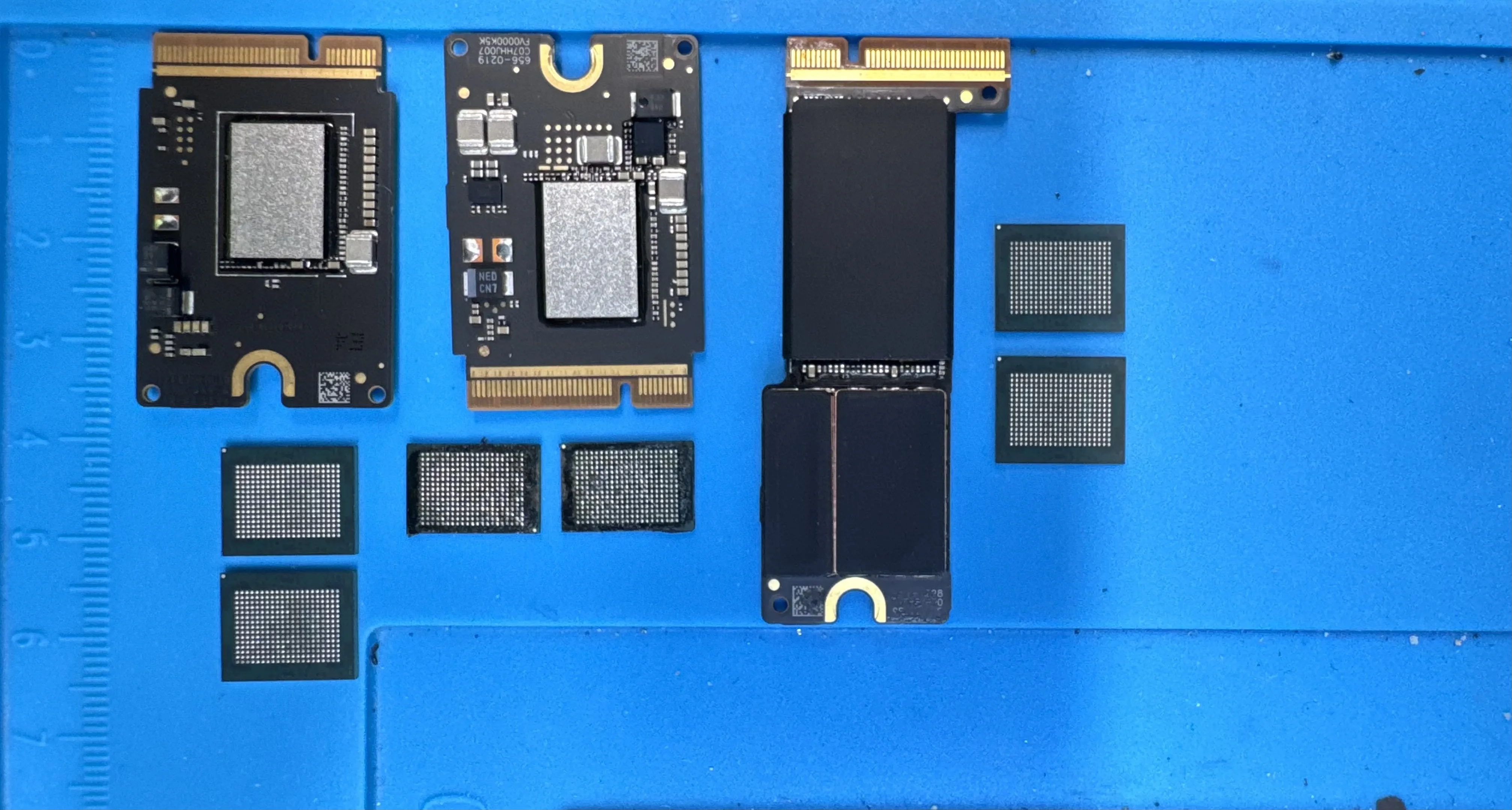
Full Data Clone and RAM Bundles
Every SSD upgrade at WarriorMac includes a complete data clone from your old drive to the new SSD. Your macOS installation, applications, documents, photos, and settings all transfer seamlessly. We verify the clone before removing the old drive, and we can keep the old drive as a backup if you want. For the best results, pair your SSD upgrade with a RAM upgrade. More memory means your Mac can handle more open apps, browser tabs, and workflows without slowing down.
Complete data clone: macOS, apps, files, and settings preservedOld drive kept as backup at your requestRAM upgrades available as a bundle for maximum performance1-year warranty on all SSD upgrade parts and laborGet a Free Estimate
Fill out the form and we'll get back to you quickly.
Shop Related Parts
Need parts for a DIY repair? Browse our genuine Apple parts catalog.
You Might Also Need
Related services our customers frequently combine
Ready to Get Started?
Contact us today for a free diagnostic and competitive quote.