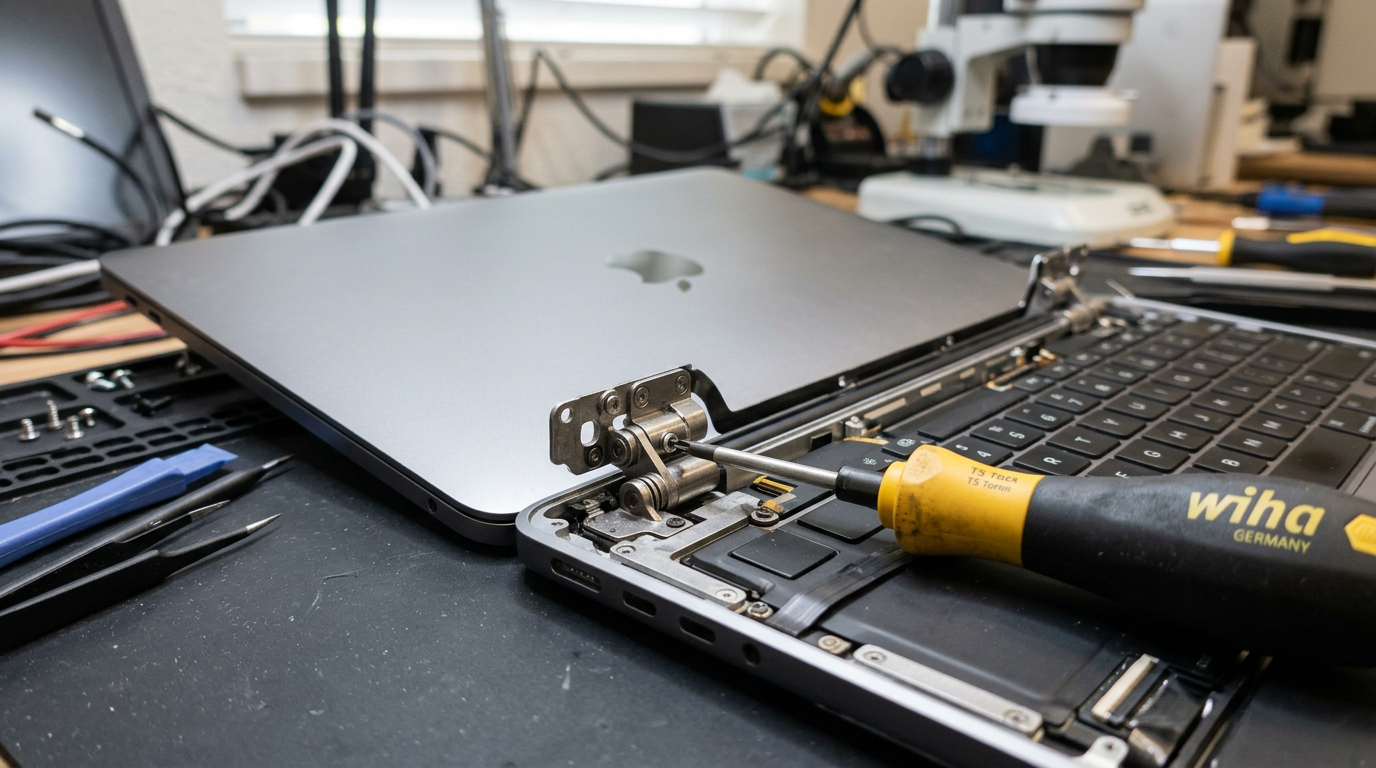
MacBook Hinge Broken?
Loose, stiff, cracked, or not holding position. We repair and replace MacBook hinges.
Quick Diagnosis
MacBook hinges are engineered for tens of thousands of open-close cycles, but they can eventually wear out, become loose, or break from impacts. A hinge that does not hold the screen in position, makes cracking sounds, or has visible damage needs repair before it causes further damage to the display cable (which can lead to flexgate or backlight failure).
Common Causes
Here are the most frequent reasons for this problem, ranked by how often we see each one.
Normal wear over time
CommonAfter years of daily use, the hinge friction mechanism can wear down, causing the screen to flop or not stay at the desired angle.
Drop or impact damage
LikelyDropping the MacBook or closing it with an object between the keyboard and screen can crack or bend the hinge mechanism.
Forced opening or closing
PossibleOpening the MacBook from one corner instead of the center, or forcing it past its design angle, can damage the hinge clutch.
Try These Steps First
Before bringing your Mac in, try these diagnostic steps at home.
Test the hinge at different angles
Open the MacBook slowly to various angles. The screen should hold its position at any angle without flopping or requiring support.
Listen for sounds
Cracking, popping, or grinding sounds during opening or closing indicate worn or broken hinge components.
Check for gaps
Look for uneven gaps between the display and the body when closed. This can indicate a bent or broken hinge clutch.
What WarriorMac Does Differently
We repair or replace the hinge clutch assembly, display hinges, and any mounting hardware that has been damaged. For cases where the hinge damage has affected the display cable, we address both issues to prevent future problems. Genuine Apple hinge assemblies are used for all replacements.
Repair Options & Pricing
Hinge adjustment and tightening
For hinges that have loosened over time, adjustment of the clutch tension to restore proper hold.
Hinge clutch replacement
Replacement of the hinge clutch mechanism with genuine Apple part.
Display assembly replacement
For severe hinge damage that has affected the display housing, full display assembly replacement.
Frequently Asked Questions
How much does MacBook hinge repair cost?
Can a broken hinge damage my MacBook screen?
How long does MacBook hinge repair take?
Related Services
Still Not Fixed?
Bring it to us or ship it in. Free diagnosis, no-fix-no-fee guarantee, 25 years of experience.