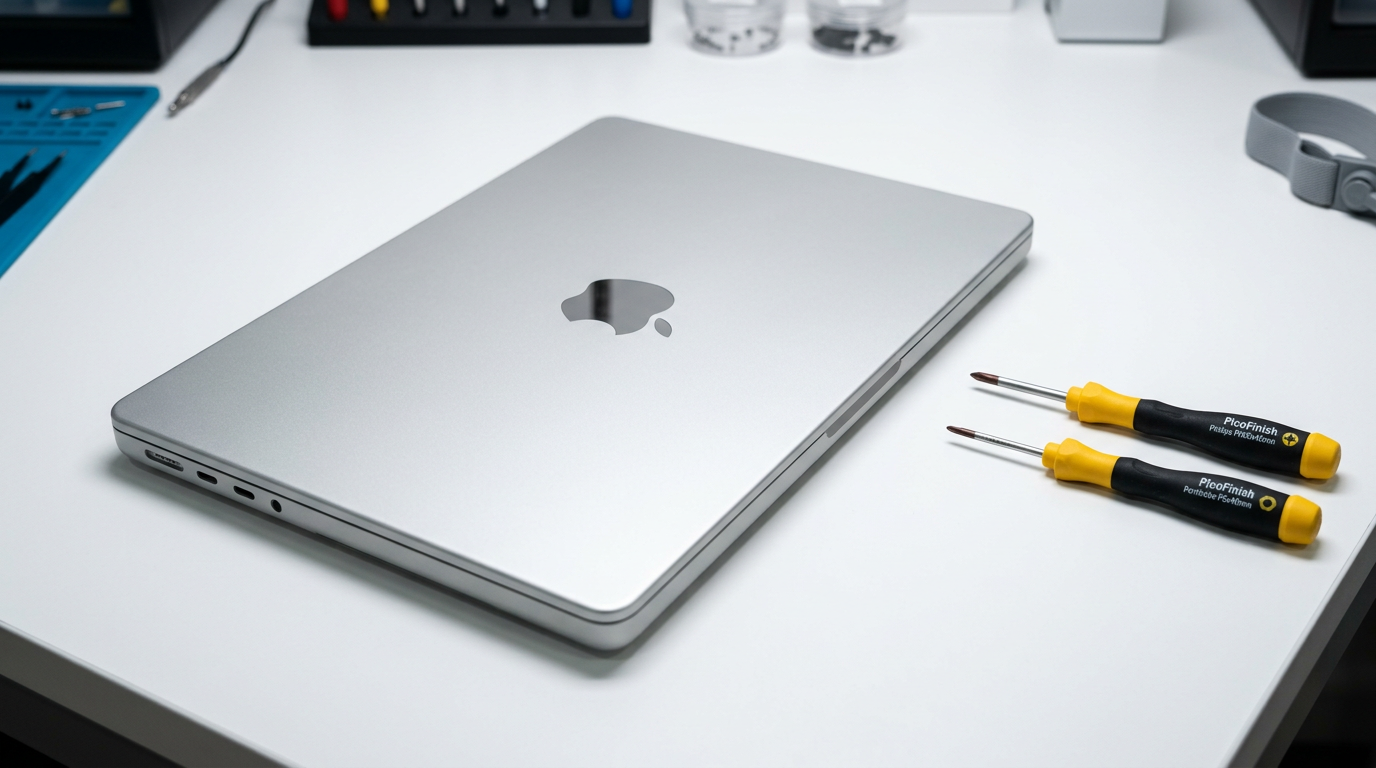
MacBook Won't Turn On?
Do not panic. Most "dead" MacBooks can be fixed. Free diagnosis, no-fix-no-fee.
If your MacBook was recently exposed to liquid, do not try to turn it on repeatedly. Each power-on attempt can cause further short-circuit damage to the logic board. Bring it in or ship it to us as quickly as possible.
Quick Diagnosis
A MacBook that will not turn on is usually caused by a drained battery, a faulty charger, a failed power circuit on the logic board, or liquid damage. Before assuming the worst, try an SMC/NVRAM reset and a known-good charger. If none of that works, a professional diagnosis can pinpoint the exact component at fault, often for free.
Common Causes
Here are the most frequent reasons for this problem, ranked by how often we see each one.
Dead or deeply drained battery
CommonIf the battery has completely drained or has degraded below minimum voltage, the MacBook may appear completely unresponsive. Plugging in a charger and waiting 15 to 30 minutes sometimes brings it back.
Faulty charger or charging cable
CommonA damaged MagSafe or USB-C charger may not deliver power. Try a different charger or cable to rule this out. Check the charging indicator light (amber or green on MagSafe models).
SMC or T2/Apple Silicon firmware glitch
LikelyThe System Management Controller can get into a stuck state after a crash, failed update, or power surge. An SMC reset (or a DFU restore on T2/Apple Silicon Macs) often resolves this without any hardware repair.
Logic board power circuit failure
PossibleComponents like the PPBUS power rail, ISL9239 charging IC, or CD3215 USB-C controller can fail due to age, surges, or liquid damage. This requires component-level micro-soldering to repair.
Liquid damage to internal components
PossibleEven a small liquid spill can corrode power delivery circuits and prevent the Mac from powering on. Corrosion is progressive, so acting quickly improves the outcome.
Swollen or failed battery
PossibleA battery that has swollen or completely failed may prevent the MacBook from starting even when plugged in. In some models, the Mac will not boot without a functional battery.
Try These Steps First
Before bringing your Mac in, try these diagnostic steps at home.
Try a different charger
Use a known-good USB-C or MagSafe adapter. On MagSafe models, look for the amber or green LED. No light at all usually means a port, cable, or board-level issue.
Force restart
Hold the power button (or Touch ID button) for 10 full seconds, release, wait 5 seconds, then press it again briefly. On Apple Silicon Macs, this initiates a force-off and clean restart.
SMC reset (Intel Macs)
Shut down, hold Control + Option + Shift + Power for 10 seconds, release all keys, then press Power. On T2 Macs the reset sequence is slightly different. Apple Silicon Macs do not have a traditional SMC reset, but the long-press above serves the same purpose.
NVRAM/PRAM reset (Intel Macs)
Restart and immediately hold Option + Command + P + R for about 20 seconds. This clears stored settings that can occasionally prevent startup.
Check for signs of life
Listen for a fan spin, a chime, or a faint screen glow. If the fan spins but the screen stays dark, the issue may be the display or GPU rather than power delivery.
What WarriorMac Does Differently
At WarriorMac, we start with a free, no-obligation diagnosis using Apple-grade diagnostic tools and board-level inspection under a microscope. We trace the power delivery path from the charging port through the logic board to identify the exact failed component. Most power-related repairs are completed with component-level micro-soldering using genuine Apple parts, so you keep your data and your Mac.
Repair Options & Pricing
SMC/firmware restore
Software-level fix for SMC glitches, T2 DFU recovery, or Apple Silicon firmware issues.
Battery replacement
Genuine Apple battery cell replacement with full health calibration.
Charging port / USB-C board repair
Component-level repair or replacement of the charging circuit, USB-C controller, or MagSafe connector.
Logic board micro-soldering
Board-level repair of failed power ICs, capacitors, or corroded traces on the logic board.
Frequently Asked Questions
Why won't my MacBook turn on even when plugged in?
How much does it cost to fix a MacBook that won't turn on?
Can data be recovered from a MacBook that won't turn on?
My MacBook turns on but the screen stays black. Is that the same problem?
Should I try putting my MacBook in rice?
Related Services
Still Not Fixed?
Bring it to us or ship it in. Free diagnosis, no-fix-no-fee guarantee, 25 years of experience.