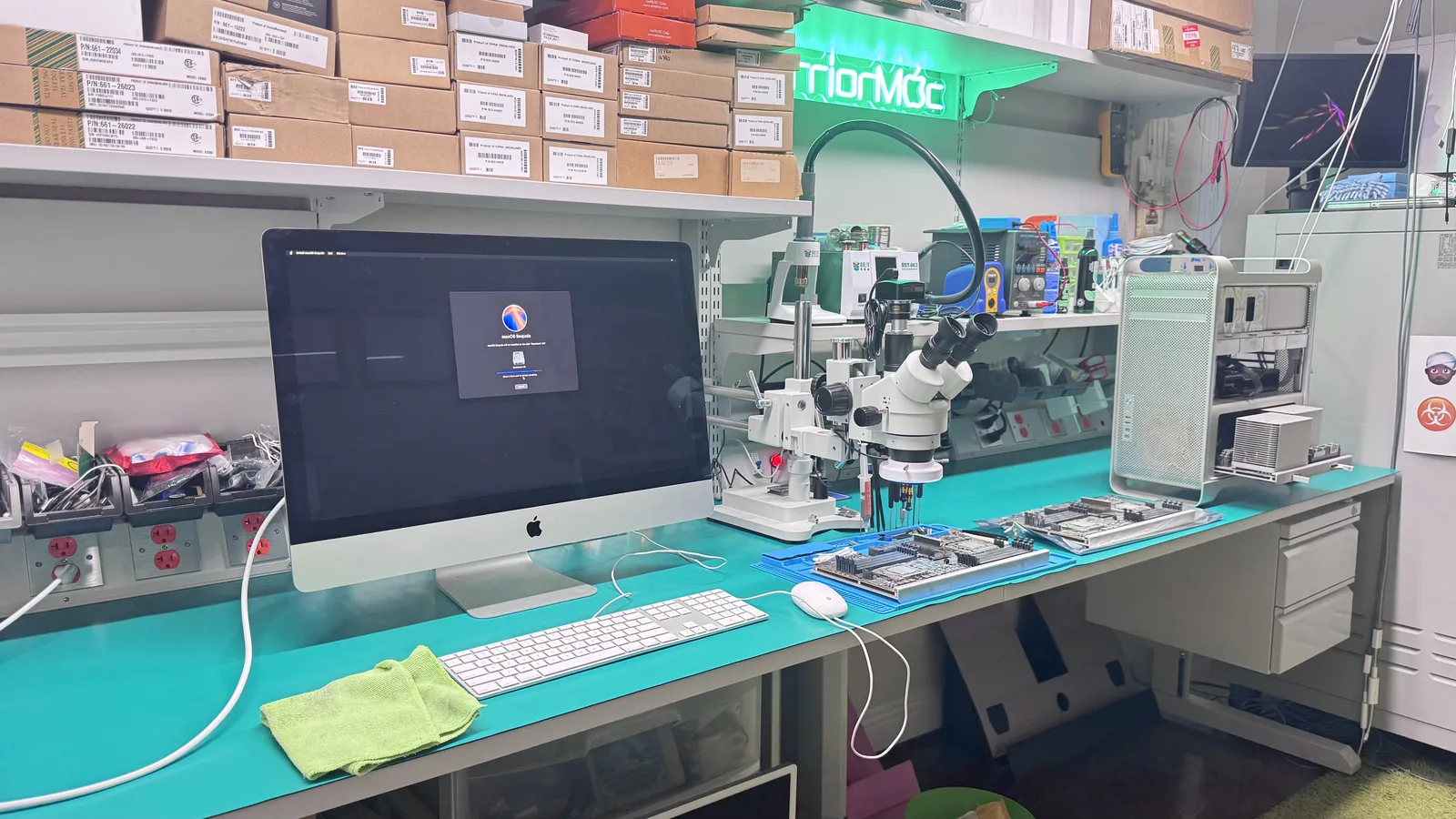
iMac 21.5" (2012-2019)Repair
Models: Late 2012 through 2019 · iMac 13,1 through iMac 19,2 · Intel Core i5/i7
The iMac 21.5-inch (2012 through 2019) is Apple's compact all-in-one desktop, and WarriorMac repairs every issue these models develop. Slow hard drive, cracked display, logic board failure, power supply faults, and overheating are all routine for our Apple Certified technicians. We specialize in HDD-to-SSD upgrades that make a sluggish iMac feel brand new.
WarriorMac repairs the iMac 21.5" (2012-2019) including hdd to ssd upgrade, display replacement, logic board repair and more. Apple Certified micro-soldering, free diagnostic, and a 1-year warranty. Repairs start from $99.
Repaired the right way by Apple Certified experts
Every iMac 21.5" (2012-2019) repair is performed by an Apple Certified (ACMT) technician using Apple Genuine Parts and professional precision instruments. No shortcuts, no guesswork, just meticulous board-level expertise built over 25 years in the Tampa Bay area.
Common iMac 21.5" (2012-2019) Repairs
Transparent pricing, Apple Genuine Parts, and a warranty on every job.
HDD to SSD Upgrade
Replace the slow spinning hard drive with a fast SSD. The single biggest speed improvement for any iMac.
Display Replacement
Cracked glass or dead panel replacement on the 21.5-inch iMac. Includes adhesive reseal.
Logic Board Repair
Micro-soldering for no power, no display, and USB/Thunderbolt port failure on the iMac board.
Power Supply Replacement
iMac will not turn on or shuts off randomly? Power supply diagnostics and replacement.
Thermal Paste / Fan Service
Overheating iMac with loud fan noise serviced with fresh thermal compound and fan cleaning.
Known iMac 21.5" (2012-2019) issues
The problems we see most on this model, what usually causes them, and how we resolve them.
iMac 21.5 is extremely slow to boot and open apps
Likely cause: Many 21.5-inch iMacs shipped with a 5400 RPM hard drive that becomes a severe bottleneck with modern macOS.
Our fix: We replace the HDD with a fast SSD, clone your data, and configure the thermal sensor so the fan runs normally. The speed difference is dramatic.
Cracked glass on the iMac display
Likely cause: The iMac glass front panel cracks from impact or thermal stress, especially on the 2012-2015 models.
Our fix: We replace the display assembly and reseal it with factory-spec adhesive strips.
iMac shuts off randomly or will not power on
Likely cause: A failed power supply capacitor or logic board fault interrupts power delivery.
Our fix: We test the power supply and logic board diagnostic LEDs, then replace the failed component.
Loud fan running constantly, iMac overheating
Likely cause: Dried thermal paste between the CPU and heatsink after years of use, or dust buildup blocking airflow.
Our fix: We open the iMac, clean the internals, and apply fresh thermal compound. Fan noise drops significantly.
Built on expertise
21.5-inch IPS display (1920x1080 or 4K Retina)
Intel Core i5 or i7
HDD, Fusion Drive, or SSD configurations
All-in-one slim-edge design
Thunderbolt 2 or 3 depending on year
Your repair in four steps
Book or Walk In
Start your repair online in two minutes or walk into our Tampa shop. No appointment needed and every diagnostic is free.
Free Diagnostic
Our Apple Certified technicians inspect your device and give you an honest written estimate before any work begins.
Expert Repair
We complete the repair using Apple Genuine Parts and Apple-standard procedures. Most common repairs finish the same day.
Pick Up or Ship Back
Collect your device in person or we ship it back to you free. Every repair is backed by our warranty.
Rated 5.0 stars by real customers
Join 440+ happy customers across Tampa and the greater Tampa Bay area.
Every repair starts with a free diagnostic and an honest, written estimate. You approve the price before any work begins. No surprises.
No charge to find out what is wrong.
If we cannot fix it, you do not pay for the repair.
Backed on every repair using new parts.
ACMT technicians and Apple Genuine Parts.
Understanding your estimate
Your final price depends on your exact iMac 21.5" (2012-2019) and its condition. These are the factors that move it.
A 500GB SSD costs less than a 1TB or 2TB. We recommend at least 500GB for most users.
Fusion Drive iMacs already have a small SSD blade, so the upgrade path is slightly different than pure-HDD models.
The 4K Retina display assembly costs more than the non-Retina panel.
A power supply swap is less expensive than board-level logic board repair.
Get your iMac 21.5" (2012-2019) repair started today
Whether you are around the corner or across the state, there is a simple path to a fixed device.
Walk in or drive in
Bring your iMac 21.5" (2012-2019) to our Tampa shop. Walk-ins are welcome six days a week, no appointment needed. Most repairs are ready the same day when parts are in stock.
Start a walk-in repairMail it in from anywhere
Prefer not to drive? Ship your iMac 21.5" (2012-2019) to us with our simple mail-in process. We diagnose, send your estimate, repair it, and ship it back with free return shipping.
See how mail-in worksTell us the symptoms and we will give you an honest quote at no charge.
All Apple repairs we do
One certified team for every Apple device. Explore the other repairs we handle at our Tampa shop.
Fixing your iMac 21.5" (2012-2019) from our Tampa shop
Drop off your iMac 21.5" (2012-2019) in person or ship it to us from anywhere. Our Apple Certified technicians work out of a dedicated Tampa repair lab, serving customers across the entire Tampa Bay area.
Mac Repair in nearby cities
We proudly serve customers across the Tampa Bay area. Find mac repair near you.
Related Mac models we repair
Frequently asked
Ready to fix your iMac 21.5" (2012-2019)?
Free diagnostics and honest estimates. Fast turnaround, often same day when the parts are in stock. Walk in to our Tampa shop or ship it to us free.